Galaxy A17 5G, M36 and F36 Grab April 2026 Security Update

SammyGuru is reader-supported. We have affiliate and sponsored partnerships, so we may earn a commission when you buy through links on our site — at no extra cost to you. Learn more.
Even though we are already a few days into May, Samsung has not yet started rolling out the May 2026 security patch. Instead, the company is still expanding the April 2026 update to more Galaxy devices, mainly budget and midrange offerings. The latest models to receive the update are the Galaxy A17 5G, Galaxy M36 and Galaxy F36.
Samsung expands April 2026 patch to Galaxy A17 5G, M36 and F36
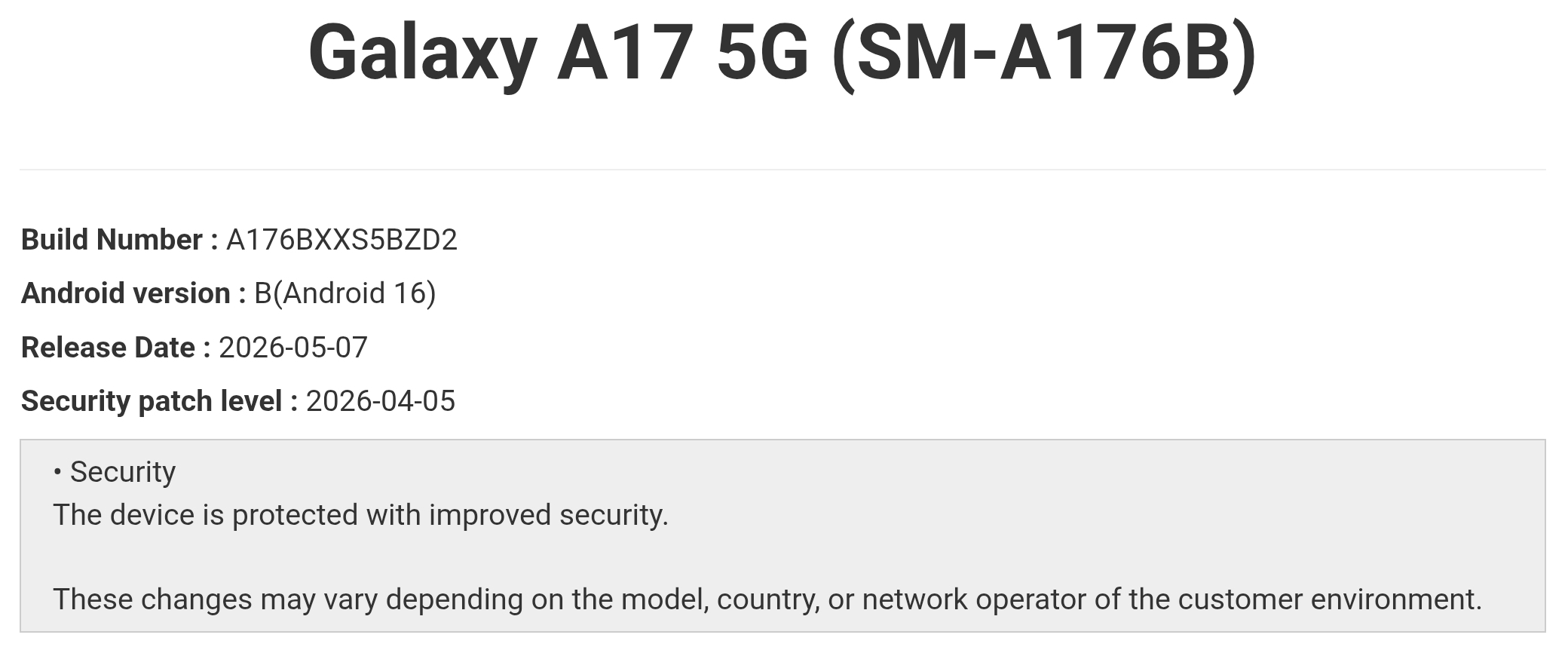
Starting with the Galaxy A17 5G, the device is now receiving the April 2026 security patch in Brazil. It is usually among the first Samsung devices to receive monthly security updates, but this time, it missed the mark. The release brings build number A176BXXS5BZD2.
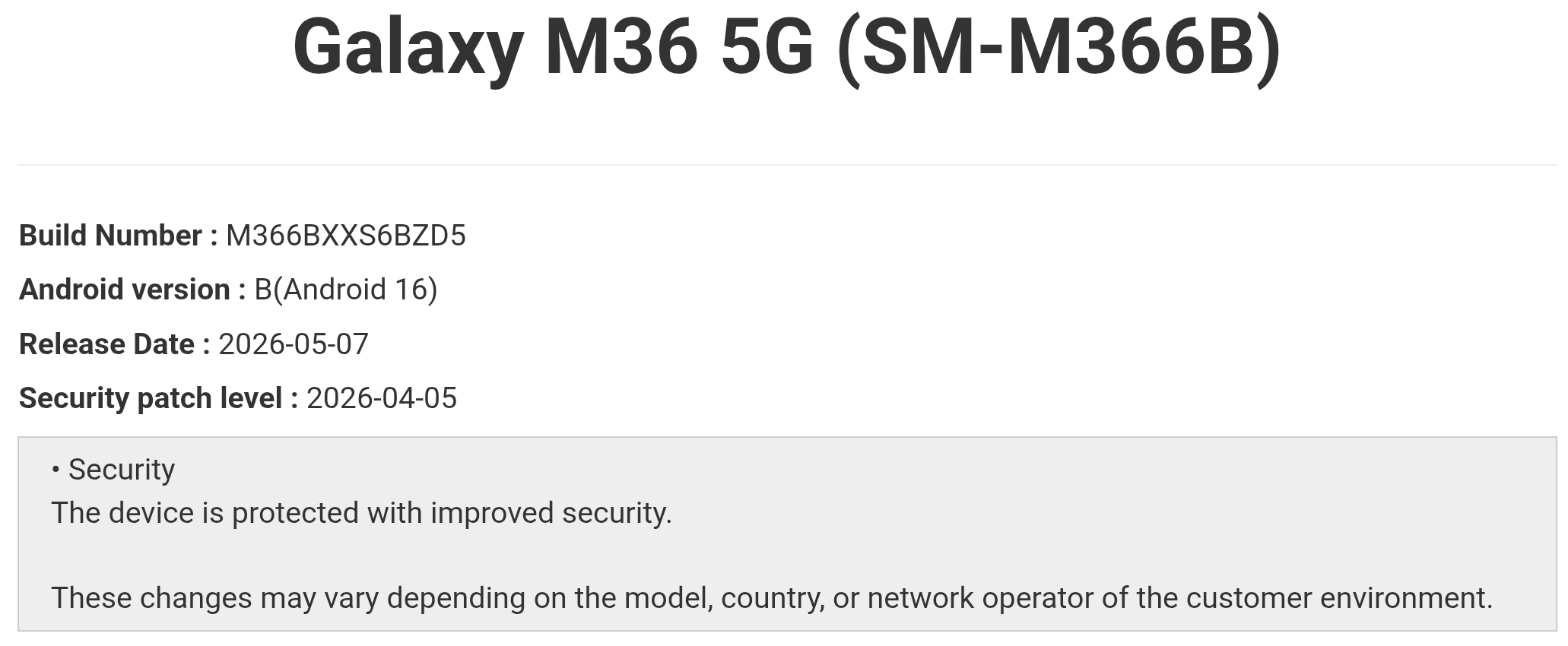
Moving to the Galaxy M36, the device has started receiving the April 2026 update in India and Nepal, following its predecessor, the Galaxy M35, which received the patch a few days ago. Its sibling device, the Galaxy F36, has also started picking up the same update in India. The Galaxy M36 carries firmware version M366BXXS6BZD5, while the Galaxy F36 comes with build number E366BXXS6BZD5.
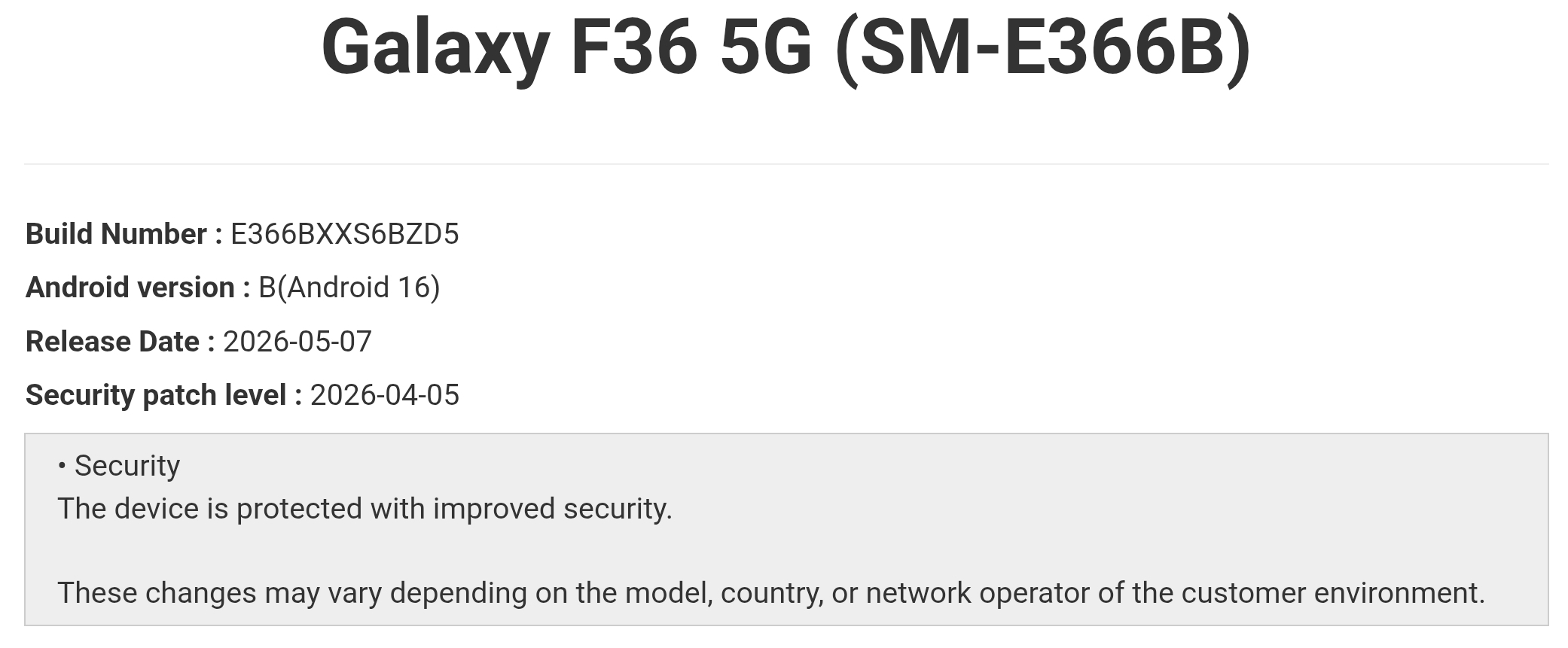
The April 2026 security update fixes 47 vulnerabilities identified by Samsung, Google and partner companies. While these updates do not introduce major new features, they improve system security, stability and overall user safety.
Looking ahead, the next major update for these Galaxy devices will be Android 16 QPR2-based One UI 8.5. Samsung has already started the stable One UI 8.5 rollout for its 2025 flagship and foldable lineup. Based on the company’s previous rollout timelines, the Galaxy A17 5G, Galaxy M36 and Galaxy F36 could start receiving the One UI 8.5 update around the end of June if everything goes according to plan.
If you own any of these Galaxy devices, you can check for the latest update by going to Settings > Software update > Download and install. Once downloaded, tap Install now. Your device will reboot to complete the installation.

Written by
Mohammed KhatriMohammed Khatri is a tech writer at SammyGuru focused on Samsung's software side — tracking One UI updates, internal builds, and which Galaxy devices are next in line. He also covers early device leaks, certifications, and retail listings. Beyond tech, he has a keen interest in finance and automobiles, and enjoys exploring the latest trends and developments in both industries.

Follow us on Google Discover & set us as a preferred source in Google News
Share this Post
___________________________


New Blog Posts
___________________________
Galaxy S26 FE Global Variant Spotted on Geekbench
Galaxy S26 FE’s global variant spotted with Exynos 2500
Five Hidden Samsung Galaxy Features You Should Start Using Today
One UI includes several practical features that can make your phone more useful every day.

Samsung May Have Completed the One UI 8.5 Rollout
No One UI 8.5 for Galaxy S22 series, after all