What Is One UI? Samsung’s Android Experience, Explained

SammyGuru is reader-supported. We have affiliate and sponsored partnerships, so we may earn a commission when you buy through links on our site — at no extra cost to you. Learn more.
One UI is a very popular name in the Android ecosystem and arguably one of the best Android skins out there. In fact, many people prefer Samsung devices purely because of One UI, sometimes even willing to compromise on hardware when compared to other brands. Known for its maturity, premium interface, pro-level customization, one-handed usability, Galaxy AI features, and cross-device connectivity, One UI has carved out its own identity in the Android world.
However, Samsung’s Android software wasn’t always as well-regarded as it is today. Just a few years ago, the company faced widespread criticism over the software experience on Galaxy devices, with users often pointing to cluttered interfaces, inconsistent design, and sluggish performance.
One UI was Samsung’s answer to those concerns, a complete rethink of its software based on what users actually wanted. Let’s take a closer look at how One UI evolved into one of Android’s most polished and feature-rich interfaces, why Samsung created it, and what sets it apart from the competition.
What is One UI?
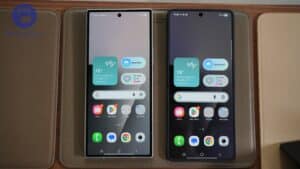
One UI is Samsung’s own custom Android skin. Of course, Google provides the base Android operating system, but Samsung adds its own layer on top. Everything from the Quick Panel and Home Screen to the Settings app, animations, multitasking, and overall design language is shaped by Samsung.
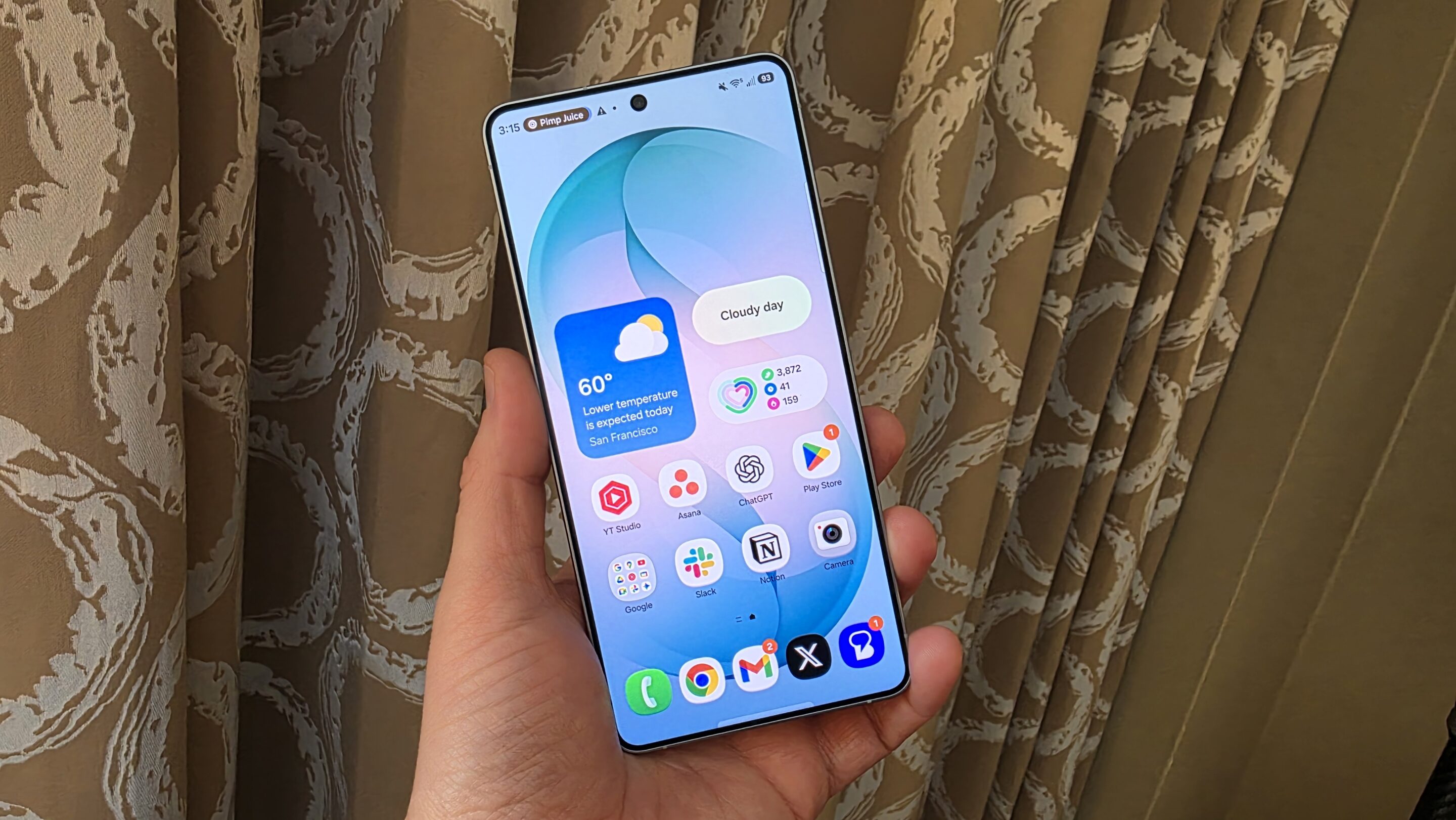
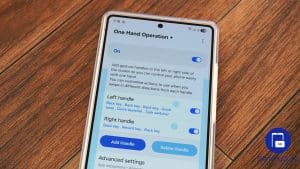
As the name suggests, One UI was built around one-handed use, which Samsung still focuses on today. We will talk more about that shortly.
The experience remains largely identical across Samsung’s smartphones and tablets. Whether you’re using a flagship Galaxy S Ultra, a foldable, a Galaxy Tab, or even a budget Galaxy A series phone, the overall interface remains familiar. Some premium features, mostly Galaxy AI tools, are exclusive to higher-end devices.
From TouchWiz to One UI
To understand One UI, you first need to understand TouchWiz. Back then, Samsung’s software was heavily criticized. TouchWiz was often described as cluttered, inconsistent, and overwhelming. While Samsung made some of the best hardware in the Android world, many users preferred other Android brands simply because of the software experience. Samsung first responded by introducing Samsung Experience, which cleaned up the interface and laid the foundation for what was to come.
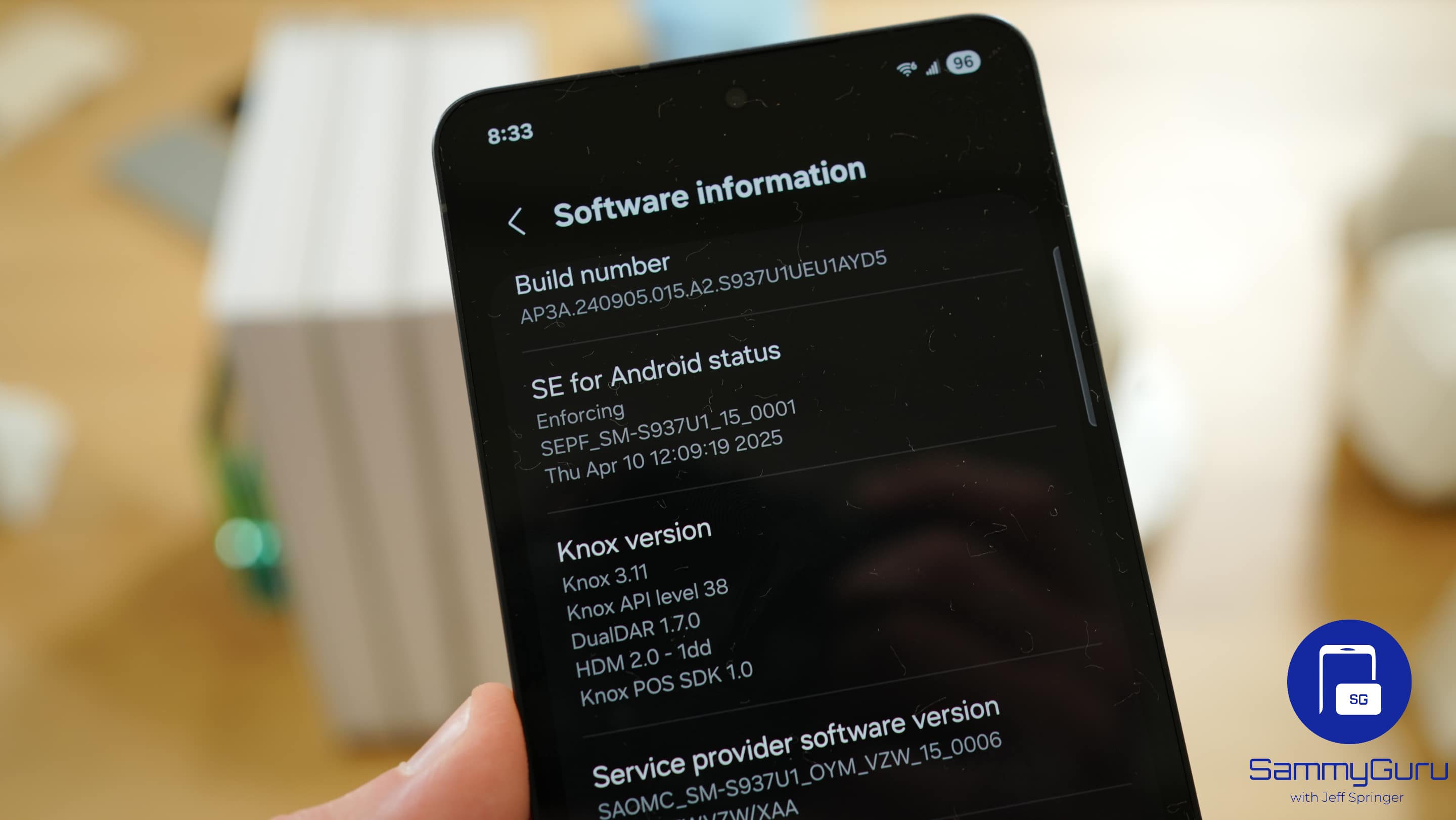
But the real turning point arrived with One UI. The Korean firm completely redesigned the software with a cleaner layout, better one-handed usability, and a much more polished user experience.
The first version of One UI received positive feedback and completely changed how people viewed Samsung’s software. Fast forward to today, and Samsung is already testing One UI 9, the ninth generation of the software. Through years of user feedback, beta programs, and continuous improvements, One UI has evolved into one of the most mature, polished, and feature-rich Android experiences available today.

One UI and one-handed use
Modern smartphones are huge. Devices like the Galaxy S26 Ultra are not easy to operate with one hand. Samsung understands this and has designed One UI around making large phones easier to use.
You’ll notice that many important controls sit closer to the bottom of the display. For example, the search bar in the Settings app, the App Drawer search bar, camera controls, and many other important options are towards the bottom, making them easier to reach with one hand. A simple scroll across system apps often brings controls lower on the screen.
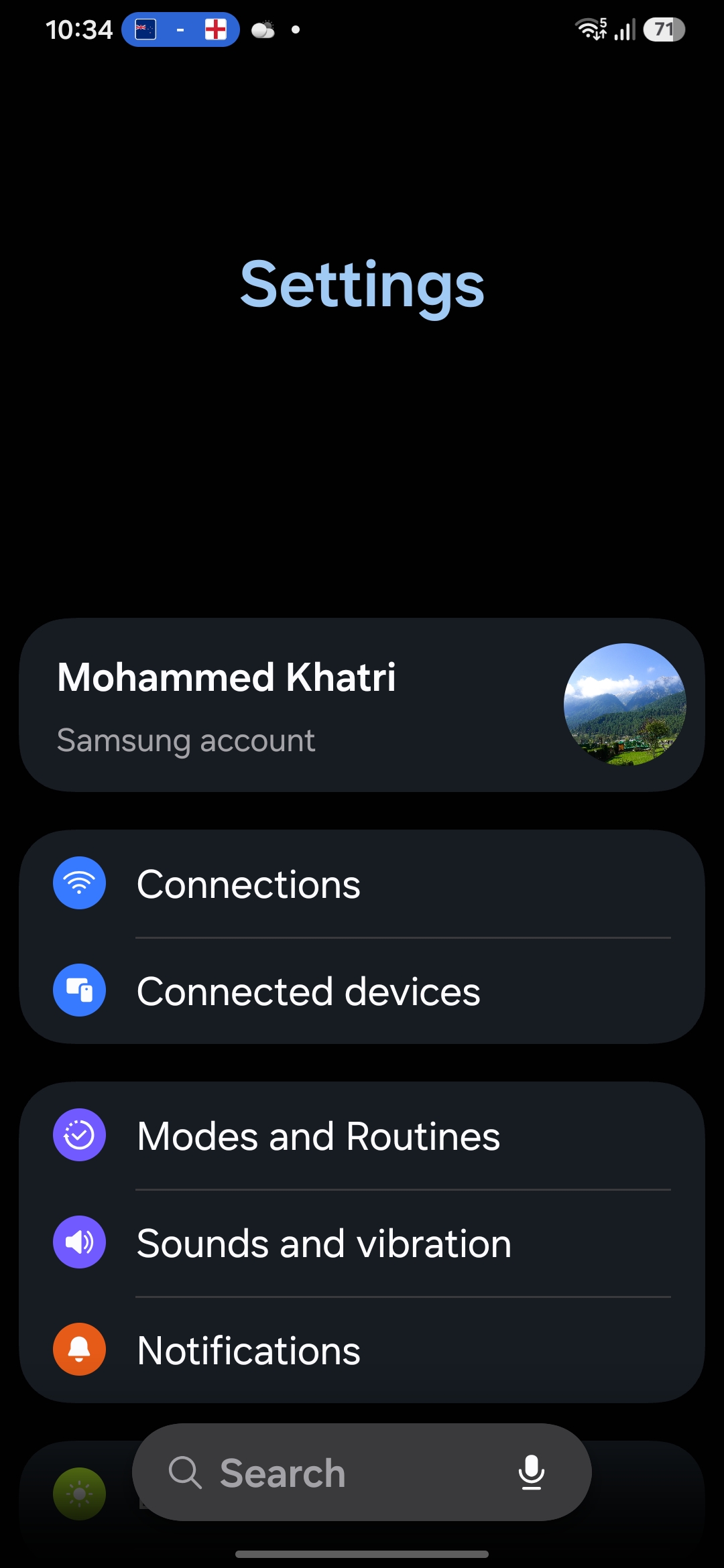
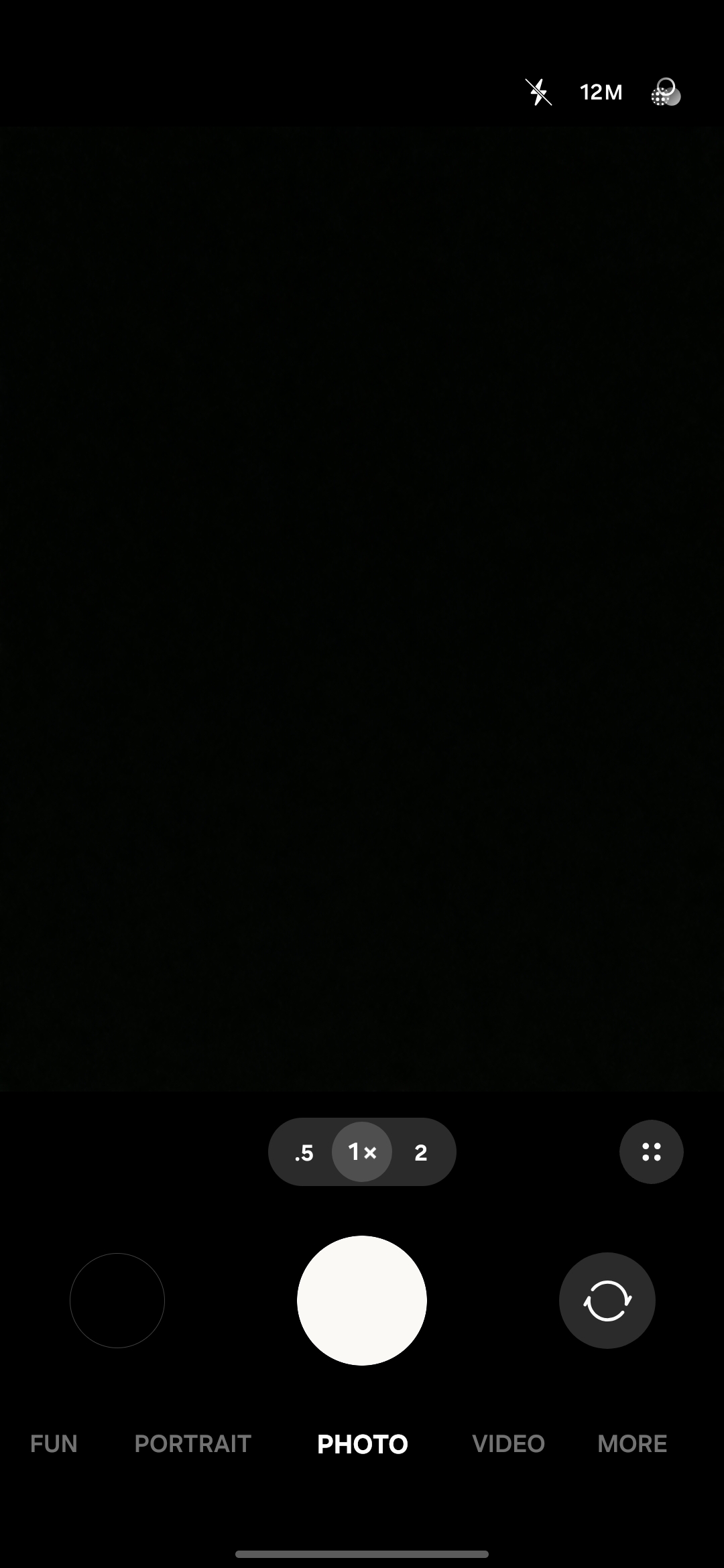
These might sound like small details, but once you start using One UI, you realize how much easier it makes daily usage.
Pro Galaxy AI features
In recent years, Galaxy AI has become one of Samsung’s biggest priorities. If you watch recent Galaxy Unpacked events, you’ll notice Samsung spends more time talking about Galaxy AI upgrades than hardware improvements. The company clearly sees AI as the future and wants Galaxy AI to become a major reason people choose Galaxy devices.
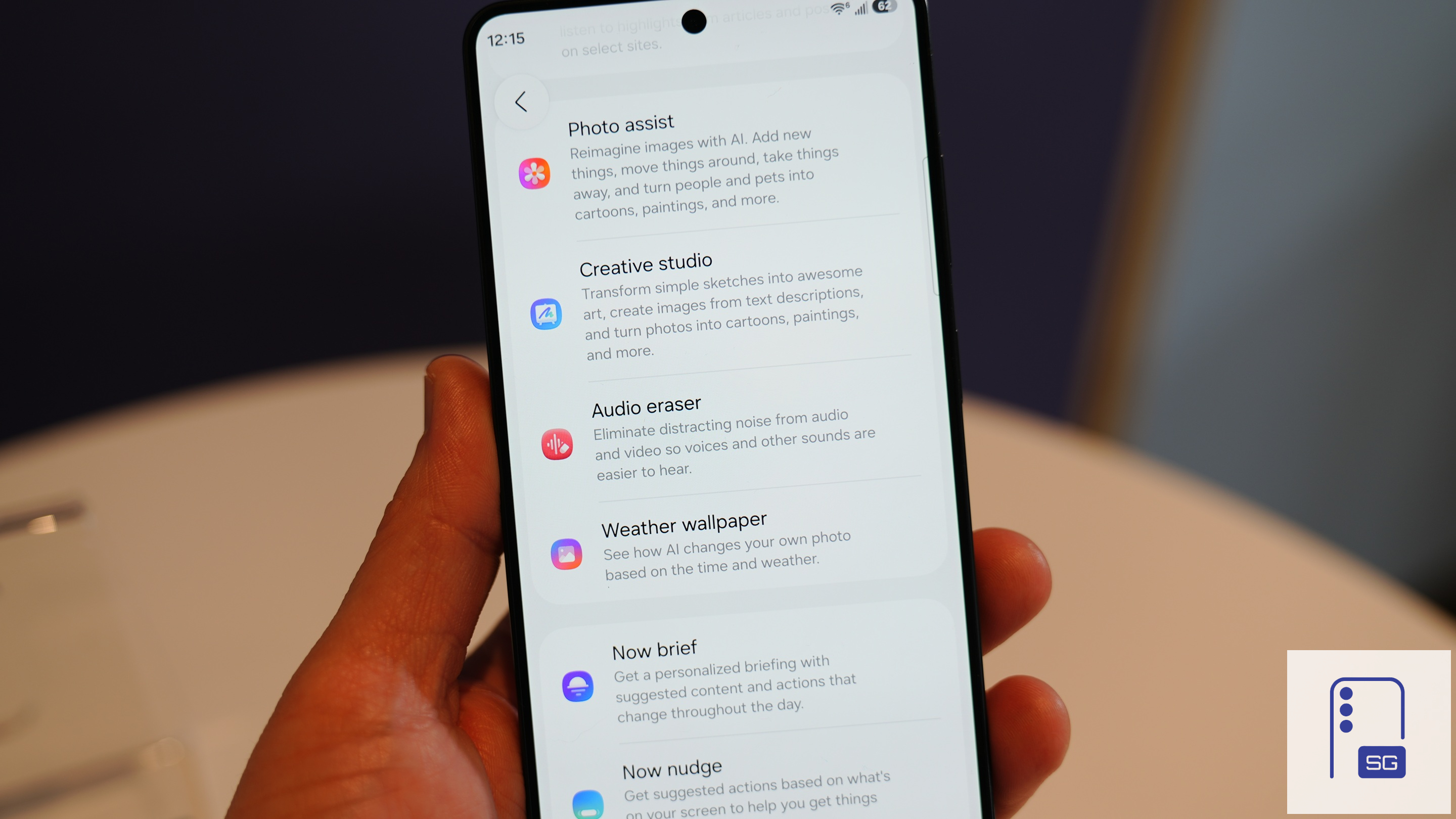
Features such as Live Translate, Writing Assist, Interpreter, Notification Summaries, and Now Brief are designed to help users save time and get things done more efficiently. When it comes to AI features, Samsung currently offers one of the most complete packages in the smartphone industry.
That doesn’t mean everything is perfect, though. Features like Now Brief still have massive potential and can become significantly smarter in future updates. Right now, it shows limited information and does not entirely solve the purpose. Samsung needs to show more information and parameters in the Now Brief.

Of course, Galaxy AI remains limited to Samsung’s premium devices and isn’t available on budget Galaxy A and M series phones.
One of Android’s most polished and mature experiences
Another reason why I consider One UI one of the best Android skins is its maturity. Everything feels like it is exactly where it should be. It comes from years of feedback, beta testing, and continuous refinements. The core interface remains consistent whether you’re using a Galaxy S26 Ultra or a budget Galaxy A06.
Samsung’s update speed has also improved over the years. The flagship Galaxy S25 series and the budget Galaxy A07 5G received One UI 8.5 in the same month. Over the years, Samsung has been trying to reduce rollout differences between devices.

Most importantly, One UI feels consistent. You don’t experience random design changes every year or features moving around unnecessarily. Everything behaves the way you expect it to. And consistency is one of the most underrated aspects of good software.
Ultimate customization with Good Lock
One UI already offers plenty of default customization options. But if you really want to go crazy, Good Lock is where the fun begins. In fact, talking about One UI without mentioning Good Lock would be unfair because it gives Samsung a clear advantage over other manufacturers.
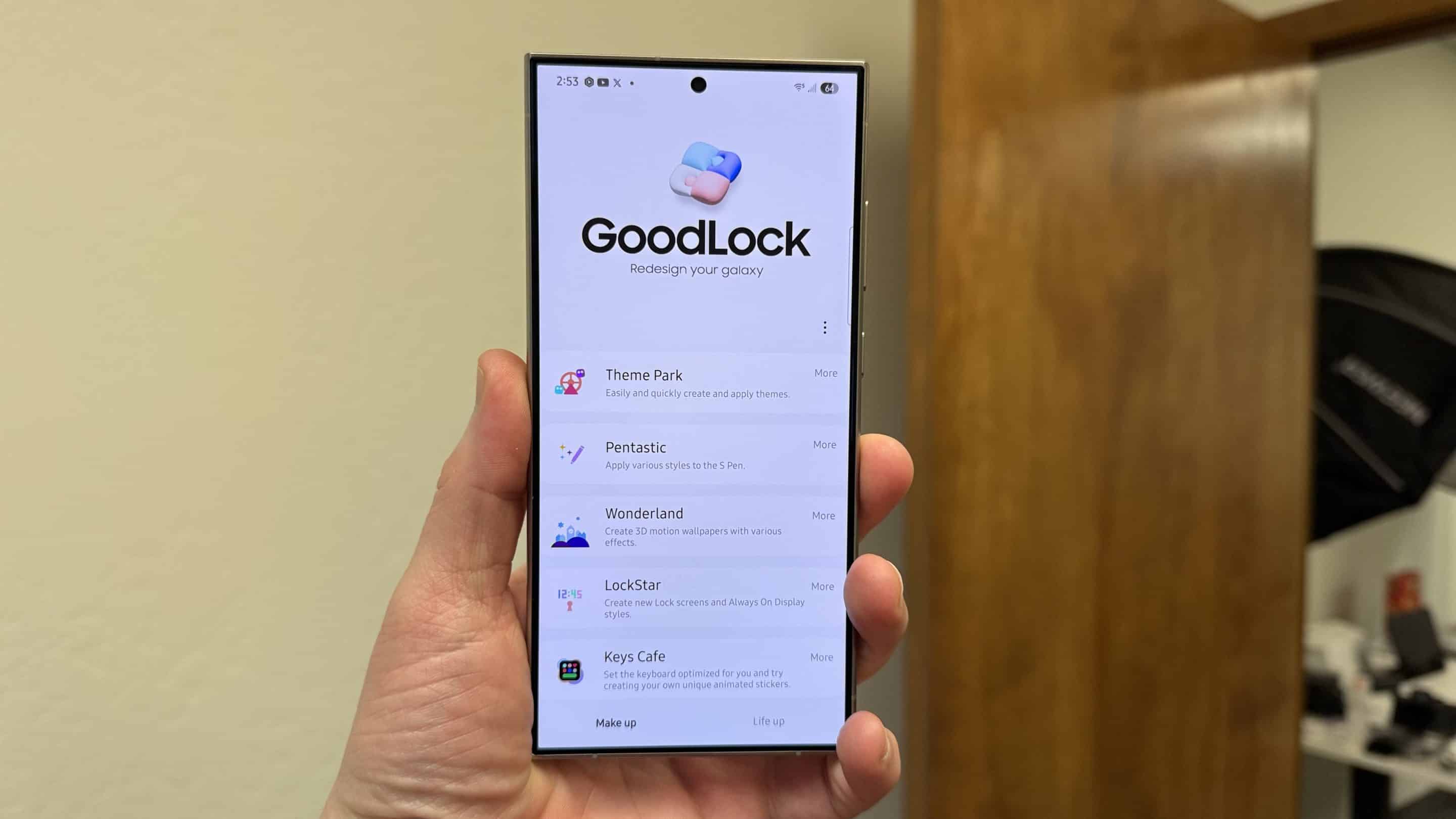
Good Lock is Samsung’s own customization suite that allows users to modify almost every part of the software experience. Popular modules include Home Up, Theme Park, LockStar, NotiStar, and Keys Cafe.
And no, this isn’t just about changing wallpapers and icons. You can redesign your lock screen, modify multitasking behaviour, customize your keyboard, and tweak your Always On Display.
Home Up is even more powerful. It lets you change app opening animations and even how apps behave on the Home Screen. So, if you have a keen eye for improvement and don’t like the default options, Good Lock is there to save the day. It will help you personalise your phone according to your taste.
Modes and Routines are seriously underrated
If Galaxy AI gets the spotlight, Modes and Routines are probably Samsung’s most underrated feature. At its core, it automates tasks based on conditions. Sounds basic, but it can get surprisingly powerful. You can create simple routines like turning on Wi-Fi at home or enabling silent mode during classes, or you can create advanced automations. One of my favourite examples involves a lost phone.
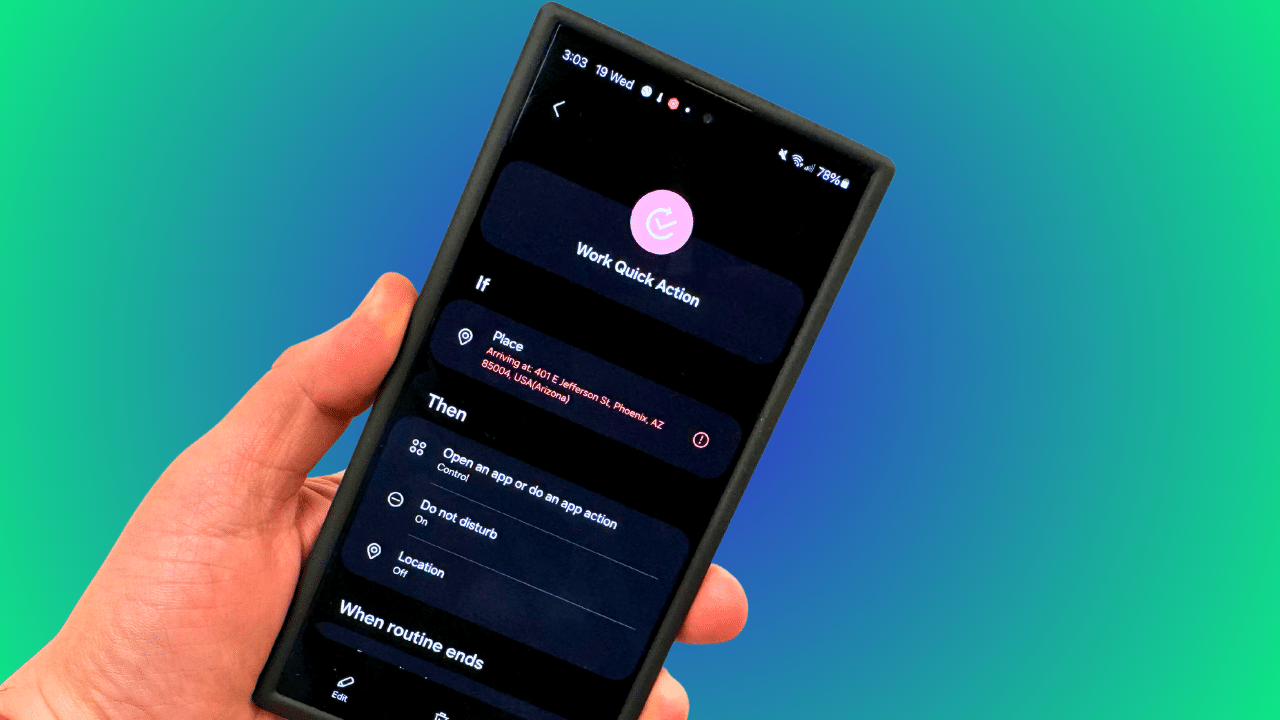
Imagine your Galaxy device is lost, mobile data is turned off, location is disabled, and the phone is on silent. If you had configured the right routine beforehand, receiving a specific SMS containing a keyword could automatically enable mobile data, location, and other settings, making the device easier to track. The deeper you explore Modes and Routines, the more interesting it gets.
Conclusion
Samsung has come a long way. The company went from the messy days of TouchWiz to one of the most polished Android experiences available today.
One UI combines a premium design, excellent one-handed usability, powerful customization, useful automation tools, and an increasingly impressive Galaxy AI experience. It isn’t perfect. Most brands offer smoother animations and better blur effects. Samsung definitely has room to improve in those areas.
But when it comes to the overall package, One UI is still my favourite Android skin, and that is exactly why so many Galaxy users stay with Samsung year after year. Once you get used to One UI, Good Lock, Modes and Routines, Galaxy AI, and Samsung’s ecosystem, there is honestly no going back.

Written by
Mohammed KhatriMohammed Khatri is a tech writer at SammyGuru focused on Samsung's software side — tracking One UI updates, internal builds, and which Galaxy devices are next in line. He also covers early device leaks, certifications, and retail listings. Beyond tech, he has a keen interest in finance and automobiles, and enjoys exploring the latest trends and developments in both industries.

Follow us on Google Discover & set us as a preferred source in Google News
Share this Post
___________________________


New Blog Posts
___________________________

Apple is Already Planning a Second Foldable, and Samsung Should Take Notice
Samsung’s grip on the foldable smartphone market is starting to slip
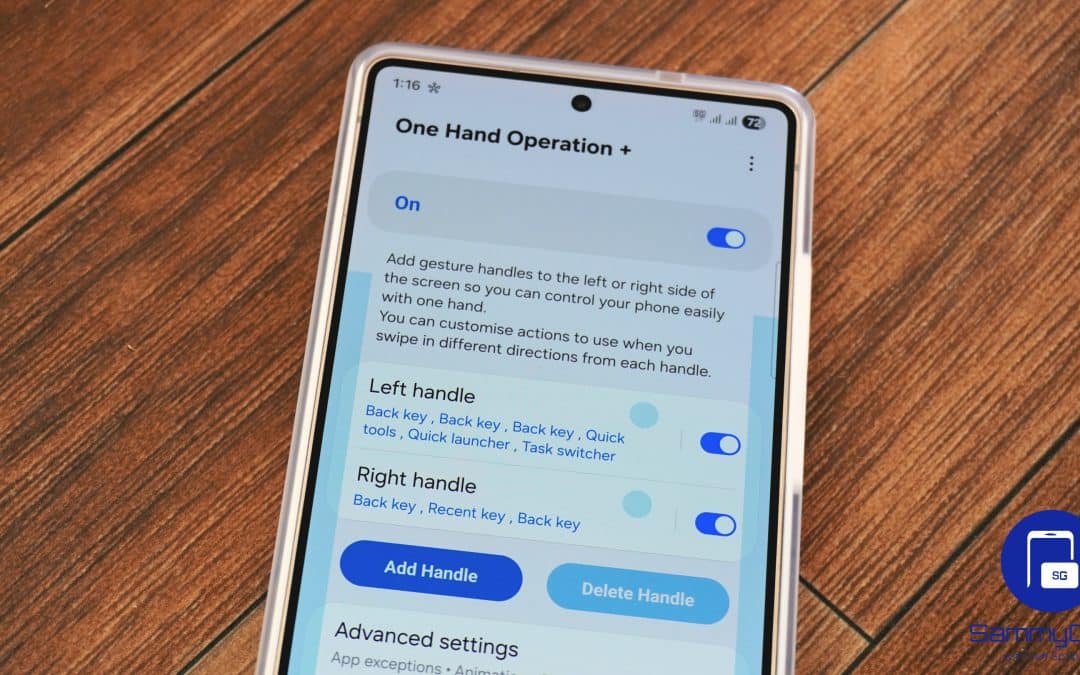
Latest One Hand Operation+ Update Fixes Edge Handle
It also improves the app’s compatibility with One UI 9
Google Wallet Now Lets You View and Track Online Orders
This feature is currently available in the US