Samsung Brings Emergency Response Support to SmartThings Users
SammyGuru is reader-supported. We have affiliate and sponsored partnerships, so we may earn a commission when you buy through links on our site — at no extra cost to you. Learn more.
Samsung has introduced a new safety feature in its SmartThings app. The smart home platform gets a Safe button that lets you quickly contact professional emergency responders. This feature is part of the SmartThings Safe Premium, which is currently available in the US.
SmartThings Safe Premium brings emergency dispatch
Whether you are at home or on the go, the Safe button aims to provide assistance during emergencies. Powered by Arlo, the service coordinates 24/7 professional dispatch of police, fire, or medical help to your exact location. Once you press the button, a 10-second countdown begins, allowing you to cancel the alert if you pressed it by mistake.
If the countdown ends, the app will automatically send a help request to a professional monitoring center. An agent will then immediately contact you through a call and text. The agent will ask whether you need police, fire, or medical assistance. If you don’t respond, the monitoring center will dispatch emergency services to your current GPS location. In such cases, they will request police assistance by default.
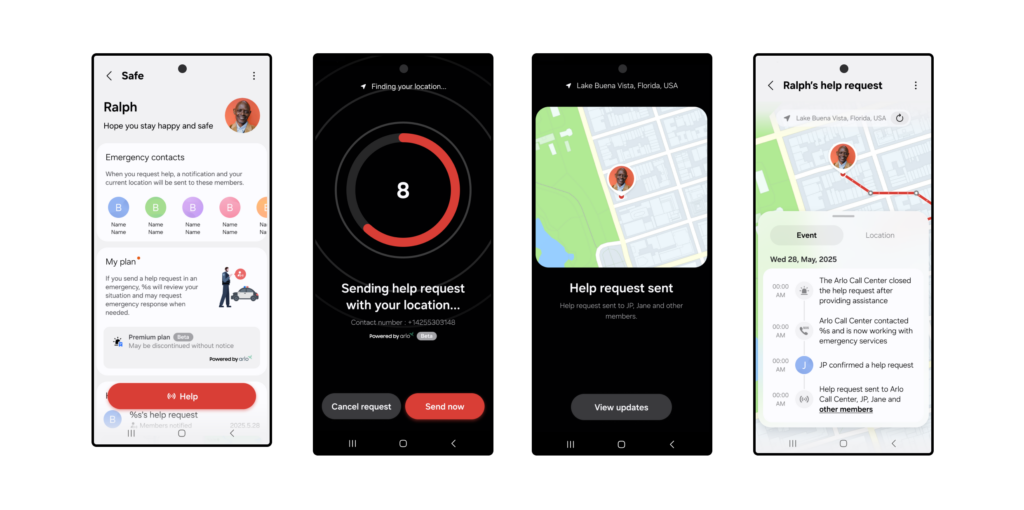
The best thing is that the feature also alerts your trusted contacts (if you have already added them in SmartThings). These contacts will receive a notification with a map of your location. They can then quickly call or message you to check if you are safe. It is worth mentioning that this capability is also available on the Basic plan at no cost.
To use SmartThings Safe Premium, you will need to complete the setup process in the SmartThings app. Simply navigate to Menu > Safe and follow the instructions. You will be asked to agree to the terms and complete identity verification. Now go to My Plan and select Upgrade to Premium Plan. Finally, the Safe button will show up in the app.
As of now, SmartThings Safe Premium is available on supported Galaxy, Android, and iOS devices in the US. Samsung is also offering free access to eligible users for a limited time.

Written by
Binay KonwarBinay Konwar started his blogging journey in 2014 and has since written plenty of tech articles. At present, he is working as a News Writer at SammyGuru, covering everything about Samsung. He holds a Master's degree in Mathematics, but his real passion lies in tech and writing. In his free time, he enjoys playing chess and watching movies.

Follow us on Google Discover & set us as a preferred source in Google News
Share this Post
___________________________


New Blog Posts
___________________________
What Is One UI? Samsung’s Android Experience, Explained
So, what’s all the hype about One UI?
Galaxy Z Fold 5, Galaxy Z Flip 5 Pick Up June 2026 Security Update
June 2026 security update hits 2023 foldables
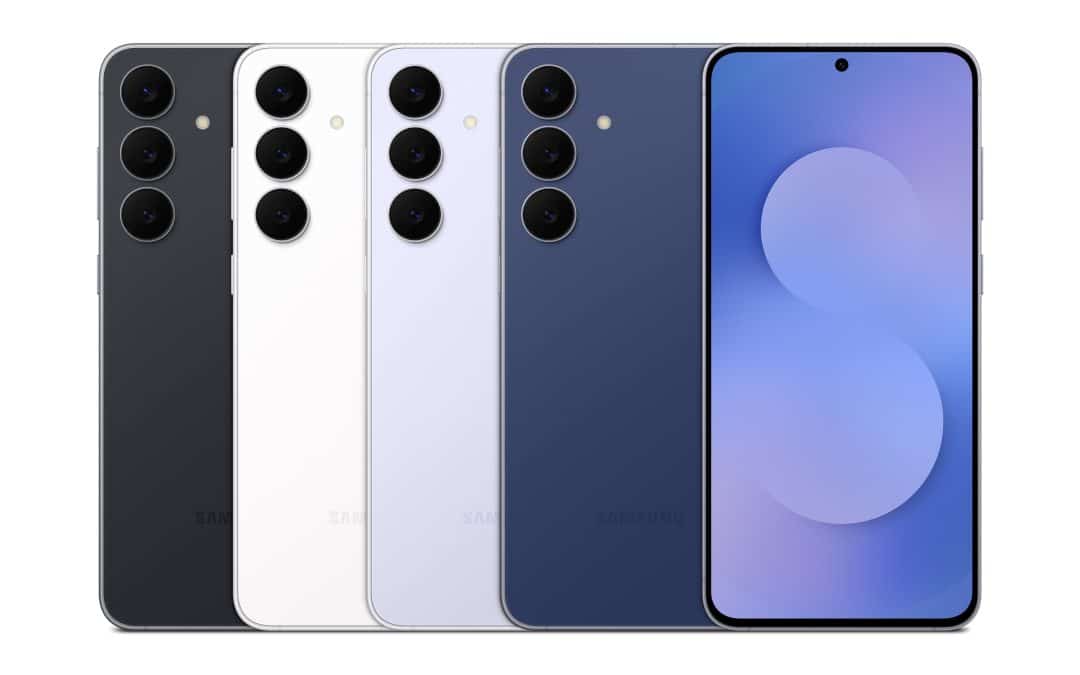
Grab the Galaxy S25 FE for Only $429.99 With This Woot Deal
Galaxy S25 FE is an even better buy after this massive Woot discount