Latest One Hand Operation+ Update Fixes Edge Handle

SammyGuru is reader-supported. We have affiliate and sponsored partnerships, so we may earn a commission when you buy through links on our site — at no extra cost to you. Learn more.
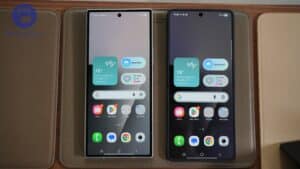
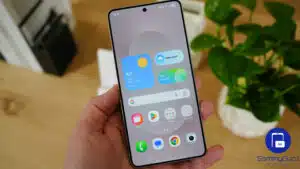
Samsung has released a new update for One Hand Operation+, further improving its compatibility with One UI 9. While the Good Lock module was already functional on the latest software, this update refines the experience with bug fixes and stability improvements. It also fixes an issue that caused the Edge handle to stop working in certain situations.
One Hand Operation+ receives a new update from Samsung
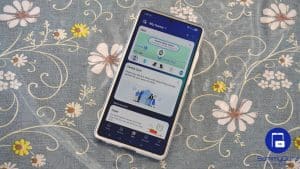
One Hand Operation+ is one of the most popular Good Lock modules, giving Galaxy users advanced control over edge gestures. You can assign custom actions to swipe gestures, making it easier to navigate large-screen devices with one hand while improving multitasking and productivity. The module worked on One UI 9 since the first beta release, but Samsung has now refined the experience with a new update.
The official changelog simply says “support for One UI 9 Beta,” which remains exclusive to the Galaxy S26 series in select markets. This likely means optimizations under the hood for enhanced compatibility with the Android 17-based software. Samsung still has a few other Good Lock modules to update with One UI 9 support, including LockStar, ClockFace, NavStar, NotiStar, Home Up, and Game Booster+.
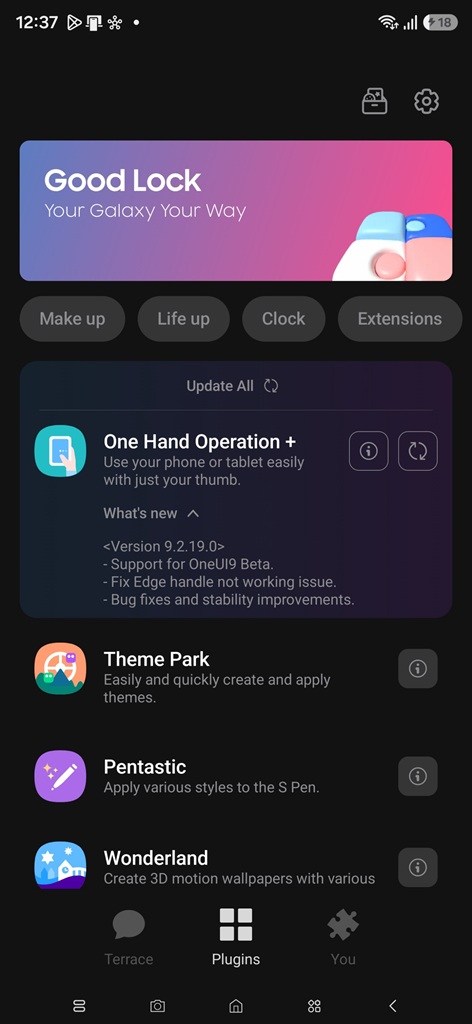
The latest update for One Hand Operation+, which carries version 9.2.19.0, also addresses a bug affecting the app’s Edge handle. Samsung says the update resolves an issue that prevented the Edge handle from working correctly in certain situations. As usual, the release also includes general bug fixes and stability improvements.
If you use One Hand Operation+ to create custom gestures on your Galaxy, you should install the new version for a smoother experience. It is available for One UI 9 Beta, One UI 8.5, and older builds. You can check for updates on the Galaxy Store (tap Menu > Updates). Good Lock modules can also be updated directly from the Good Lock app (Plugins tab).

Written by
Sumit AdhikariSumit, a life-long Samsung user, is passionate about technology and has been professionally writing on tech since 2017. He’s a mathematics graduate by education and enjoys teaching basic mathematics tricks to school kids in his spare time. Sumit believes in artificial intelligence and dreams of a fully open, intelligent and connected world.

Follow us on Google Discover & set us as a preferred source in Google News
Share this Post
___________________________


New Blog Posts
___________________________

Apple is Already Planning a Second Foldable, and Samsung Should Take Notice
Samsung’s grip on the foldable smartphone market is starting to slip
Google Wallet Now Lets You View and Track Online Orders
This feature is currently available in the US
What Is One UI? Samsung’s Android Experience, Explained
So, what’s all the hype about One UI?