Samsung Rolls Out First One UI 9 Beta Update: See Full Changelog

SammyGuru is reader-supported. We have affiliate and sponsored partnerships, so we may earn a commission when you buy through links on our site — at no extra cost to you. Learn more.
Samsung’s first One UI 9 Beta update (Android 17) is now available for the Galaxy S26 series in select markets. Despite introducing a new Android version, it appears to be a smaller update than One UI 8.5 (Android 16). By “small,” we mean user-facing changes, which you can see in the full changelog below.
One UI 9 Beta changelog: What’s new
The first One UI 9 Beta release appears to mostly bundle the core Android 17 features and upgrades from Google, with fewer Samsung tweaks. Here’s everything new at the surface level (mentioned in the official changelog):
- More customizable quick panel: You can now rearrange and customize the controls in your quick panel even more than before. You can change the size of the brightness and volume sliders, as well as the media player. You can also separate the sound mode button from the volume slider.
- Samsung DeX enhancements: It’s easier to move an app window from one desktop to another using the menu at the top of the window. Desktop previews are now available at the top of the Recents screen, making it easier to switch with a single tap.
- Do more with notes: The new Tape feature in Samsung Notes lets you cover parts of your note with tape and reveal them when needed. A variety of new pen styles have also been added, giving you even more options for writing and drawing.
- More settings in Game Booster panel: Adjust your game settings without stopping the action. You can now access screen resolution, screenshot format, and more directly from the Game Booster panel.
- Location access transparency: Stay on top of your location privacy. A blue indicator will appear at the top of the screen when an app accesses your location. Tap the indicator in the quick panel to see which app it is.
- Discover new Accessibility features: Check the What’s new menu in Accessibility settings to learn about and try the latest Accessibility features for your Galaxy.
- Text spotlight for easier reading: Need a closer look? Tap any text on the screen to show it enlarged and highlighted in its own window. You can also customize the font size, colors, and other settings to match your preferences.
- Physical keyboard shortcuts: Use shortcuts on your physical keyboard to access the Accessibility settings you need without touching the screen.
- Mouse keys enhancements: New options are available when using your keyboard for mouse interactions, including speed and acceleration control. You can also use the keyboard’s number pad to point and click.
- Replace swipe with single tap: The Replace swipe with single tap option is now located on Dexterity and interaction menu instead of the Assistant menu for easier access.
- Select to speak: Get quick audio readouts without turning on full TalkBack. With the new Select to speak feature, you can select an item on your screen, like text or an image, and hear it read or described out loud.
- Improved TalkBack updates: Through continuous collaboration, Samsung and Google’s TalkBack features have been unified. TalkBack updates can now be applied with a simple app update from the Play Store.

Written by
Sumit AdhikariSumit, a life-long Samsung user, is passionate about technology and has been professionally writing on tech since 2017. He’s a mathematics graduate by education and enjoys teaching basic mathematics tricks to school kids in his spare time. Sumit believes in artificial intelligence and dreams of a fully open, intelligent and connected world.

Follow us on Google Discover & set us as a preferred source in Google News
Share this Post
___________________________


New Blog Posts
___________________________
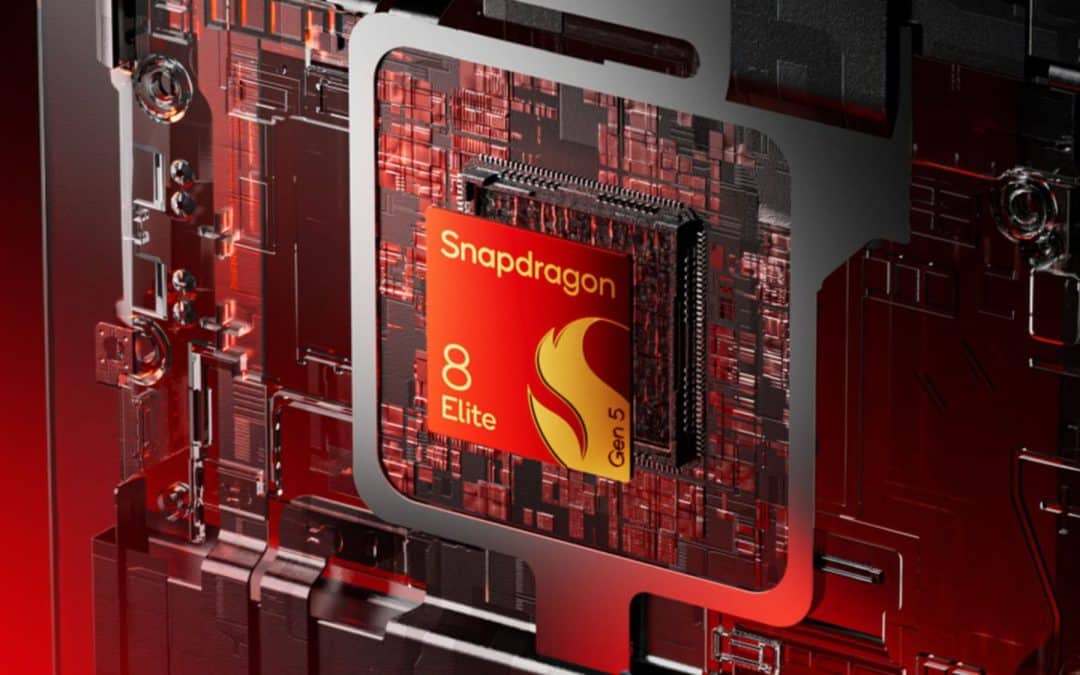
Qualcomm May Have More Snapdragon 8 Series Surprises in Store
New 3nm processors have come to light
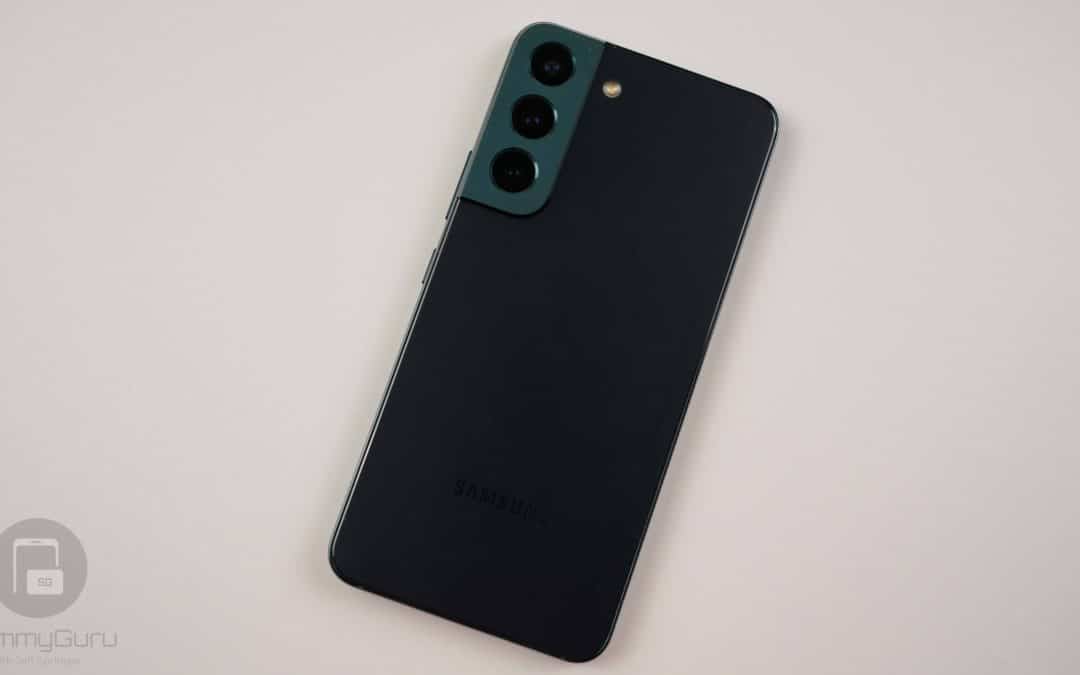
Galaxy S22 Gets June 2026 Update in the US, All But Confirming One UI 8.5 Isn’t Coming
The S22 lineup wasn’t expected to receive a software update this month
Don’t Wait for Galaxy A27, Galaxy A37 is a Much Better Deal
Don’t miss this Galaxy A37 deal if you want a solid budget phone