
Galaxy S25 FE Gets One UI 8.5 Beta 2, But AirDrop Support Is Missing
SammyGuru is reader-supported. We have affiliate and sponsored partnerships, so we may earn a commission when you buy through links on our site — at no extra cost to you. Learn more.
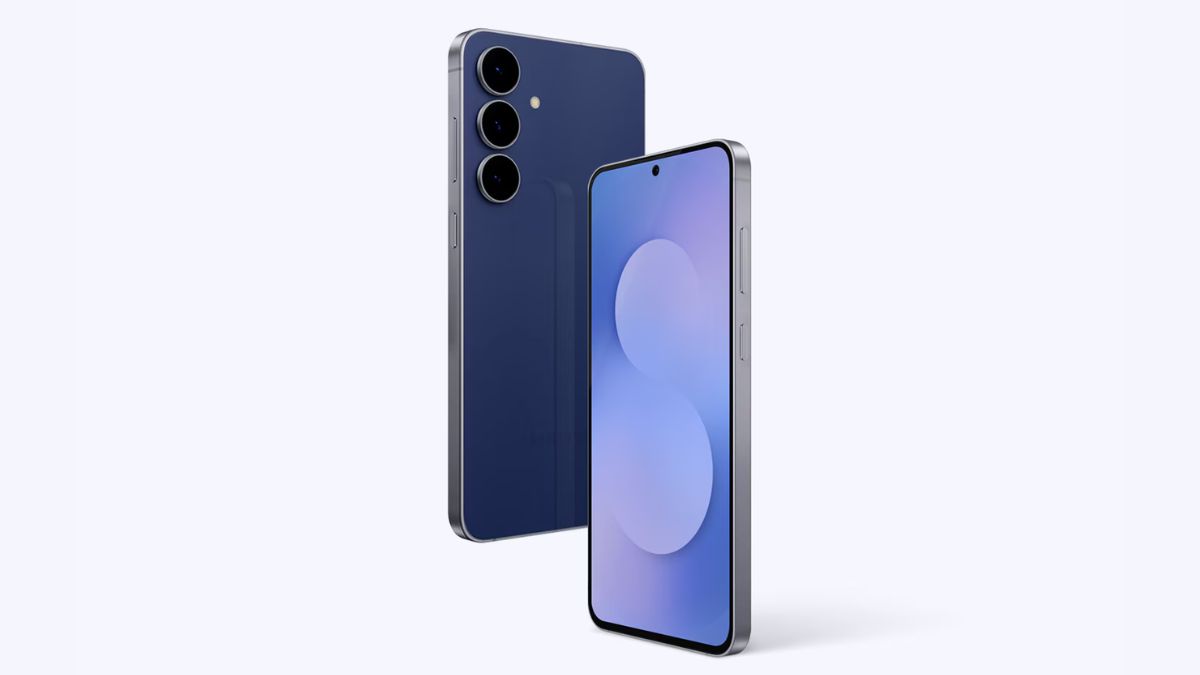
Alongside the main Galaxy S25 lineup, Samsung also released a new One UI 8.5 beta update for the S25 FE. This is the second beta build for the Fan Edition model (ninth for the others). The update brings a host of improvements across the system, but it does not include support for Quick Share-to-AirDrop file transfers.
Samsung releases new One UI 8.5 beta build for the Galaxy S25 FE
The Galaxy S25 FE has picked up the One UI 8.5 Beta 2 update with firmware version ZZD5. According to the changelog, the update focuses mostly on bug fixes rather than bringing major features. We get three new camera filters, such as Classic Film, Pop Film, and Blanc, offering more creative control.
The latest beta build also brings several improvements for overall stability. For example, the update fixes Bluetooth issues where connections periodically disconnect and reconnect. It also addresses a bug where notification cards were cut off at the top. Moreover, the company fixes screen flickering and color distortion issues that could occur when changing zoom levels during dual recording.
Sadly, the update lacks AirDrop support via Quick Share for the Galaxy S25 FE. If you are unfamiliar, last month Samsung introduced this feature with the Galaxy S26 series through a software update. The company also promised to expand it to more devices at a later date.
Of course, today’s beta wave marks that expansion, but it still remains limited. The ninth One UI 8.5 beta update for the Galaxy S25 series and the second beta update for the Galaxy S24 lineup include support for the new sharing capability. Is Samsung planning to limit this feature to flagship models only? We will find out soon.
Meanwhile, if you have not participated yet in the One UI 8.5 beta program for the Galaxy S25 FE, you can do so via the Samsung Members app. Simply open the app and register for the program. You should receive the update shortly, which you can install by going to Settings > Software update > Download and install.

Written by
Binay KonwarBinay Konwar started his blogging journey in 2014 and has since written plenty of tech articles. At present, he is working as a News Writer at SammyGuru, covering everything about Samsung. He holds a Master's degree in Mathematics, but his real passion lies in tech and writing. In his free time, he enjoys playing chess and watching movies.

Follow us on Google Discover & set us as a preferred source in Google News
Share this Post
___________________________


New Blog Posts
___________________________

Samsung Quietly Listed a New Entry Level 990 PCIe 4.0 SSD
It drops DRAM for HMB

Samsung’s First Bone-Conduction Earbuds May Be Called Galaxy Able
Name hidden no more

Samsung Accidentally Confirms Galaxy Watch 9 and Galaxy Watch Ultra 2
Coming very soon







