Galaxy S24, Fold 6 and More Grab June 2026 Update
SammyGuru is reader-supported. We have affiliate and sponsored partnerships, so we may earn a commission when you buy through links on our site — at no extra cost to you. Learn more.
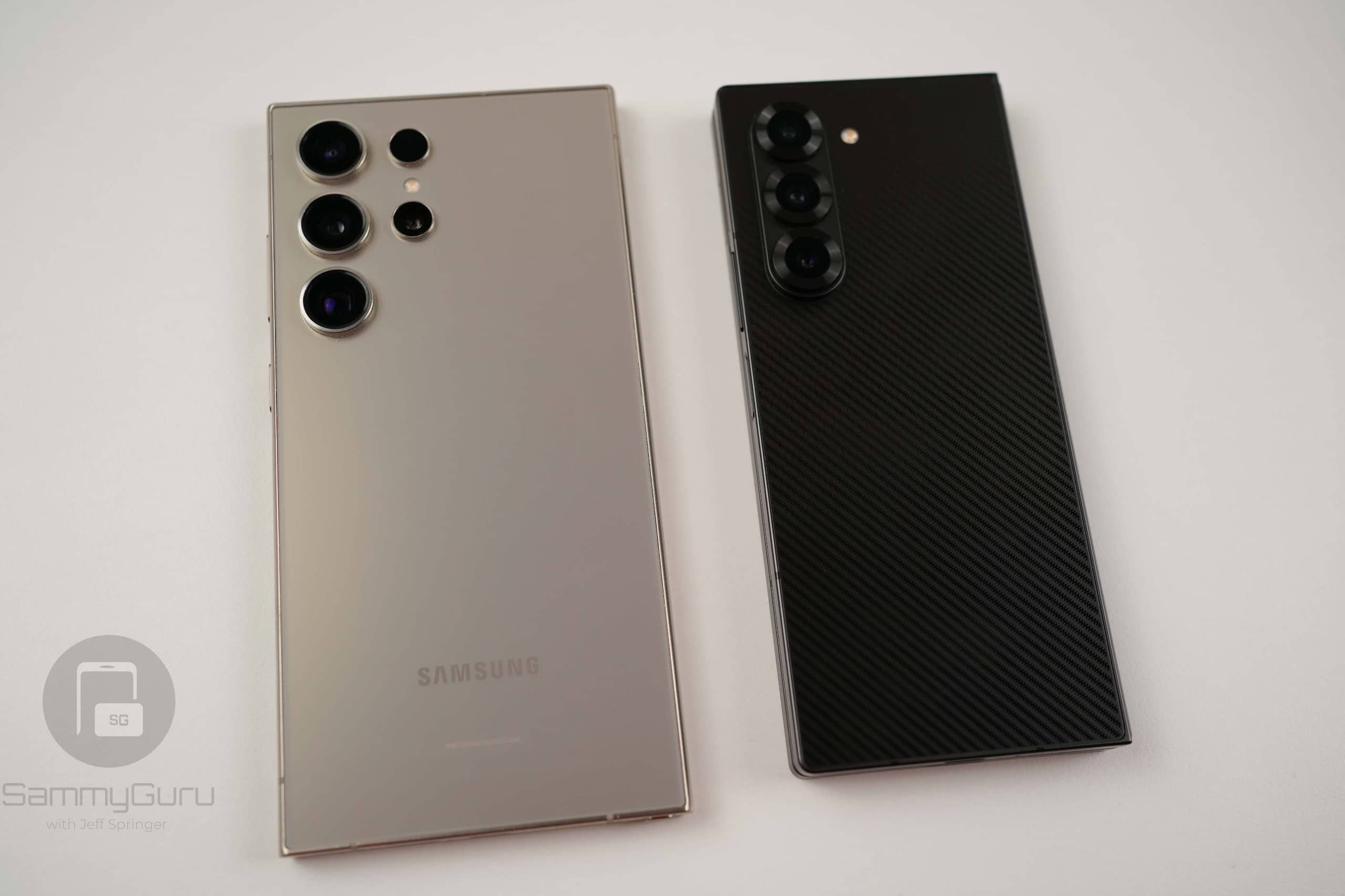
Samsung’s One UI 8.5 rollout has slowed down as the company has already delivered the update to almost all eligible Galaxy devices. With the rollout nearing completion, Samsung is now focusing on expanding this month’s security patch. Today, it released the June 2026 security update for its 2024 flagship and foldable lineups. This includes the Galaxy S24 series and Galaxy Z6 foldables.
Samsung begins June 2026 security update rollout for 2024 flagships and foldables
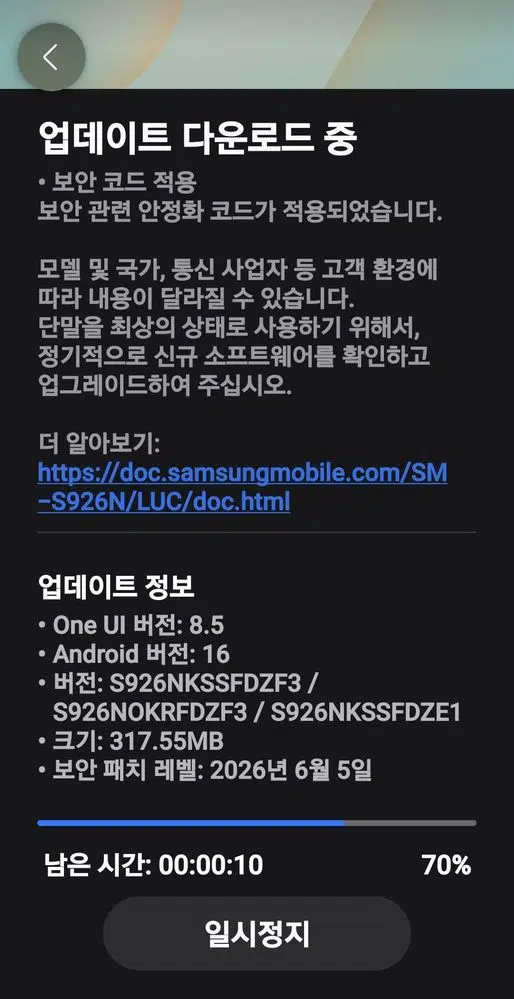
Samsung has started rolling out the June 2026 security patch for the Galaxy S24, Galaxy S24+, and Galaxy S24 Ultra in its home market, South Korea. The update carries firmware version ending in DZF3. It weighs around 300MB, depending on the model. However, there is no news for the S24 FE as of this writing.
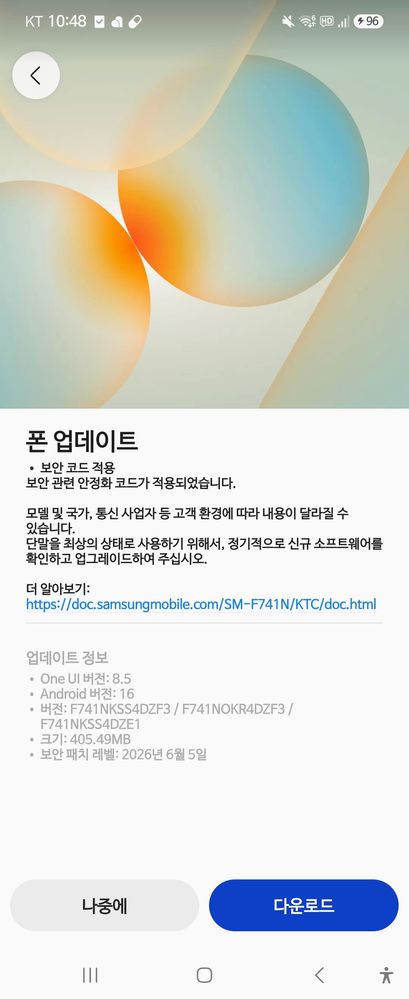
The Korean firm has also released the June 2026 update for the Galaxy Z Fold 6, Galaxy Z Flip 6, and Galaxy Z Fold Special Edition. The rollout is currently live in Korea, with build numbers ending in DZF3, similar to the S24 series. The update size is roughly 400MB. As far as the global and US variants are concerned, they could start seeing the update sometime next week.
The Galaxy S25 series and Z Fold 7 recently picked up several new Galaxy AI features from the Galaxy S26 lineup, like Prioritize Notifications, Notification Summaries, and File Summaries. However, Samsung currently has no plans to bring these features to older devices. As a result, the Galaxy S24 series and Z6 foldables do not receive these additions with the June update.
As for the June 2026 security patch itself, it fixes 45 security vulnerabilities identified by Samsung, Google, and other industry partners. Installing the update is recommended. This will help keep your device protected against the latest security threats. You can check for the update by heading to Settings > Software update > Download and install.

Written by
Mohammed KhatriMohammed Khatri is a tech writer at SammyGuru focused on Samsung's software side — tracking One UI updates, internal builds, and which Galaxy devices are next in line. He also covers early device leaks, certifications, and retail listings. Beyond tech, he has a keen interest in finance and automobiles, and enjoys exploring the latest trends and developments in both industries.

Follow us on Google Discover & set us as a preferred source in Google News
Share this Post
___________________________


New Blog Posts
___________________________
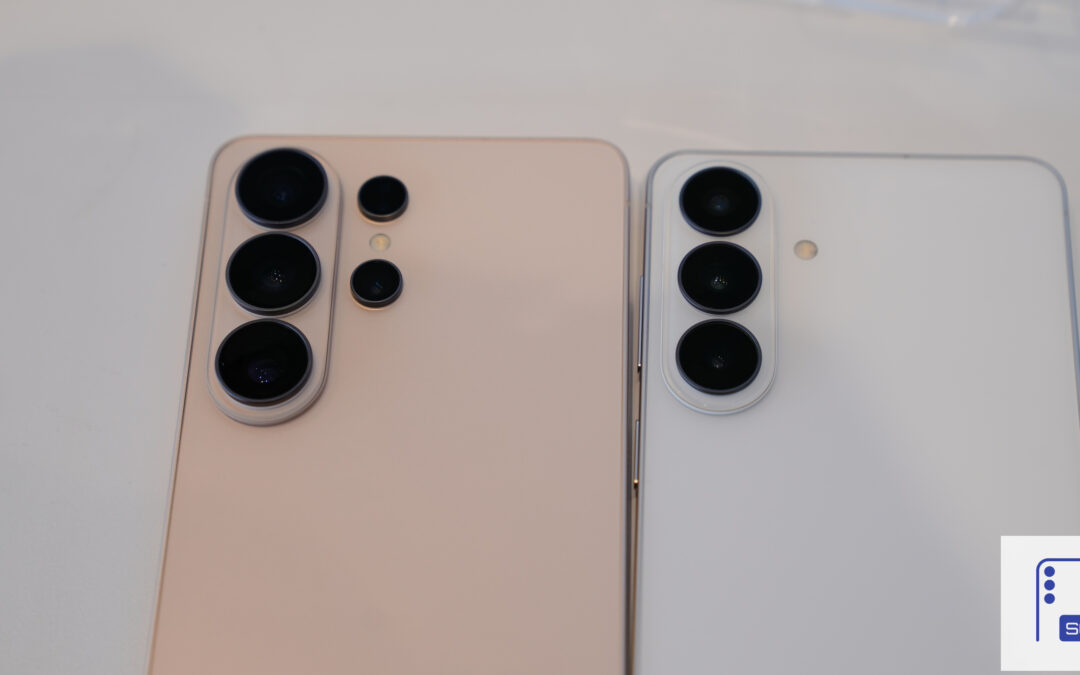
Samsung Increases Galaxy S26 Production After Strong Sales
This could be the result of recent successful promotions
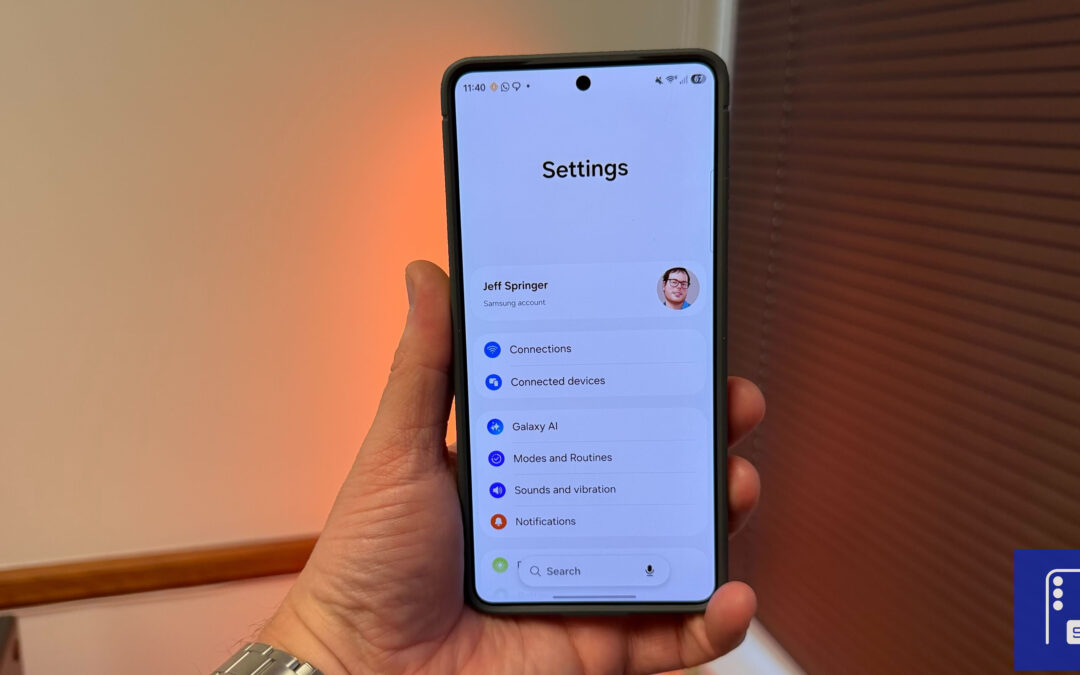
Galaxy S26 Leads Samsung’s July 2026 Update Rollout
This update has already hit several Galaxy smartwatches

Samsung Showcases AI-Powered Classroom Solutions at ISTELive 2026
The firm expanded the capabilities of its AI Assistant