You Can Now Use Gemini on Older Galaxy Z Flip Cover Screens, Here’s How
SammyGuru is reader-supported. We have affiliate and sponsored partnerships, so we may earn a commission when you buy through links on our site — at no extra cost to you. Learn more.
Samsung flipped the Gemini script with the latest Galaxy Z Flip 7 (review) and Flip 7 FE (review). However, older Galaxy Z Flip devices didn’t have the same support until now. Samsung is rolling out One UI 8, and as part of the update, the Galaxy Z Flip 5 and Galaxy Z Flip 6 can finally access Gemini directly from their cover screens.
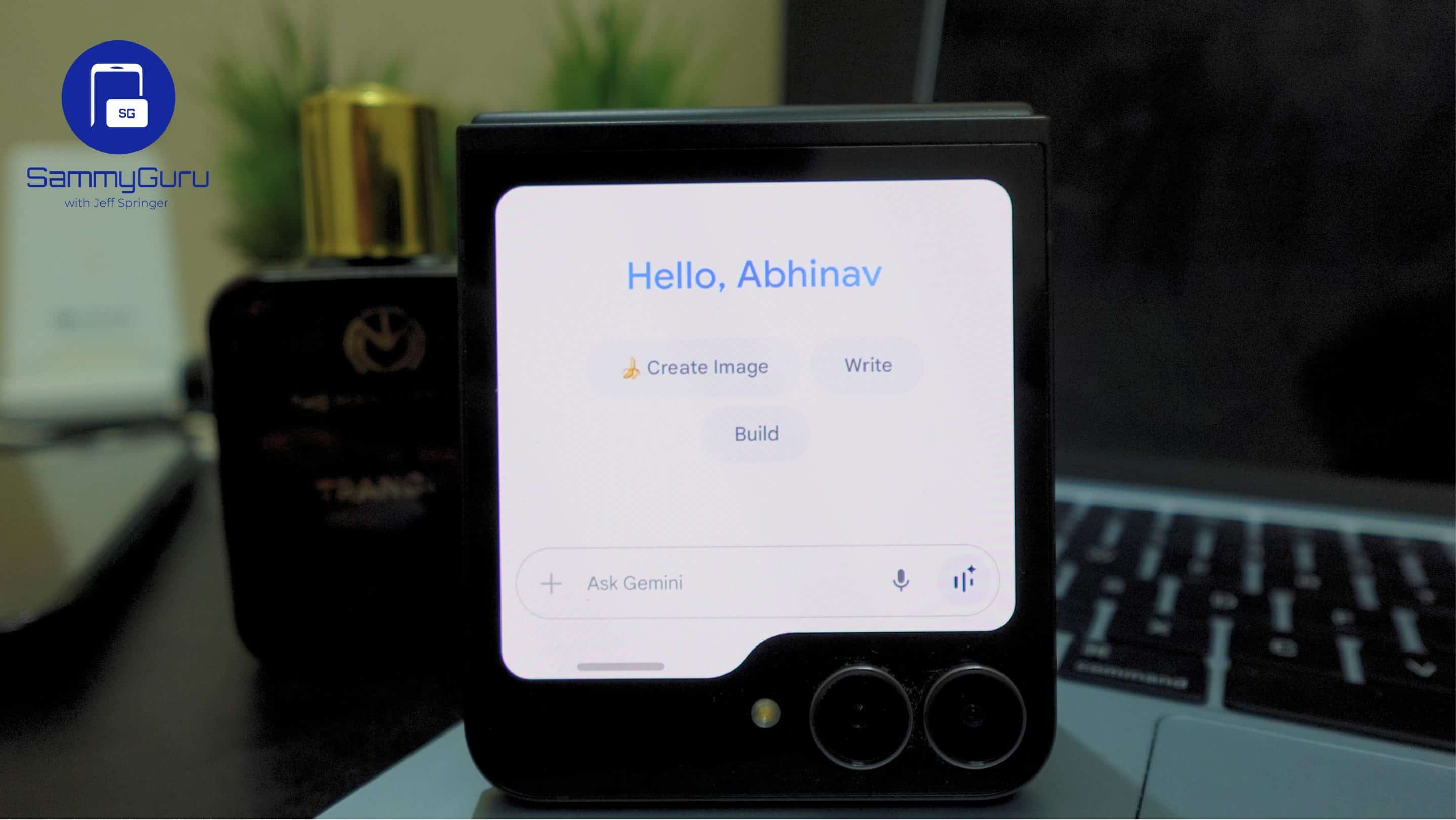
Galaxy Z Flip 5 and Galaxy Z Flip 6 users can now use Gemini on cover screen
Once you’ve updated to One UI 8 on your Galaxy Z Flip 5 or Galaxy Z Flip 6, which began rolling out recently, you can interact with Gemini directly from the cover screen. Specifically, you can launch Gemini on the Flip’s cover screen by adding it to the launcher widget in the Good Lock app or by using voice commands.
And Gemini supports both text and voice input on cover screen. Gemini Live functionality is available as well, including sharing the camera feed from the cover display. The only feature missing is screen sharing, which is less important given the small size of the cover screen. There are still some limitations, however.
Don’t expect the long-press magic yet
For example, you can’t launch Gemini by long-pressing the power button, and you’ll still need to open the main display. This adds a layer of inconvenience for those who want to interact with Gemini without unfolding the phone. After all, using some apps on the cover screen is supposed to be a bit of fun, isn’t it?
Android Authority, which first reported the news, notes that the update seems to involve a combination of One UI 8 and possible server-side adjustments or app updates, rather than a traditional over-the-air rollout. Availability will vary by region, so some users may need to wait for the feature to reach their devices.

Written by
Abhinav AnandAbhinav Anand is the News Editor at SammyGuru and a technology journalist based in New Delhi. Before joining SammyGuru, he contributed to numerous outlets, including Android Headlines, ExtremeTech, The Mac Observer, Financial Express, Economic Times, iGeeksBlog, KnowTechie, PhonesWiki, SlashGear, and more. You can reach him at [email protected].

Follow us on Google Discover & set us as a preferred source in Google News
Share this Post
___________________________


New Blog Posts
___________________________
Galaxy Z Fold 8, Flip 8 and Watch 9 European Prices Leak
Samsung's next Galaxy Unpacked event is expected to take place on July 22. The company will unveil its latest foldable smartphones and Wear OS smartwatches at the event. These include the Galaxy Z Fold 8, Fold 8 Ultra, Flip 8, Watch 9, and Watch Ultra 2. Ahead of the...
Samsung Trademarks Hint at New Motion Clarity Feature for Odyssey Monitors
Samsung may be preparing to introduce a new display technology
After Europe, OnePlus Appears to be Scaling Back in the US and UK
OnePlus phones are becoming harder to buy