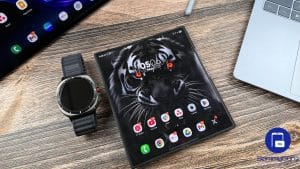
Samsung’s May 2026 Security Patch Fixes 39 Vulnerabilities

SammyGuru is reader-supported. We have affiliate and sponsored partnerships, so we may earn a commission when you buy through links on our site — at no extra cost to you. Learn more.
Samsung has shared notes for its May 2026 Security Maintenance Release (SMR). The latest SMR fixes a total of 39 security vulnerabilities across the core Android system and One UI. The company should begin pushing the patch to eligible Galaxy devices in phases over the coming weeks.
Samsung details its May 2026 security patch for Galaxy devices
Samsung aims to protect its Galaxy device users from newly discovered security risks. The May 2026 security update is part of the company’s typical monthly patch cycle. It includes fixes for 2 critical and 27 high-severity issues on the Android OS. These patches come from the Android Security Bulletin.
In addition, Samsung also includes its own fixes for One UI as part of this month’s SMR package. The company has addressed 10 security vulnerabilities found in its custom software layer. These issues are known as Samsung Vulnerabilities and Exposures (SVEs), disclosed to improve customer confidence in security. Some of the SVEs include:
- Improper input validation in FacAtFunction in Galaxy Watch allowed arbitrary code execution.
- Incorrect default permissions exposed device identifiers in FactoryCamera.
- LocationManager issues allowed the attacker to reveal sensitive user information.
- An out-of-bounds write in SveService could allow an attacker to execute arbitrary code.
- Improper input validation in Routines.
- A flaw in handling insufficient permissions in Routines.
- Improperly exported Android components in OmaCP exposed sensitive data.
As of this writing, Samsung has not yet begun rolling out its May 2026 security update to Galaxy devices. The company just released the stable One UI 8.5 update, so that might be its priority.
Nonetheless, this month’s security patch should also start hitting Galaxy devices at some point. You can check for it by going to Settings > Software update > Download and install. If available, make sure to install it as soon as possible. Don’t forget to restart your device for the patch to take effect correctly. Galaxy devices are also starting to receive the April Google Play system update, so install it to improve the core Android experience.

Written by
Binay KonwarBinay Konwar started his blogging journey in 2014 and has since written plenty of tech articles. At present, he is working as a News Writer at SammyGuru, covering everything about Samsung. He holds a Master's degree in Mathematics, but his real passion lies in tech and writing. In his free time, he enjoys playing chess and watching movies.

Follow us on Google Discover & set us as a preferred source in Google News
Share this Post
___________________________


New Blog Posts
___________________________
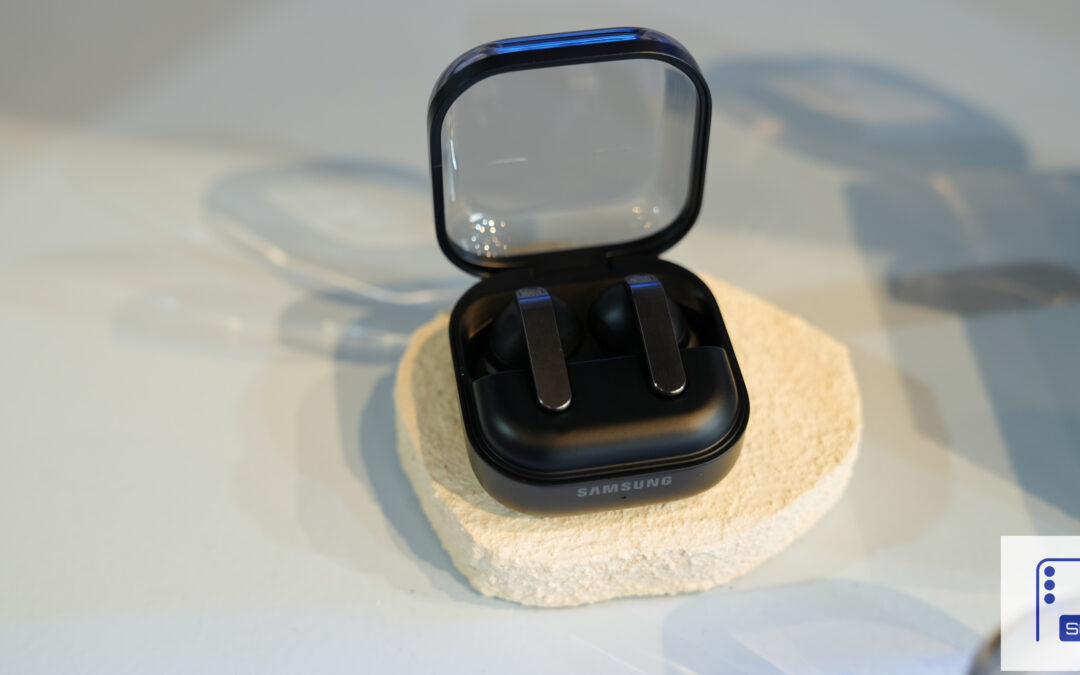
Galaxy Buds 4 Pro’s Best Deal in the US Hasn’t Gone Away
Galaxy Buds 4 Pro’s best deal brings back $169.99 price
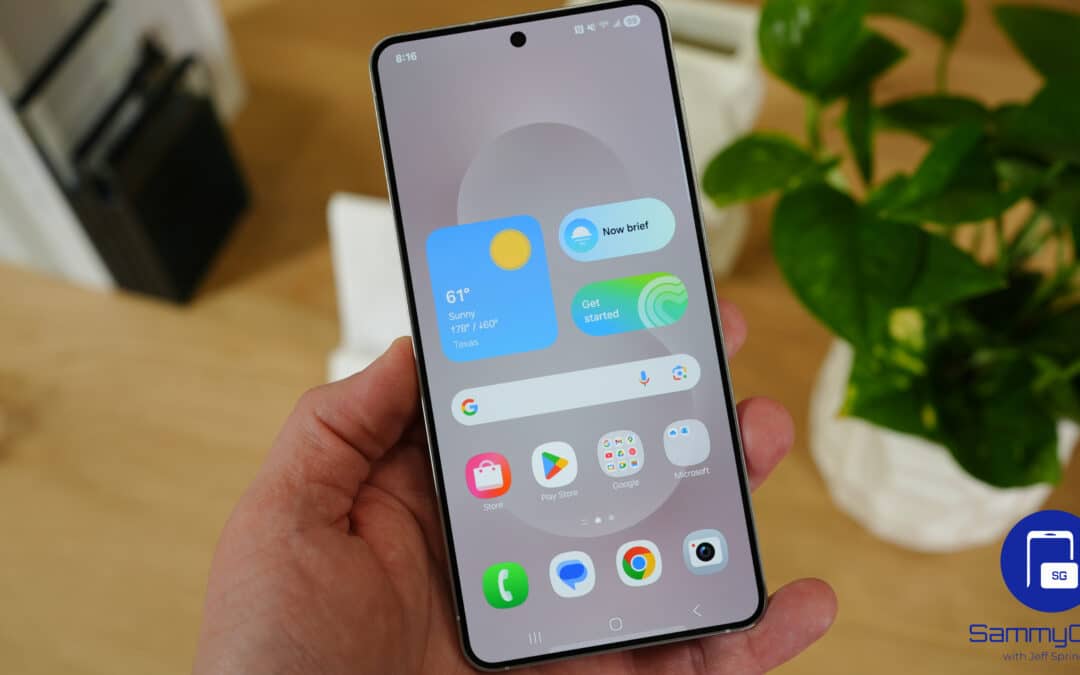
Samsung Galaxy Weekly Updates Roundup (June 15-21)
Samsung released the June 2026 update for 30+ devices this week
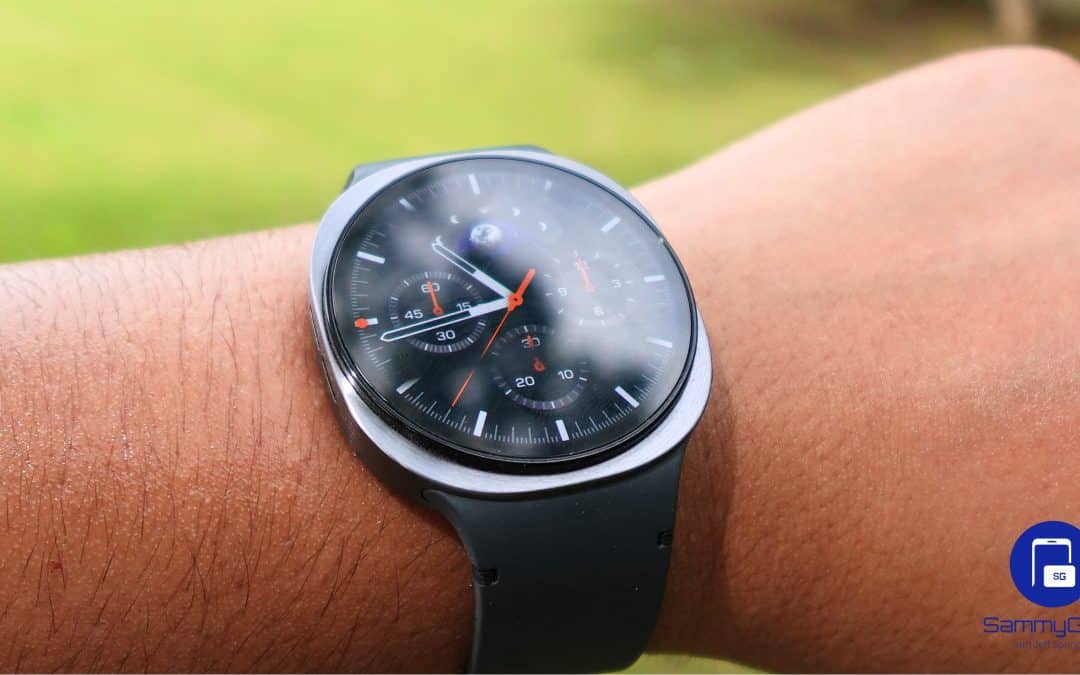
Galaxy Watch 9 and Watch Ultra 2 Leak With New Watch Faces
Exciting new info on Samsung’s upcoming wearables!