Samsung Rolls Out New Stability Update for Galaxy Buds 3, Buds 3 Pro
SammyGuru is reader-supported. We have affiliate and sponsored partnerships, so we may earn a commission when you buy through links on our site — at no extra cost to you. Learn more.
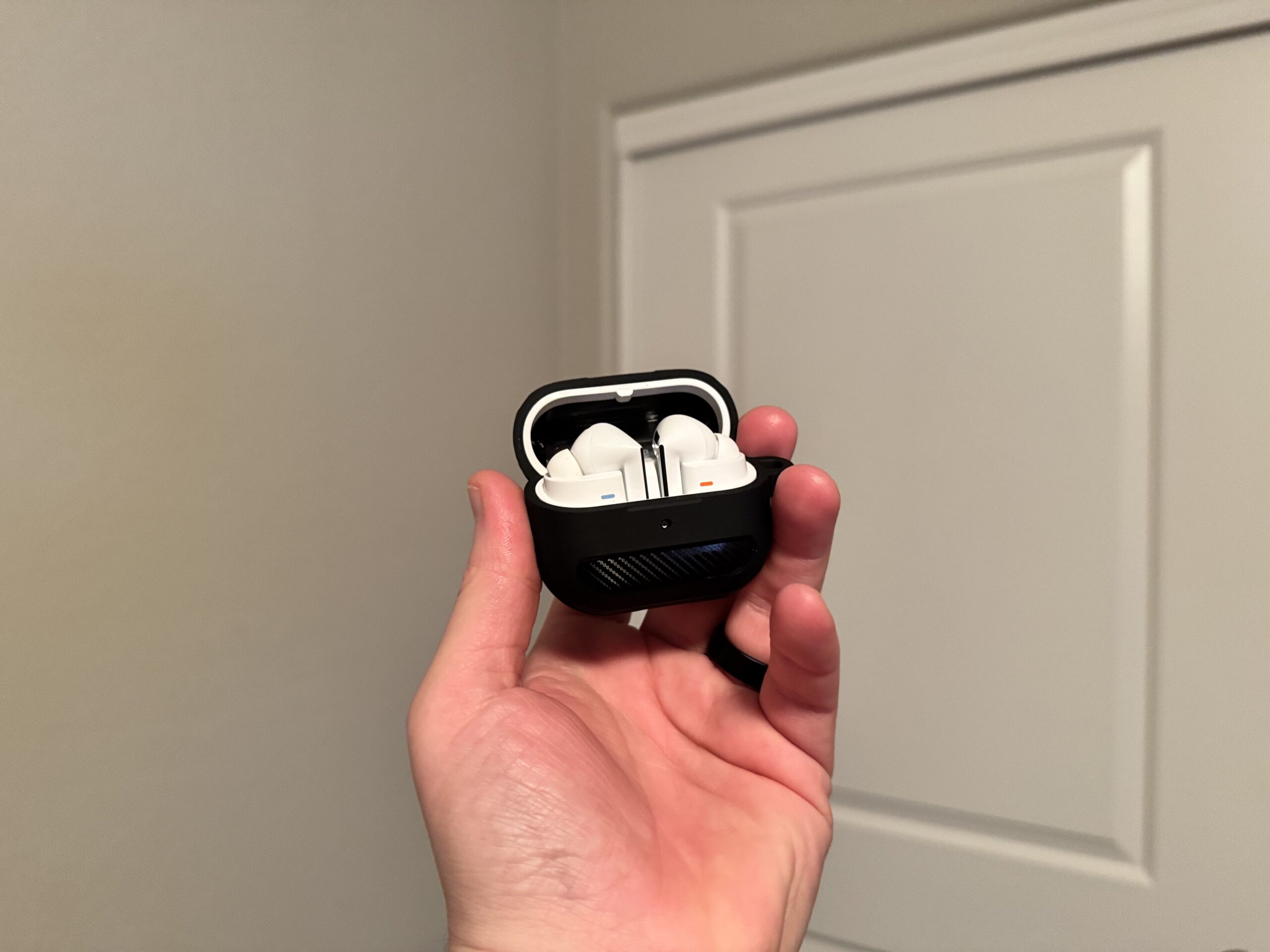
Today’s been a busy day so far, and it doesn’t look like the flurry of updates will stop anytime soon. Apart from the usual stable update rollout, Samsung has also rolled out a new update for the Galaxy Buds 3 series.
Galaxy Buds 3 series pick up another stability update
As reported by users on the Samsung Community forum, both the Galaxy Buds 3 and Galaxy Buds 3 Pro are getting another update. It comes with build version R530XXU0AZD2 and R630XXU0AZD2, respectively, and is around 7-8 MB. So far, it looks like the update is only available in South Korea. More importantly, Samsung also rolled out another update for the Buds 3 series last month, which had the AZD1 build.
Upon translating the changelog from Korean to English, it reads: “Stabilization code related to terminal operation has been applied.” This means the update is simply a stability patch for the Galaxy Buds 3 and Buds 3 Pro, which Samsung rolls out periodically.
Now that it has started rolling out in South Korea, it should not take long to reach other regions. That could happen in the coming days, or it might take a few weeks. In the meantime, it is best to keep an eye on the updates section. To do that, follow the steps below.
How to install update on your Galaxy Buds 3 and Galaxy Buds 3 Pro?
If you own a pair and are running older software, you can install the latest update by following these steps. Open the Galaxy Wearable app, connect your earbuds, then go to Earbuds settings > Earbuds software update > Download and install. Once the update file has been downloaded, tap Install now to begin the installation.
If you are running One UI 8 or later, you can install the update through your phone’s Settings app. Connect your Galaxy Buds, tap on Galaxy Buds 3 or Galaxy Buds 3 Pro in Settings, then follow the same steps: go to Earbuds settings > Earbuds software update > Download and install. After the download is complete, tap Install now to finish the process.

Written by
Abhinav AnandAbhinav Anand is the News Editor at SammyGuru and a technology journalist based in New Delhi. Before joining SammyGuru, he contributed to numerous outlets, including Android Headlines, ExtremeTech, The Mac Observer, Financial Express, Economic Times, iGeeksBlog, KnowTechie, PhonesWiki, SlashGear, and more. You can reach him at [email protected].

Follow us on Google Discover & set us as a preferred source in Google News
Share this Post
___________________________


New Blog Posts
___________________________

Google Wallet Adds Support for Quicker TSA Touchless ID Access
Google Wallet makes TSA PreCheck Touchless ID easier to use
Best Samsung Prime Day Deals: Galaxy S26 Ultra, S26, Buds 4 Pro, Fold 7, and More
We’ve curated some of the best Samsung deals for Prime Day

Samsung Adds Three New Art Collections for America’s 250th Anniversary
Three new collections cover history, culture, and modern art