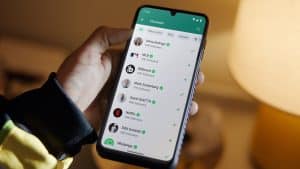
One UI 9 Finally Brings Network Speed Meter to Galaxy Phones

SammyGuru is reader-supported. We have affiliate and sponsored partnerships, so we may earn a commission when you buy through links on our site — at no extra cost to you. Learn more.
For years, Galaxy users have been asking Samsung for one simple feature that many other brands have offered out of the box: a network speed meter in the status bar. With One UI 9, Samsung has finally delivered, although not quite in the way many expected. The latest version of the QuickStar Good Lock module introduces a real-time network speed indicator for Galaxy devices.
Network speed meter arrives on Galaxy devices through QuickStar
While not a built-in One UI 9 feature, it provides a native solution that works without relying on third-party apps. The new option can be found inside the Indicator Icons menu in QuickStar, a Good Lock module for status bar and notification panel customization. Once enabled, it displays the current network speed in the status bar, allowing users to monitor their internet connectivity in real time.
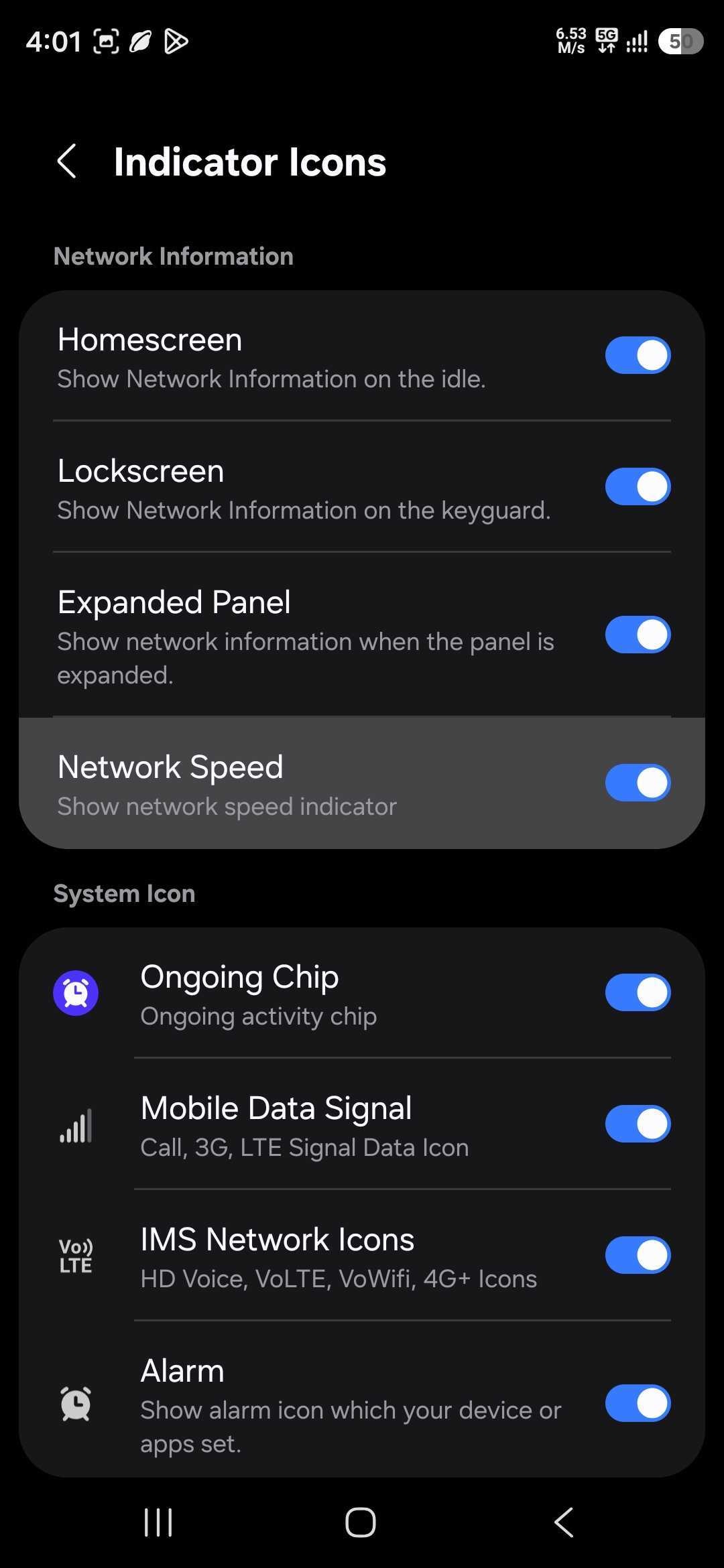
Until now, Galaxy users typically had to install third-party apps to get similar functionality. Many of those solutions relied on accessibility permissions, persistent notifications, or background services that could impact battery life and clutter the user experience. This implementation via QuickStar offers a cleaner and more integrated alternative built into the Good Lock ecosystem.
The One UI 9 version of QuickStar also adds a toggle to disable the “ongoing activity” chip. It’s an expandable chip that shows live activity from various apps, including ongoing calls, timers, countdowns, voice recordings, etc. If you do not find the chip useful enough, you can now disable it through QuickStar. Of course, you get these features on One UI 9 only.
Speaking of which, Samsung has already rolled out a couple of beta updates for the Galaxy S26 series. It’s expected to introduce the stable version of One UI 9 in late July, though a wider rollout may not begin for another two months or so. We will keep you posted.

Written by
Sumit AdhikariSumit, a life-long Samsung user, is passionate about technology and has been professionally writing on tech since 2017. He’s a mathematics graduate by education and enjoys teaching basic mathematics tricks to school kids in his spare time. Sumit believes in artificial intelligence and dreams of a fully open, intelligent and connected world.

Follow us on Google Discover & set us as a preferred source in Google News
Share this Post
___________________________


New Blog Posts
___________________________
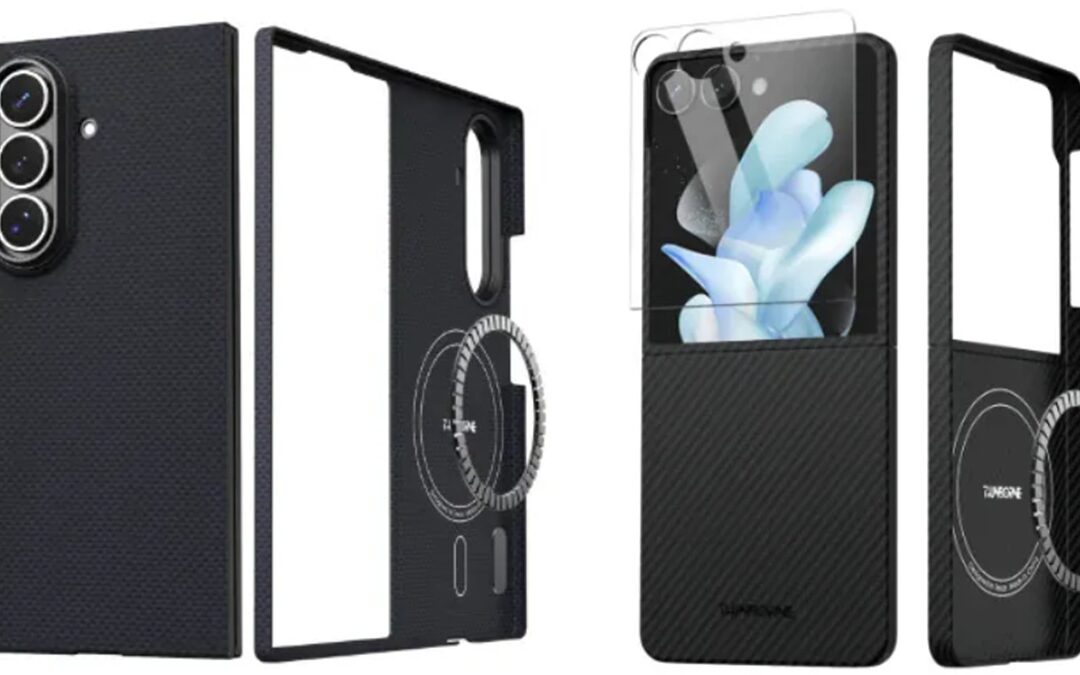
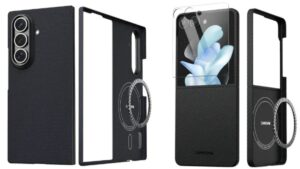
Galaxy Z Fold 8, Fold 8 Ultra, Flip 8 Third-Party Cases Emerge
This gives us another glimpse at the foldable lineup ahead of launch

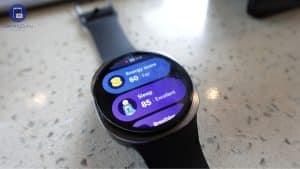
Where is One UI 9 Watch Beta, Samsung? Time is Running Out
One UI 9 Watch Beta should have been rolling out by now
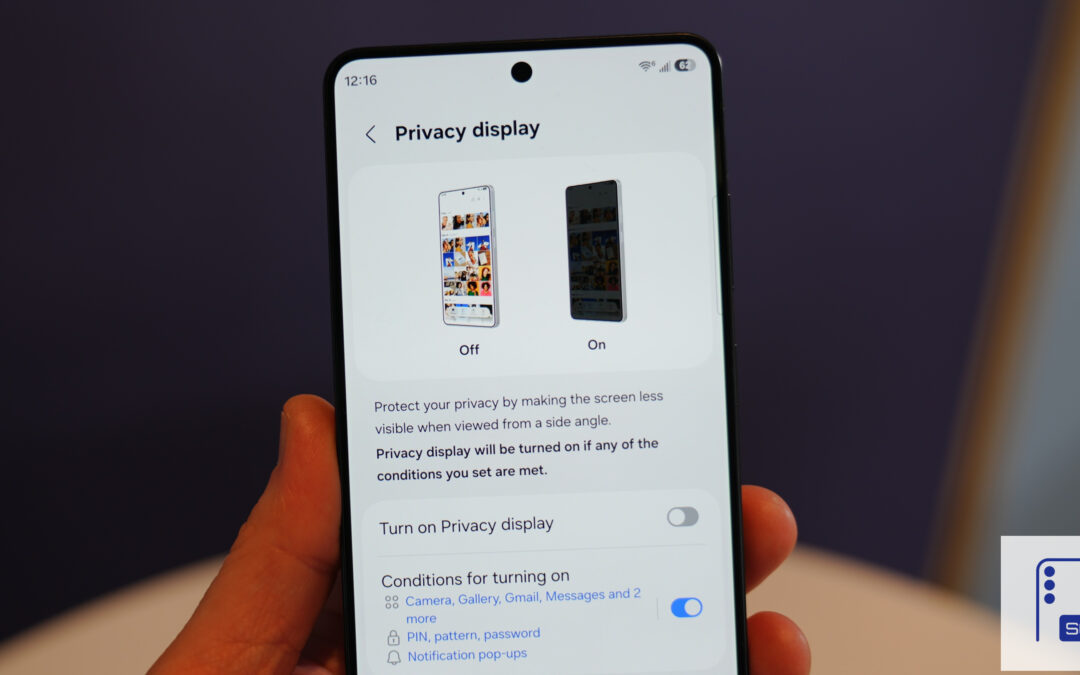
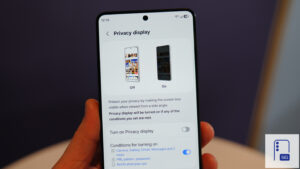
No More Ultra-Exclusive: Samsung Could Bring Privacy Display to All Galaxy S27 Models
Privacy Display could become a flagship standard with Galaxy S27 series