How to Install One UI 8.5 Beta on Galaxy Z Fold 7 or Galaxy Z Flip 7?

SammyGuru is reader-supported. We have affiliate and sponsored partnerships, so we may earn a commission when you buy through links on our site — at no extra cost to you. Learn more.
Samsung surprised everyone (well, not those who read SammyGuru) and rolled out the One UI 8.5 beta for the Galaxy Z Fold 7 and Galaxy Z Flip 7. We spotted the beta forum pages show up last week, and just as expected, the One UI 8.5 beta is now rolling out to these foldables.
So far, the beta program for the Galaxy Z Fold 7 (review) and Galaxy Z Flip 7 (review) is available in India, Korea, and the UK. The update comes with the ZZC5 build version, and if you’re wondering how to install the One UI 8.5 beta on your Galaxy Z Fold 7 or Galaxy Z Flip 7, follow these steps.
Here’s how to install the One UI 8.5 beta on your Galaxy Z Fold 7 or Galaxy Z Flip 7
First, make sure you’re in one of the supported regions: India, Korea, or the UK. Samsung will likely expand the beta to more regions later, but for now, you need to be in one of these countries.
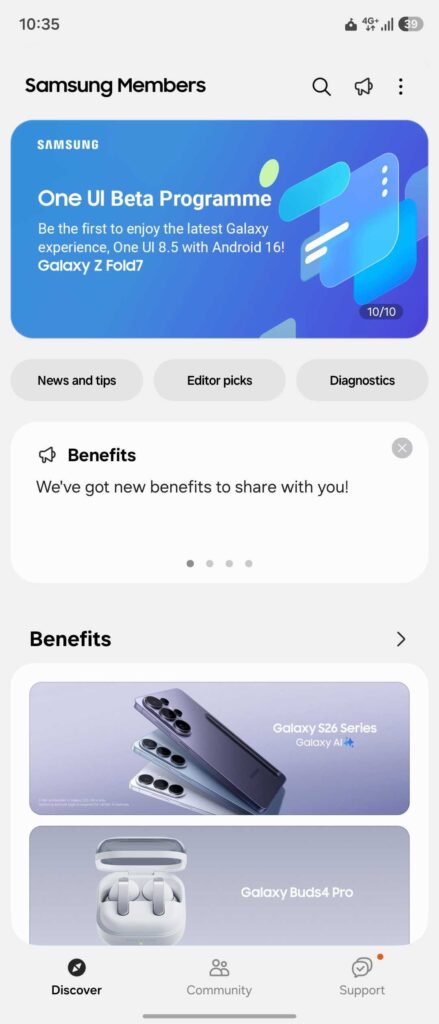
Next, open the Samsung Members app on your Galaxy Z Fold 7 or Galaxy Z Flip 7. You should see the One UI 8.5 Beta Program announcement banner at the top. Tap it and join the beta program.
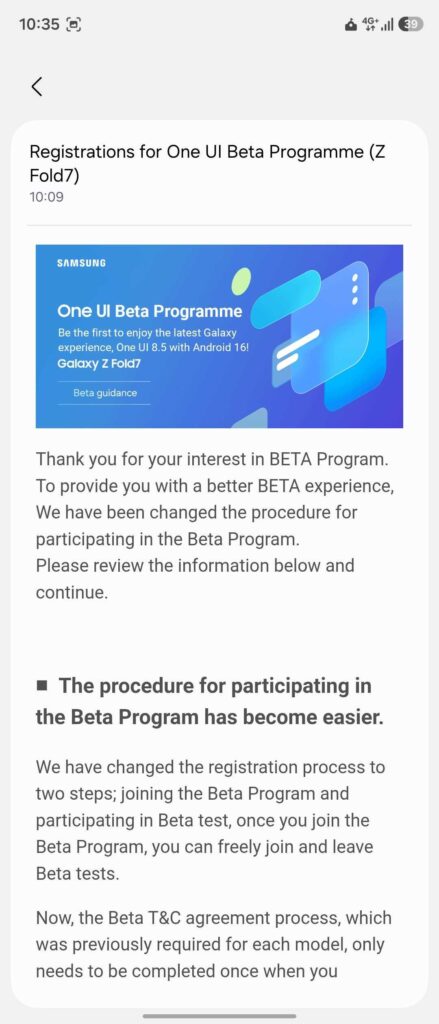
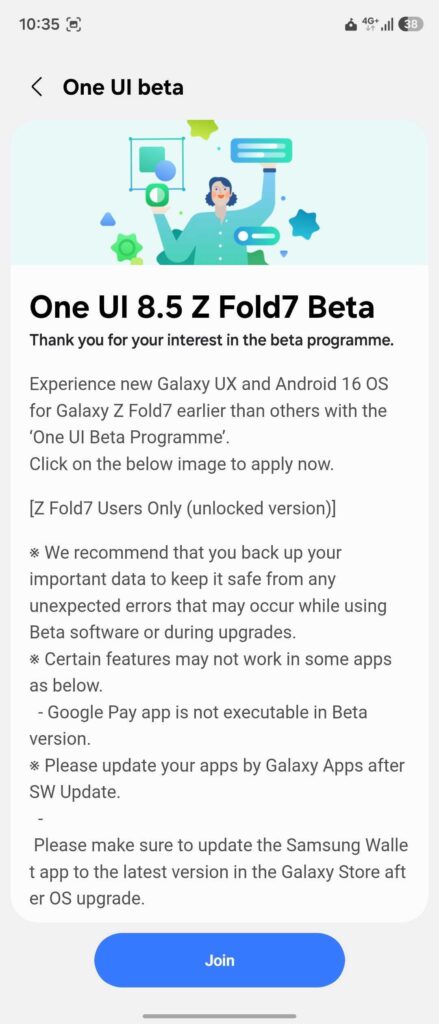
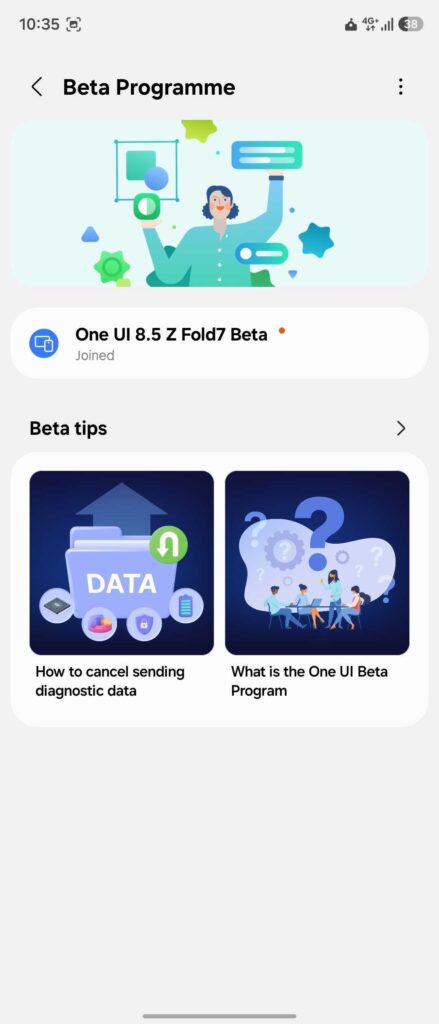
After that, the One UI 8.5 beta should become available for your Galaxy Z Fold 7 or Galaxy Z Flip 7. Go to Settings > Software update > Download and install. Once the update is fully downloaded, tap Install now. Shortly after, your foldable will reboot running the latest beta firmware.
You’ll also need to act fast if you want to try the One UI 8.5 beta on your foldable. The slots fill up quickly, and there’s always a chance it may not be available by the time you decide to join. That said, keep in mind that this is still a beta version, which means it could have several bugs and performance issues.

Written by
Abhinav AnandAbhinav Anand is the News Editor at SammyGuru and a technology journalist based in New Delhi. Before joining SammyGuru, he contributed to numerous outlets, including Android Headlines, ExtremeTech, The Mac Observer, Financial Express, Economic Times, iGeeksBlog, KnowTechie, PhonesWiki, SlashGear, and more. You can reach him at [email protected].

Follow us on Google Discover & set us as a preferred source in Google News
Share this Post
___________________________


New Blog Posts
___________________________
Samsung Cancelling Galaxy S26 Edge was a Mistake
Galaxy S25 Edge failed because its creator lacked faith in its capability

OPPO Find X9 Ultra vs Galaxy S26 Ultra: Pro Video Performance
Pro Video doesn’t follow the same script as Auto Video

Quick Share and AirDrop Found Vulnerable to Nearby Wireless Attacks
The good news is that most of the flaws have already been patched