Galaxy A37 Gets First Update with April Security Patch, A34 Joins Rollout
SammyGuru is reader-supported. We have affiliate and sponsored partnerships, so we may earn a commission when you buy through links on our site — at no extra cost to you. Learn more.
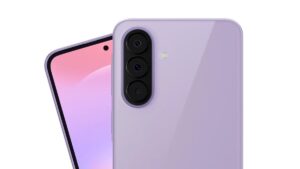
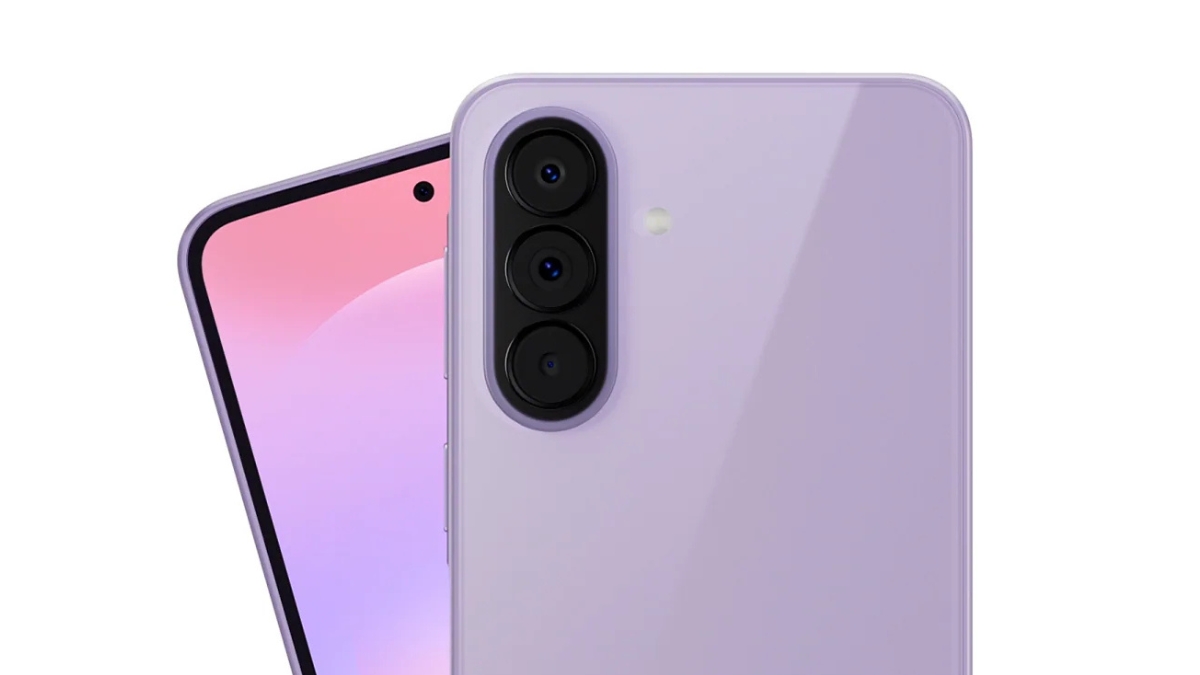
Amid intensive One UI 8.5 testing, Samsung continues to expand the April 2026 security patch to more devices. The Galaxy A37 has now received its first update after launch, following the Galaxy A57. Alongside them, the Galaxy A34 has also joined the rollout.
Samsung rolls out April 2026 security patch to Galaxy A37 and A34
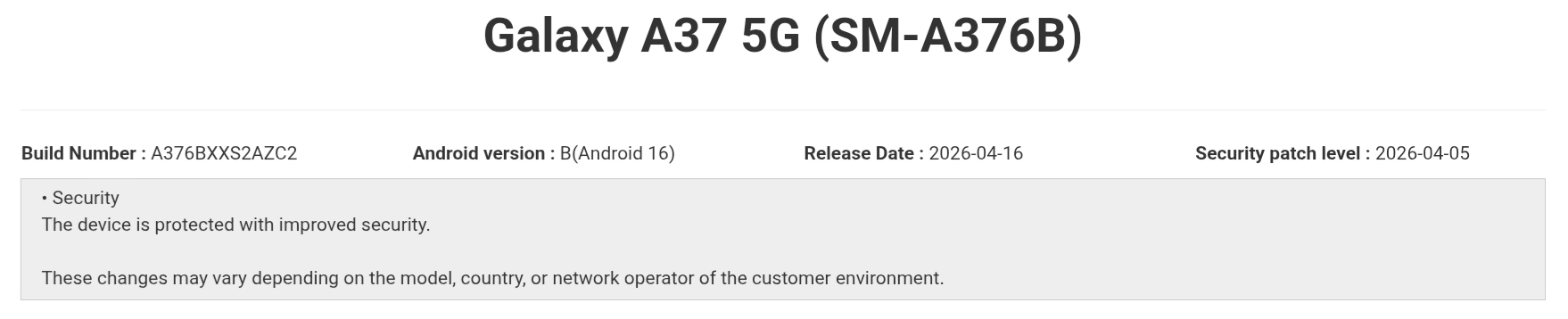
The Galaxy A37 is now getting its first software update, bringing the April 2026 security patch. The update is live in regions like Malaysia, Indonesia, Taiwan, and the Philippines. It carries the build number A376BXXS2AZC2. The device launched with One UI 8.5 out of the box, and this update mainly focuses on improving security, stability, and fixing early issues to deliver a smoother experience.
Samsung had already released the April patch for the Galaxy A54 a few days ago. Now, the younger sibling, the Galaxy A34, has also started receiving the update. The rollout is currently live in regions like Vietnam, Thailand, Malaysia, and the Philippines, and should expand to more regions soon. The PDA version for this phone is A346EXXSEEZC7.

As for the One UI 8.5 beta, the Galaxy A34 is unlikely to receive it. The Galaxy A54 appeared with beta builds earlier and recently joined the beta program. However, the Galaxy A34 has not appeared with any beta builds so far, making a beta release unlikely.
The April 2026 security patch does not bring any new features. It mainly focuses on improving system security and overall stability. The update includes fixes for 47 vulnerabilities identified by Samsung, Google, and their partners.
If you are using any of these devices, you can check for the update by going to Settings > Software update > Download and install. Once downloaded, tap Install now. Make sure your device has enough battery and is not overheating before starting the installation.

Written by
Mohammed KhatriMohammed Khatri is a tech writer at SammyGuru focused on Samsung's software side — tracking One UI updates, internal builds, and which Galaxy devices are next in line. He also covers early device leaks, certifications, and retail listings. Beyond tech, he has a keen interest in finance and automobiles, and enjoys exploring the latest trends and developments in both industries.

Follow us on Google Discover & set us as a preferred source in Google News
Share this Post
___________________________


New Blog Posts
___________________________
When I Get Galaxy Glasses, I’ll Want the Galaxy Ring Too
The Ring finds its perfect match
This Galaxy S26 Ultra Deal Lets You Save $350 on Every Color
Who doesn’t love discounts?
One UI 9 May Bring Eclipsa Video Support To Galaxy Devices
Android 17 paves the way