
Chrome Tests Automatically Opening Shared Tabs Across Devices

SammyGuru is reader-supported. We have affiliate and sponsored partnerships, so we may earn a commission when you buy through links on our site — at no extra cost to you. Learn more.
Chrome is testing a change that automatically opens shared tabs across devices on desktop, iOS, and Android. You no longer need to tap a notification to open it. The feature should be available to users widely in the coming months.
Chrome will let you automatically open shared tabs
When you’re signed into the same Google account, Chrome allows you to send tabs between devices. You can share a page by using the “Send to your devices” option and selecting a target device. Your target device will receive a notification, tapping which opens the shared tab.
However, this new feature removes one step. Instead of showing a notification, Chrome will automatically open the tab on the selected device, and a message will confirm the action afterward. In testing on Chrome Canary, a tab sent from Android opened instantly on the desktop. A toast message appeared afterward to confirm the action.
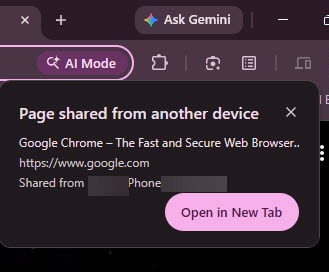
Google views this as a way to simplify the experience. According to them, the current system “adds friction and is unnecessary since send-tab-to-self is a user-initiated action.” You still need to choose the share option and select a device, so the process isn’t accidental. Automatic opening is less intrusive because the action comes from the user.
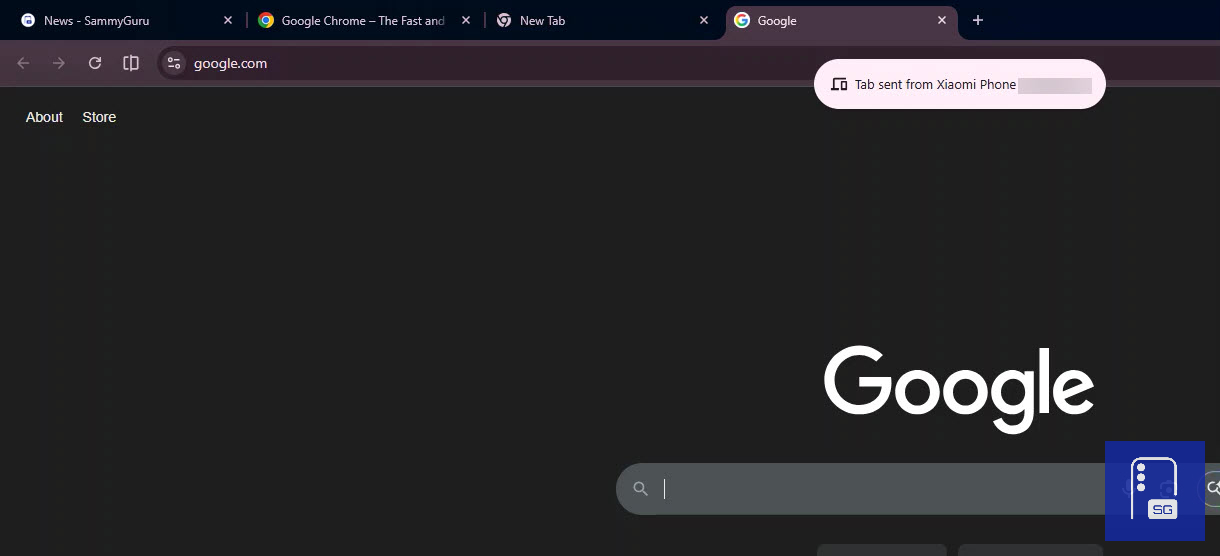
Code changes describe this system across platforms within a short time window. On Android, tabs can open automatically when Chrome is already in use (in the foreground), and the tab is received within 10 minutes. A toast message will follow afterward. On iOS, a similar setup is underway when the active tab is visible, and the tab is received within 10 minutes, followed by a snackbar.
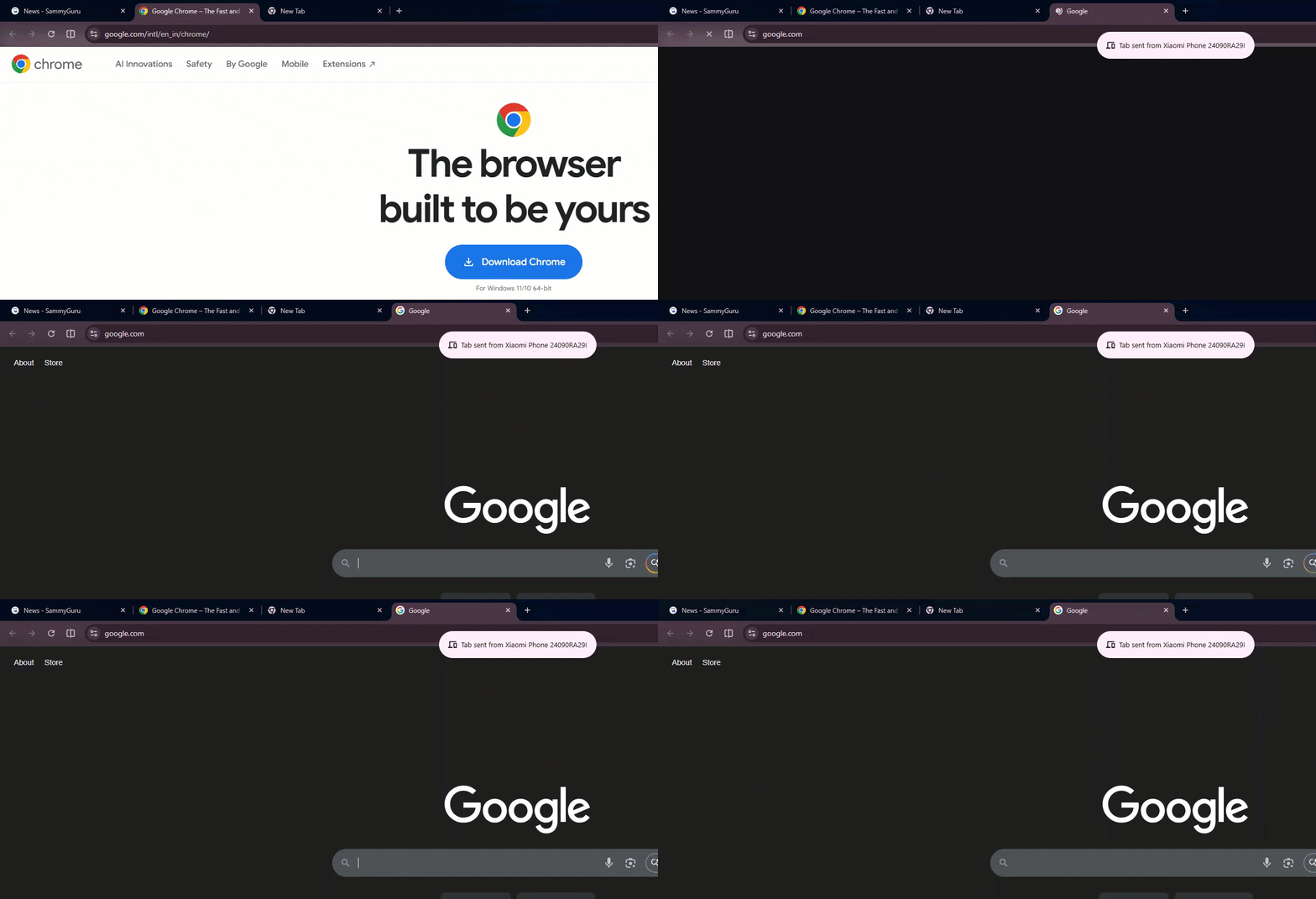
These mobile changes are still landing, but the desktop behavior is already visible in Canary. The feature is linked to a flag called “Send Tab To Self enhanced handoff.”

It expands tab sharing to include extra details such as scroll position and form data. Chrome can open the tab directly instead of waiting for manual input. The flag may need to be enabled on supported devices for the feature to work.

Written by
Jeff SpringerJeff Springer is the Founder and Managing Editor at SammyGuru. Pursuing his passion for mobile tech, he started covering Samsung and Android on his Youtube channel in 2014 and continues to post daily Samsung tutorial videos. As a past staff writer at XDA Developers and Android Police, Jeff has a wealth of experience managing written content as well. In 2023, Jeff started SammyGuru to offer a different type of Samsung news site. He firmly believes that providing great value to readers is the core mission of our coverage. Jeff lives in Phoenix, AZ with his wife and two kids. In his small amount of free time, he collects fountain pens, stationery, and Pokémon cards.

Follow us on Google Discover & set us as a preferred source in Google News
Share this Post
___________________________


New Blog Posts
___________________________

Samsung Quietly Listed a New Entry Level 990 PCIe 4.0 SSD
It drops DRAM for HMB

Samsung’s First Bone-Conduction Earbuds May Be Called Galaxy Able
Name hidden no more

Samsung Accidentally Confirms Galaxy Watch 9 and Galaxy Watch Ultra 2
Coming very soon







