New Android Updates Bring Improvements Across Local File Sharing, Network Access
SammyGuru is reader-supported. We have affiliate and sponsored partnerships, so we may earn a commission when you buy through links on our site — at no extra cost to you. Learn more.
Google has recently made networking tweaks for Android devices. The changes make the OS more compatible with PCs, NAS (Network-attached storage) systems, local servers, and other networking devices. Devices get these upgrades with the May 2026 Google Play System update.
Google expands Android’s networking capabilities
When it comes to local network file sharing, Android offers limited support. You usually install special apps or use cloud storage services to move files between an Android phone and a PC or a network storage device. As a result, the whole process becomes slower and less convenient.
The reason is that Google blocks certain low-numbered network ports on Android devices. It is worth mentioning that these ports are reserved for system-level services. Thankfully, the company is now relaxing some of these restrictions with the latest networking changes.
According to a report from Android Authority, citing a post on Issue Tracker, Google allows apps to bind to certain privileged network ports, including for SMB file sharing (Port 455). As such, Android plays more nicely with PCs, NAS systems, and other home networks. The feature works on Android 13 or newer and Linux 5.15 kernel or later.
Moreover, it also supports several commonly used network ports. These include SSH and SFTP remote access on port 22, HTTP and HTTPS web servers on ports 80, HTTP/3 networking on port 443, and IPP printer sharing on port 631. The best thing is that you won’t need a full Android upgrade to gain expanded support.
“The behavior is shipping as part of the May 2026 Google Play System Update (Project Mainline), which serves as the baseline networking stack requirement for Android 17 (including the latest beta),” said a Google engineer.
For Samsung, the May 2026 Play system update is rolling out to several Galaxy devices. You can check if the update has landed on your phone by following this route: Settings > Security and privacy > Updates > Google Play system update.

Written by
Binay KonwarBinay Konwar started his blogging journey in 2014 and has since written plenty of tech articles. At present, he is working as a News Writer at SammyGuru, covering everything about Samsung. He holds a Master's degree in Mathematics, but his real passion lies in tech and writing. In his free time, he enjoys playing chess and watching movies.

Follow us on Google Discover & set us as a preferred source in Google News
Share this Post
___________________________


New Blog Posts
___________________________
Samsung Prepares One UI 9 for More Budget Devices
We are less than a month away from the official debut

Samsung, Alcedis Team Up to Use Galaxy Watch Biometrics in Clinical Research
The goal is to connect health tracking with scientific research
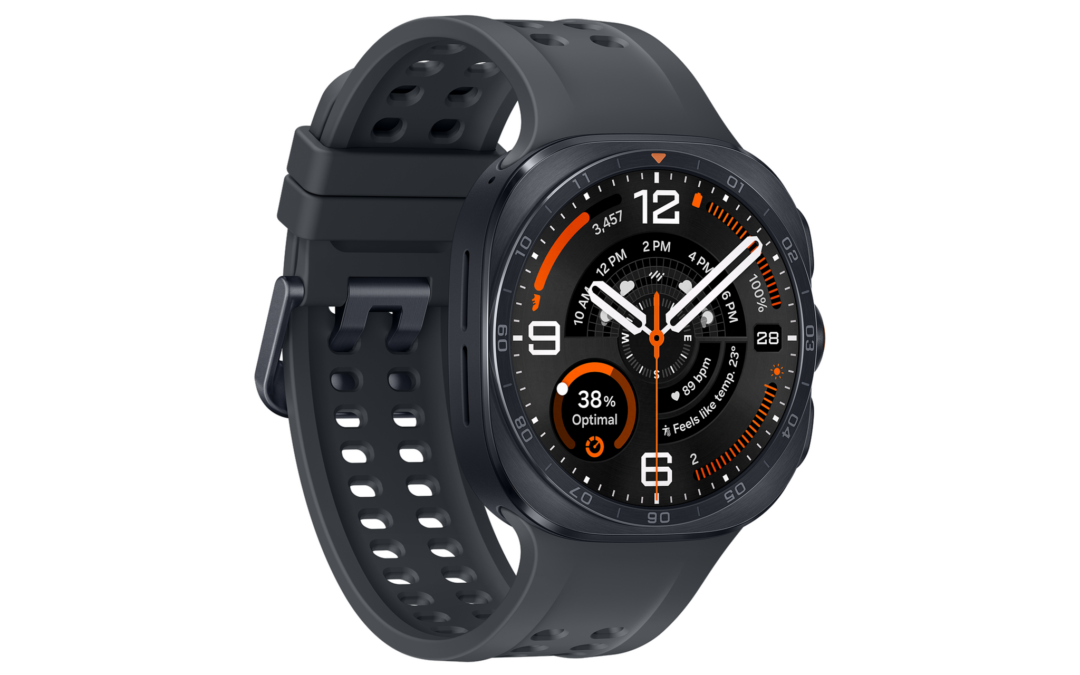
Galaxy Watch Ultra 2 First Look: Feast Your Eyes on These High-Quality Renders
Galaxy Watch Ultra 2 keeps the original design