One UI 8.5 Rollout Begins for Galaxy Tab S9 Series and More Tablets

SammyGuru is reader-supported. We have affiliate and sponsored partnerships, so we may earn a commission when you buy through links on our site — at no extra cost to you. Learn more.
Samsung is quietly accelerating the rollout of One UI 8.5 across more Galaxy devices. With most eligible flagship smartphones already covered, the company has now started pushing the update to several tablets. The latest rollout includes the Galaxy Tab S9 series, Tab S10 Lite, and Tab Active 5 Pro. These devices are currently picking up One UI 8.5 in Korea, but a global release shouldn’t be too far off.
Samsung expands One UI 8.5 rollout to more tablets
Last week, Samsung rolled out One UI 8.5 for the Galaxy Tab S11 and Tab S10 FE series. It recently expanded the coverage to the Galaxy Tab S10 flagships and the Tab A11 lineup. Now, One UI 8.5 has hit a few more Samsung tablets.
The Galaxy Tab S9 lineup is receiving the update with firmware version EZE3. The build version for the Galaxy Tab S10 Lite is CZE5, while it’s CZE4 for the Tab Active 5 Pro. The update weighs well over 3GB for the Tab S9 models, though the exact size and build version may vary depending on the model and connectivity variant, as well as the region.
Speaking of which, Samsung should expand the One UI 8.5 rollout for these devices to additional markets in the coming days. Some regions will get the update ahead of others, but a global release may follow later this week or early next week. To check for updates, go to Settings > Software update > Download and install.
One UI 8.5 introduces a wide range of refinements focused on smoother performance, improved multitasking, refreshed visuals, and better battery optimization. Samsung has refined split-screen controls, improved app transitions, and optimized DeX functionality for a smoother desktop-style experience on larger displays. Multitasking should feel more fluid, especially when switching between floating windows, split-screen apps, and DeX mode workflows.

Written by
Sumit AdhikariSumit, a life-long Samsung user, is passionate about technology and has been professionally writing on tech since 2017. He’s a mathematics graduate by education and enjoys teaching basic mathematics tricks to school kids in his spare time. Sumit believes in artificial intelligence and dreams of a fully open, intelligent and connected world.

Follow us on Google Discover & set us as a preferred source in Google News
Share this Post
___________________________


New Blog Posts
___________________________

Google’s AI Overviews May Be Sending Users Straight to Rivals
Google AI suggests DuckDuckGo as a way to avoid AI-heavy search
Galaxy S26 Ultra Gets $200 Off in the US, Bundle Deal Sweetens the Offer
Galaxy S26 Ultra + Galaxy Buds 4 Pro bundle is a much better deal
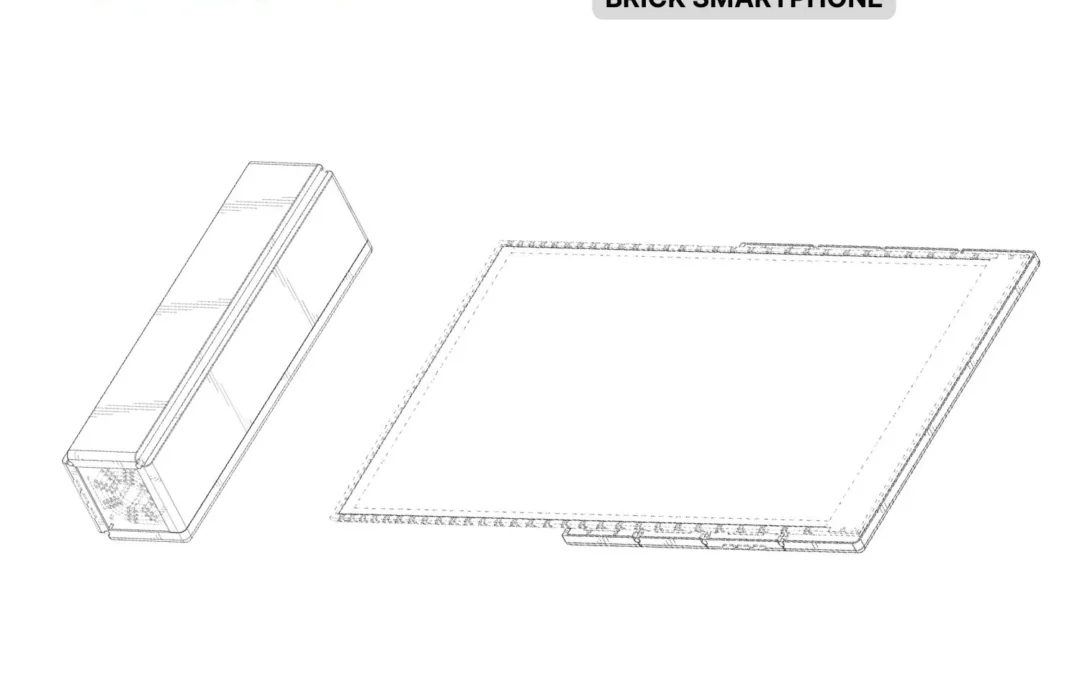
Samsung’s Latest Concept Combines Foldable and Rollable Displays
Samsung filed a patent for a brick-like foldable smartphone concept