
YouTube Lets Premium Users Try Auto-Speed and On-The-Go

SammyGuru is reader-supported. We have affiliate and sponsored partnerships, so we may earn a commission when you buy through links on our site — at no extra cost to you. Learn more.
YouTube is making video watching faster and more comfortable for its Premium users. As part of its experimental program, the company is testing two new features: Auto-speed and On-the-go. The test will run until April 27, after which it may decide whether to make them part of its official features.
YouTube rolls out two new experimental features
YouTube is letting its eligible Premium users try out its experimental Auto-speed and On-the-go features. The former is available for English-language videos on Android and iOS, while the latter is only available on Android phones. This will allow it to collect feedback from real users and make improvements if needed before a wider release.
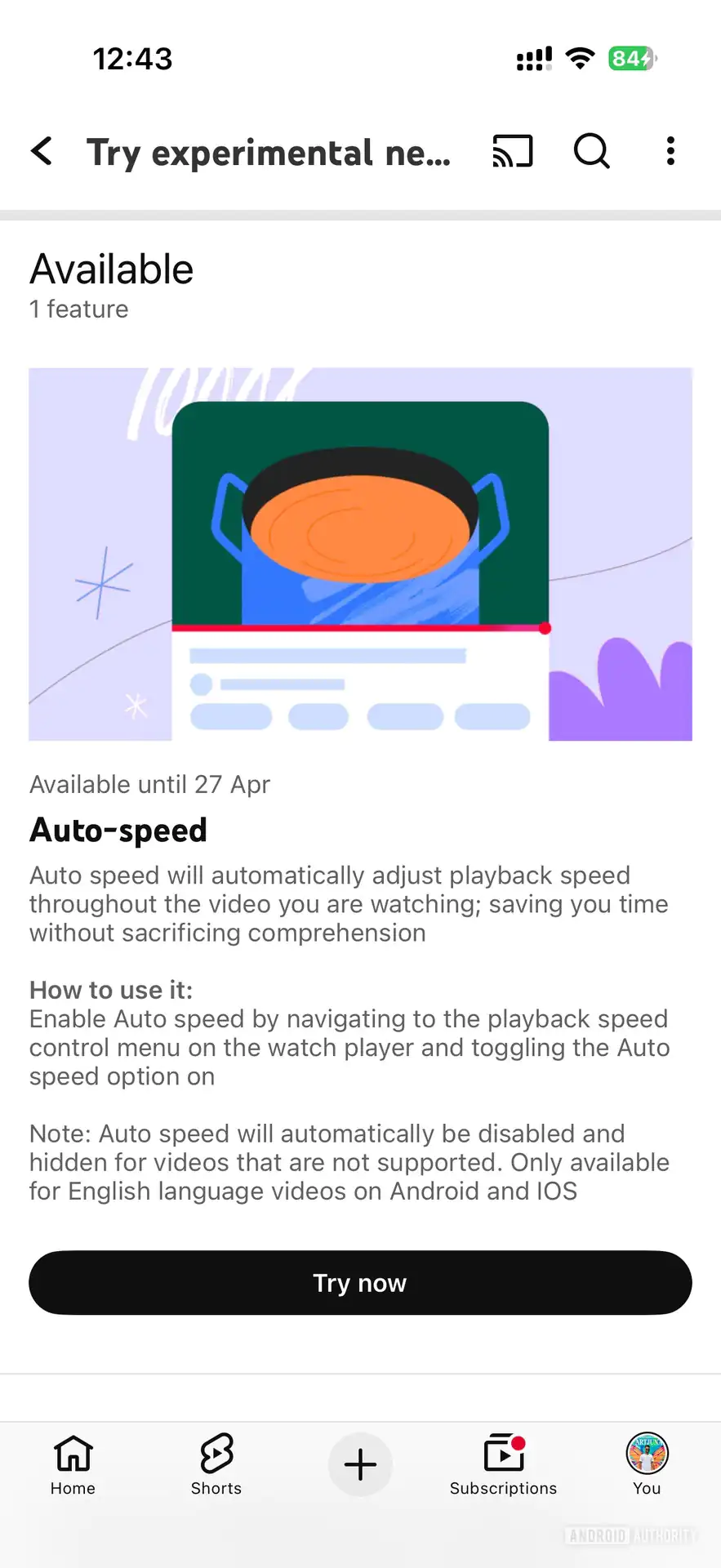
Speaking of Auto-speed, it automatically adjusts the playback speed to improve your video-watching experience. Simply put, the feature can increase or decrease speed depending on the content. For example, it may slow down during explanations and speed up during less necessary sections. This comes in handy if you watch long educational videos or interviews. The goal is to save your time without sacrificing comprehension.
To enable the feature, you will need to go to the playback speed control menu on the watch player. From there, toggle the Auto speed option on. Note that you won’t see the feature in unsupported videos.
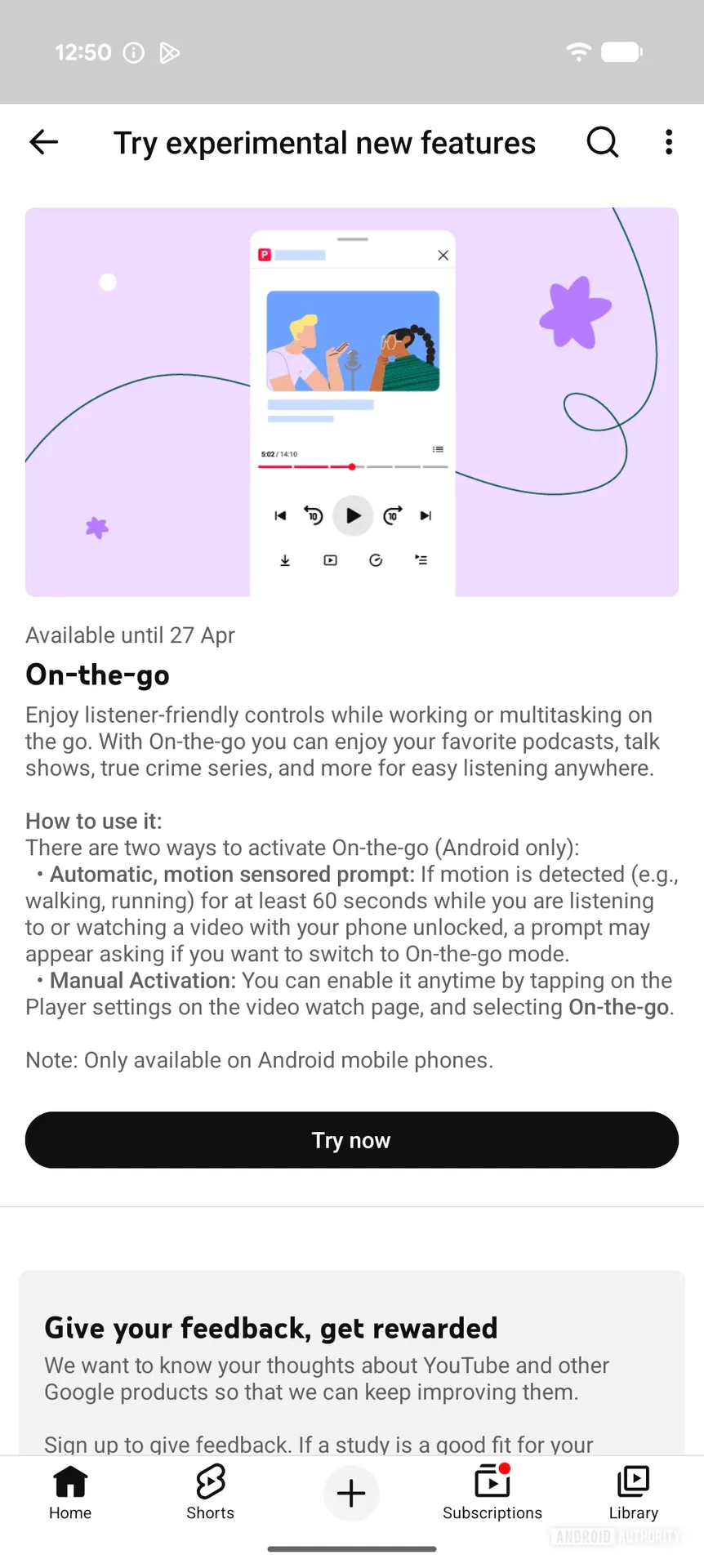
Now, coming to the On-the-go, it makes video watching easier while you are moving or multitasking. The feature removes distractions, such as comments, to offer listener-friendly controls. This comes in handy if you listen to podcasts, talk shows, or true crime series while doing other activities.
You can activate the feature in two ways: via motion-sensor prompt or manual activation. The former asks if you want to switch to On-the-go mode if motion is detected for at least 60 seconds. The latter can be enabled from the player settings on the video watch page.

Written by
Binay KonwarBinay Konwar started his blogging journey in 2014 and has since written plenty of tech articles. At present, he is working as a News Writer at SammyGuru, covering everything about Samsung. He holds a Master's degree in Mathematics, but his real passion lies in tech and writing. In his free time, he enjoys playing chess and watching movies.

Follow us on Google Discover & set us as a preferred source in Google News
Share this Post
___________________________


New Blog Posts
___________________________

Samsung Quietly Listed a New Entry Level 990 PCIe 4.0 SSD
It drops DRAM for HMB

Samsung’s First Bone-Conduction Earbuds May Be Called Galaxy Able
Name hidden no more

Samsung Accidentally Confirms Galaxy Watch 9 and Galaxy Watch Ultra 2
Coming very soon







