WhatsApp Makes Chat Actions Simpler on Android

SammyGuru is reader-supported. We have affiliate and sponsored partnerships, so we may earn a commission when you buy through links on our site — at no extra cost to you. Learn more.
WhatsApp finally makes chat actions easier and more convenient on Android. The company has redesigned the message menu so you can quickly find and use common options like reply, forward, delete, and edit. This change is currently rolling out in the beta channel, though it should not take long to hit the stable channel.
WhatsApp brings iOS-style message menu to Android users
In 2023, WhatsApp introduced its redesigned message menu on iOS, making the interface more organized. iPhone users could access most chat actions in a single place, removing the need to switch between different parts of the screen. After a long gap, the company finally brings a similar design to Android.
Now, when you long-press a message, a compact menu shows up near it. The menu features common actions first, so you can quickly forward, delete, or edit messages. There is also a “More” section, which groups less frequently used options. As such, users get a cleaner interface and a more intuitive experience.
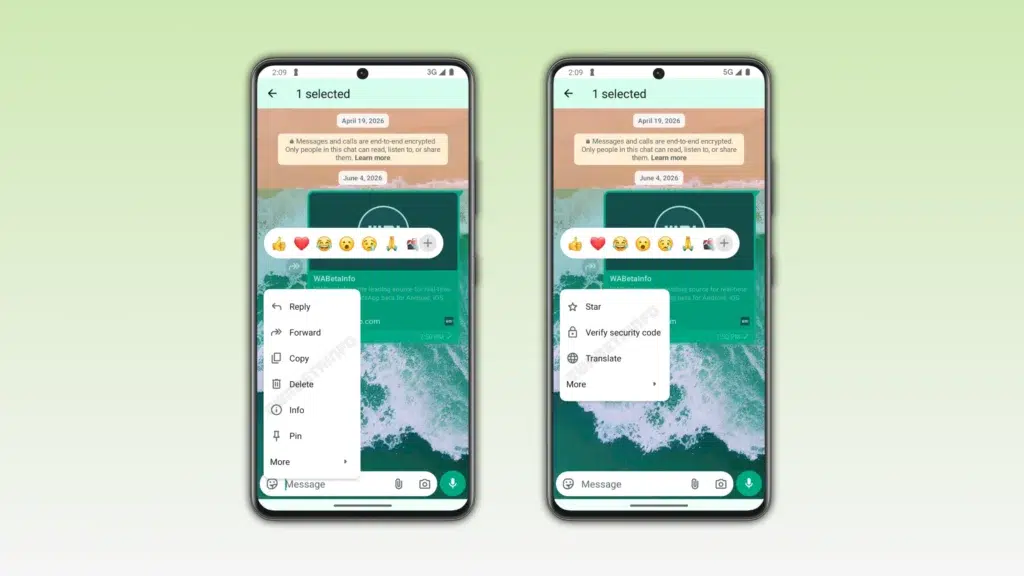
Previously, WhatsApp users on Android had a different experience. Some important actions, like reply and forward, appeared at the top of the screen after a long press on a message. This made it tougher to quickly see the option they needed, mainly during fast conversations.
Moreover, it diverted users’ attention between different areas of the screen. Of course, this layout still worked nicely, but it wasn’t as smooth as the iOS version. Thankfully, WhatsApp now brings a more unified experience across both platforms.
If you are running the WhatsApp beta version 2.26.23.8 on Android, you may see the redesigned message menu. As of now, the company has not shared when it plans to roll it out for everyone. However, its appearance in the beta build suggests that a wider release could follow in the coming weeks.

Written by
Binay KonwarBinay Konwar started his blogging journey in 2014 and has since written plenty of tech articles. At present, he is working as a News Writer at SammyGuru, covering everything about Samsung. He holds a Master's degree in Mathematics, but his real passion lies in tech and writing. In his free time, he enjoys playing chess and watching movies.

Follow us on Google Discover & set us as a preferred source in Google News
Share this Post
___________________________


New Blog Posts
___________________________

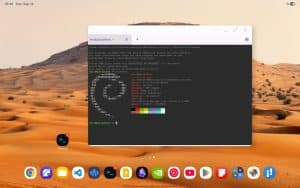
Android 17’s Linux Terminal Keeps Getting Better, and Galaxy Devices Could Benefit with One UI 9.0
Google adds new console options and more

Samsung Prepares One UI 9 for Galaxy Z Fold 6, Flip 6 & A37
Three more devices join the list
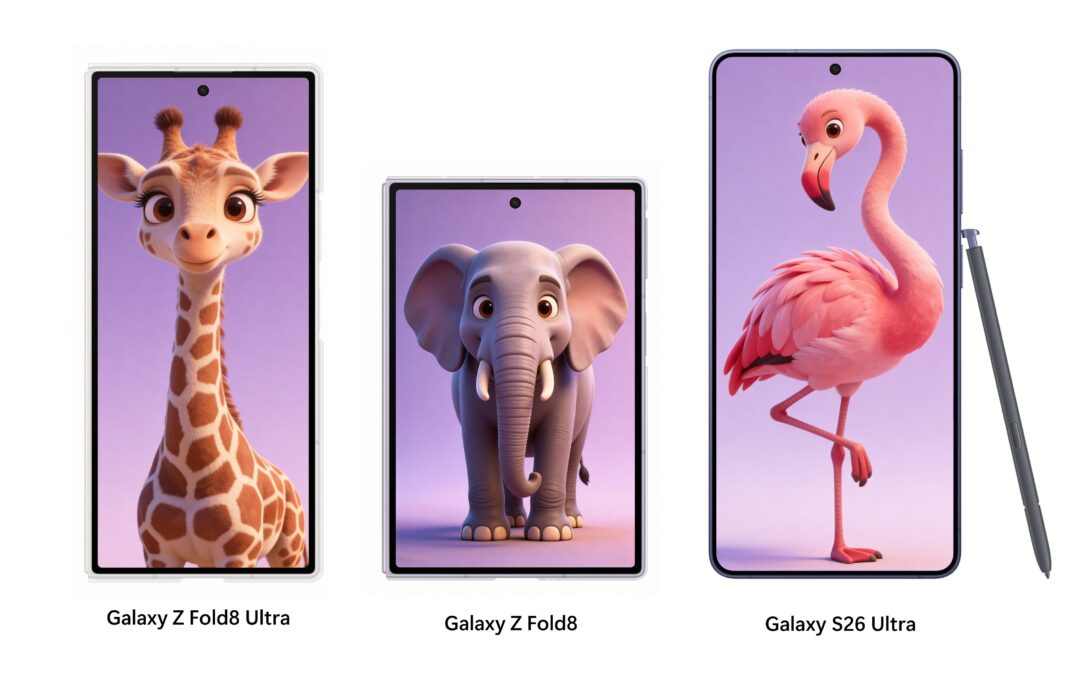
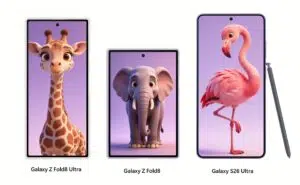
Galaxy Z Fold 8 and Fold 8 Ultra Appear Next to Galaxy S26 Ultra in New Leak
See Galaxy Z Fold 8 and Fold 8 Ultra next to Galaxy S26 Ultra