
How to Set Up Quick Button on Galaxy Watch Ultra and Watch 8 Classic

SammyGuru is reader-supported. We have affiliate and sponsored partnerships, so we may earn a commission when you buy through links on our site — at no extra cost to you. Learn more.
Samsung’s Galaxy Watch Ultra (2024/ 2025) and Watch 8 Classic feature a useful physical button that improves convenience. Dubbed the Quick button, it lets you launch your favorite function, workout, or app with a single or double press. Let’s learn how to set up and customize this button.
Set up the Quick button on your Galaxy Watch
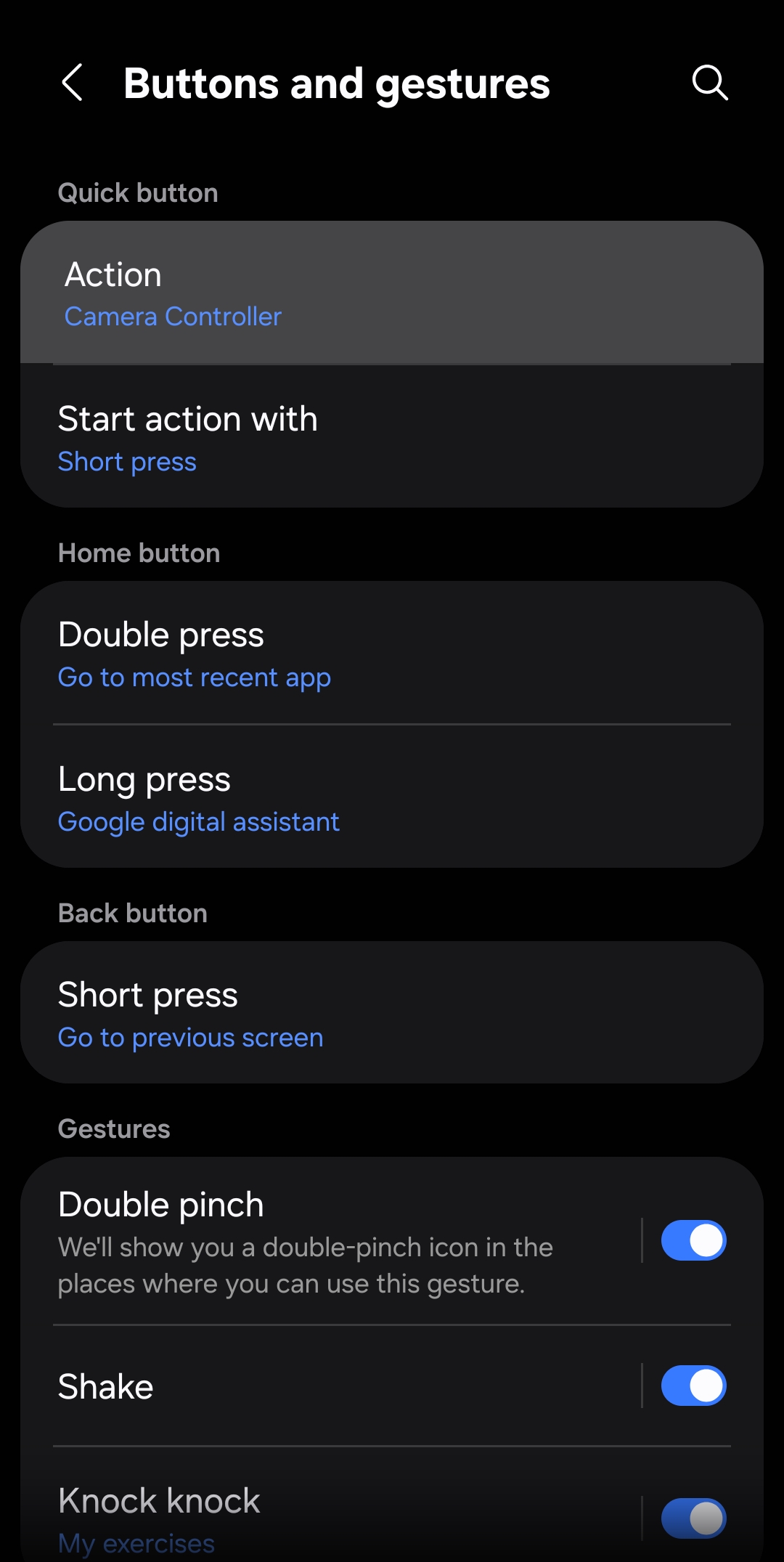
If you use a Galaxy Watch Ultra or Galaxy Watch 8 Classic and want to access what you need instantly, the Quick button can do the job. It is a physical button on the right side of your watch that lets you decide what action it performs, eliminating the need to navigate through menus. Moreover, you can choose the trigger method: either a short press or a double press. To set it up:
- Head over to the Settings on your Galaxy Watch
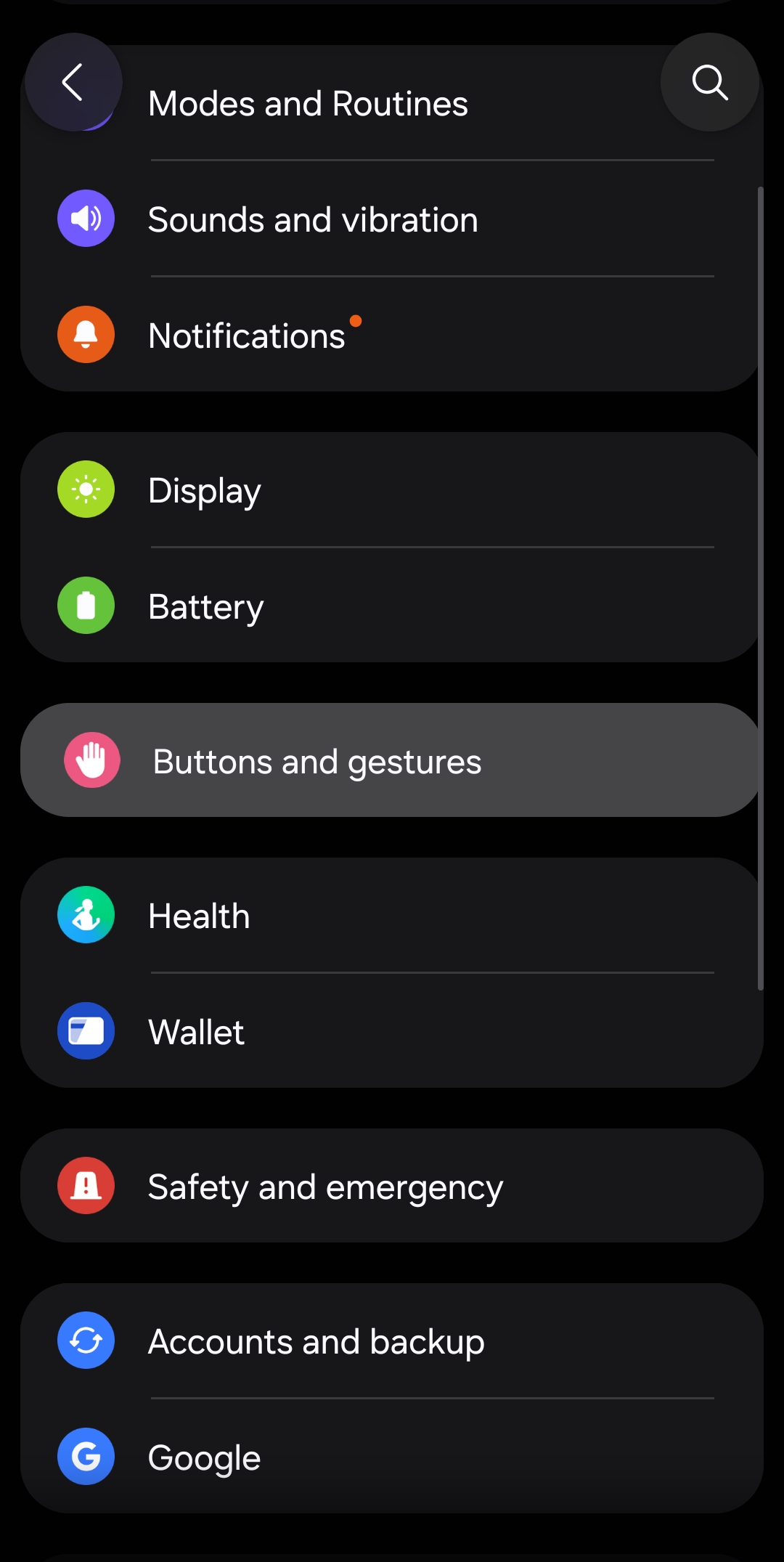
- Scroll down a bit and look for the Buttons and gestures option (tap it)
- Now select Action to explore the exercise or features
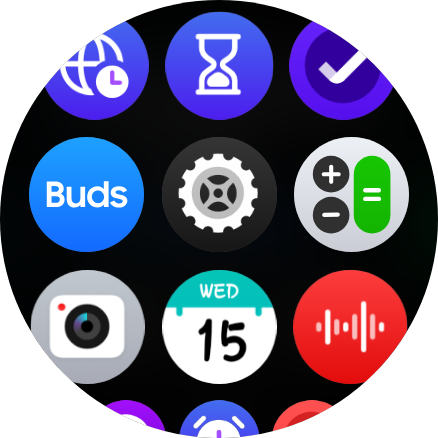
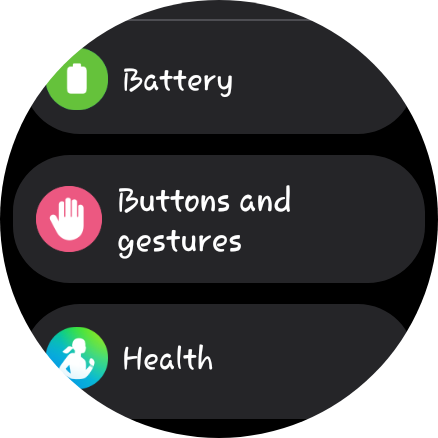
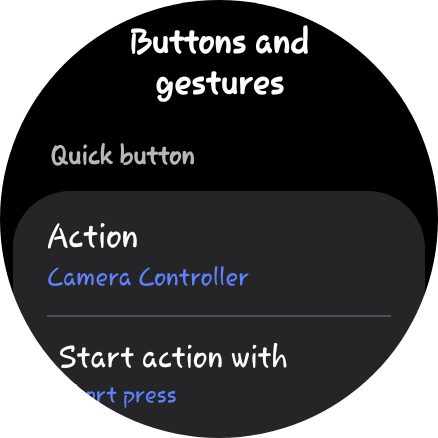
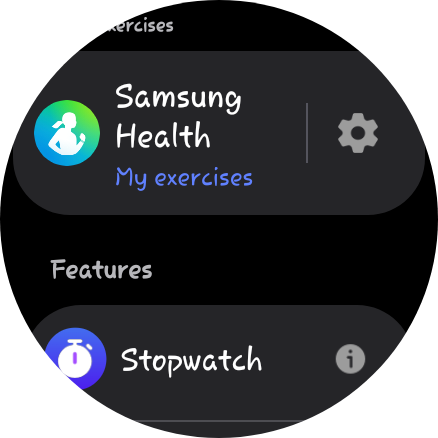
For exercises: Tap the settings icon next to Samsung Health, select your workout from the list, then scroll to the bottom and tap OK.
For features: You will see all supported tools, such as Stopwatch, Torch, and Camera Controller, below the Samsung Health header. Select the tool and press OK to confirm.
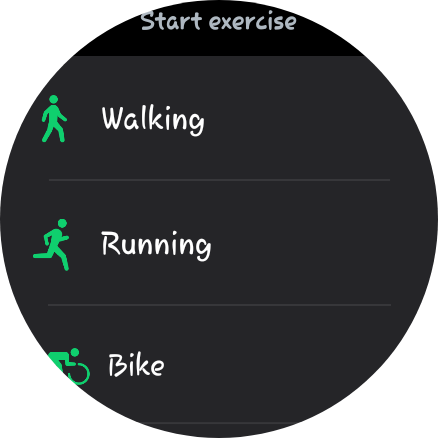
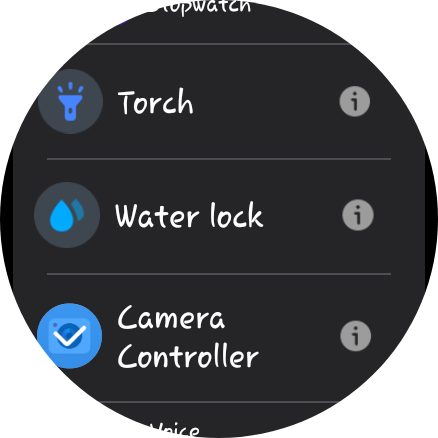
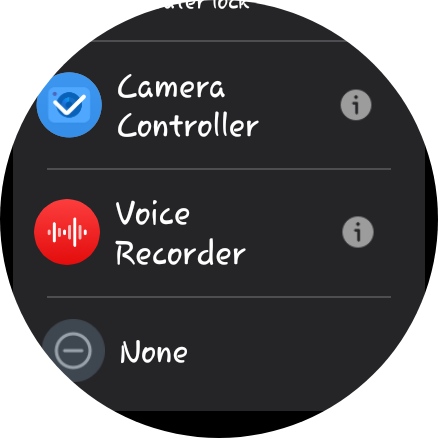
- To decide how you want to trigger the action, go back to Buttons and gestures
- Now tap Start action with to choose either Short press or Double press
Alternatively, you can configure the Quick button using your connected phone. First, open the Galaxy Wearable app and go to Watch settings > Buttons and gestures. Here, you will see two options: Action and Start action with. These options work the same as they do on your watch: the former lets you assign an exercise or feature, while the latter lets you pick a way to trigger the action.
Exclusive Quick button feature for Galaxy Watch Ultra
The Galaxy Watch Ultra also offers a safety feature built into the Quick Button. When you press and hold the button for more than 5 seconds, a powerful siren is activated. It starts at a low volume and becomes louder after a few seconds. You can deactivate it from the Buttons and gestures settings. This feature isn’t available on the Galaxy Watch 8 Classic despite it featuring a Quick Button.

Written by
Binay KonwarBinay Konwar started his blogging journey in 2014 and has since written plenty of tech articles. At present, he is working as a News Writer at SammyGuru, covering everything about Samsung. He holds a Master's degree in Mathematics, but his real passion lies in tech and writing. In his free time, he enjoys playing chess and watching movies.

Follow us on Google Discover & set us as a preferred source in Google News
Share this Post
___________________________


New Blog Posts
___________________________

Samsung Quietly Listed a New Entry Level 990 PCIe 4.0 SSD
It drops DRAM for HMB

Samsung’s First Bone-Conduction Earbuds May Be Called Galaxy Able
Name hidden no more

Samsung Accidentally Confirms Galaxy Watch 9 and Galaxy Watch Ultra 2
Coming very soon







