
Wonderland v1.6.19 Improves Experience, Fixes Key Issues
SammyGuru is reader-supported. We have affiliate and sponsored partnerships, so we may earn a commission when you buy through links on our site — at no extra cost to you. Learn more.
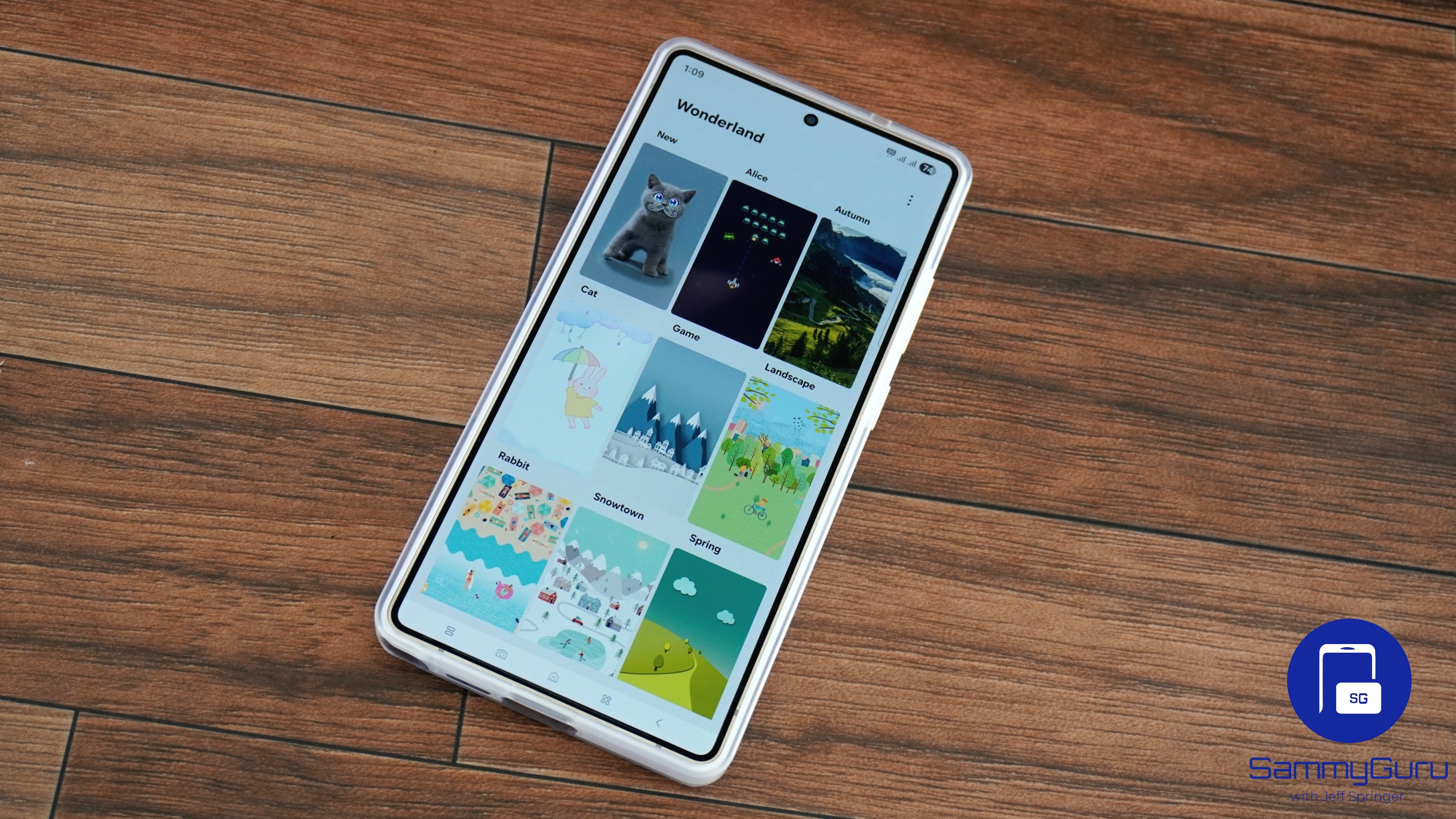
Samsung has released a new update for its Wonderland app with version 1.6.19. The update brings several improvements, including the 3D effect being reapplied to portrait photos and improved storage optimization. In addition, it fixes issues with animation and backups. The rollout may not happen simultaneously for all users, but it should be complete within the next few days.
What’s new in Wonderland version 1.6.19?
Part of Samsung’s Good Lock suite, the Wonderland app offers personalization tools to create moving wallpapers. The module lets you apply motion and particle effects, and choose from different presets to design wallpapers. You can also set transition effects between the lock screen, Always-On Display (AOD), and the home screen.
With the latest update to the Wonderland app, Samsung aims to improve the creation of dynamic wallpapers. Now, when using portrait photos for motion wallpapers, the app applies the 3D depth effect again. The update also optimizes resources and removes unnecessary temporary files. As a result, the app uses storage more efficiently.

Furthermore, Samsung has changed photo and video permissions to optional. The app will now request permission only when users try to load actual files. This is a welcome change as it offers better privacy control.
Meanwhile, the update has fixed an issue that caused videos and animations in wallpapers to sometimes stop. It also addresses incorrect resource handling that created a problem during backup/restore. Now, restores won’t fail and should finish reliably.
To check whether the new Wonderland update has reached your device, open the Galaxy Store and then tap Menu (three horizontal lines). From the “Updates” section, you can install the latest version of the module. Another way is to open the Good Lock app, then check for updates in the Plugins tab. If you don’t see the latest build yet, you may need to wait a few days.

Written by
Binay KonwarBinay Konwar started his blogging journey in 2014 and has since written plenty of tech articles. At present, he is working as a News Writer at SammyGuru, covering everything about Samsung. He holds a Master's degree in Mathematics, but his real passion lies in tech and writing. In his free time, he enjoys playing chess and watching movies.

Follow us on Google Discover & set us as a preferred source in Google News
Share this Post
___________________________


New Blog Posts
___________________________

Samsung Quietly Listed a New Entry Level 990 PCIe 4.0 SSD
It drops DRAM for HMB

Samsung’s First Bone-Conduction Earbuds May Be Called Galaxy Able
Name hidden no more

Samsung Accidentally Confirms Galaxy Watch 9 and Galaxy Watch Ultra 2
Coming very soon







