Samsung Treats Galaxy S22 and S21 with December Update
SammyGuru is reader-supported. We have affiliate and sponsored partnerships, so we may earn a commission when you buy through links on our site — at no extra cost to you. Learn more.
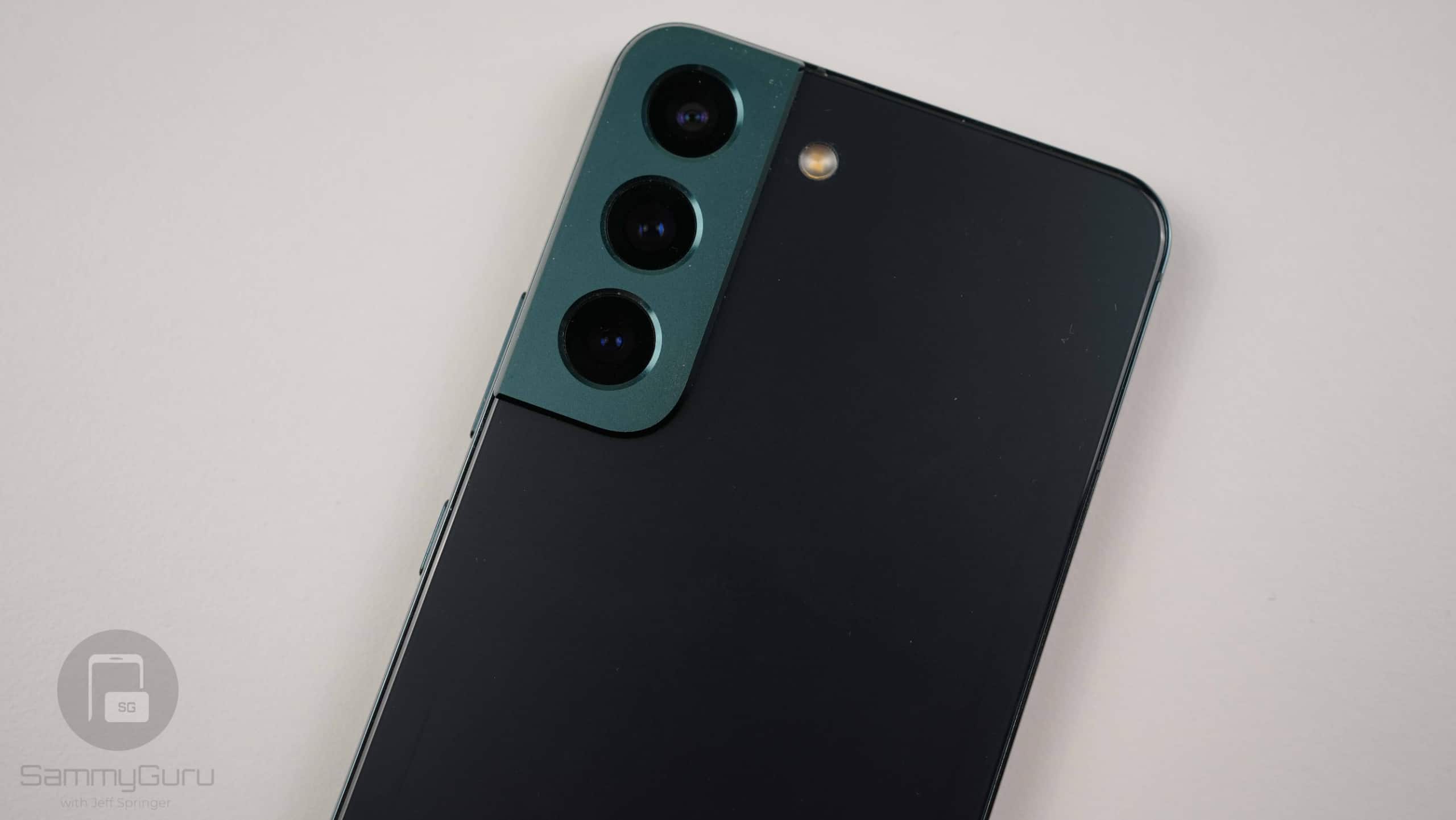
Samsung’s software team might be focused on developing One UI 7.0, but they haven’t forgotten security updates. The latest patch is quickly rolling out to more Galaxy devices worldwide. The Galaxy S22 and S21 series follow the Galaxy S24 and S23 to the December SMR (Security Maintenance Release). Recent foldables and premium mid-range models have also received this update.
Galaxy S22 and S21 receive the December security update
Samsung will update Galaxy S21 and newer flagships to Andordi 15-based One UI 7.0. It has already launched beta programs for the S24 trio in several markets. The Galaxy S23 is also expected to get beta updates later this month. While S21 and S22 users may have to wait until the stable build drops sometime next year, Samsung is keeping them secured with regular security patches.
The December security update is now rolling out to these flagship phones. The Galaxy S22 series is initially receiving the update in Europe, while the S21 lineup is picking it up in the US. The new build numbers for the phones are EXKA and GXK3 (the last four characters of the firmware version), respectively. The update is all about this month’s security fixes.
Samsung’s December SMR for Galaxy phones and tablets addresses over 40 vulnerabilities. As usual, the vast majority of those come from Google. The Android maker patched six critical and dozens of high-severity security flaws this month. This update also addresses some Galaxy issues, including vulnerabilities in system components like DeX and Themes. More devices will receive the update in the coming days.
If you are using a Samsung smartphone, you can always manually check for updates from the Settings app. Open the app, scroll down to the Software update menu, and select Download and install. If an update is available, you can download it right away. Stick around for more about Samsung’s One UI 7.0 update.

Written by
Sumit AdhikariSumit, a life-long Samsung user, is passionate about technology and has been professionally writing on tech since 2017. He’s a mathematics graduate by education and enjoys teaching basic mathematics tricks to school kids in his spare time. Sumit believes in artificial intelligence and dreams of a fully open, intelligent and connected world.

Follow us on Google Discover & set us as a preferred source in Google News
Share this Post
___________________________


New Blog Posts
___________________________

Galaxy A57 Spotted Running One UI 9 on Geekbench
It was launched running One UI 8.5
Gemini Throws Error 1099, but There Are a Few Workarounds
Several Android users have reported the issue over the past few days
Galaxy Z Fold 8, Fold 8 Ultra, Flip 8 and Watch 9 European Prices Leak
Prepare to pay more for new Samsung products