Samsung to Resume One UI 7 Rollout Today, Insider Claims
SammyGuru is reader-supported. We have affiliate and sponsored partnerships, so we may earn a commission when you buy through links on our site — at no extra cost to you. Learn more.
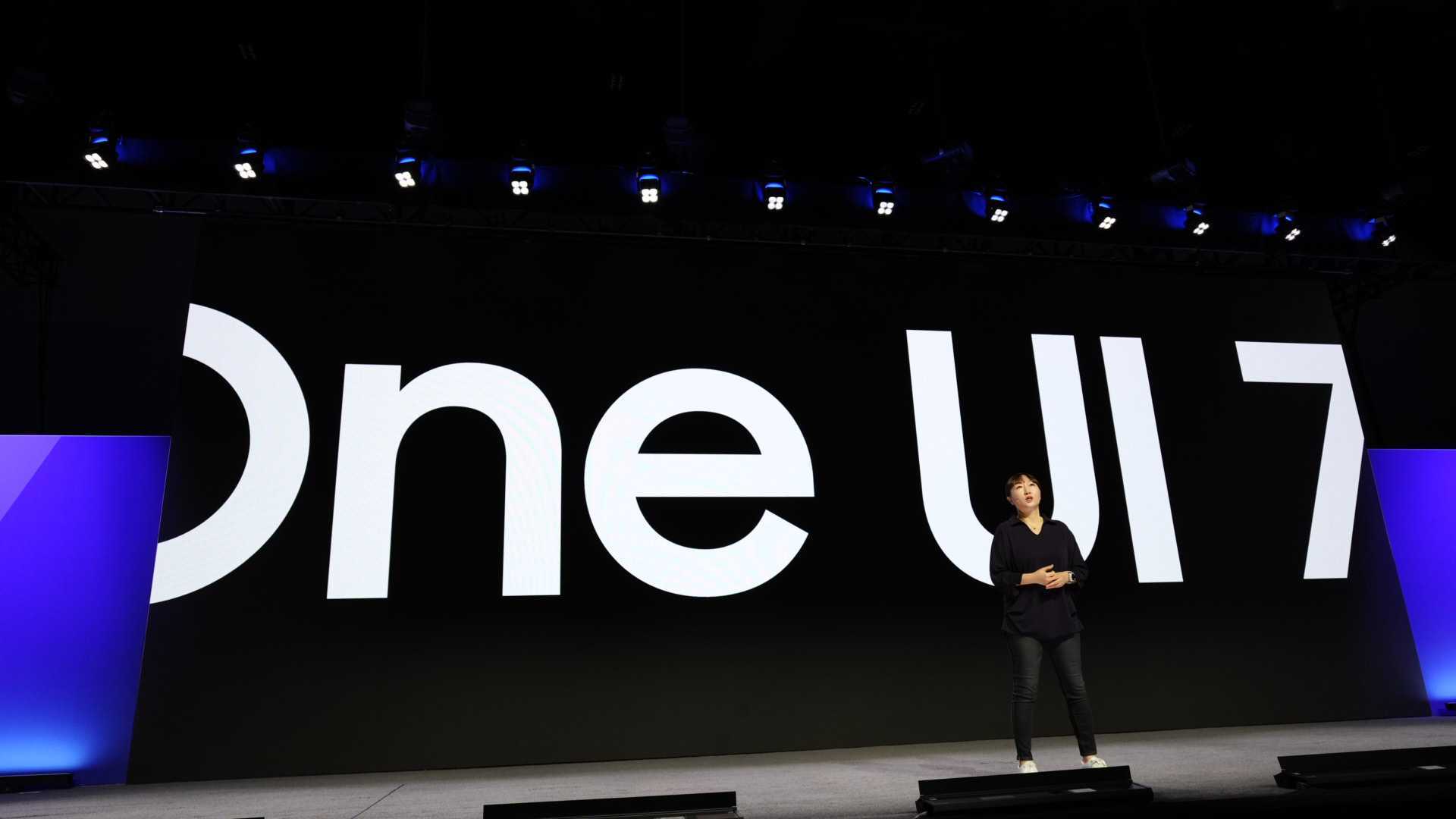
Samsung frustrated Galaxy fans worldwide by suspending the One UI 7 rollout within a week of its release. However, there’s some good news now. A reliable industry insider says the rollout will resume soon, as early as today, at least for the Galaxy S24 series in some markets. The Galaxy Z Fold 6 and Flip 6 could follow later this week, with more devices expected to receive the update starting next week.
Galaxy S24’s One UI 7 update may resume anytime now
“One UI 7 will be pushed to S24 series users today,” tipster Ice Universe posted on X in the early hours of Tuesday, April 15. If accurate, this suggests the global rollout is back on track, with only a one-day delay from the originally planned April 14 release. Galaxy S24 users in India, China, and the rest of Asia, as well as Africa and other parts of the world, should receive the update over the next few hours.
Additionally, Samsung may also resume the One UI 7 rollout in Korea, Europe, the US, and Canada today. The update originally hit the Galaxy S24 series in these markets last week, but the company halted the rollout due to bugs. Samsung also pulled the Galaxy Z Fold 6, Flip 6, and Fold SE’s One UI 7 updates from its servers. Hopefully, it will resume the rollout for all of these devices soon.
Reports suggest Samsung discovered several bugs in the stable build, including an issue where users couldn’t unlock their phones after updating to One UI 7. While the company hasn’t confirmed anything, we advise users to disable the lock screen temporarily ahead of installing One UI 7. You can always re-enable the lock screen later. You should also avoid setting up a lock password and use fingerprint unlocking or a pattern.
To check for new updates, go to Settings > Software update > Download and install.

Written by
Sumit AdhikariSumit, a life-long Samsung user, is passionate about technology and has been professionally writing on tech since 2017. He’s a mathematics graduate by education and enjoys teaching basic mathematics tricks to school kids in his spare time. Sumit believes in artificial intelligence and dreams of a fully open, intelligent and connected world.

Follow us on Google Discover & set us as a preferred source in Google News
Share this Post
___________________________


New Blog Posts
___________________________

Samsung’s First Bone-Conduction Earbuds May Be Called Galaxy Able
Name hidden no more

Samsung Accidentally Confirms Galaxy Watch 9 and Galaxy Watch Ultra 2
Coming very soon

Exynos 2700 Could Run Cooler Thanks to a Major Hardware Change
Will Exynos finally outshine competition with this trick?