Samsung Notes Update Enhances Productivity with Three Practical Additions
SammyGuru is reader-supported. We have affiliate and sponsored partnerships, so we may earn a commission when you buy through links on our site — at no extra cost to you. Learn more.
Samsung recently released a major new update for Samsung Notes, bringing several useful quality-of-life improvements. The latest version adds a handful of features that should make note-taking, organizing, and importing documents more convenient. It should be available for all Galaxy users in the coming days.
Samsung Notes gains smarter paste behavior and sort options
One of the most notable additions is a new “Match style when pasting” option. This feature allows pasted text to automatically adopt the formatting of the surrounding content instead of retaining its original style. Anyone who regularly compiles notes from multiple sources will likely appreciate the cleaner and more consistent formatting. You can enable it from Samsung Notes Settings (Advanced > Match style when pasting).
Samsung is also making it easier to organize large note collections. The latest update introduces a “Group by date” option that lets users arrange notes based on when they were created or modified. The feature can be accessed from the Notes screen by tapping the three-dot menu in the upper-right corner and navigating to Sort > Group by date. Users can toggle the option on or off depending on their preferred view.
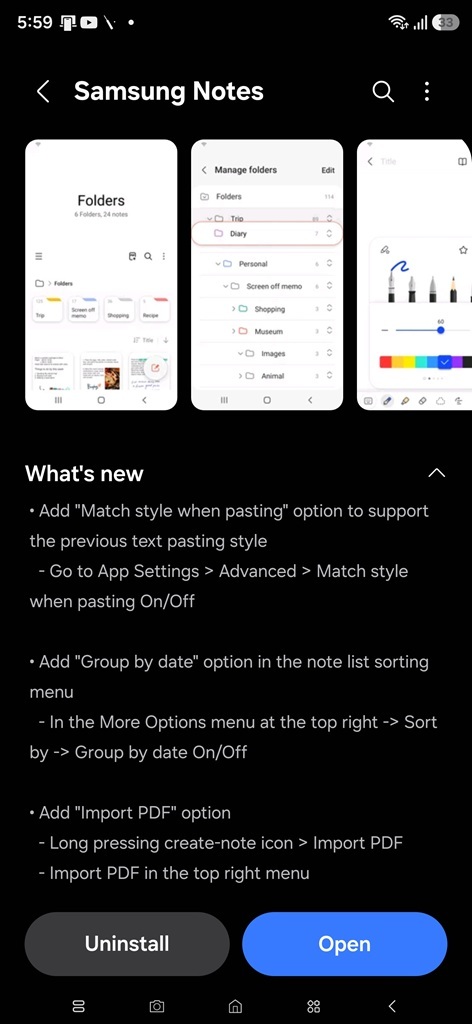
Another welcome addition is a dedicated Import PDF option. Samsung Notes has long supported PDF-related functionality, but the new menu option streamlines the process of bringing PDF documents directly into the app. Long-press the create-note button to import PDFs. Imported PDFs can then be annotated, highlighted, or marked up using the app’s existing tools.
These additions should make Samsung Notes even more useful for students, professionals, and anyone who frequently works with digital documents. The update is rolling out through the Galaxy Store and should become available to compatible devices over the coming days. The new version is 4.4.41.9, though some of these features may show up on older versions as well.

Written by
Sumit AdhikariSumit, a life-long Samsung user, is passionate about technology and has been professionally writing on tech since 2017. He’s a mathematics graduate by education and enjoys teaching basic mathematics tricks to school kids in his spare time. Sumit believes in artificial intelligence and dreams of a fully open, intelligent and connected world.

Follow us on Google Discover & set us as a preferred source in Google News
Share this Post
___________________________


New Blog Posts
___________________________

Samsung Adds Three New Art Collections for America’s 250th Anniversary
Three new collections cover history, culture, and modern art
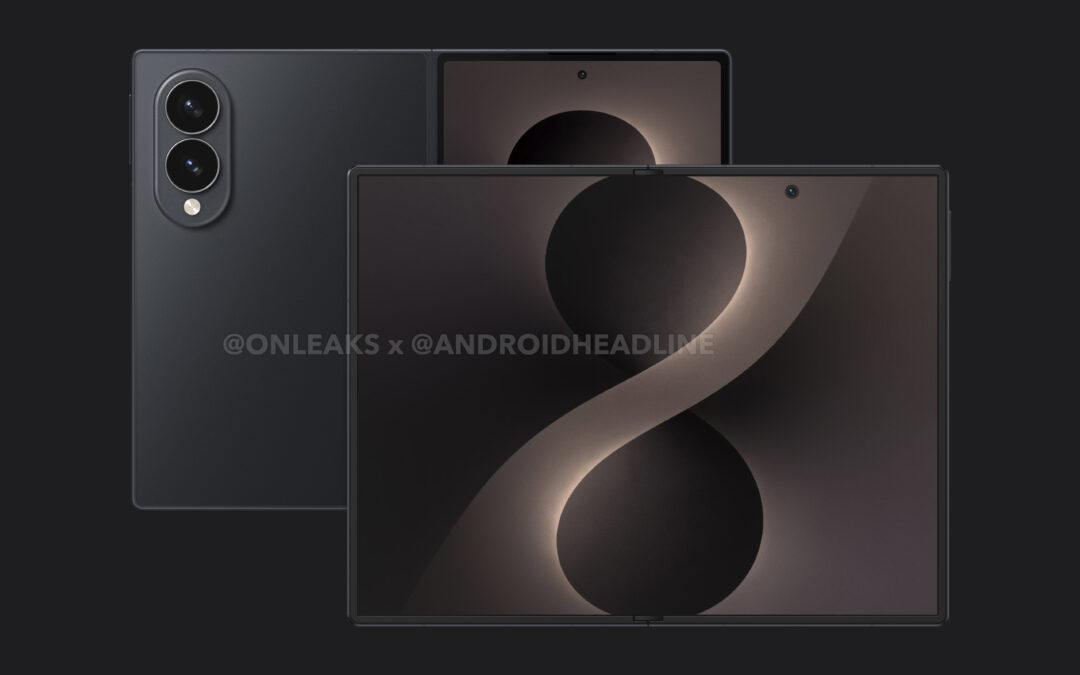
Galaxy Z Fold 8 Wallpapers Leak Ahead of Launch
You can download them to try on your current smartphone