WhatsApp Rolls Out Security Prompt for Unknown Numbers

SammyGuru is reader-supported. We have affiliate and sponsored partnerships, so we may earn a commission when you buy through links on our site — at no extra cost to you. Learn more.
WhatsApp has introduced a new security feature so you remain safe from unfamiliar contacts. The app now shows a warning screen before you start a chat with some unknown phone numbers. This feature is currently rolling out to users on Android and iOS devices.
WhatsApp now shows a warning before you begin a chat with a stranger
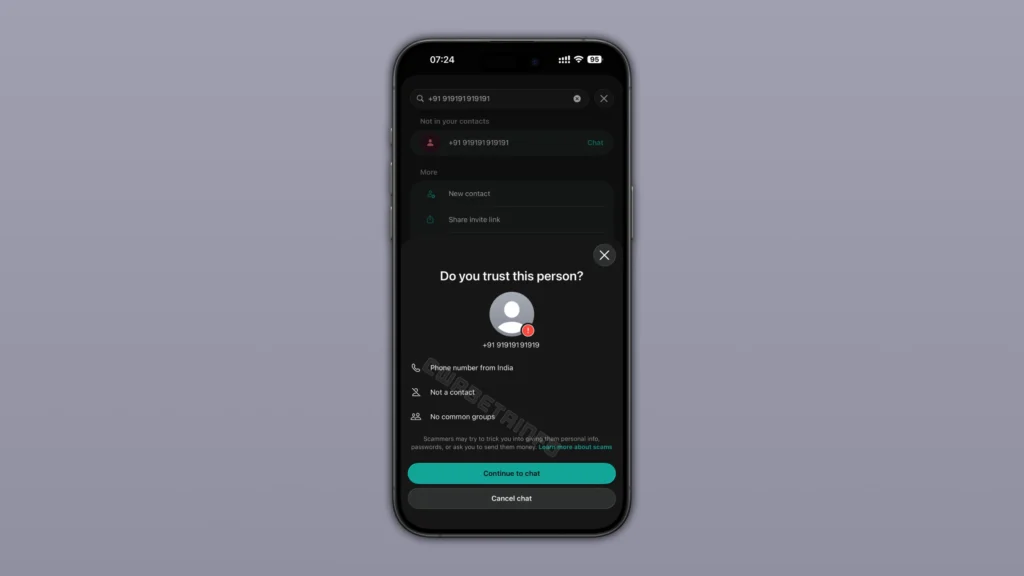
When you start a chat with a phone number that WhatsApp does not identify as trusted, the app may show a security prompt. The screen asks, “Do you trust this person?” and alerts you that scammers may try to trick you into sharing personal information, passwords, or sending money.
The prompt mentions the country of the registered phone number. You also see if you have saved the number in your contacts and whether you share any WhatsApp groups with the person. There are two buttons: “Continue to chat” and “Cancel chat”. You can pick any after you review the details. The best thing is that the app does not inform the person about your action.
Now, you can take a moment to verify who you are communicating with before starting a chat. Many scams start with random messages from unknown numbers that nudge people to act fast. The feature gives you key context about an unfamiliar contact, so you can make a better decision.
However, this warning won’t protect you from every scam. If your contact list already has a scammer’s number, WhatsApp may not trigger the warning. This feature is basically an additional protection that fights against scams from unknown numbers. It joins WhatsApp’s previous security feature in the device-linking process that shows a warning if it doubts suspicious linking requests.
As mentioned above, WhatsApp is pushing this new security prompt to users on Android and iOS. If it has not reached your device yet, you should wait for a few days. Make sure to install the latest version of the app.

Written by
Binay KonwarBinay Konwar started his blogging journey in 2014 and has since written plenty of tech articles. At present, he is working as a News Writer at SammyGuru, covering everything about Samsung. He holds a Master's degree in Mathematics, but his real passion lies in tech and writing. In his free time, he enjoys playing chess and watching movies.

Follow us on Google Discover & set us as a preferred source in Google News
Share this Post
___________________________


New Blog Posts
___________________________

Samsung Reportedly Wants Exynos 2700 in Galaxy S27 Ultra, but it May Not Happen
Galaxy flagships using Snapdragon hasn’t gone down well with Samsung’s chip division
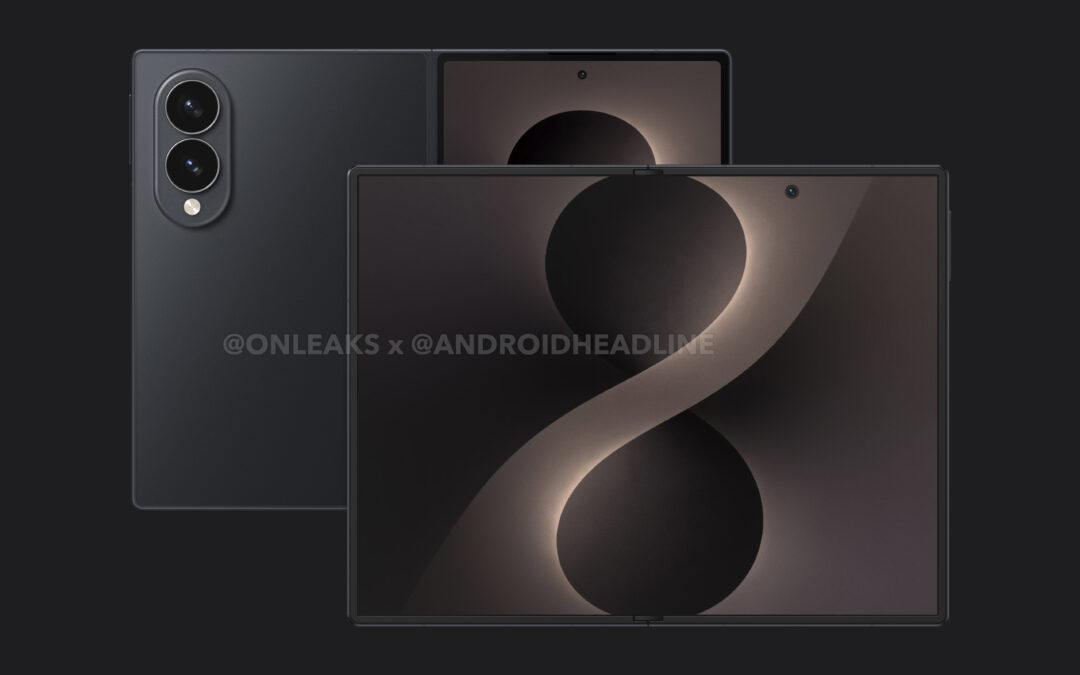
Galaxy Z Fold 8 Leak Reveals Huge Gains in Weight and Crease Reduction
The device could feel incredibly lightweight for its size
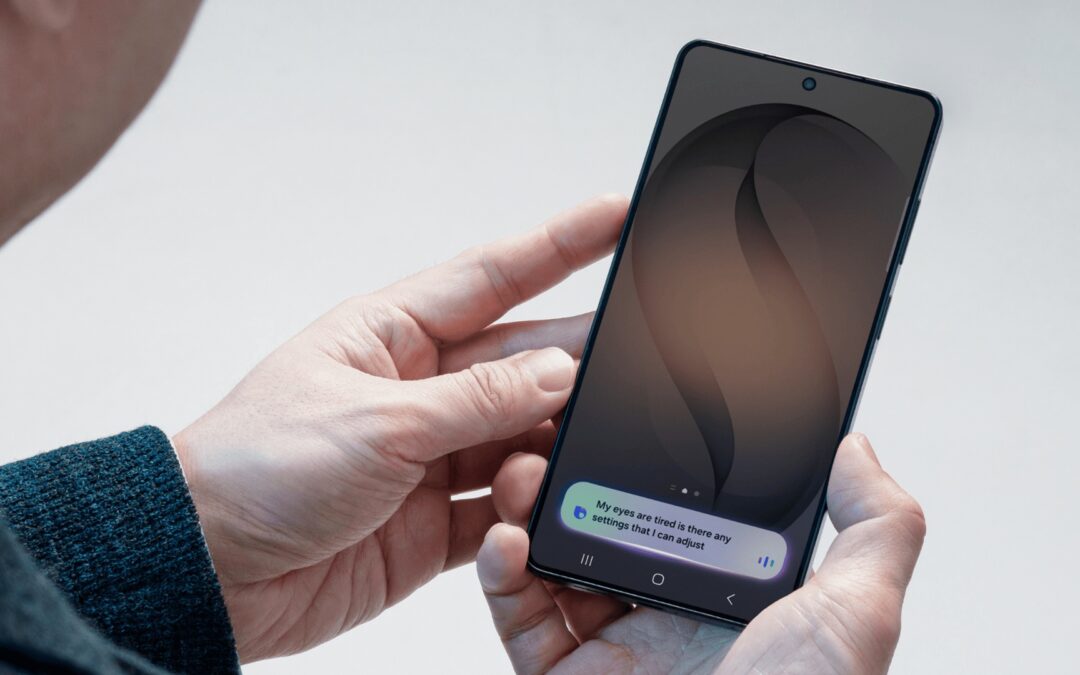
Samsung to Supply Privacy Display to Rival Brands, but Galaxy S27 Pro Could Miss Out
The technology could remain exclusive to Galaxy S27 Ultra in 2027