Samsung Galaxy Weekly Updates Roundup (June 29-July 5)
SammyGuru is reader-supported. We have affiliate and sponsored partnerships, so we may earn a commission when you buy through links on our site — at no extra cost to you. Learn more.
Another week has gone by, and this one turned out to be one of the quietest in a while. With the One UI 8.5 rollout now officially over, Samsung shifted all of its attention to Android 17-based One UI 9 testing. Apart from that, the company continued expanding the June 2026 security patch to more Galaxy devices across different regions. Samsung is yet to kick off the July 2026 update rollout.
Samsung expands One UI 9 development as June 2026 patch reaches more users
With the One UI 8.5 chapter finally over, Samsung is now fully focused on its next major software update — One UI 9. This week, the company expanded internal testing to several more Galaxy S, Z, A and M devices. Some of the notable additions include the Galaxy S23 FE, Galaxy Z Fold 5, Galaxy Z Flip 5, Galaxy Z Fold 6, Galaxy Z Flip 6, Galaxy A15, Galaxy A36, Galaxy A37, Galaxy A54, Galaxy M15, Galaxy M35 and Galaxy M56. More devices should join the list over the coming weeks. One UI 9’s official stable debut is expected to take place sometime later this month alongside the Z8 foldables.
Coming to security updates, Samsung once again expanded the June 2026 security patch to a wide range of Galaxy devices across multiple regions. While the update doesn’t bring any new features, it fixes 45 security threats found by Samsung, Google and other partner companies, making it a recommended install for all eligible Galaxy devices. Enough talk, you can check out the list of devices that received the June 2026 security update this week below:
S series
- Galaxy S23
- Galaxy S23+
- Galaxy S23 Ultra
- Galaxy S23 FE
- Galaxy S22
- Galaxy S22+
- Galaxy S22 Ultra
- Galaxy S21 FE
Z series
A series
M series

Tablets
- Galaxy Tab S11
- Galaxy Tab S11 Ultra
- Galaxy Tab S10 FE
- Galaxy Tab S10 FE+
- Galaxy Tab S9 FE
- Galaxy Tab S9 FE+
- Galaxy Tab S6 Lite
- Galaxy Tab A11
- Galaxy Tab A9+
XCover series
Please note that we track only major regional rollouts. If your device isn’t on the list, don’t worry. Samsung releases updates in a phased manner, so it may take a little longer to reach your region or CSC. And if we missed your model, feel free to send me a DM on X at @Mohammed_K_2010, and I’ll have it added.
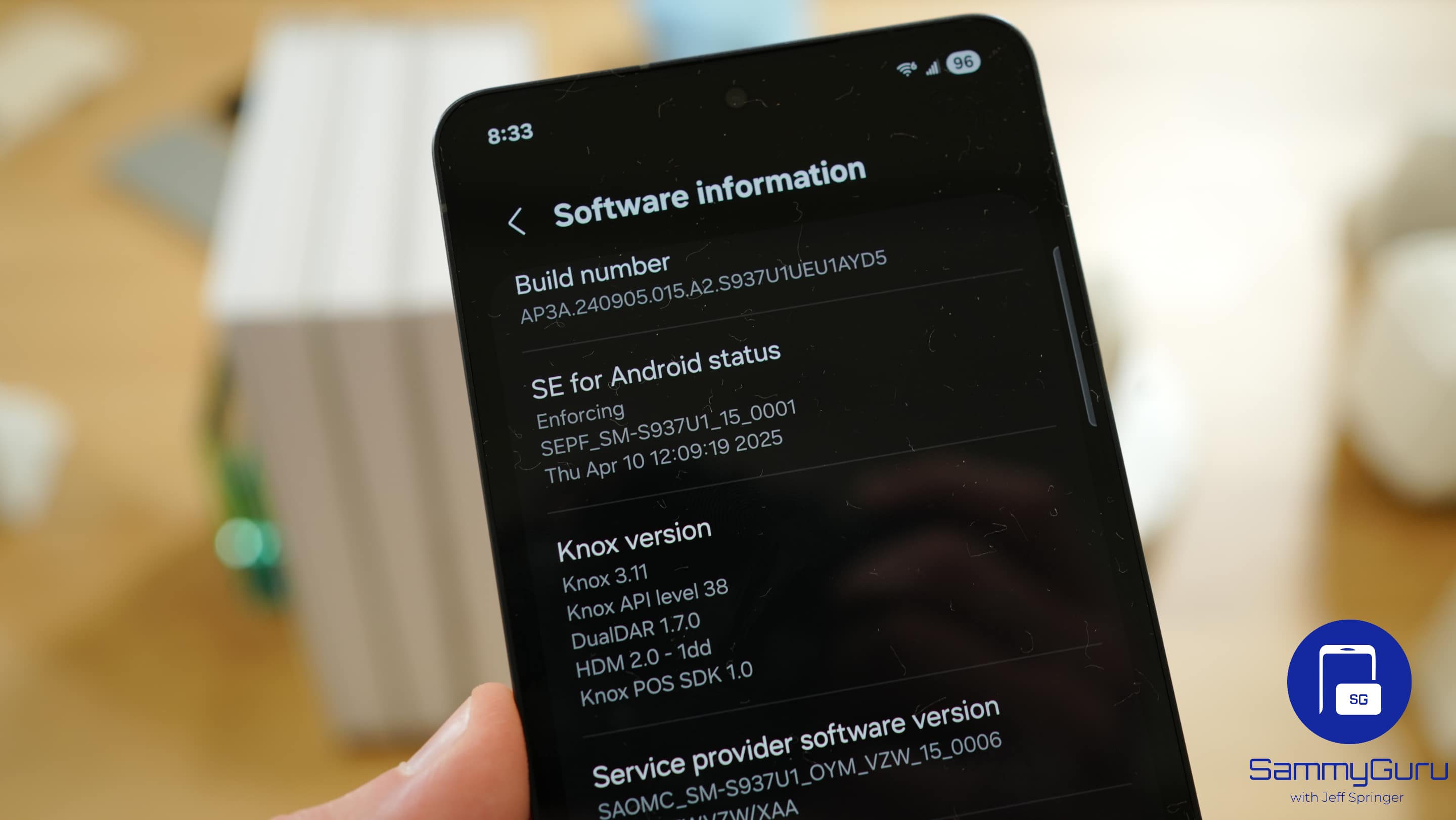
Head to Settings > Software update > Download and install to check for the latest update for your device. If an update is available, let it finish downloading and tap Install now. Make sure your handset has enough battery and isn’t overheating before starting the installation procedure.

Written by
Mohammed KhatriMohammed Khatri is a tech writer at SammyGuru focused on Samsung's software side — tracking One UI updates, internal builds, and which Galaxy devices are next in line. He also covers early device leaks, certifications, and retail listings. Beyond tech, he has a keen interest in finance and automobiles, and enjoys exploring the latest trends and developments in both industries.

Follow us on Google Discover & set us as a preferred source in Google News
Share this Post
___________________________


New Blog Posts
___________________________
Galaxy A08 and Galaxy A07s Spotted on Samsung’s Internal Servers
One step closer to launch
Galaxy F70 Pro Spotted on Bluetooth SIG Ahead of Launch
Galaxy F70 Pro set to launch soon
Exclusive: Galaxy Watch 9’s Wearable App Reveals New Galaxy AI and Health Features
Quite a glow up