Galaxy Tab S11 Ultra Pro Keyboard First Impressions: Better In Every Way, Almost
SammyGuru is reader-supported. We have affiliate and sponsored partnerships, so we may earn a commission when you buy through links on our site — at no extra cost to you. Learn more.
I’ve been in this situation before. A studio drops a teaser for a spinoff of a film you loved. It looks promising, the hype kicks in, and then… nothing. Weeks turn into months, and all you get are vague updates that it’s still in the works.
That’s pretty much how I felt waiting for the Galaxy Tab S11 Ultra’s Pro Keyboard. It took its time getting here, longer than it probably should have. But now that it’s finally here and I’ve spent some time with it, here are my first impressions of the Galaxy Tab S11 Ultra Pro Keyboard.
[UPDATE: The full review of Galaxy Tab S11 Ultra Pro Keyboard is now out.]
Disclaimer: This is a retail unit. Samsung had no involvement in the creation of this article, nor did the company see it before publication.
Table of Contents
Build materials and feel
Moving from the Galaxy Tab S9 Ultra / S10 Ultra Book Cover Keyboard to this is a huge upgrade. The build, practicality, and even the touchpad have improved dramatically.
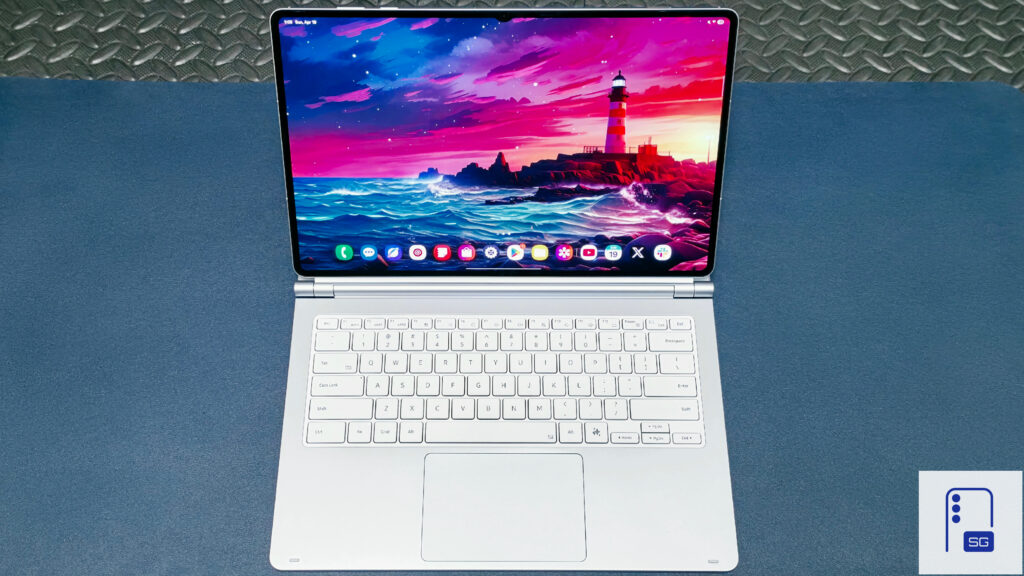
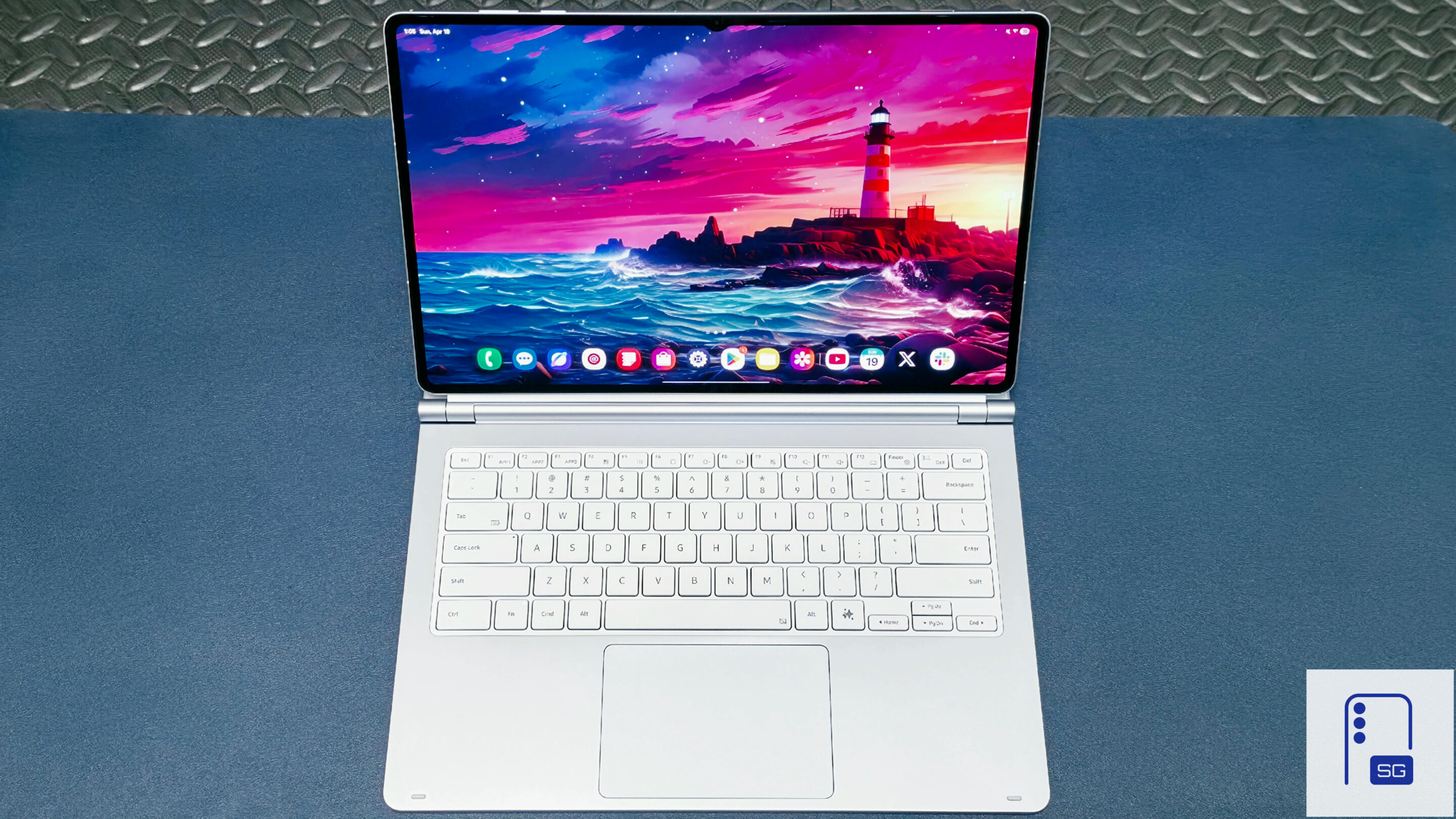
The very first impressions with Galaxy Tab S11 Ultra Pro Keyboard revealed that it doesn’t have an all-metal body. Yet, the keyboard deck and hinges feel excellent in this two-hinge design. It delivers the same premium laptop feel you get from a MacBook, Razer Blade, or the newly released Galaxy Book 6, so it feels immediately familiar.
The underside looks a bit misleading in photos since it matches the metal body color. In person, you can clearly tell it’s plastic, though it doesn’t feel cheap. The keyboard also feels larger than I’m used to. It takes some time to adjust, but I’m almost there.
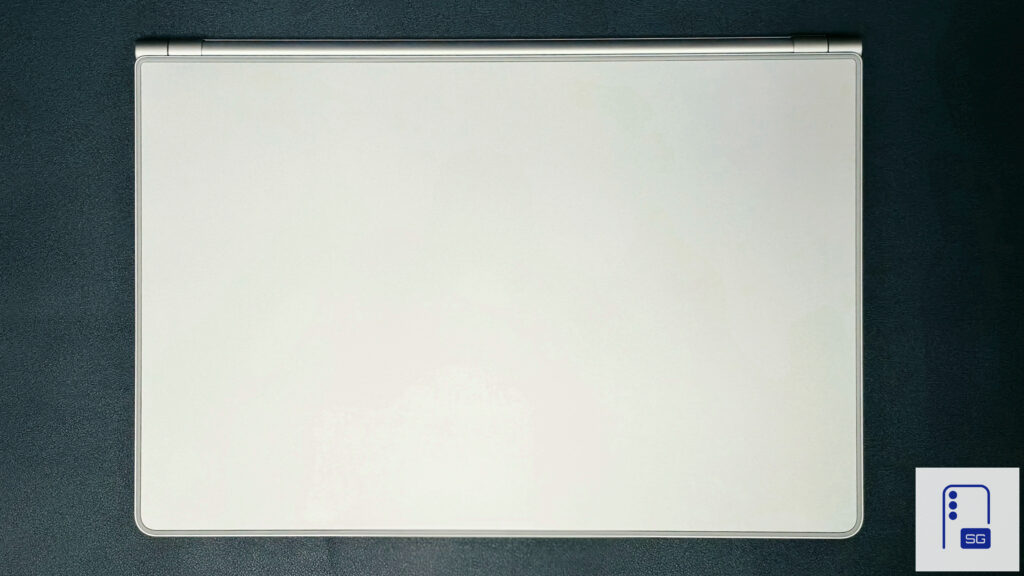
It’s come a long way from the previous Book Cover Keyboard. It replaces the rubbery, polyester-like material with solid metal and higher-quality plastic. I do have two complaints, similar to the Book Cover Keyboard, though they’re far less severe.
Flex issues mostly fixed, but not eliminated
The underside of the keyboard lacks reinforcement between the layers. Previous iterations flexed badly unless you used it on your lap. They showed major flex when you simply rested your hands on the palmrests. The trackpad accidentally triggered at times, and sometimes you couldn’t use it unless you lifted pressure off the palmrests.
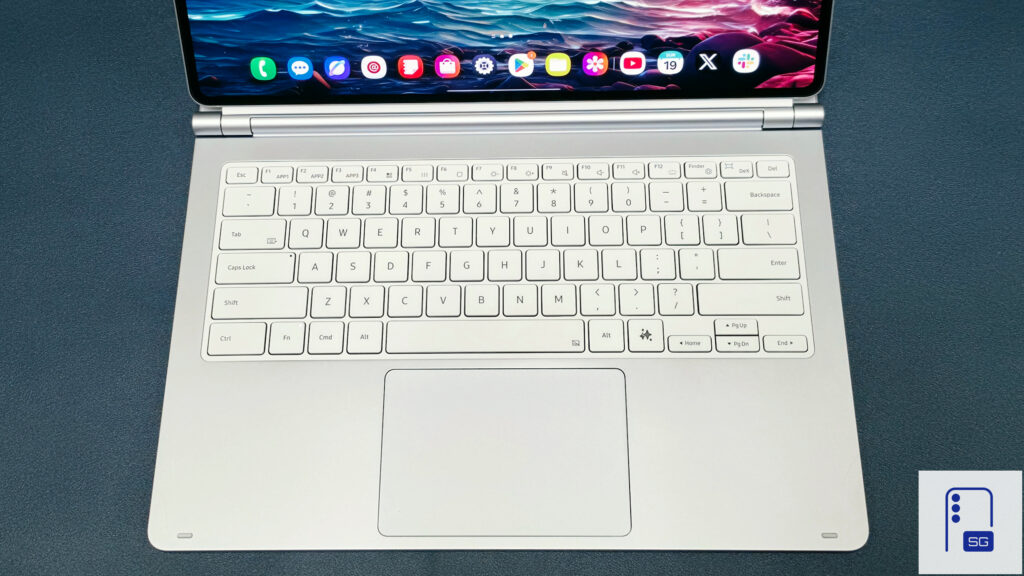
I hyperfixate on these details and constantly notice them, so it may not bother you as much. With the Pro Keyboard, these issues mostly disappear. The metal body portions stay solid with little to no flex. The keyboard and touchpad section suffers some flex, but it doesn’t worry me. When I type, I can see and feel the keyboard deck sink a tad. The touchpad works fully on my lap, but the physical click force feels weaker than if it was on a solid surface.
New and improved Touchpad
To answer the big question, it’s not the haptic touchpad we were hoping for. Still, it’s a great touchpad. Samsung increased its size by 14.6%, as it notes, matching the Galaxy Tab S11 Ultra’s display size.
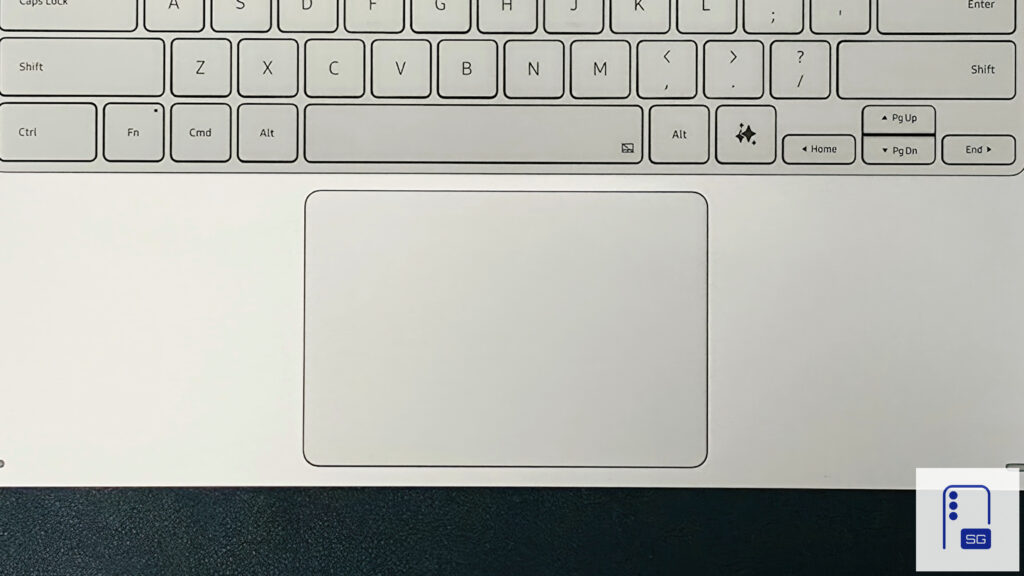
The improved glass surface lets your finger glide smoothly instead of dragging across it. I assume Samsung improved the latency on the Pro Keyboard, as it doesn’t suffer from the same issues.
One UI still needs better touchpad and mouse support. It doesn’t behave like a traditional mouse on Windows or Linux. Instead, it feels like a mouse awkwardly emulating a finger.
Elephant in the room
The exposed top portion tuned me away at first. After using the Pro Keyboard for a little over 24 hours, I’ve come to appreciate it. It creates a lighter package overall and removes any worry about the tablet tipping over. The kickstand adding another
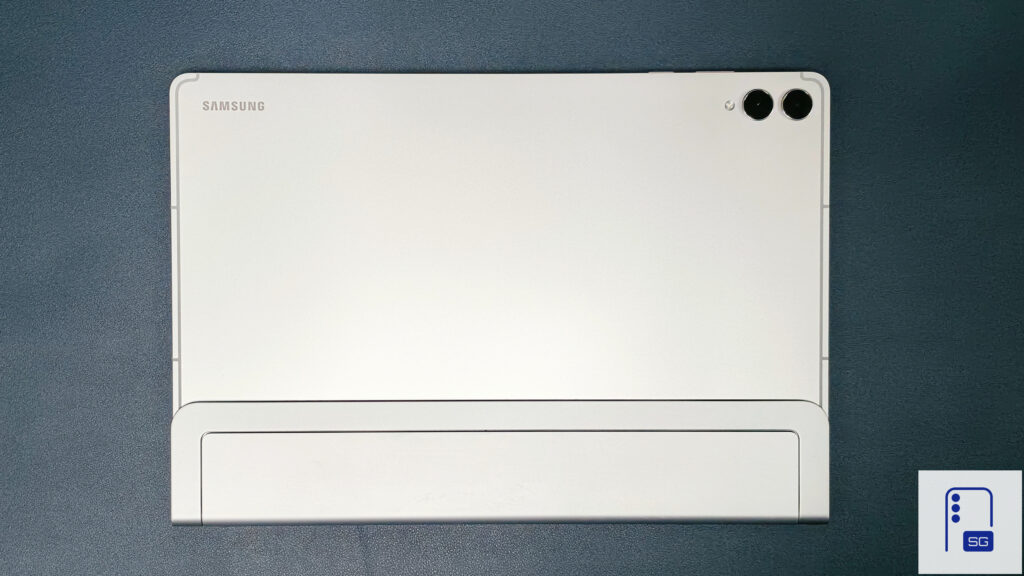
Samsung left out a portion that normally protects the rest of the Galaxy Tab. This creates a noticeably lighter package overall. Still, at this price, Samsung should include a protective cover in the box for users who want extra protection.
Verdict
The Pro Keyboard for the Galaxy Tab S11 Ultra is easily Samsung’s best keyboard cover to date. It fixes most of the long-standing hardware issues and finally delivers a build that feels worthy of the Ultra lineup. It’s not perfect, and One UI still holds the experience back, but the fundamentals are now solid.
The real drawback is the price. At $399, it asks a lot without offering the extras you’d expect at this level. It’s expensive, no question, but if your tablet is your primary device, it starts to make sense. For everyone else, it’s much harder to justify. That said, keep an eye out for a full review in the coming days. [UPDATE: The full review of Galaxy Tab S11 Ultra Pro Keyboard is now out.]


Written by
Aladdien FadhelAladdien Fadhel provides Samsung reviews and in-depth analysis for SammyGuru. By tracking the development of One UI and exploring Samsung's product roadmap, he delivers insights designed to benefit both the manufacturer and the user. A dedicated tinkerer, Aladdien prefers fine-tuning his current hardware to maximize its potential rather than opting for an immediate upgrade.

Follow us on Google Discover & set us as a preferred source in Google News
Share this Post
___________________________


New Blog Posts
___________________________
OPPO Find X9 Ultra vs Galaxy S26 Ultra: Pro Video Performance
Pro Video doesn’t follow the same script as Auto Video

Quick Share and AirDrop Found Vulnerable to Nearby Wireless Attacks
The good news is that most of the flaws have already been patched
Breaking: Samsung Officially Teases New Galaxy Z Fold 8 (Wide)
“New Shape. New Joy” it is!