Samsung Fixes Missing Icon Bug in Latest Theme Park Update

SammyGuru is reader-supported. We have affiliate and sponsored partnerships, so we may earn a commission when you buy through links on our site — at no extra cost to you. Learn more.
Samsung has rolled out a new update for Theme Park, fixing a frustrating bug that affected Galaxy users on One UI 8.5 or older versions. The latest release, version 1.1.02.2, addresses an issue that caused certain app icons to disappear while editing custom icons through Theme Park. The update is now available on the Galaxy Store.
Theme Park update fixes a missing icon problem on older One UI versions
A few weeks ago, Samsung updated Theme Park with new features and enhancements, especially on One UI 9. However, that update appears to have unintentionally introduced a bug for users on older One UI releases. The issue affected the per-app icon editing screen, where the Clock and Calendar icons would become invisible.
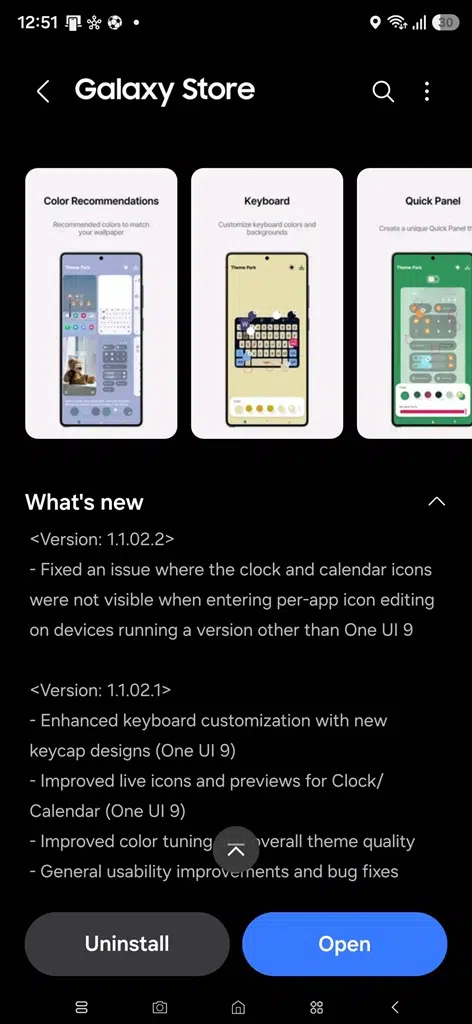
While the bug did not appear on devices running One UI 9, users on previous One UI versions experienced missing icons when trying to customize their home screen appearance. Samsung has now officially fixed the problem with Theme Park version 1.1.02.2. With this release, affected Galaxy users can once again customize app icons without running into disappearing elements on the editing page.
Samsung is distributing the latest Theme Park update through the Galaxy Store. Users can install version 1.1.02.2 directly from the Good Lock app or by searching for “Theme Park” in the Galaxy Store. If you use Theme Park to customize your Galaxy device, it’s worth installing the update to ensure a smoother icon editing experience and avoid the missing Clock and Calendar icon issue.
Besides Theme Park, Samsung has also recently updated several other Good Lock modules with enhanced compatibility with One UI 9. However, a few remain unsupported on One UI 9, including LockStar, ClockFace, NavStar, Home Up, NotiStar, and Game Booster+. We will let you know when these modules get updated.

Written by
Sumit AdhikariSumit, a life-long Samsung user, is passionate about technology and has been professionally writing on tech since 2017. He’s a mathematics graduate by education and enjoys teaching basic mathematics tricks to school kids in his spare time. Sumit believes in artificial intelligence and dreams of a fully open, intelligent and connected world.

Follow us on Google Discover & set us as a preferred source in Google News
Share this Post
___________________________


New Blog Posts
___________________________
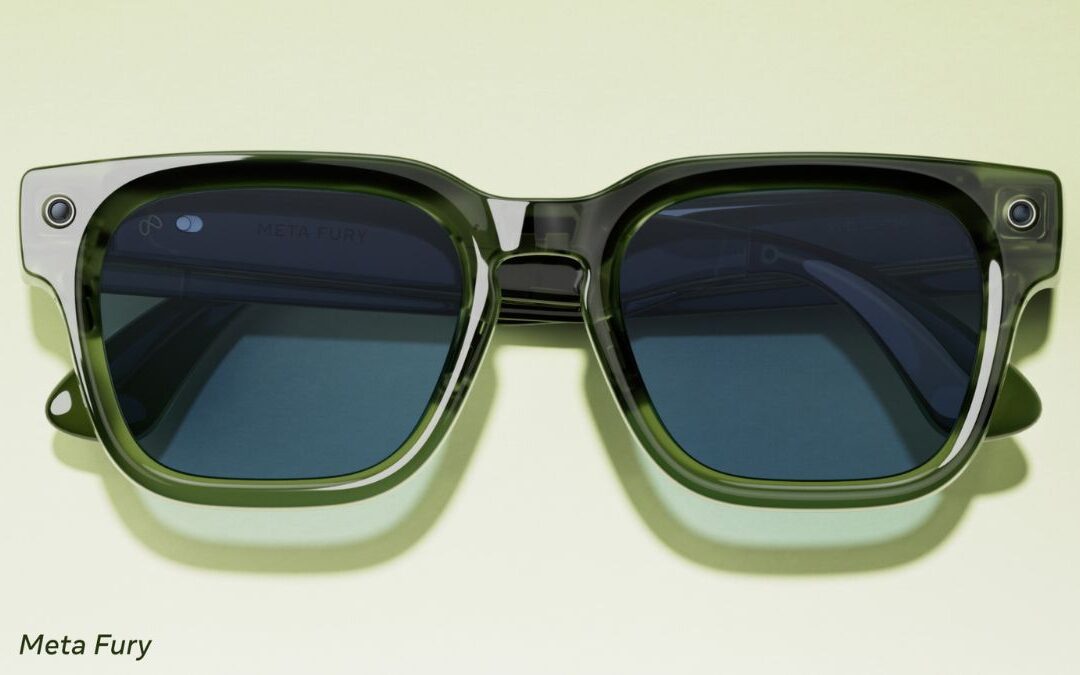
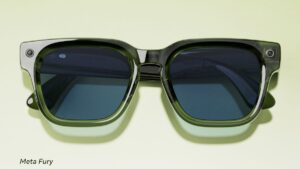
Meta Launches New Smart Glasses Ahead of Samsung’s Entry
The company brings affordable smart glasses under its own brand
Samsung Prepares One UI 9 for More Budget Devices
We are less than a month away from the official debut

Samsung, Alcedis Team Up to Use Galaxy Watch Biometrics in Clinical Research
The goal is to connect health tracking with scientific research