Samsung Fixes Galaxy S26 Ultra 3x Zoom Blur Issue

SammyGuru is reader-supported. We have affiliate and sponsored partnerships, so we may earn a commission when you buy through links on our site — at no extra cost to you. Learn more.
Are you experiencing blurry photos when using the 3x zoom on your Galaxy S26 Ultra? Well, you are not alone. It looks like several users have reported seeing blurry shots in 3x zoom. The good news is that Samsung has recently fixed the issue through a software update, so make sure to install it.
A weird bug appears to have caused camera blur issues
While affected Galaxy S26 Ultra users sent logs to Samsung, they received a reply stating: “This issue is scheduled to be fixed and improved in a future software upgrade. Please understand that it may take some time for the fix to be reflected and the version to be released, so we are unable to provide a detailed release schedule at this time.”
Samsung recently pushed its April 2026 security patch to the Galaxy S26 series. The official changelog suggests this update brings a fresh batch of security fixes. However, the update turns out to be more than just a security improvement. According to an official community moderator, the company has patched the issue of blurry images during 3x zoom shooting through a software update. They are likely referring to the latest security patch release.
So, you should install the update as soon as possible. To do this, go to Settings > Software update > Download and install. If an update is available, the phone will automatically begin downloading and installing it, thanks to Seamless Updates. Do not forget to restart the device to finish the installation process.
Samsung has not brought a major leap to its Galaxy S26 Ultra cameras compared to its predecessor. However, the company has made some meaningful tweaks, including wider apertures on the main camera and one of the telephoto units. This has helped improve low-light performance and image brightness, allowing the camera to capture more light.
Planning to buy a Galaxy S26 model in the US? Don’t forget to purchase through our affiliate links to score free accessories (details here).

Written by
Binay KonwarBinay Konwar started his blogging journey in 2014 and has since written plenty of tech articles. At present, he is working as a News Writer at SammyGuru, covering everything about Samsung. He holds a Master's degree in Mathematics, but his real passion lies in tech and writing. In his free time, he enjoys playing chess and watching movies.

Follow us on Google Discover & set us as a preferred source in Google News
Share this Post
___________________________


New Blog Posts
___________________________
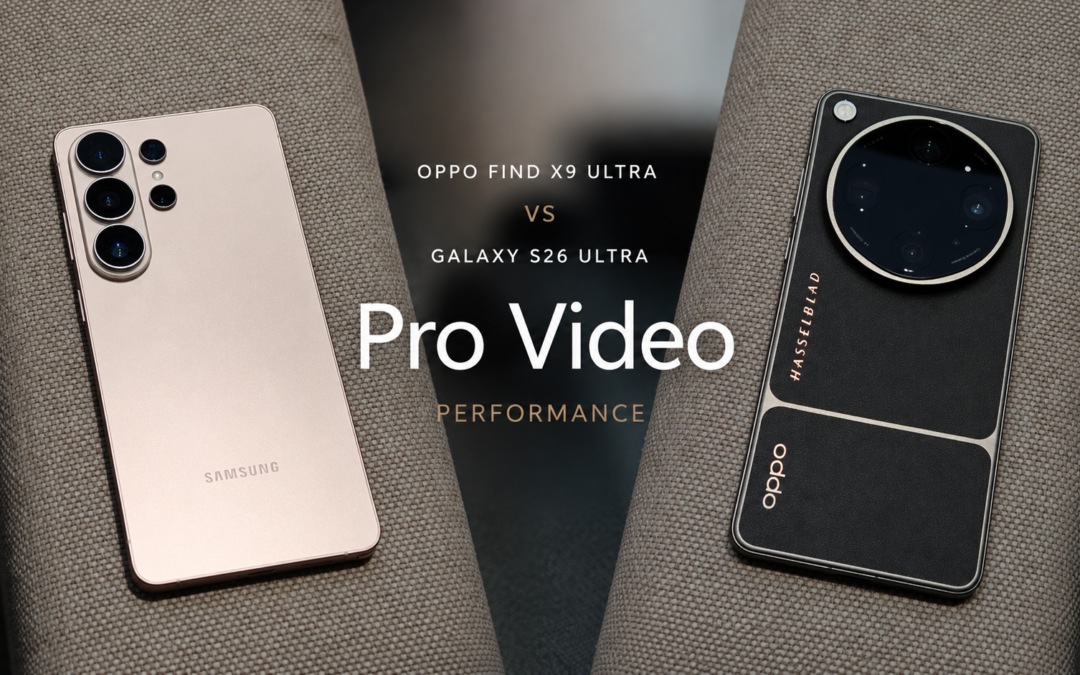
OPPO Find X9 Ultra vs Galaxy S26 Ultra: Pro Video Performance
Pro Video doesn’t follow the same script as Auto Video

Quick Share and AirDrop Found Vulnerable to Nearby Wireless Attacks
The good news is that most of the flaws have already been patched
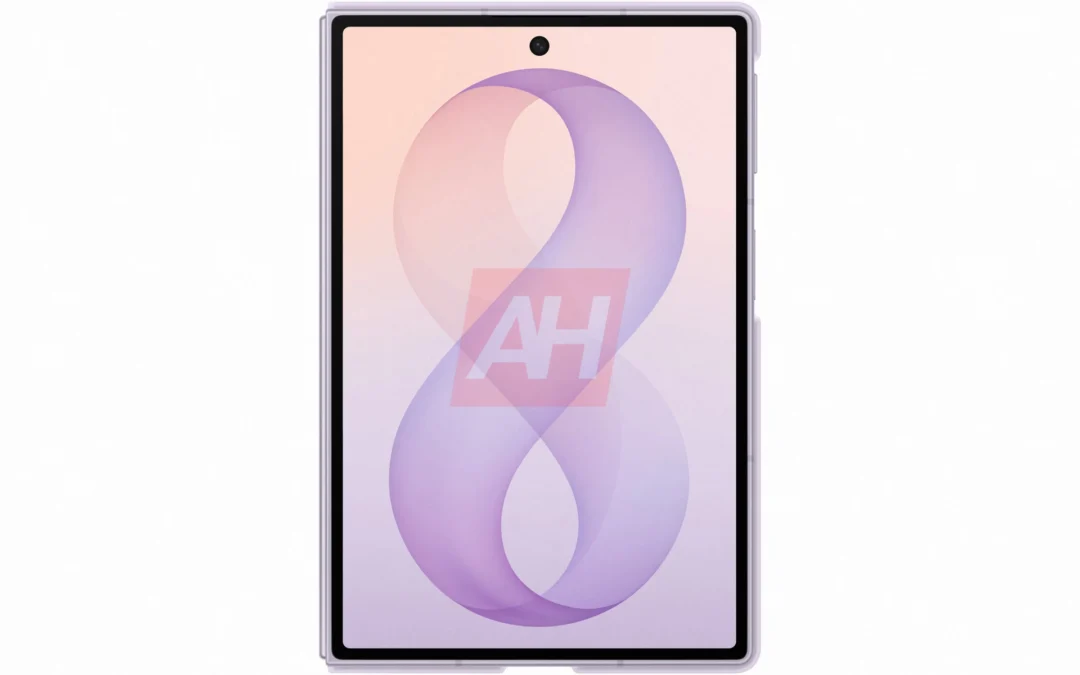
Breaking: Samsung Officially Teases New Galaxy Z Fold 8 (Wide)
“New Shape. New Joy” it is!