Samsung Find Will Stop Receiving Updates on These Older Galaxy Phones
SammyGuru is reader-supported. We have affiliate and sponsored partnerships, so we may earn a commission when you buy through links on our site — at no extra cost to you. Learn more.
Samsung is quietly ending active support for the Samsung Find app on some of its oldest Galaxy devices. The company recently published a notice informing users that Galaxy phones and tablets running One UI 2.0 (Android 10) or older will no longer receive future Samsung Find updates. The app will continue working on the affected models, but it will stop getting new features and security fixes.
Samsung Find will no longer evolve on Android 10-era Galaxy devices
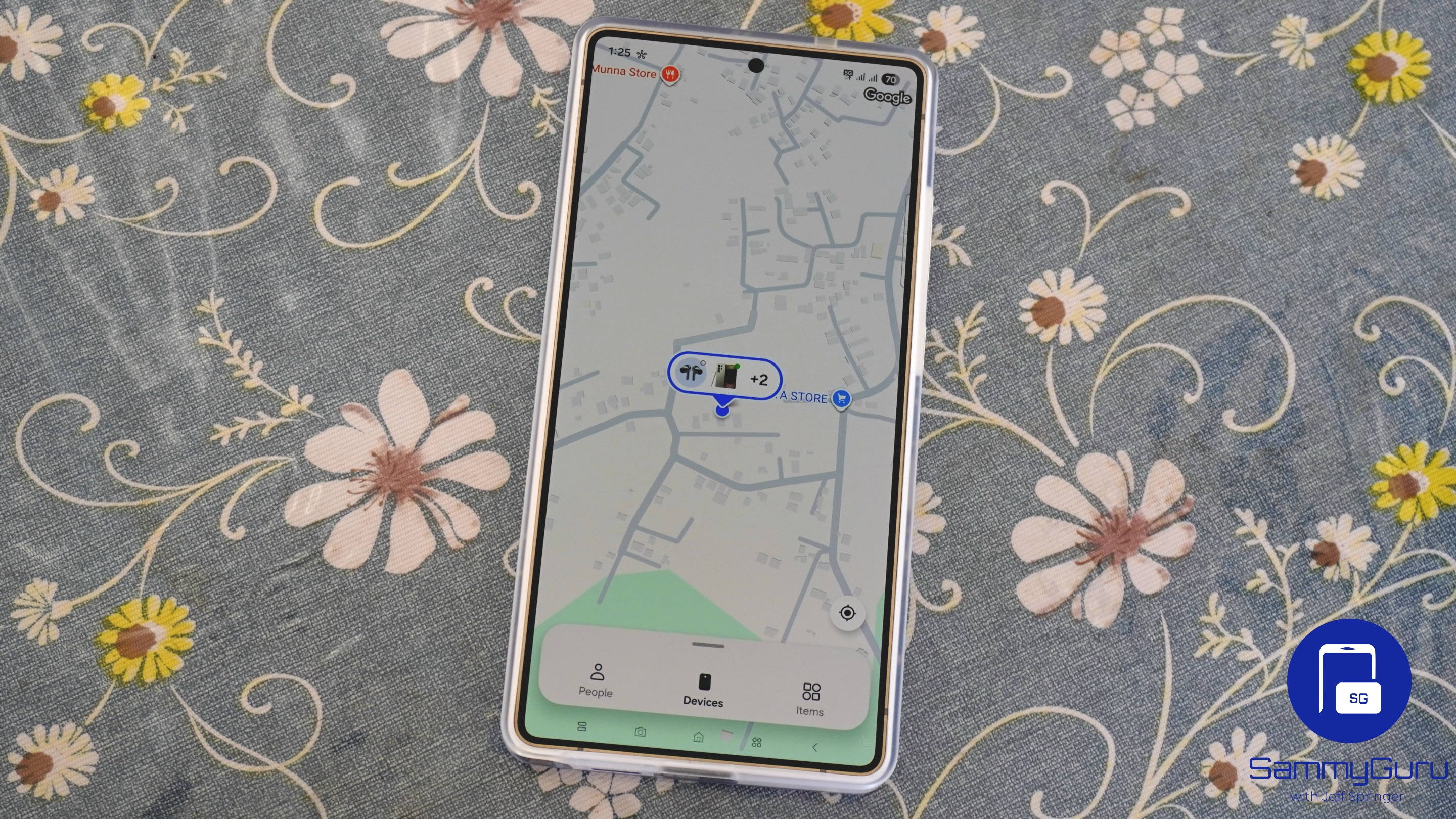
Samsung Find is Samsung’s built-in device tracking service for Galaxy smartphones, tablets, smartwatches, earbuds, and other connected devices. It helps users locate lost devices on a map, make them ring, remotely lock or erase them, display a contact message on the lock screen, and, in some cases, track their last known location even when they’re offline.
As with most other apps, Samsung Find gets regular updates with new features and functional improvements. A few weeks ago, Samsung updated the app to version 2.0.00.20, introducing location-tracking homescreen widgets and more. However, if you are using an old Galaxy device, you will no longer receive these updates, meaning no new features, optimizations, security improvements, or bug fixes.
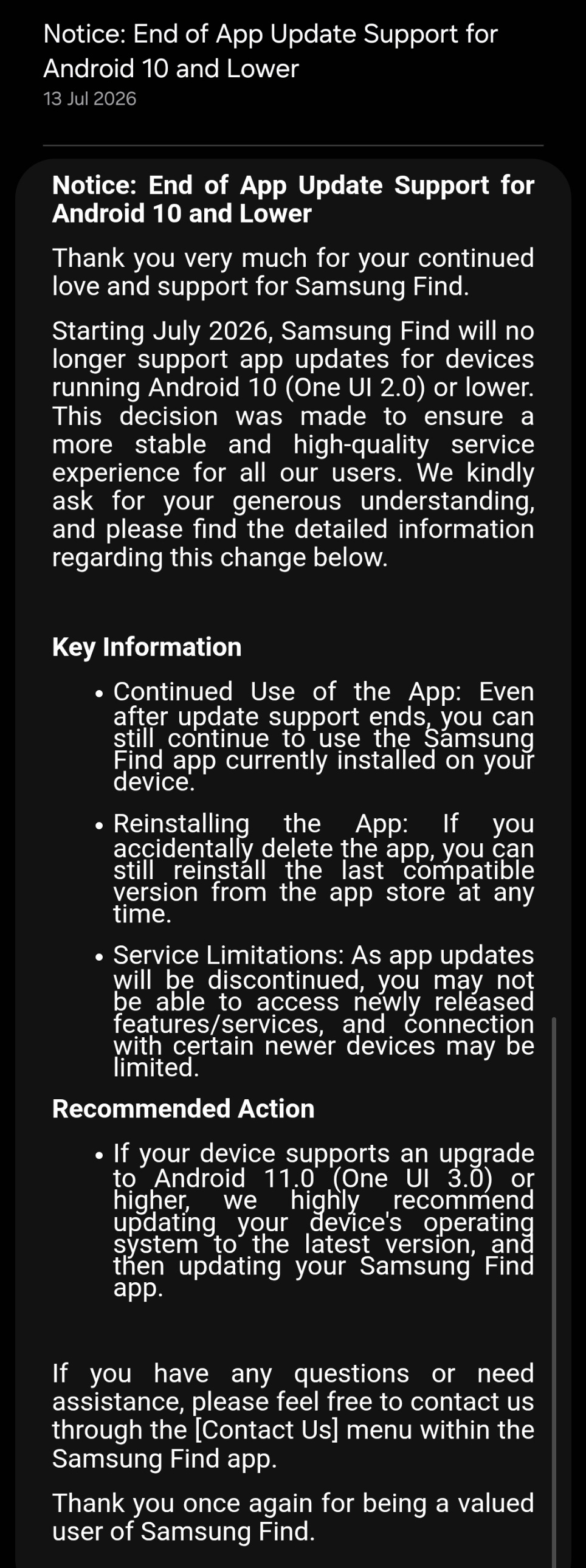
It’s typical for companies and app developers to end active support for older software versions due to various security and compatibility reasons. So this doesn’t come as a surprise. The good news is that Samsung Find isn’t being shut down on One UI 2.0 and older versions. Samsung’s notice (h/t Sammobile) makes it clear that the app will continue to work as it currently does.
Even if you uninstall it, you’ll still be able to download a compatible version from the Galaxy Store or Google Play Store. However, you won’t receive any further updates. If your Galaxy device is on One UI 2.0 or an older version, you may want to upgrade to a newer model soon.

Written by
Sumit AdhikariSumit is a lifelong Samsung enthusiast and technology journalist who has been covering the consumer technology industry since 2017. A mathematics graduate by education, he specializes in smartphones, software, and emerging technologies, with a keen interest in artificial intelligence and the future of connected experiences. Sumit believes AI will play a transformative role in building a more open, intelligent, and seamlessly connected world.

Follow us on Google Discover & set us as a preferred source in Google News
Share this Post
___________________________


New Blog Posts
___________________________
How Galaxy Z Fold 8’s App Screen Zoom Feature Works
You can set different zoom levels for individual apps
We Tracked Galaxy Z Fold 8 Ultra Leaks for Months: Here’s What Samsung Shipped and What it Didn’t
Galaxy Z Fold 8 Ultra is Samsung’s biggest Fold upgrade in years
Samsung Chairman Heads to Google’s Exclusive Camp for AI Discussions
AI may be a key topic of discussion