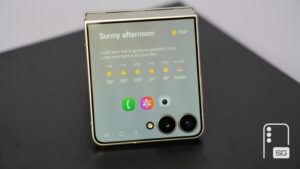
How Galaxy Z Fold 8’s App Screen Zoom Feature Works

SammyGuru is reader-supported. We have affiliate and sponsored partnerships, so we may earn a commission when you buy through links on our site — at no extra cost to you. Learn more.
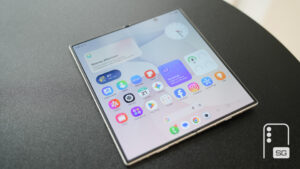
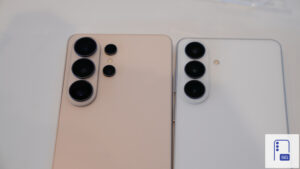
Samsung shipped stable One UI 9 with its latest Galaxy Z Fold 8, Fold 8 Ultra, and Flip 8, bringing a fresh software experience. A new feature has come to light that lets users set different zoom levels for individual apps. Currently available on the Z Fold 8, here’s how the feature works.
One UI 9 lets you adjust zoom levels for individual apps
As spotted by Android Authority, Samsung has introduced the App screen zoom feature in the final version of One UI 9. As a result, you get more control over how individual apps appear on your Galaxy device. The feature lets you set a separate zoom level for each supported app, rather than depending on the device-wide screen zoom setting.
As of now, the feature is part of the Labs section, which means Samsung is still testing it and has not enabled it as a standard option. On the Galaxy Z Fold 8, you can access it via Settings > Advanced features > Labs > App screen zoom. The feature offers five zoom levels: Largest, Large, Medium, Small (System setting), and Smallest. This lets you adjust the size of specific apps depending on your preference.
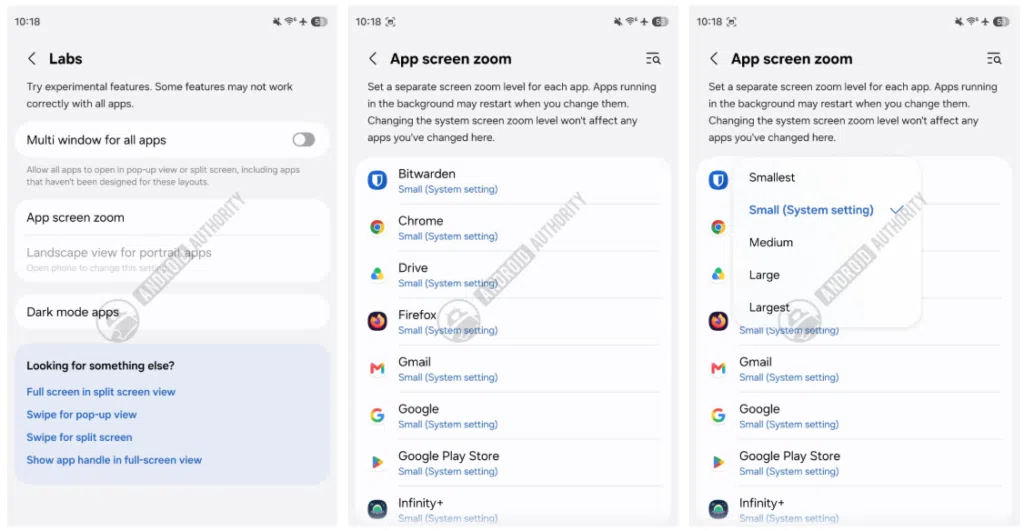
We can see several apps are eligible for App screen zoom, though Samsung’s own apps are missing from the list. The company should expand support for more apps if the feature leaves the Labs stage.
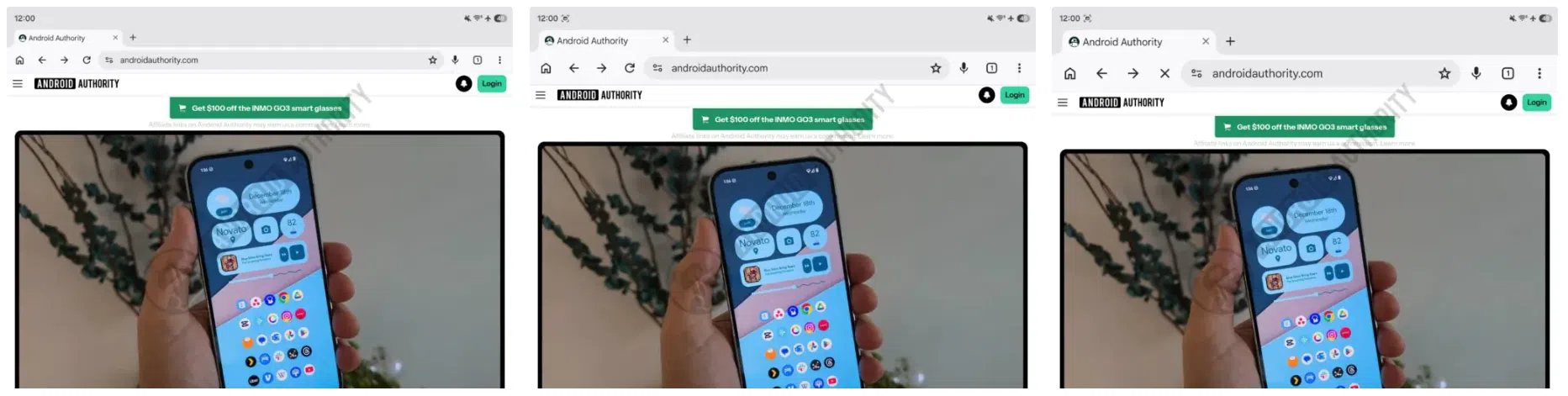
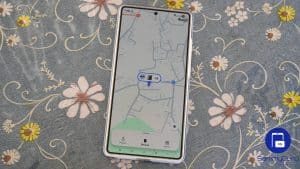
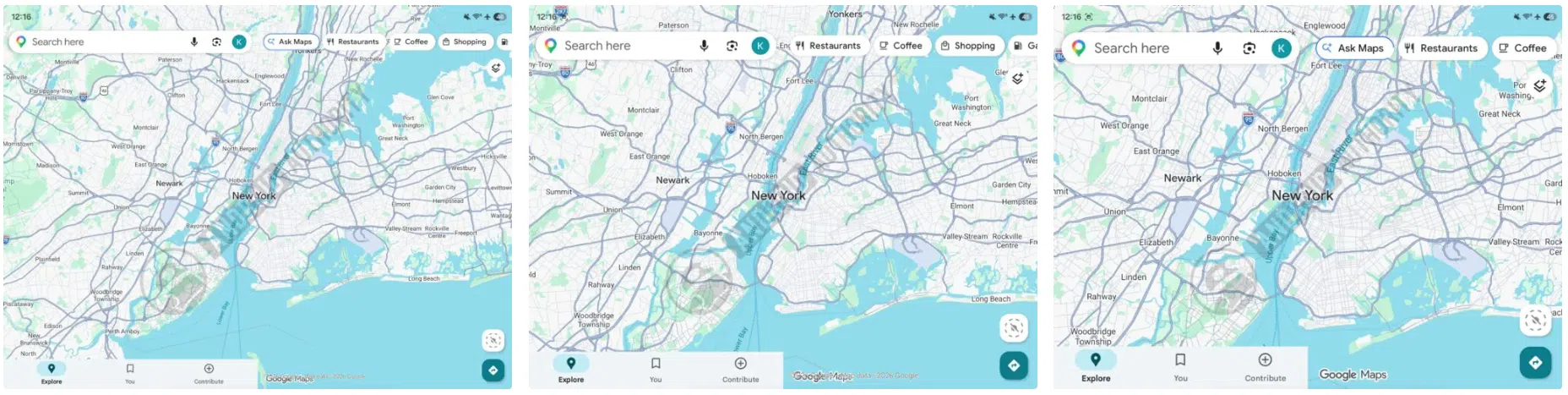
Note that results may vary depending on which app you are using. For example, changing the zoom level in Chrome mainly impacts the app interface, while page content doesn’t scale greatly. On the other hand, the Google Maps app interface and map content adjust to the preferred zoom level.
However, App screen zoom is not currently available on the Galaxy Z Fold 8 Ultra and Z Flip 8, despite both models running One UI 9. Samsung should bring the feature with the first software update for the new foldables. Moreover, there is no word on whether the company plans to expand the feature to other Galaxy devices with stable One UI 9. We’ll find out soon.
Preorders are open
Buy at Samsung & claim your Mystery Boxor buy at Best Buy
Last click wins — tap your link right before you check out. We may earn a commission on purchases made through these links. Not a member? Joining is free and takes a minute.

Written by
Binay KonwarBinay Konwar started his blogging journey in 2014 and has since written plenty of tech articles. At present, he is working as a News Writer at SammyGuru, covering everything about Samsung. He holds a Master's degree in Mathematics, but his real passion lies in tech and writing. In his free time, he enjoys playing chess and watching movies.

Follow us on Google Discover & set us as a preferred source in Google News
Share this Post
___________________________


New Blog Posts
___________________________
Samsung Find Will Stop Receiving Updates on These Older Galaxy Phones
These Galaxy phones will no longer get Samsung Find updates
We Tracked Galaxy Z Fold 8 Ultra Leaks for Months: Here’s What Samsung Shipped and What it Didn’t
Galaxy Z Fold 8 Ultra is Samsung’s biggest Fold upgrade in years
Samsung Chairman Heads to Google’s Exclusive Camp for AI Discussions
AI may be a key topic of discussion