Samsung Device Care Update Blocks Apps with Excessive Ads

SammyGuru is reader-supported. We have affiliate and sponsored partnerships, so we may earn a commission when you buy through links on our site — at no extra cost to you. Learn more.
Samsung has recently updated its Device Care app to version 13.8.80.7. The update brings a new feature that detects and blocks apps that send excessive ad notifications. The rollout appears to be happening in phases, so eligible users may need to wait a few days or weeks.
Samsung aims to reduce notification spam with the new Device Care feature
For the uninitiated, Device Care is a built-in system app on Galaxy devices. The tool lets you manage and improve the phone’s condition without having expert knowledge. With just one tap, you can optimize your device by managing unused apps and freeing up RAM. This helps improve overall battery life. Furthermore, it detects malware for real-time protection.
Now, with the latest update (via X/KAILASH), Device Care aims to control aggressive ad behavior from apps. The feature recognizes apps that send frequent ad notifications. It puts such apps in deep sleep to prevent them from annoying you. You can also review all the restricted apps via Settings > Device care > Care report > Excessive alerts.

There appear to be two types of blocking: basic and intelligent. In basic blocking, Samsung identifies apps that send frequent ads and blocks them whenever it detects them on your phone. When you turn on the intelligent blocking toggle, your phone analyzes device alerts to determine whether they are ads. It then blocks them if they appear too frequently. Note that this determination may not always be accurate.
It is unclear whether the new Device Care feature is exclusive to One UI 8.5 or will also come to older versions. Things should become clear in the coming weeks as the rollout progresses. The feature appears to be available on the latest Galaxy S26 series at the moment. To check for updates to the Device Care app, navigate to this path: Galaxy Store > Menu (three lines) > Updates.

Written by
Binay KonwarBinay Konwar started his blogging journey in 2014 and has since written plenty of tech articles. At present, he is working as a News Writer at SammyGuru, covering everything about Samsung. He holds a Master's degree in Mathematics, but his real passion lies in tech and writing. In his free time, he enjoys playing chess and watching movies.

Follow us on Google Discover & set us as a preferred source in Google News
Share this Post
___________________________


New Blog Posts
___________________________
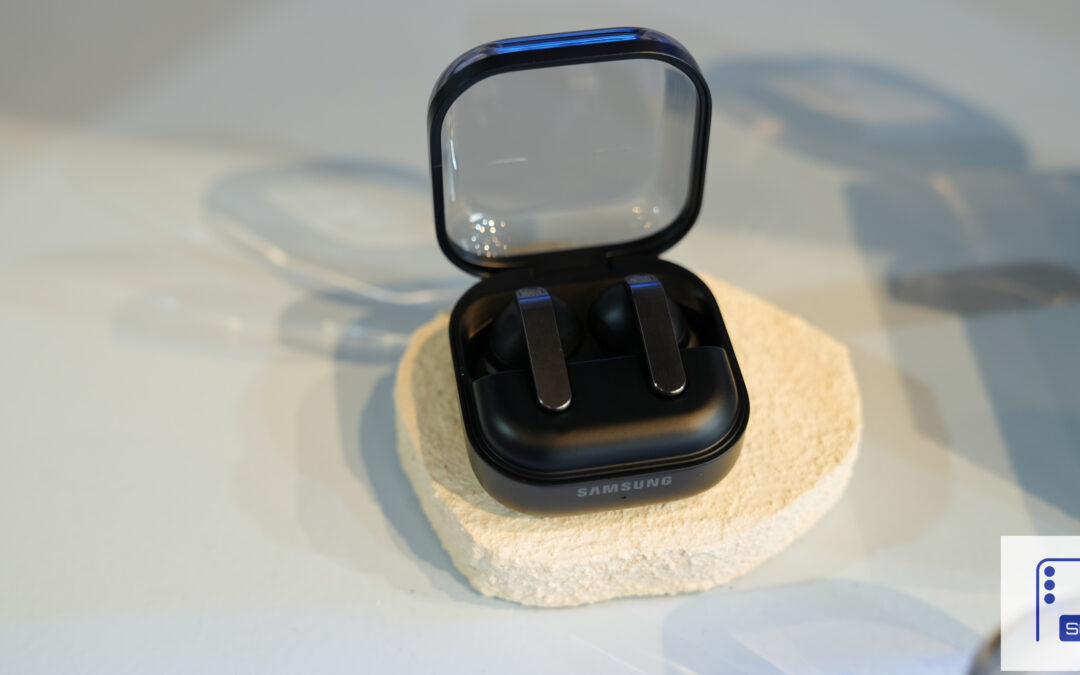
Galaxy Buds 4 Pro’s Best Deal in the US Hasn’t Gone Away
Galaxy Buds 4 Pro’s best deal brings back $169.99 price
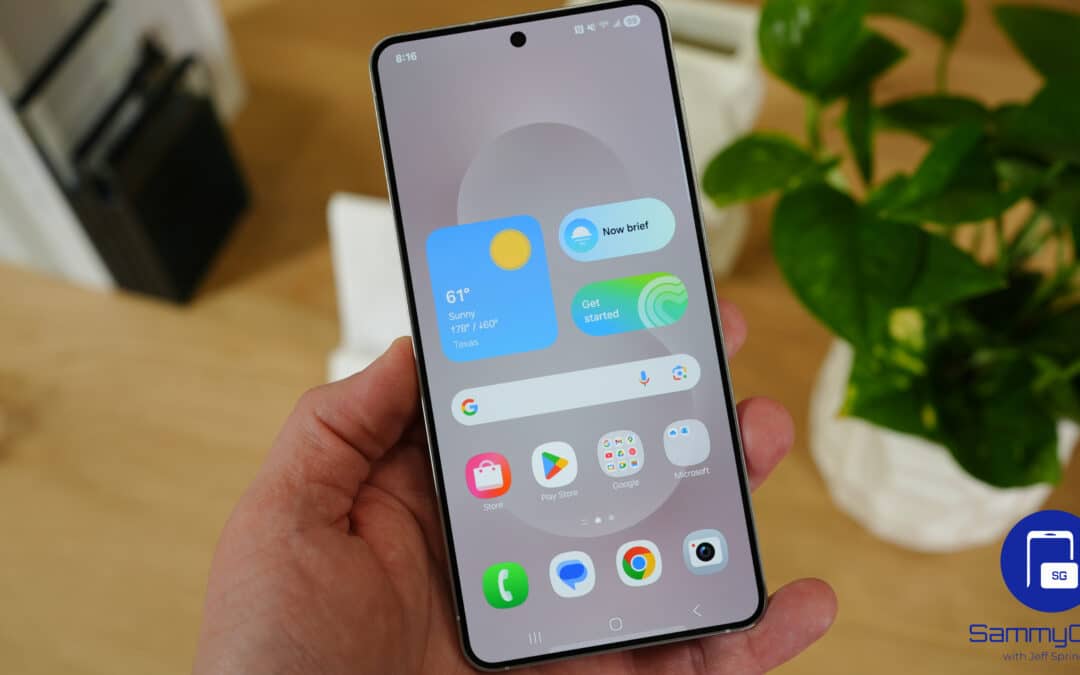
Samsung Galaxy Weekly Updates Roundup (June 15-21)
Samsung released the June 2026 update for 30+ devices this week
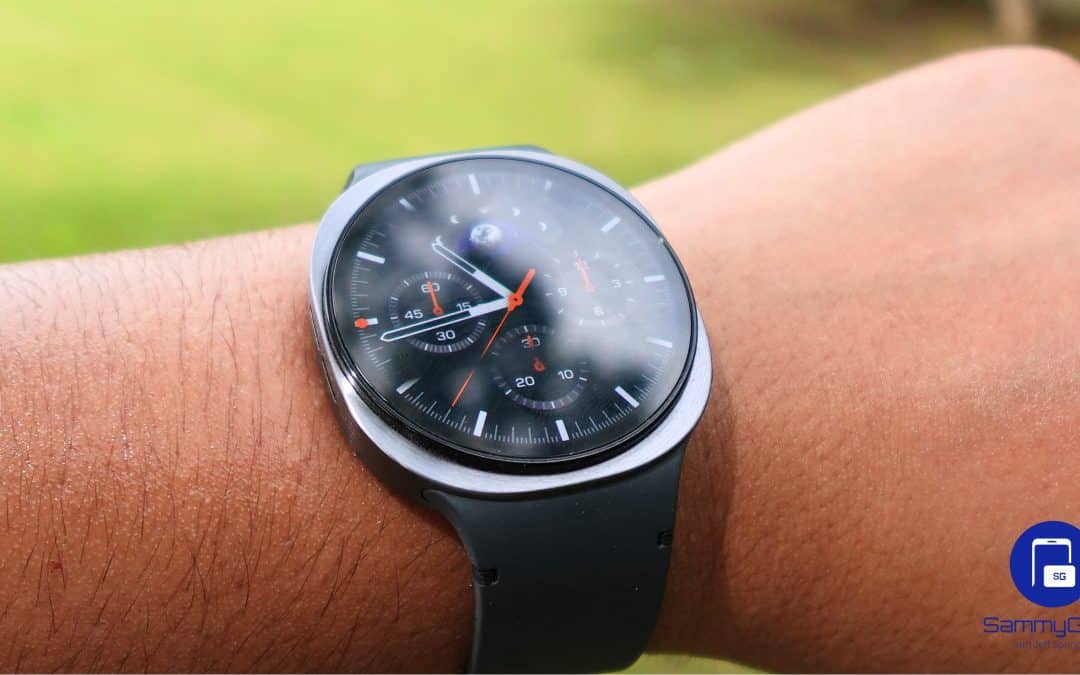
Galaxy Watch 9 and Watch Ultra 2 Leak With New Watch Faces
Exciting new info on Samsung’s upcoming wearables!