Latest Samsung Browser Update Lets You Manage Multiple Windows
SammyGuru is reader-supported. We have affiliate and sponsored partnerships, so we may earn a commission when you buy through links on our site — at no extra cost to you. Learn more.
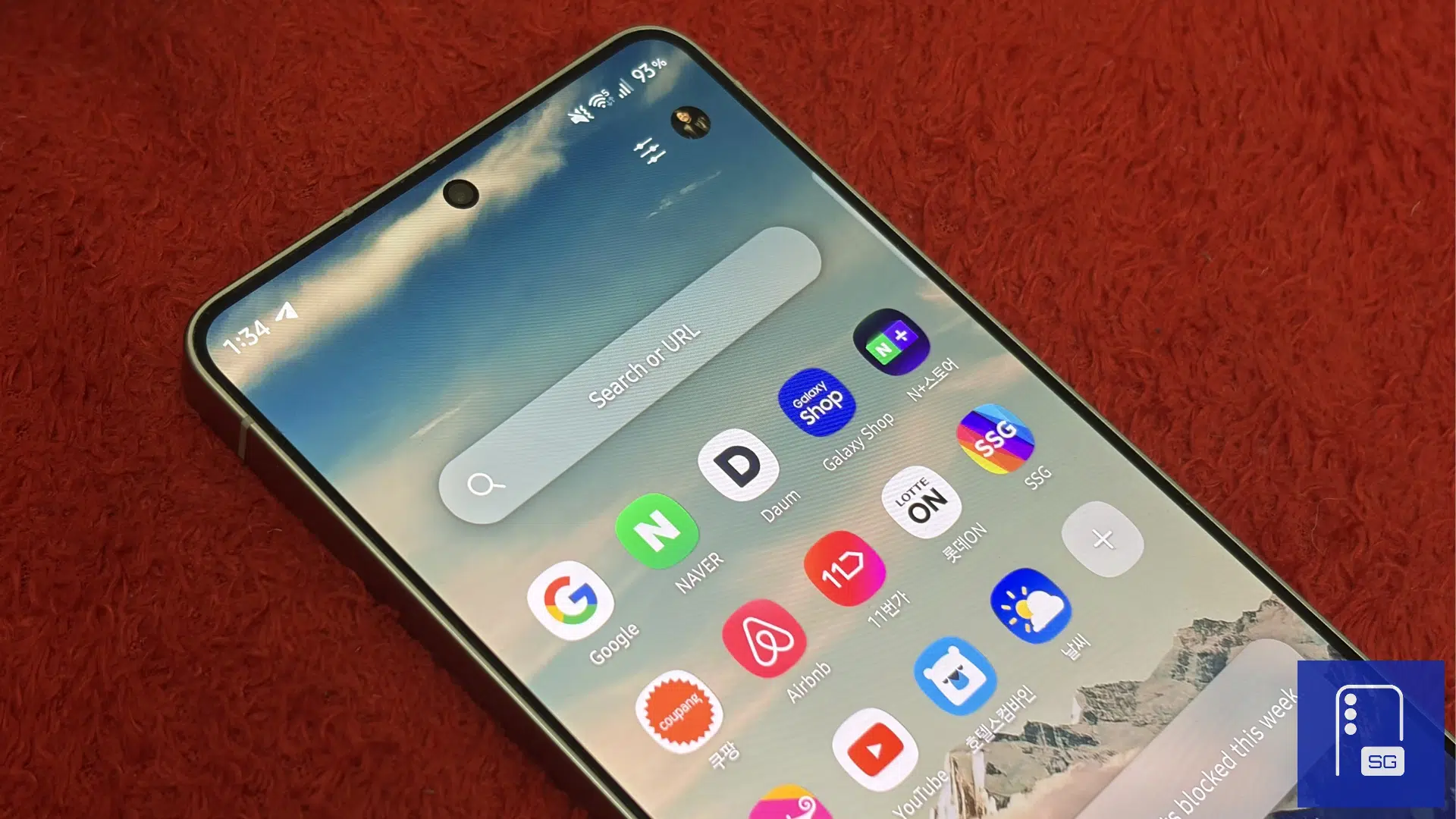
Samsung has started rolling out Samsung Browser v30.2.61, and the highlight is a new Manage windows feature. It lets you create multiple browser windows, with each one acting as its own group of tabs. If you’re the kind of person who ends up with dozens of tabs open, this feature helps keep everything in its proper place.
Samsung Browser gets a better way to manage lots of tabs
For example, I kept one window for Samsung’s upcoming foldables and related SammyGuru articles. Another was filled with retailer listings while I compared prices. I also created a third window for Korean websites during testing. Instead of digging through one long tab list, I could switch between dedicated browsing sessions in a couple of taps.
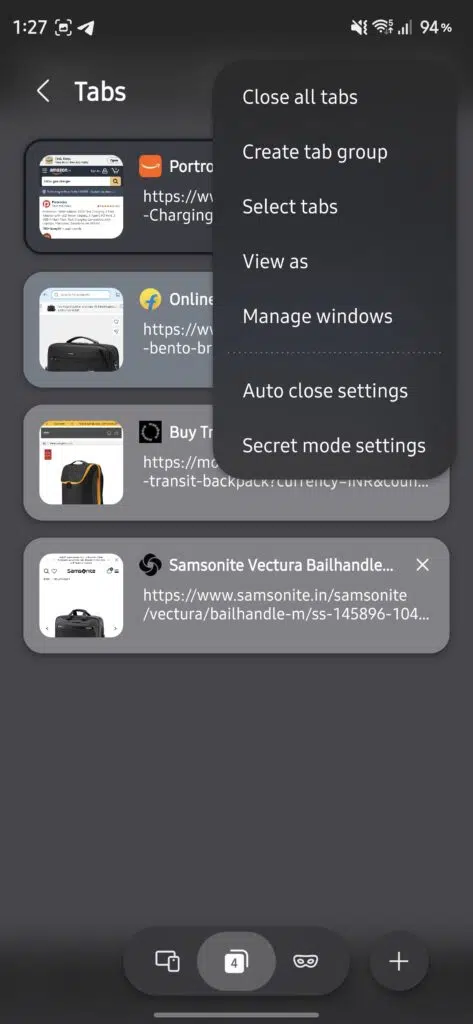
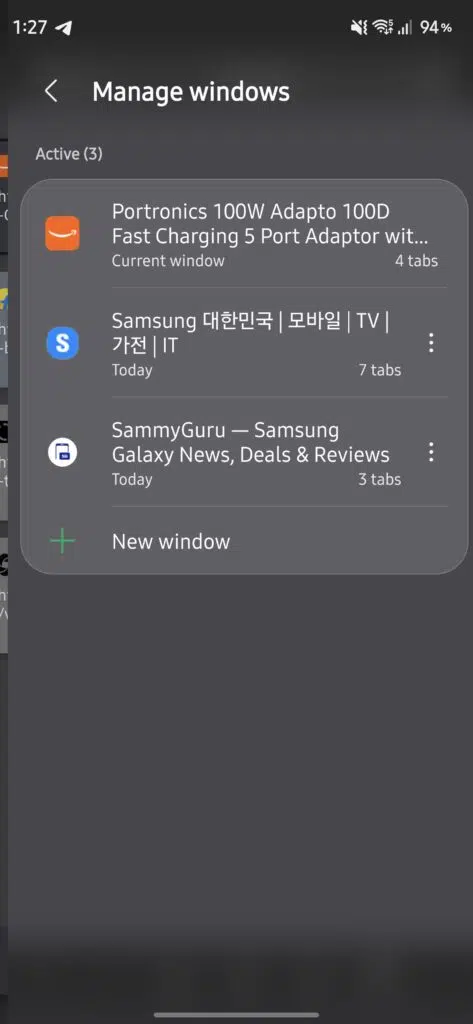
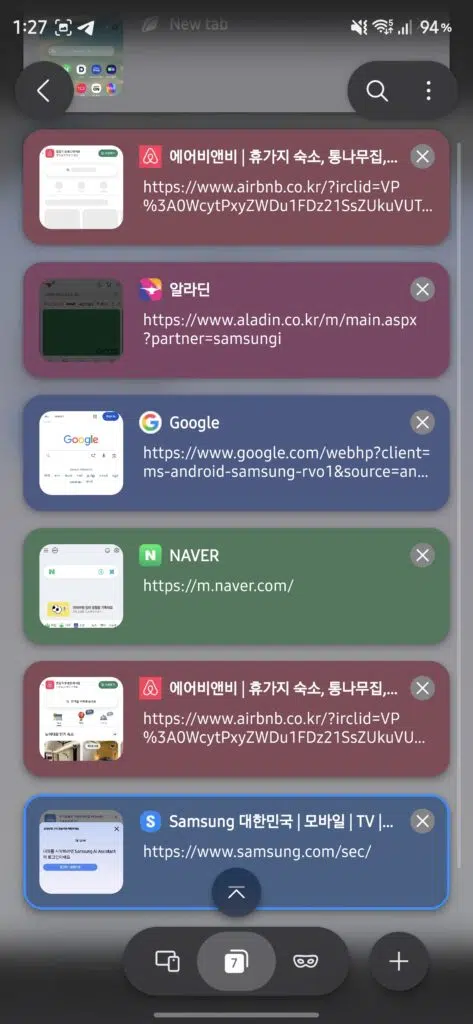
To use the feature, open the Tabs view > tap the three-dot menu in the top right > Manage windows. From there, you can create a new window, switch between existing ones, or close windows you no longer need. Each window keeps its own tabs, making it easier to stay focused on the task at hand.
The update is rolling out now through the Galaxy Store. To install it, open Galaxy Store > tap the Menu (three lines) in the top left > Updates. Once updated, you can start organizing your tabs into separate windows instead of relying on a single cluttered tab list.

Written by
Abhinav AnandAbhinav Anand is the News Editor at SammyGuru and a technology journalist based in New Delhi. Before joining SammyGuru, he contributed to numerous outlets, including Android Headlines, ExtremeTech, The Mac Observer, Financial Express, Economic Times, iGeeksBlog, KnowTechie, PhonesWiki, SlashGear, and more. You can reach him at [email protected].

Follow us on Google Discover & set us as a preferred source in Google News
Share this Post
___________________________


New Blog Posts
___________________________
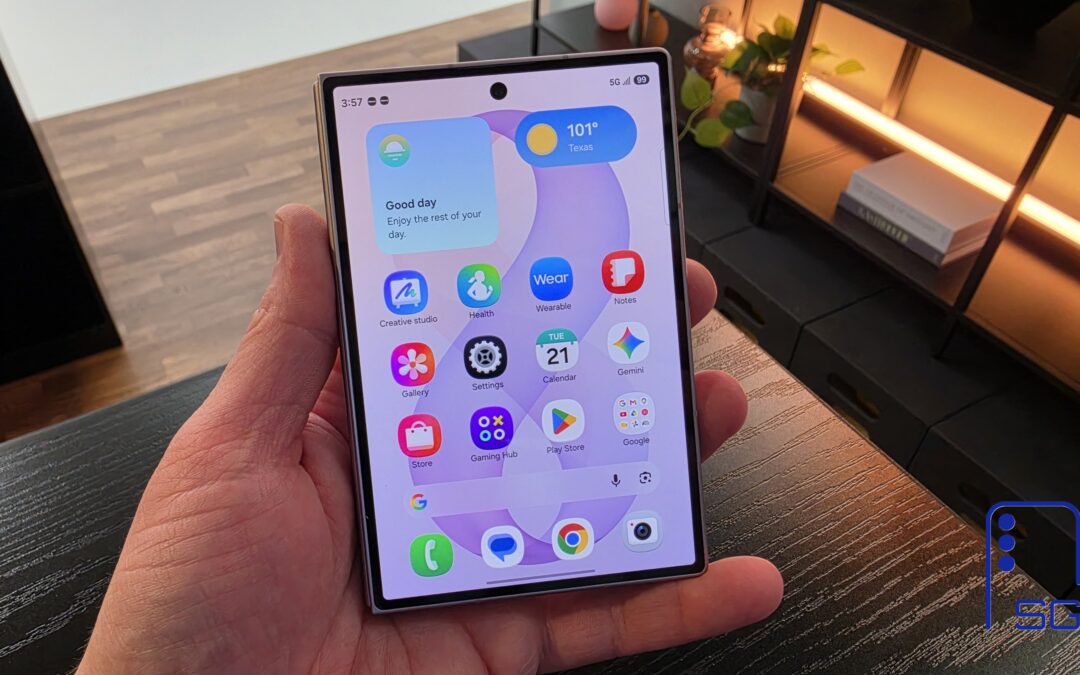
The Galaxy Z Fold 8 Is the Best iPhone and iPad Replacement Yet
Two devices, one pocket
How to Turn On Theft Protection on Your Galaxy Phone
The feature helps protect your personal data in case of theft
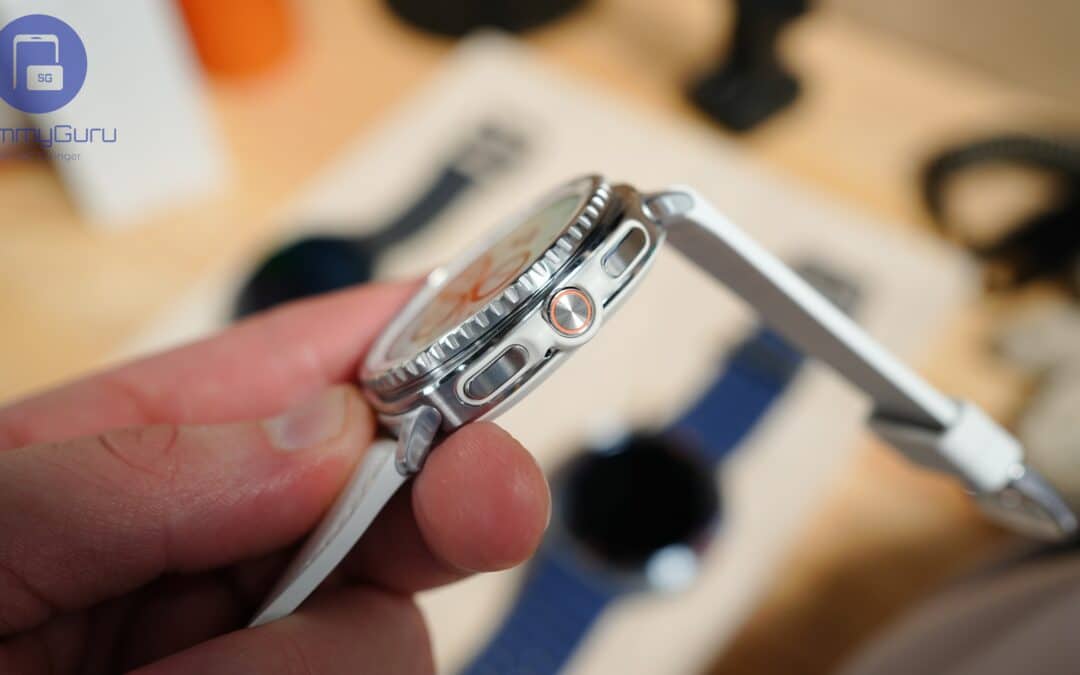
Miss the Rotating Bezel? Galaxy Watch 8 Classic Is Now Half Off
A deal that’s hard to ignore