Linux Terminal Finally Gets Some Love with One UI 8.5
SammyGuru is reader-supported. We have affiliate and sponsored partnerships, so we may earn a commission when you buy through links on our site — at no extra cost to you. Learn more.
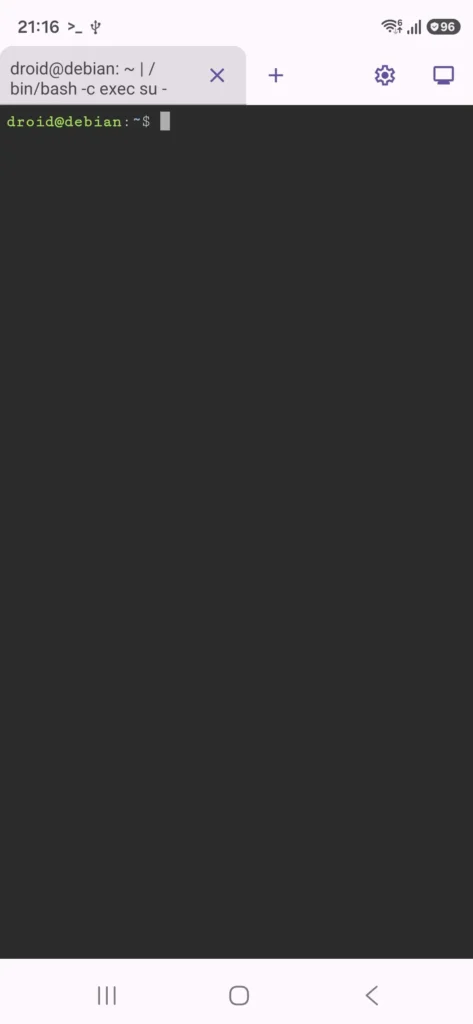
Android’s Linux Terminal feature was introduced by Google last year with Android 16. It allows people to run a full Linux system inside a virtual machine on their devices, powered by Android’s Virtualization Framework (AVF) introduced with Android 13. We saw last year that the Galaxy Z Flip 7 was the only Samsung device that supported this feature. Now, Samsung is preparing with One UI 8.5 and Android 16 QPR2 update to bring some new improvements.
Linux Terminal now supports graphical apps and expanded storage access
According to a new report from Android Authority, the One UI 8.5 update will bring Linux Terminal graphical apps and expanded storage access. Google already introduced these features in Android 16 QPR2, and Samsung build One UI 8.5 on top of it. This is a welcome change.
Let’s start with graphical apps support. On One UI 8.5, you can access it by tapping the display icon from the top-right corner. This means you can run apps like Chromium Browser, Doom, and more, instead of being limited to command-line tools like on One UI 8.0.
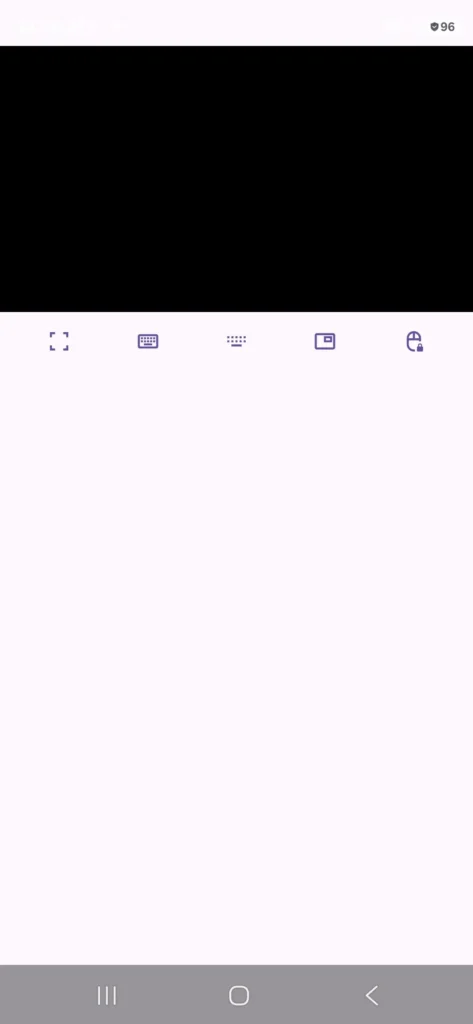
With One UI 8.5, Samsung also brings storage ballooning support. With this new addition, the Linux Terminal can use all the available storage from your phone. Also, the Terminal app now has access to all of device’s storage folders, like Screenshots, Videos, Photos, and more. Although these new features might not arrive to everyone.
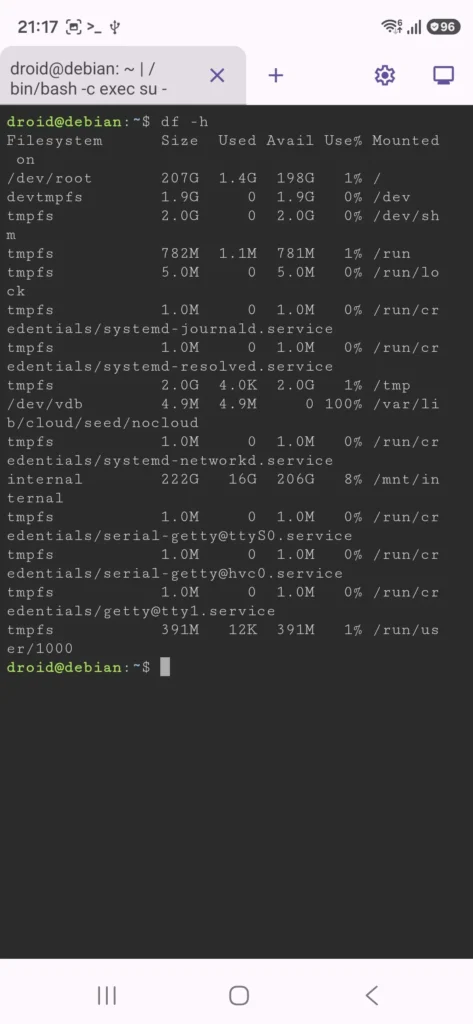
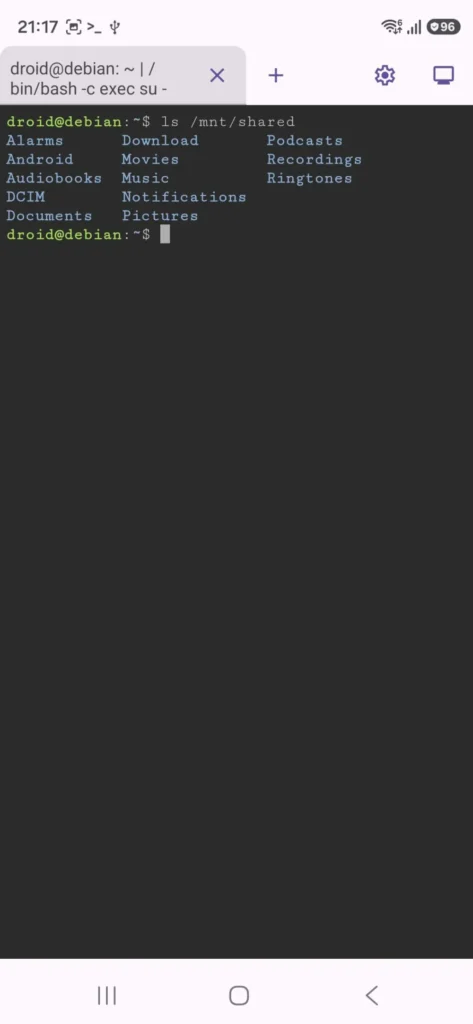
Only Exynos-powered devices can run Linux Terminal
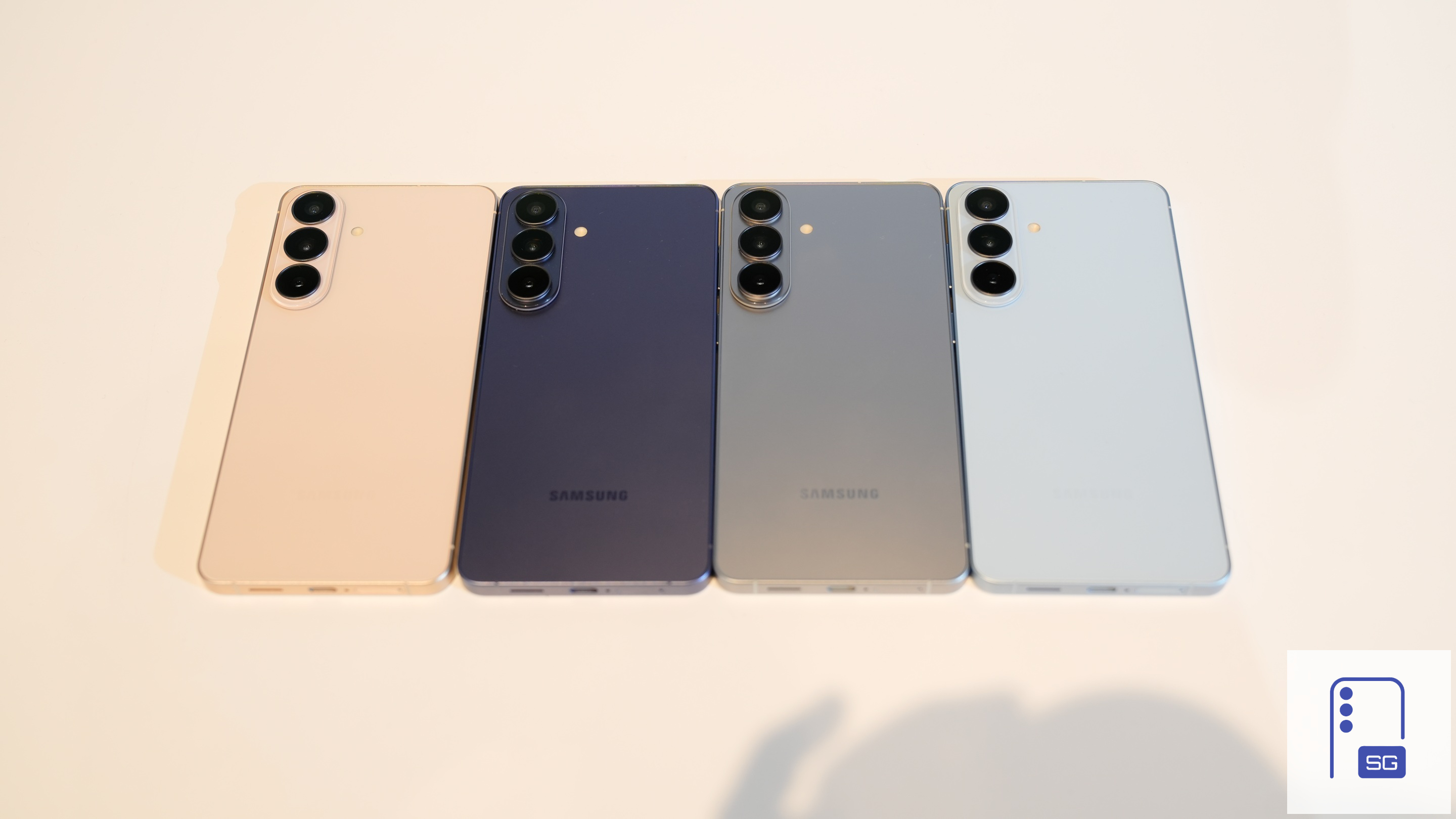
Samsung brought Linux Terminal support last year on the Galaxy Z Flip 7. And the same story repeats itself yet again this year. Only Galaxy S26 and Galaxy S26+ with the Exynos 2600 chipset can run Linux Terminal. The Galaxy S26 Ultra can’t, and the reason is the same for all Snapdragon-powered devices.
The Qualcomm chipsets only support Protected Virtual Machines, while some Exynos, MediaTek, and Google Tensor chipset-powered devices support Non-protected Virtual Machines, and that’s a big check box for the Terminal app to work.
The report also mentioned that with One UI 8.5, you can’t access the Linux Terminal app anymore from the Developer Options. You can still access it, but only via ADB commands. Maybe Samsung will fix this issue with a future update, but until then, only time will tell. With these new updates, power users who use this feature will have a fully working Linux environment on their Galaxy devices.

Written by
David BuligaDavid Buliga is a Romanian writer at SammyGuru, where he covers the Samsung and Android ecosystem with a focus on apps, software features, and the trends shaping how we actually use our devices — from Galaxy Watch apps to One UI 9, plus the occasional opinion piece. He joined SammyGuru in 2026 after previously creating entertainment content on YouTube, producing animations and gameplay videos. Currently pursuing a Bachelor's degree in Applied Electronics and Telecommunications, David is passionate about consumer technology and enjoys getting under the hood of smartphones to see what makes them tick. Outside of tech, he loves listening to music, reading books, photography, and exploring the random ideas that often inspire his next story.

Follow us on Google Discover & set us as a preferred source in Google News
Share this Post
___________________________


New Blog Posts
___________________________
Samsung is Testing Android 17-Based One UI 9 for These Galaxy Devices
More devices should appear with test builds soon
Swatch Pushes for $170 Million Damages in Samsung Galaxy Watch Case
Swatch wants Samsung to pay $170 million in Galaxy Watch lawsuit
Samsung’s Biggest AI Investment Yet May Be Worth $648 Billion
Samsung may move chip expansion beyond Seoul with huge AI investment