
One UI 8.0 May Finally Improve External Display Support, Thanks to Android 16
SammyGuru is reader-supported. We have affiliate and sponsored partnerships, so we may earn a commission when you buy through links on our site — at no extra cost to you. Learn more.
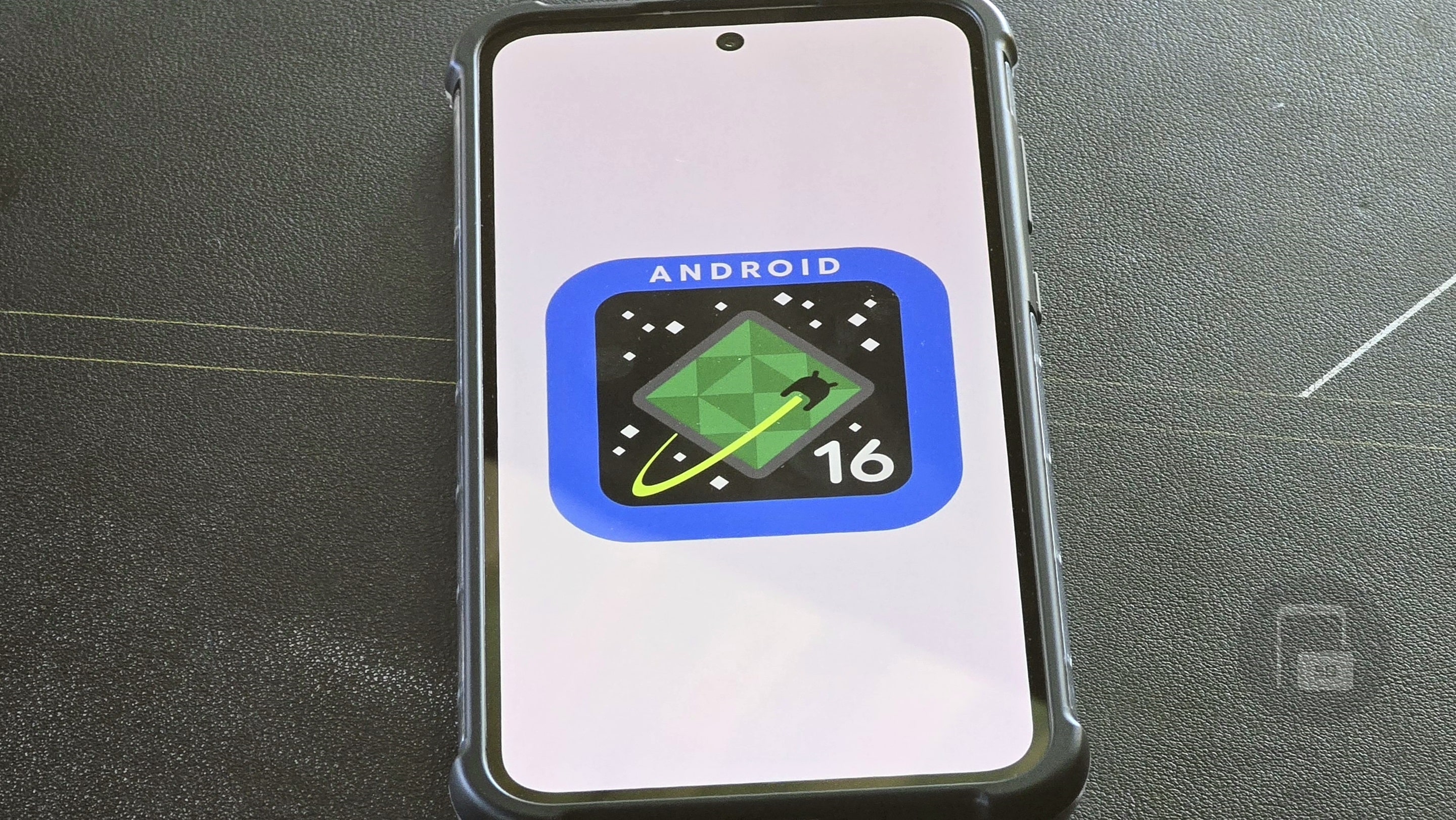
It seems Google wants to make Android a true desktop operating system, improving how it handles external displays and traditional PC inputs. Android 16 introduces new features that let users better control external displays, which brings it closer to Windows and macOS.
Android 16 greatly improves external display support
Mishaal Rahman (via Android Authority) reports that Google is testing new tools in Android 16 that will allow users to rearrange external displays. Users will be able to switch between mirroring and extending screens with a simple toggle and adjust text and icon sizes separately for each display. These upgrades make using an Android phone with a monitor more seamless, though some features, like refresh rate control, are still missing. Mishaal also shared a video demonstrating these features in action.
Samsung may bring these display improvements to One UI 8.0, which will be based on Android 16. While One UI 7.0 is still rolling out, reports suggest Samsung is already working on its next update. If One UI 8.0 adopts Android 16’s external display tools, Galaxy users could see a much better desktop-like experience when connecting to a monitor. Samsung already offers DeX mode, and these upgrades could make it even more powerful.
One of the biggest changes in Android 16 is unrestricted mouse cursor movement between the phone and an external display. Previously, the cursor was locked to one screen. Now, users could arrange their displays to match their physical setup, allowing for smoother cursor movement. Switching between mirroring and extended mode will also be easier, thanks to a new toggle that replaces developer option tweaks. These small but meaningful changes bring Android closer to a full desktop experience. However, these features are not enabled by default in Android 16 Beta 2.1 yet. Mishaal was able to activate them manually, suggesting they are still in testing.

Written by
Abhinav AnandAbhinav Anand is the News Editor at SammyGuru and a technology journalist based in New Delhi. Before joining SammyGuru, he contributed to numerous outlets, including Android Headlines, ExtremeTech, The Mac Observer, Financial Express, Economic Times, iGeeksBlog, KnowTechie, PhonesWiki, SlashGear, and more. You can reach him at [email protected].

Follow us on Google Discover & set us as a preferred source in Google News
Share this Post
___________________________


New Blog Posts
___________________________

Samsung Quietly Listed a New Entry Level 990 PCIe 4.0 SSD
It drops DRAM for HMB

Samsung’s First Bone-Conduction Earbuds May Be Called Galaxy Able
Name hidden no more

Samsung Accidentally Confirms Galaxy Watch 9 and Galaxy Watch Ultra 2
Coming very soon







