New Android 16 Release Lets See Apps That Accessed Your Location

SammyGuru is reader-supported. We have affiliate and sponsored partnerships, so we may earn a commission when you buy through links on our site — at no extra cost to you. Learn more.
Google has recently released Android 16 QPR3 beta 1 for Pixel devices. Alongside a number of new features, it brings back the expandable location indicator, which shows exactly which apps are accessing your location. This feature should make its way to other Android devices in the future, including Samsung (likely through the One UI 9 update).
Expandable location indicator returns in Android 16 QPR3 beta 1
In Android 12, Google added privacy indicators to let you know when apps use the camera or microphone. When a green icon shows in the status bar, you can tap it to see which apps are currently using these sensors. This definitely gives you better control over privacy. However, the system does not show which app is using your location, though it displays a location icon in the status bar. Simply put, you remain aware that some app is accessing your location, but you don’t know which one.
Thankfully, Android 16 QPR3 beta 1 fixes this issue with the expandable location indicator. You can now see exactly which apps are accessing your location, just as you can for the camera and microphone. The icon appears solid blue (background) in the status bar. However, if multiple sensors are in use at the same time, the icon switches to green. When you tap the icon, it opens the “Microphone, Camera & Location” dialog, showing all apps currently using location. This will allow you to revoke permissions if you notice any app accessing your location without your consent.
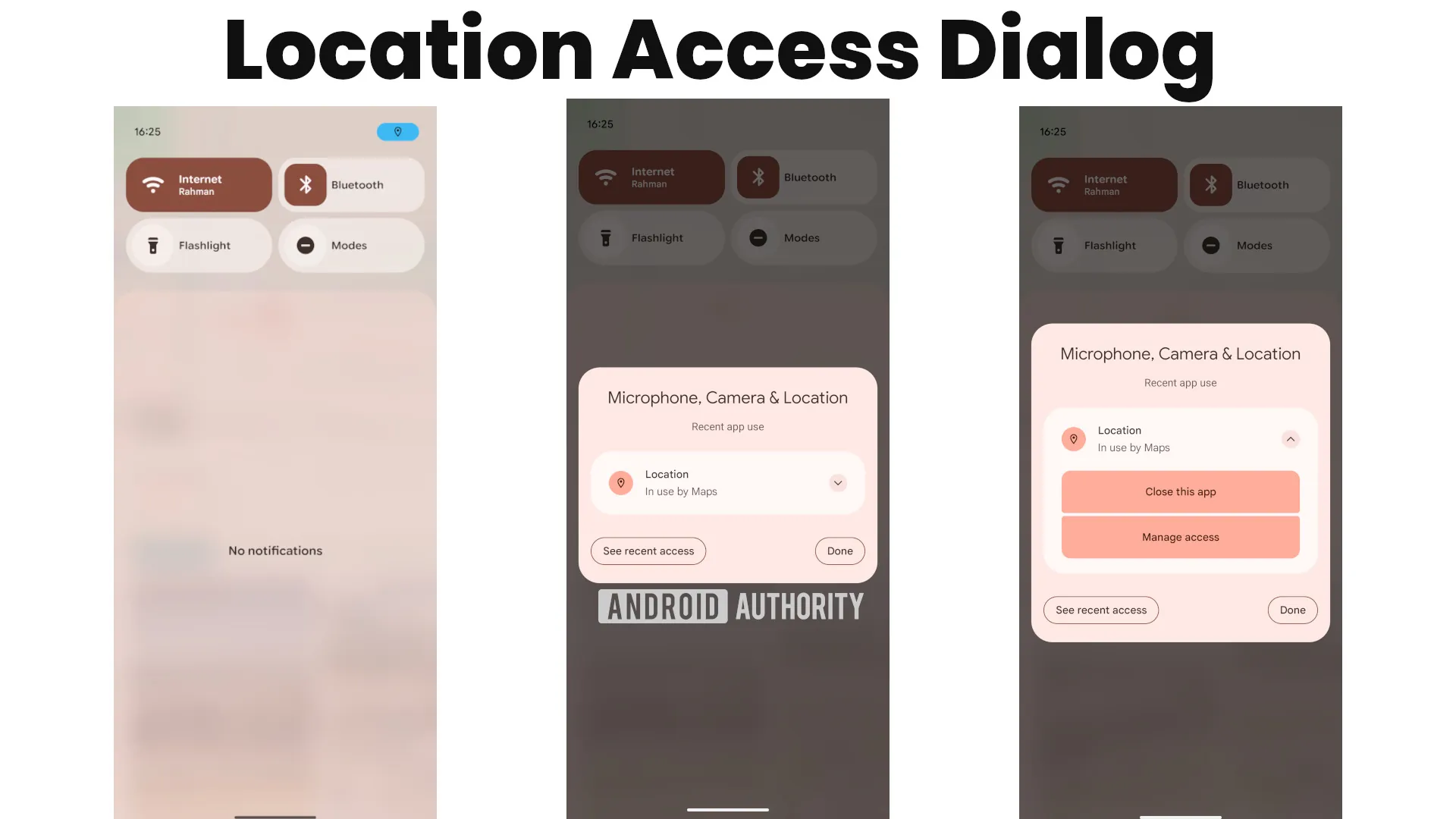
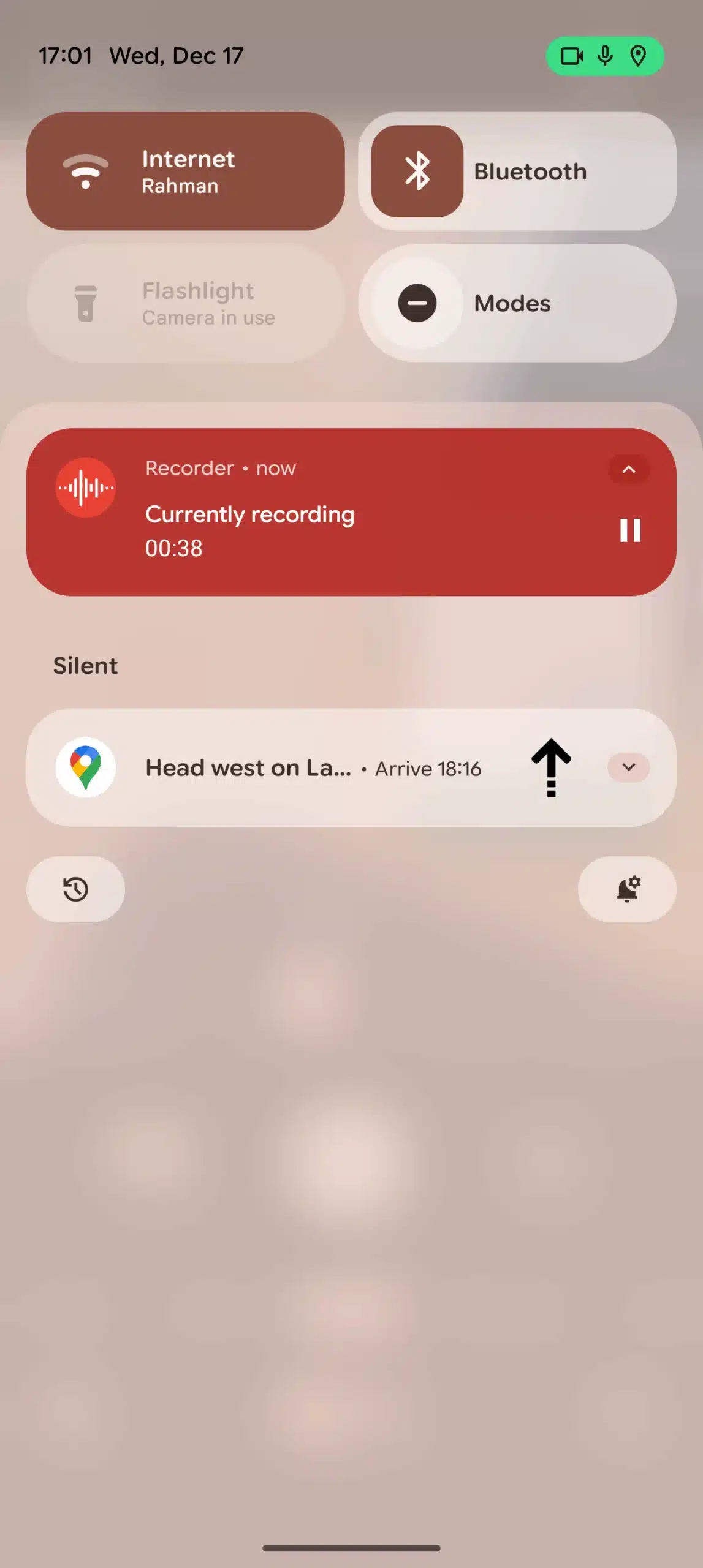
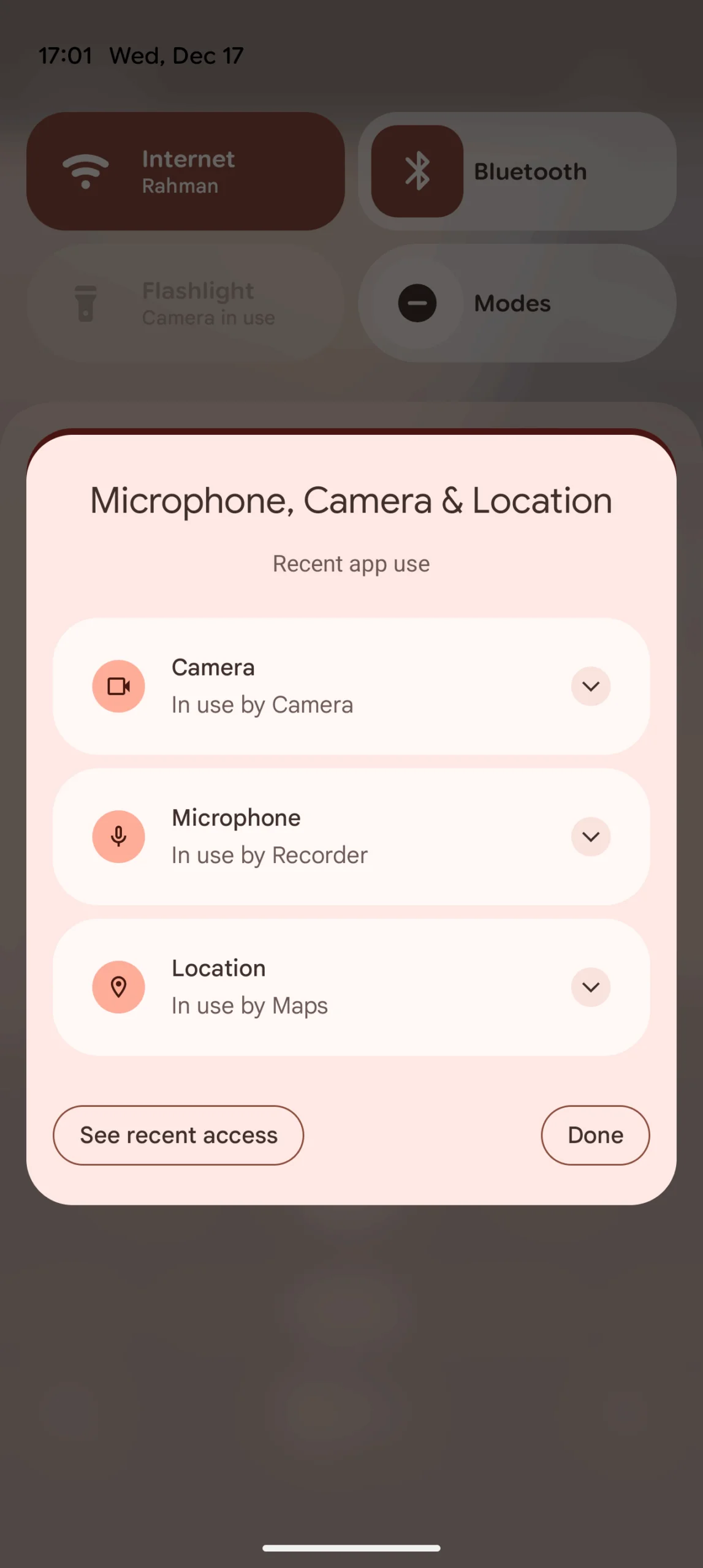
It is worth mentioning that Google tested this feature in Android 13, but it did not reach the stable channel. Now, its return in Android 16 QPR3 Beta 1 is a welcome improvement for users worried about background location tracking. Meanwhile, QPR3 beta 1 also introduces other features such as flashlight brightness controls, navigation button order, and the ability to cast your screen to an external display.

Written by
Binay KonwarBinay Konwar started his blogging journey in 2014 and has since written plenty of tech articles. At present, he is working as a News Writer at SammyGuru, covering everything about Samsung. He holds a Master's degree in Mathematics, but his real passion lies in tech and writing. In his free time, he enjoys playing chess and watching movies.

Follow us on Google Discover & set us as a preferred source in Google News
Share this Post
___________________________


New Blog Posts
___________________________
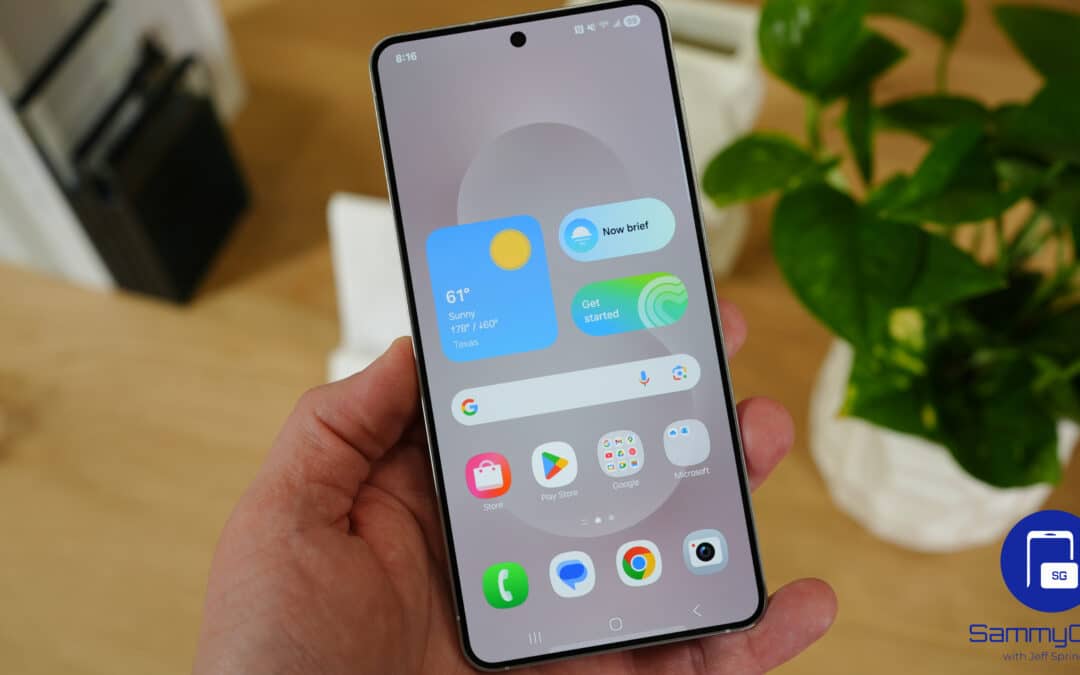
Samsung Galaxy Weekly Updates Roundup (June 15-21)
Samsung released the June 2026 update for 30+ devices this week
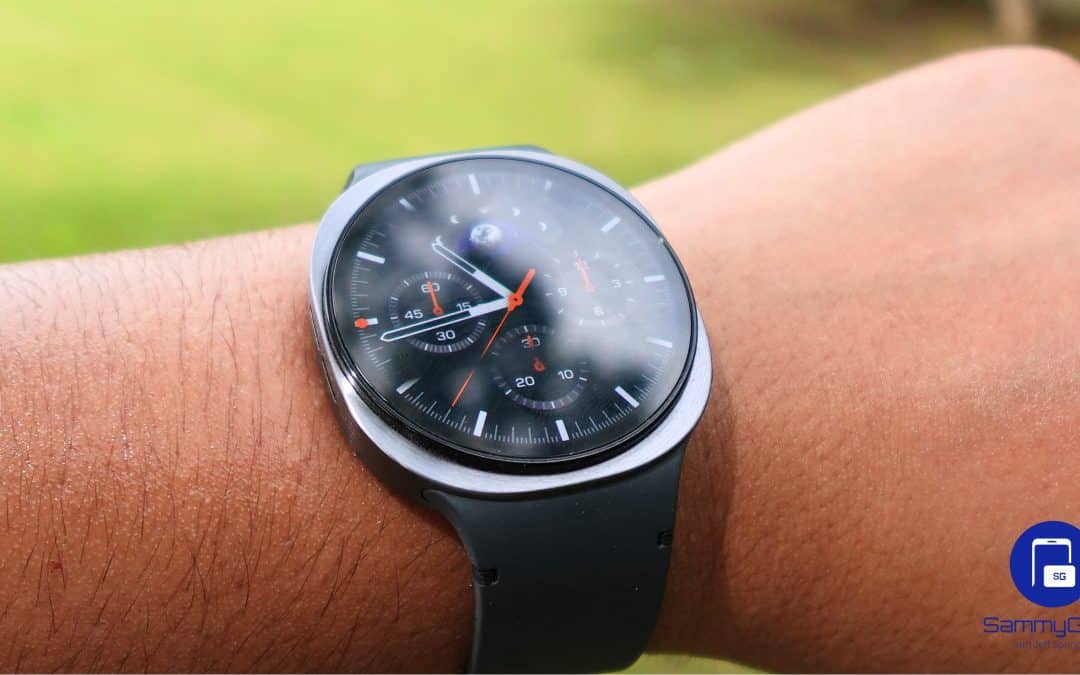
Galaxy Watch 9 and Watch Ultra 2 Leak With New Watch Faces
Exciting new info on Samsung’s upcoming wearables!
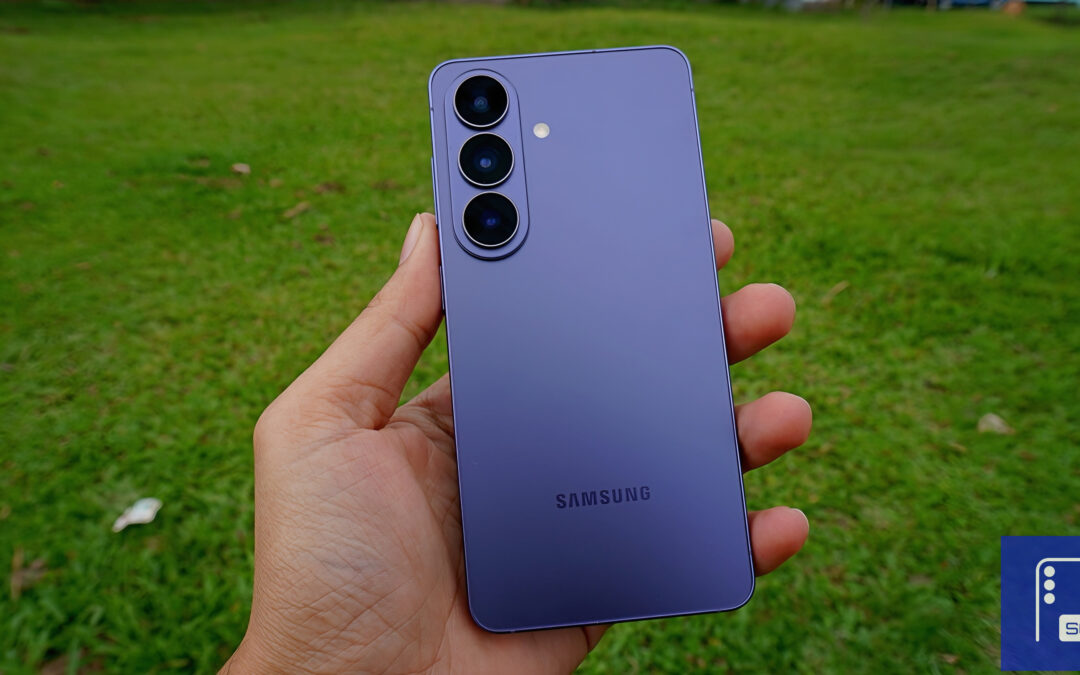
Galaxy S26 FE Korean Variant Spotted on Geekbench with Slightly Lower Scores
Samsung will likely unveil the device this fall