Galaxy XR Bug That Caused Performance Issues Fixed with new Update
SammyGuru is reader-supported. We have affiliate and sponsored partnerships, so we may earn a commission when you buy through links on our site — at no extra cost to you. Learn more.
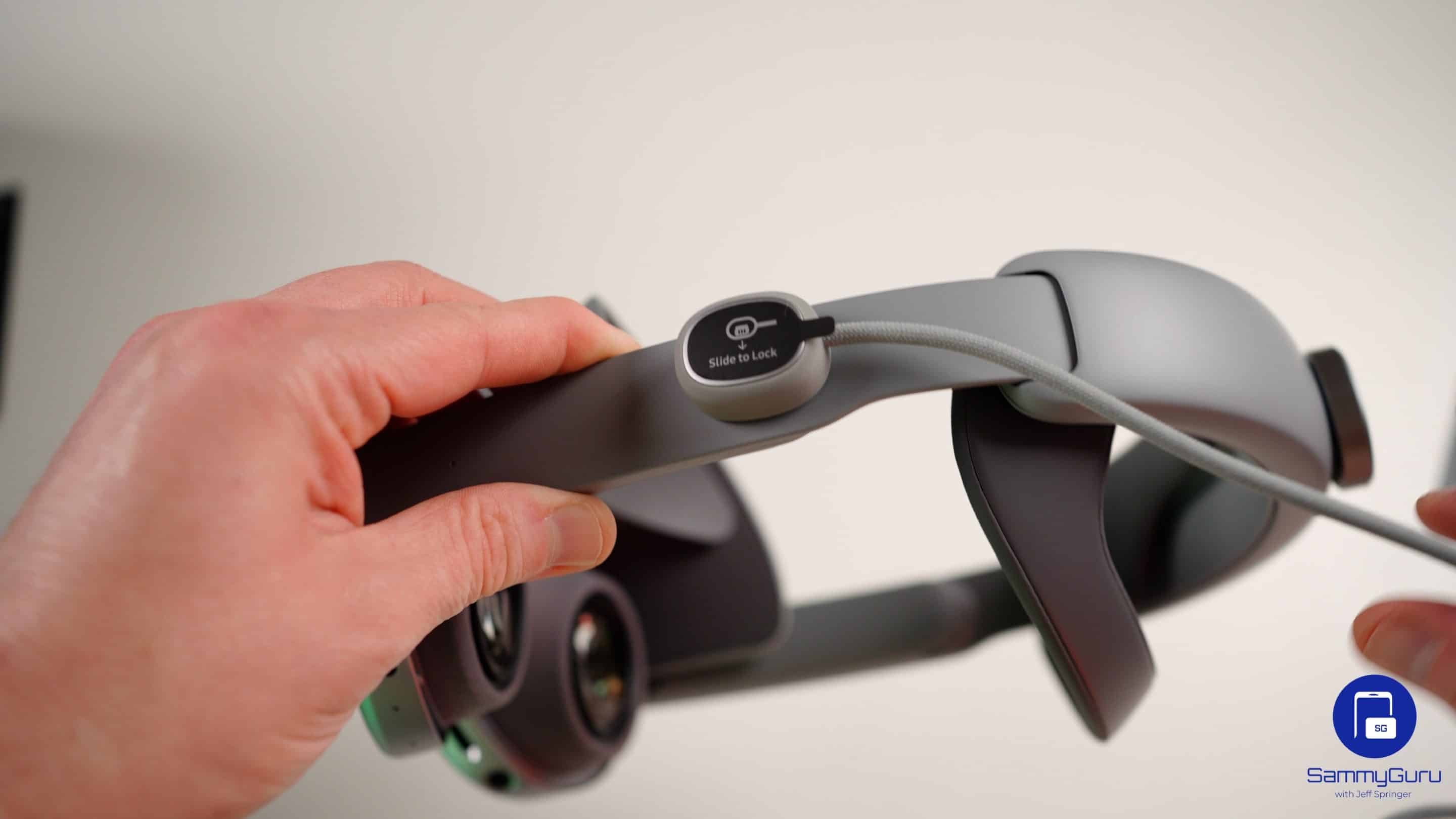
Samsung’s Galaxy XR headset picked up a major update last month, introducing several new features and enhancements. However, users complained about various issues following the update, prompting Google to launch an investigation. The company has now rolled out a new update to fix a critical memory leak that caused the problem.
Galaxy XR’s latest update fixes a serious bug that crippled performance
Shortly after installing the April software update, Galaxy XR users began noticing that memory usage on the headset would steadily climb during use, typically over a 20 to 30-minute session. Eventually, the system would hit its limits, causing frame rates to collapse. Apps started lagging, and tracking became inconsistent, so much so that the headset would become nearly unusable.
For a device built around immersive, real-time experiences, these bugs broke core functionality. Google labeled the issue a top priority and quickly rolled out an update. The latest release carries firmware version I610UEU2AZD8 and is now rolling out to Galaxy XR users worldwide, though it could take a while to reach all users.
While there’s no detailed changelog, Google says the update includes “system stability and performance optimizations” based on user feedback from the previous release. It’s a more generic way of saying that it has patched the memory leak.
In fact, some users have already installed the update and found that the patch is doing its job. Performance has stabilized, tracking issues have been resolved, and more importantly, there’s no major memory leak causing system slowdowns.
That said, the update may not be entirely flawless. Some users have flagged a new issue related to virtual desktop environments, where moving the cursor between displays can cause visual glitches or corrupted frames. Hopefully, Google will address the issue soon. If you are using a Galaxy XR headset, you can check for new updates by heading to: Settings > Software Update > Download and install.

Written by
Sumit AdhikariSumit is a lifelong Samsung enthusiast and technology journalist who has been covering the consumer technology industry since 2017. A mathematics graduate by education, he specializes in smartphones, software, and emerging technologies, with a keen interest in artificial intelligence and the future of connected experiences. Sumit believes AI will play a transformative role in building a more open, intelligent, and seamlessly connected world.

Follow us on Google Discover & set us as a preferred source in Google News
Share this Post
___________________________


New Blog Posts
___________________________
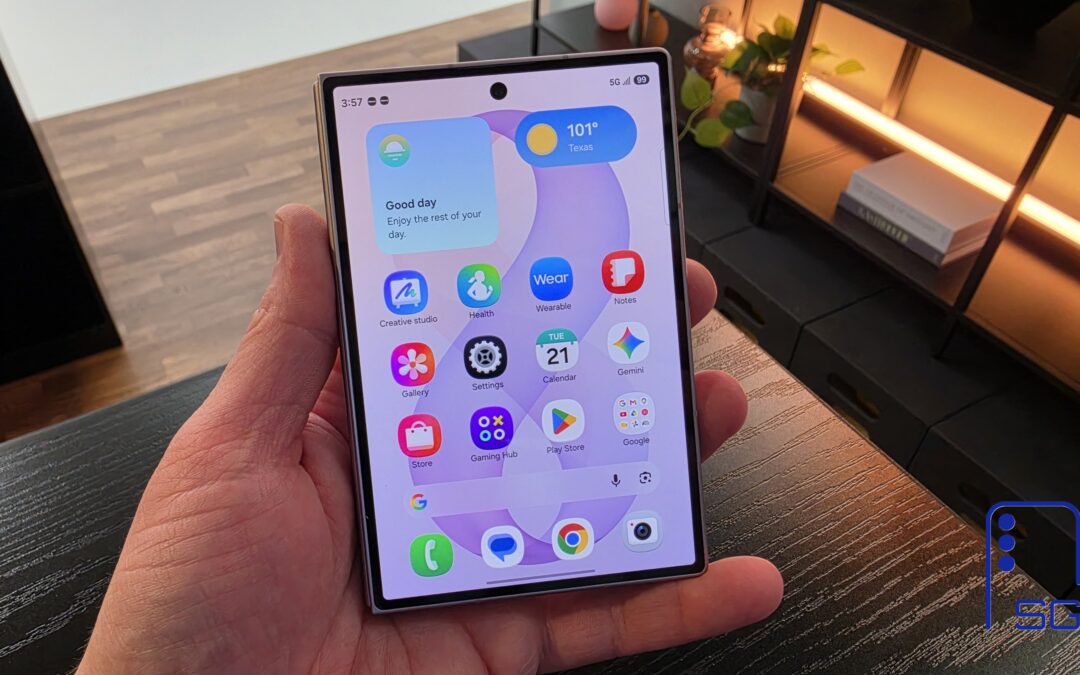
The Galaxy Z Fold 8 Is the Best iPhone and iPad Replacement Yet
Two devices, one pocket
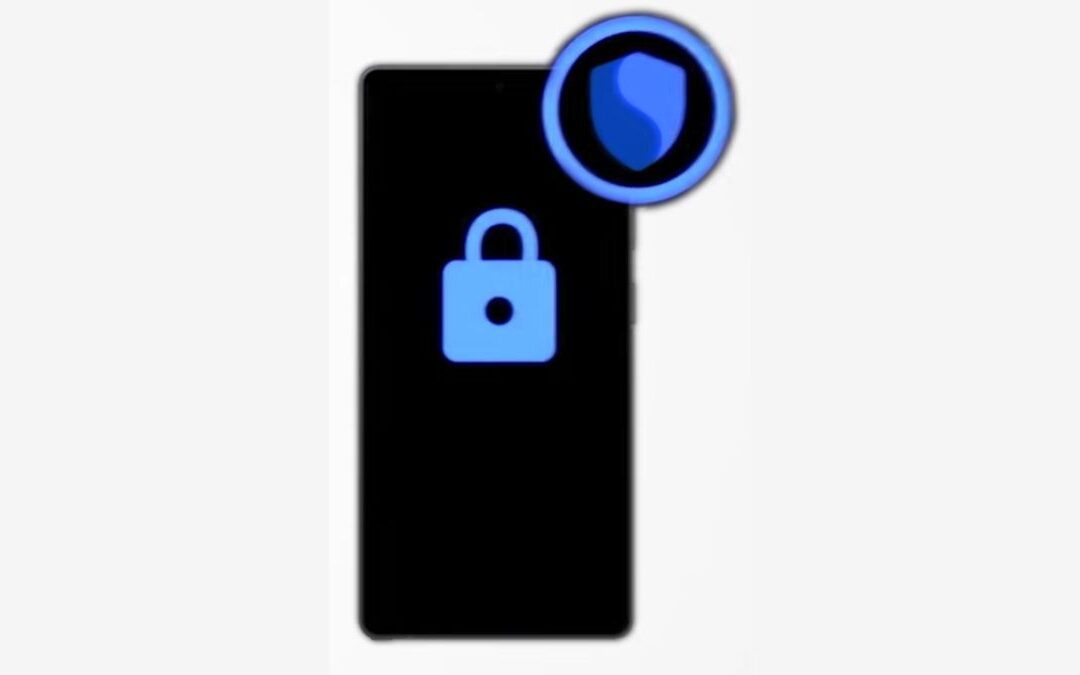
How to Turn On Theft Protection on Your Galaxy Phone
The feature helps protect your personal data in case of theft
Miss the Rotating Bezel? Galaxy Watch 8 Classic Is Now Half Off
A deal that’s hard to ignore