Galaxy Watch Users Can Now Chat on Telegram
SammyGuru is reader-supported. We have affiliate and sponsored partnerships, so we may earn a commission when you buy through links on our site — at no extra cost to you. Learn more.
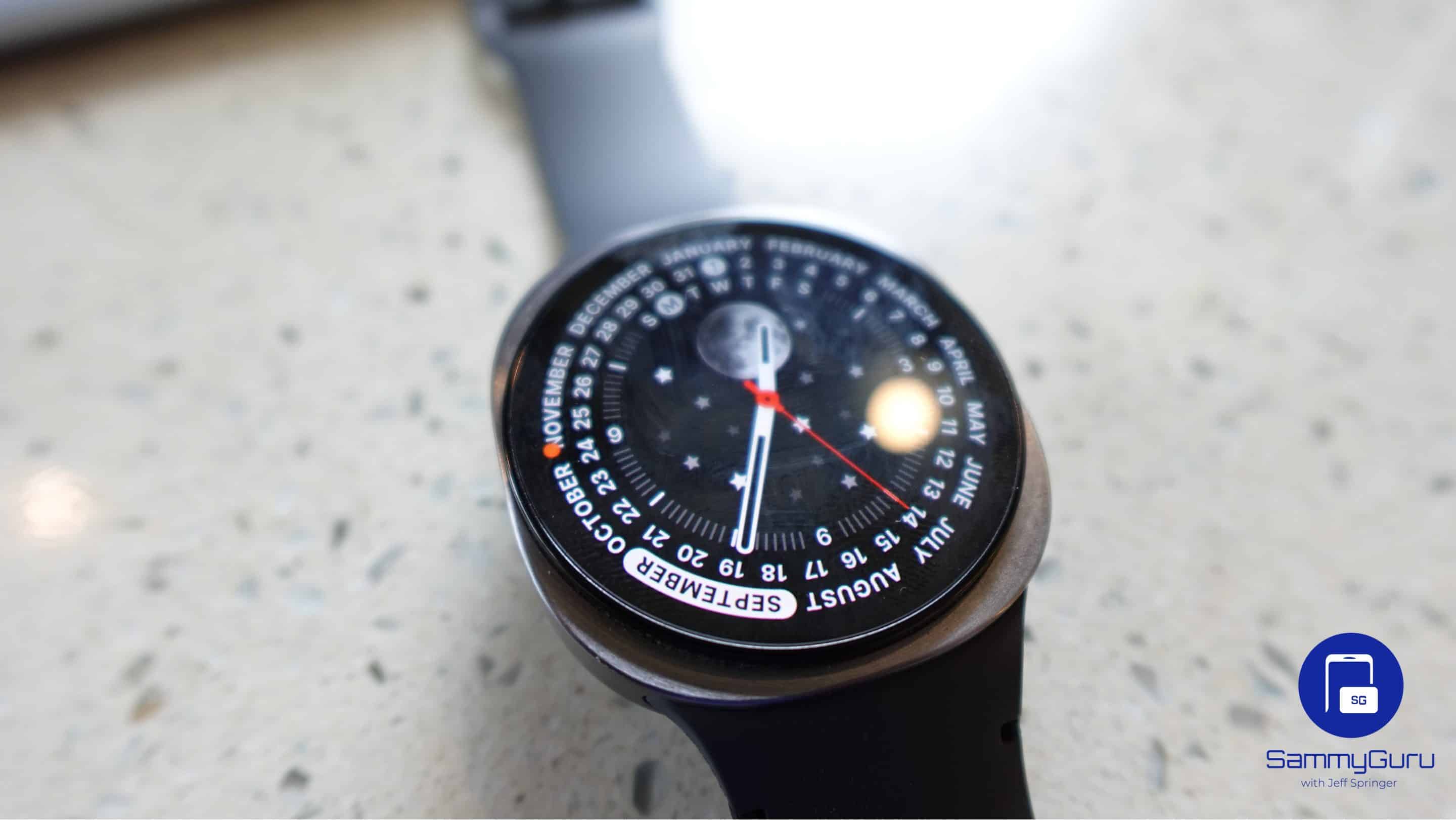
Do you use Telegram on your smartphone and wish you could access it on your Galaxy Watch too? We have some good news for you. Telegram has now officially arrived on Wear OS, letting Galaxy Watch users chat, read messages, and more right from their wrists.
Telegram arrives on Wear OS after years away
Last month, Telegram began testing its new Wear OS app through a beta program on the Google Play Store. Now, the app is available for all Wear OS smartwatch users, including Galaxy Watch models. “Today’s update lets you wear Telegram on both wrists and brings dozens of new features and improvements,” the Telegram team wrote in a blog post.
The new app lets you browse chats, read messages of any length, view media, and listen to voice messages from your watch. You can also send text and voice messages without taking out your smartphone. Moreover, the app brings a host of useful features such as muting chats, pinning conversations, and deleting messages.
In a future update, Telegram may bring support for viewing locations and sending stickers on Wear OS. As of now, the two features are available on the Apple Watch version of the app.
It is worth mentioning that Telegram previously offered a Wear OS smartwatch app but discontinued support in 2021. Since then, users have had to depend on their smartphones to access the messaging platform. Thankfully, Telegram has now rebuilt its Wear OS app, bringing the experience back for smartwatch users.
It’s quite easy to download Telegram on your Galaxy Watch. First, open the Google Play Store on the smartwatch. Now search for Telegram, and then install it. Once launched, the app will show a QR code that lets you set up a connection with your Telegram account. To do so, open Telegram on your smartphone and navigate to Settings > Devices. Finally, scan the QR code to sign in.

Written by
Binay KonwarBinay Konwar started his blogging journey in 2014 and has since written plenty of tech articles. At present, he is working as a News Writer at SammyGuru, covering everything about Samsung. He holds a Master's degree in Mathematics, but his real passion lies in tech and writing. In his free time, he enjoys playing chess and watching movies.

Follow us on Google Discover & set us as a preferred source in Google News
Share this Post
___________________________


New Blog Posts
___________________________
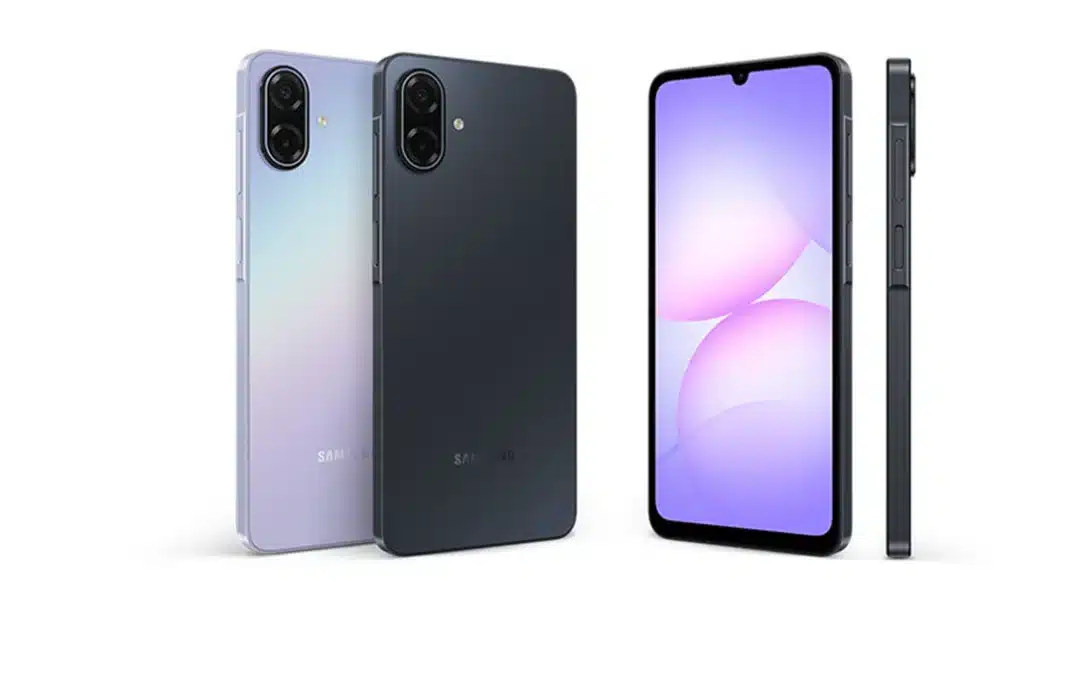
Galaxy M08 and Galaxy F08 Spotted in Wi-Fi Alliance Database
Two more phones on the way
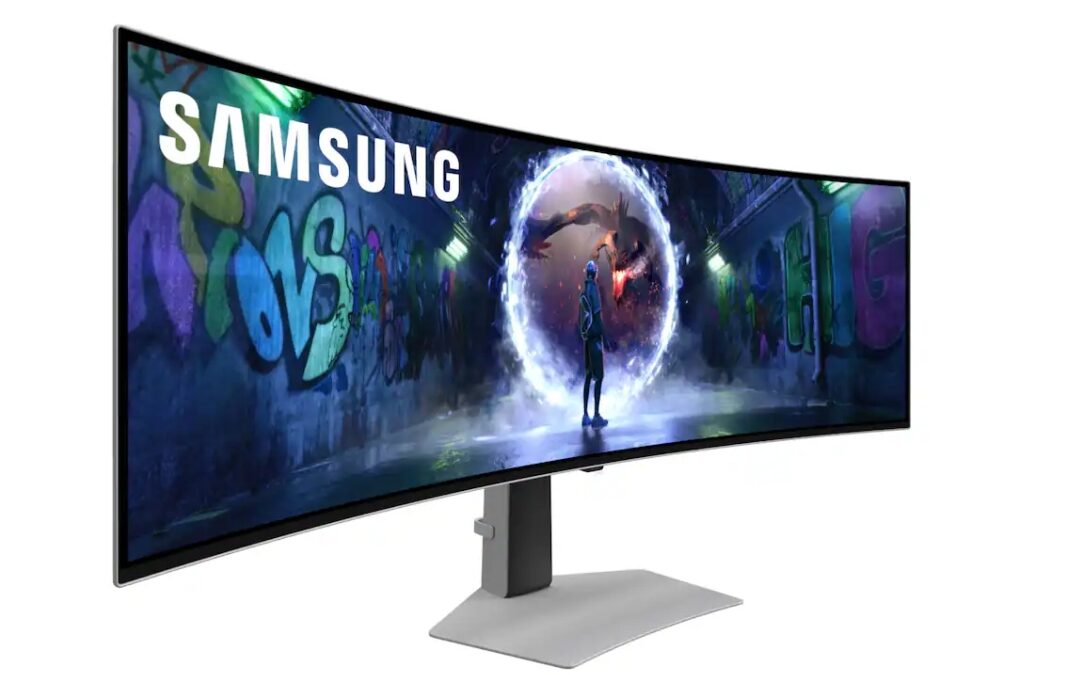
Save $700 on Samsung’s 49-Inch Odyssey OLED G9 Gaming Monitor
A discount so good doesn’t come around often
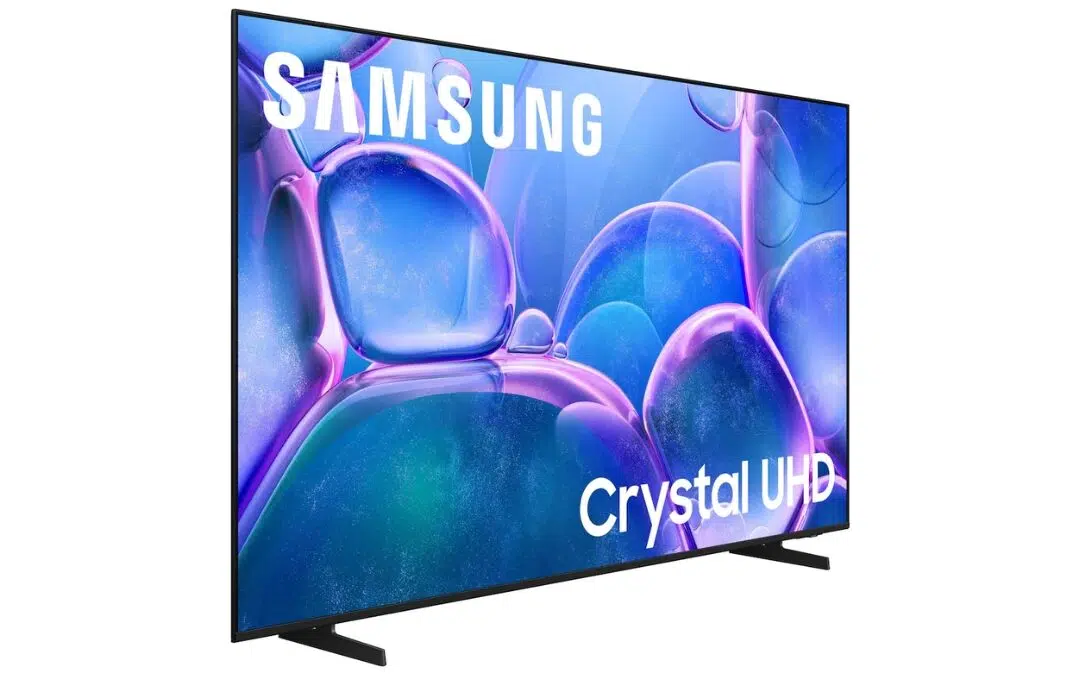
Samsung’s 75-Inch 4K Smart TV Is Just $399 Right Now
Size matters, and so does your hard-earned money