
How to Capture Fast Motion on Galaxy S26 Ultra: Expert RAW Action Mode Guide
SammyGuru is reader-supported. We have affiliate and sponsored partnerships, so we may earn a commission when you buy through links on our site — at no extra cost to you. Learn more.
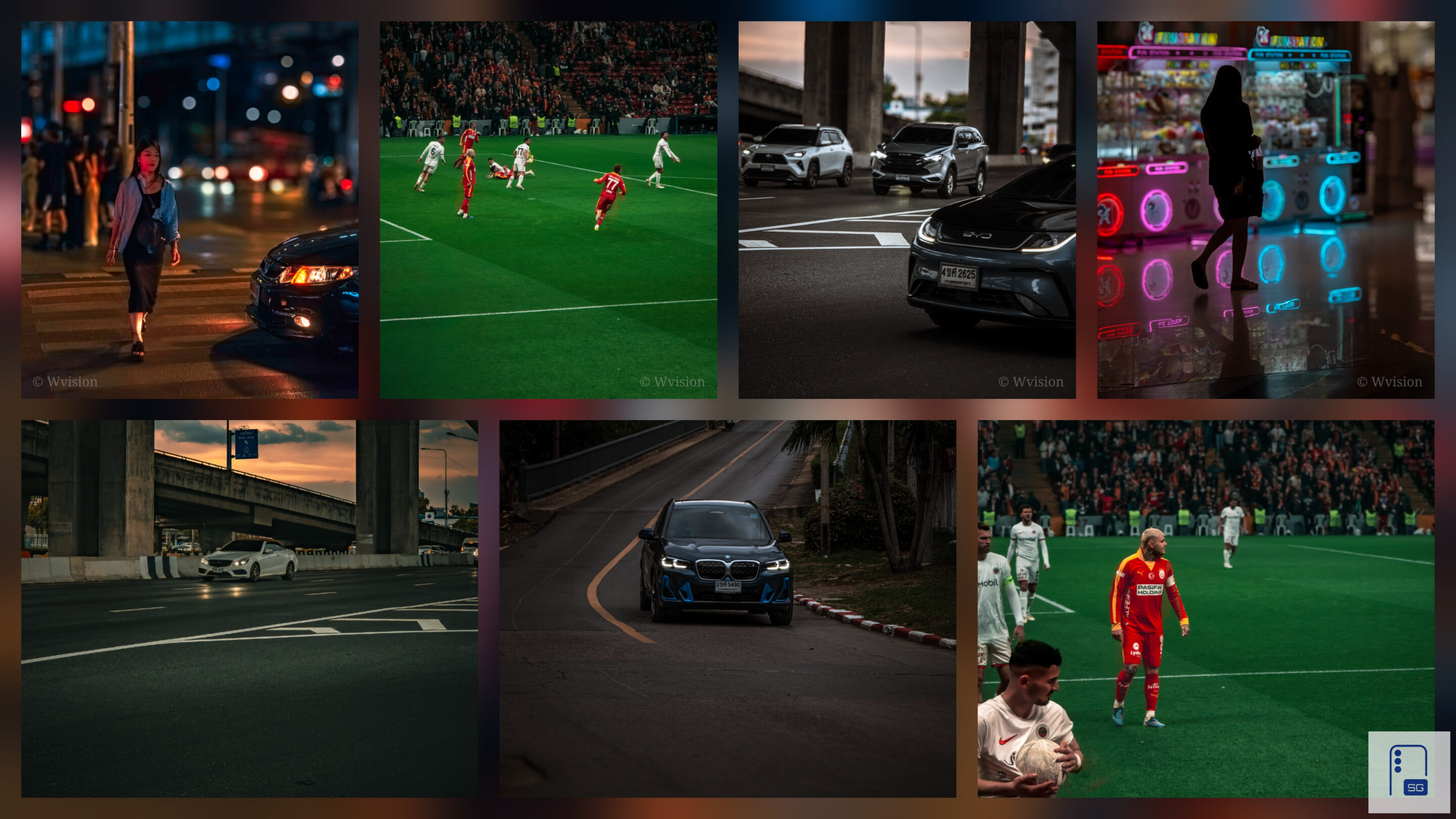
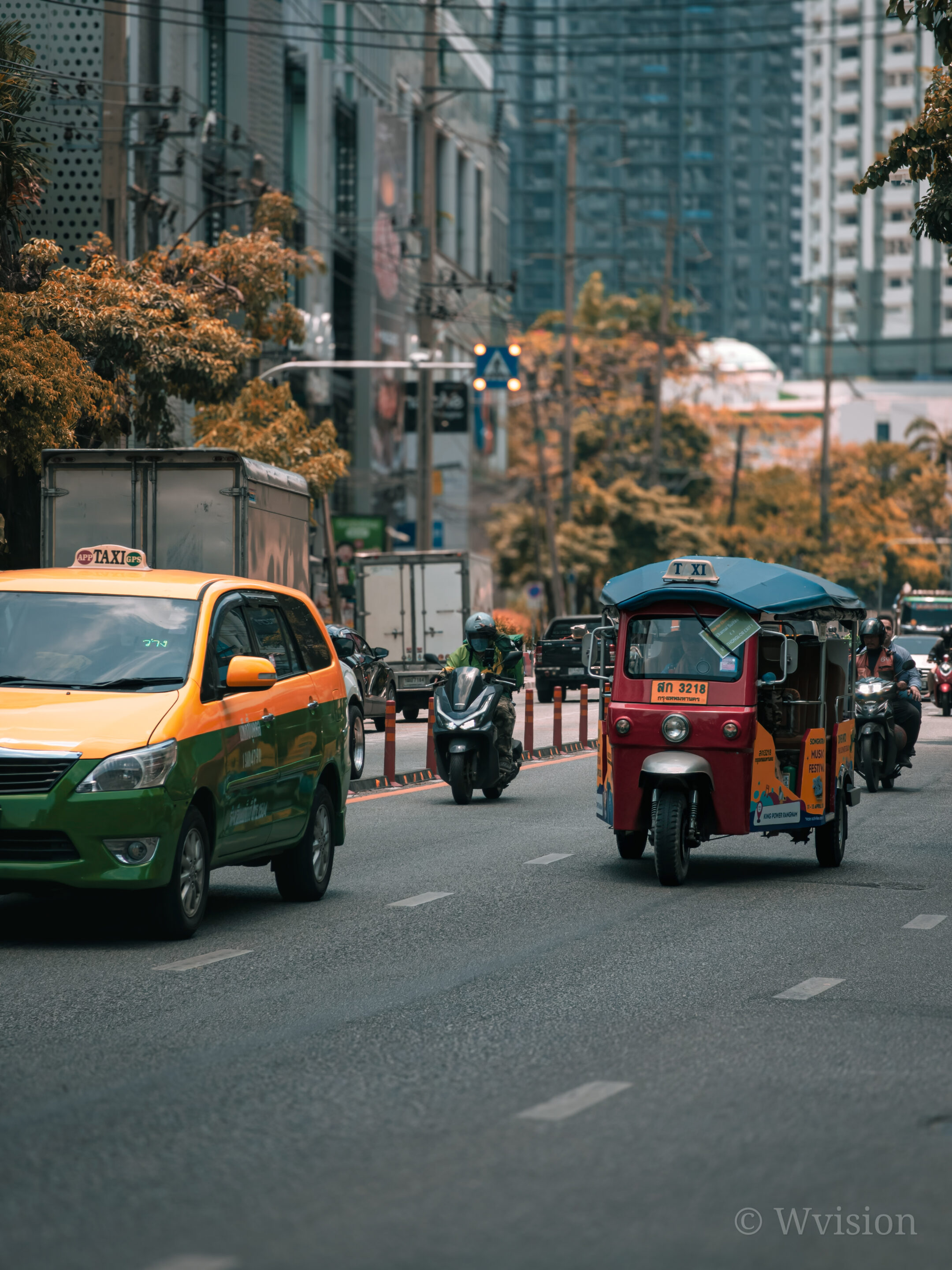
Samsung has long been criticized for motion blur. While the Galaxy S26 Ultra improves shutter speed and reduces shutter lag, one gap still remains: there is no dedicated fast action mode.
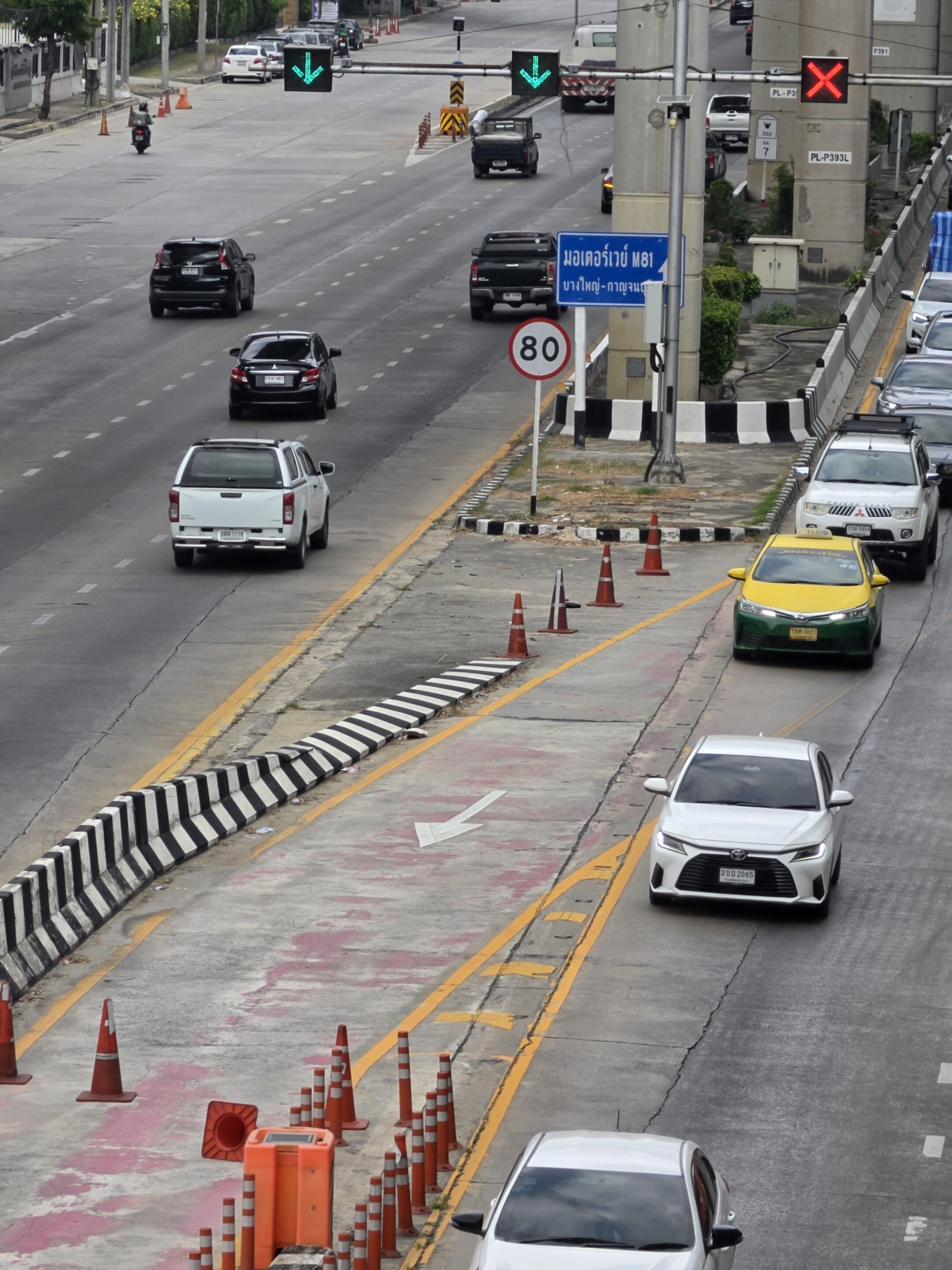
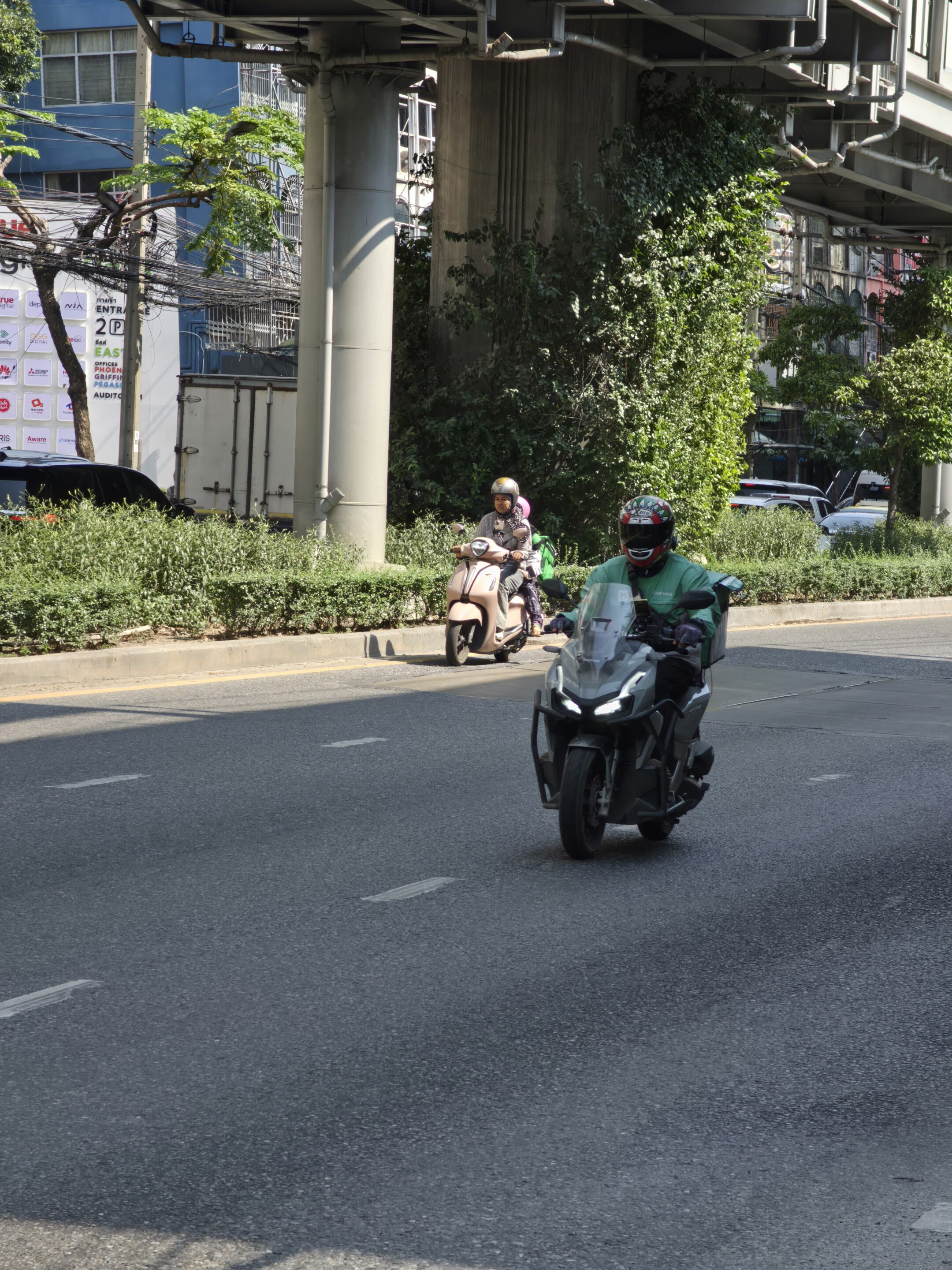
In daylight, the camera performs well. Shutter speeds can rise higher than expected, allowing Auto mode and Expert RAW to capture motion cleanly. But once lighting drops, the behavior changes. The system prioritizes brightness over speed, often slowing the shutter and missing the moment.
Why Auto Mode Still Struggles With Motion
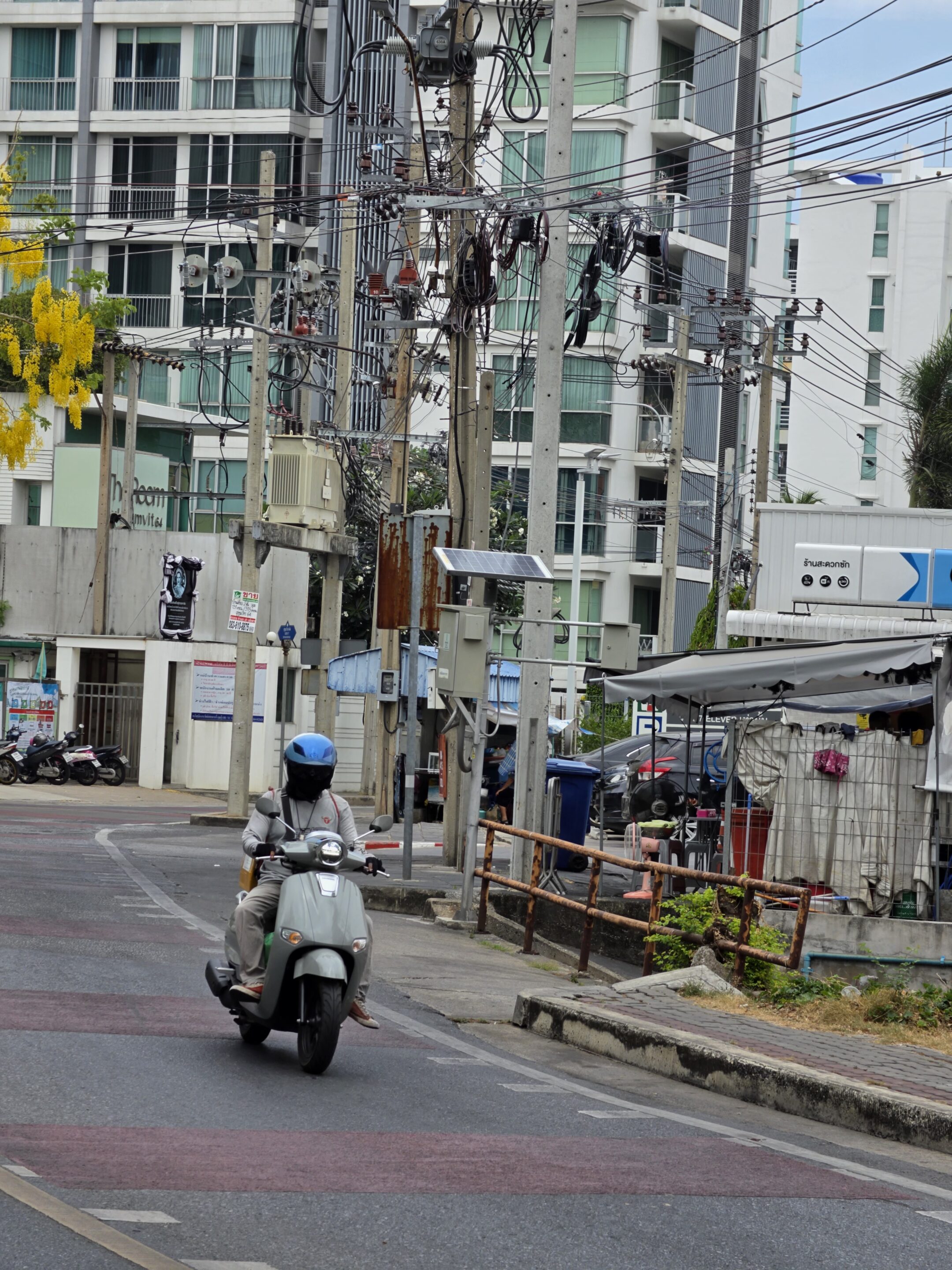
In indoor and low-light conditions, the scene detection can recognize movement, but the processing pipeline doesn’t always respond the way users expect. Instead of locking focus and increasing shutter speed, it often keeps exposure balanced for brightness.
Motion photos can partially help in Auto mode by capturing multiple frames around the moment, increasing the chance of getting a usable shot. In good lighting, this can work even for moderate indoor movement.
But this approach still depends on having enough light. In low-light conditions, the system clearly indicates that more light is required, and motion photos lose their effectiveness as frames become softer and less consistent. It helps, but it doesn’t replace proper shutter control.
In low light, focus behavior also changes. The system tends to prioritize stability over responsiveness, which can delay focus locking on moving subjects. This adds another layer of inconsistency when timing is critical.
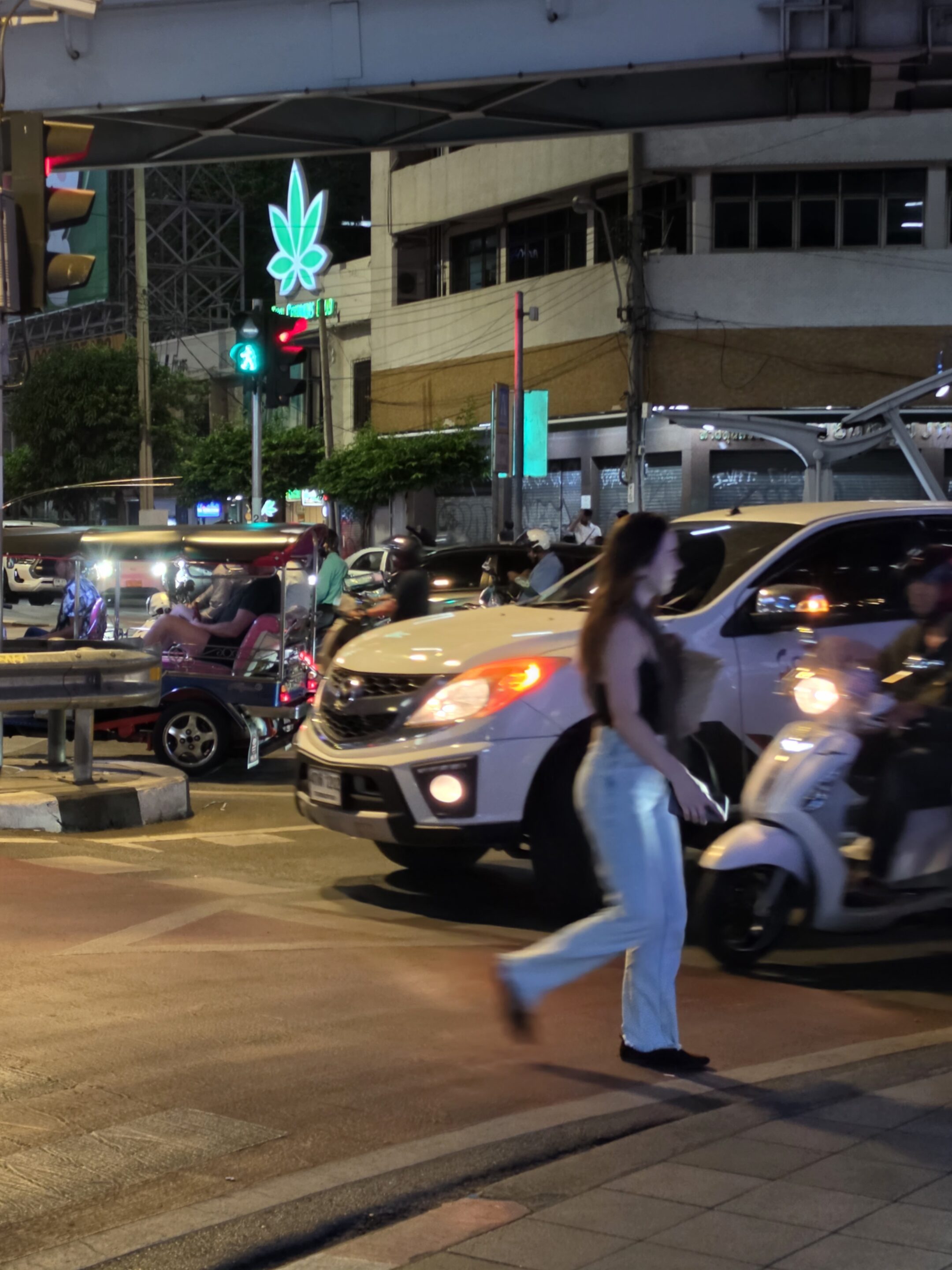
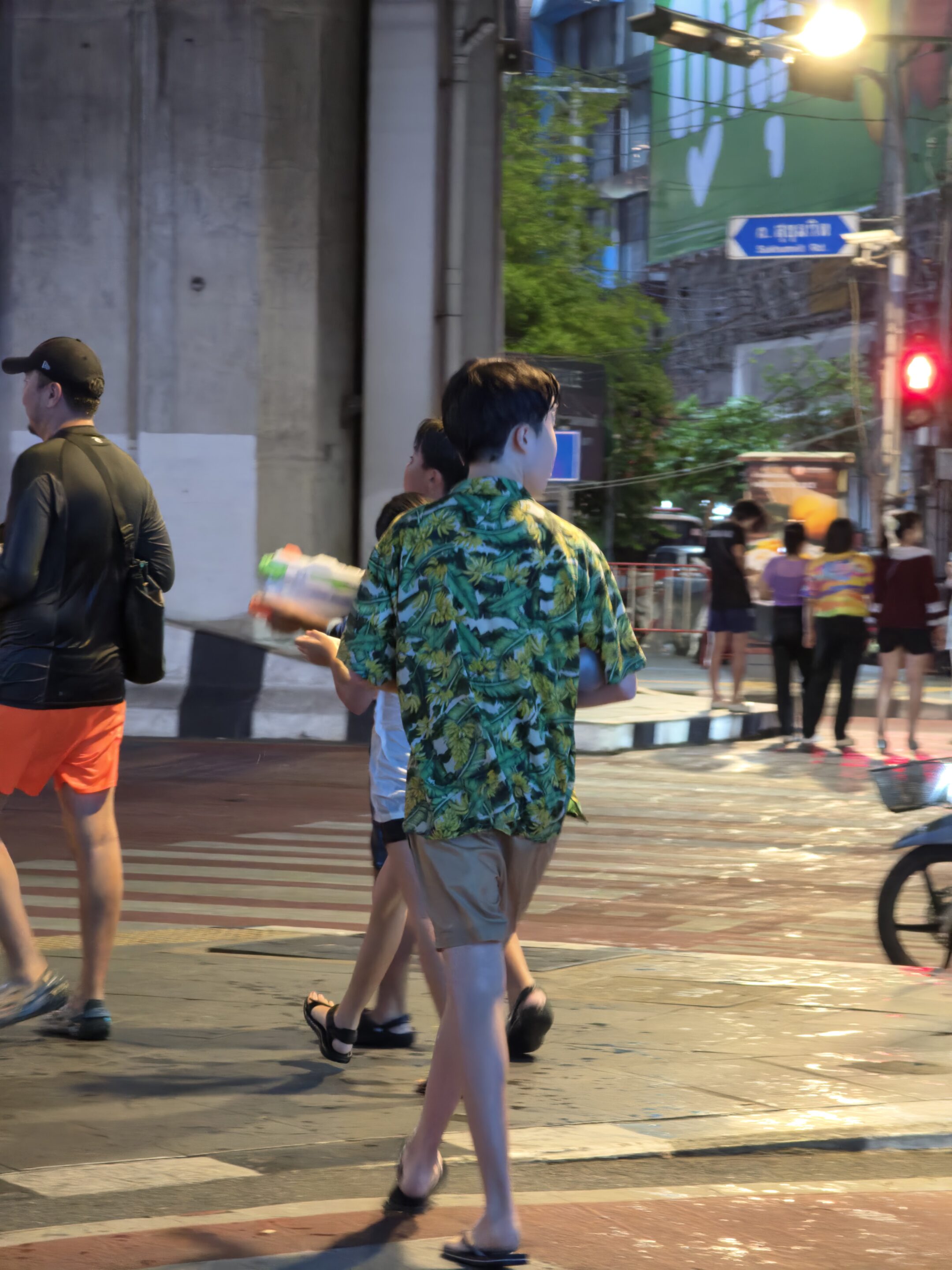
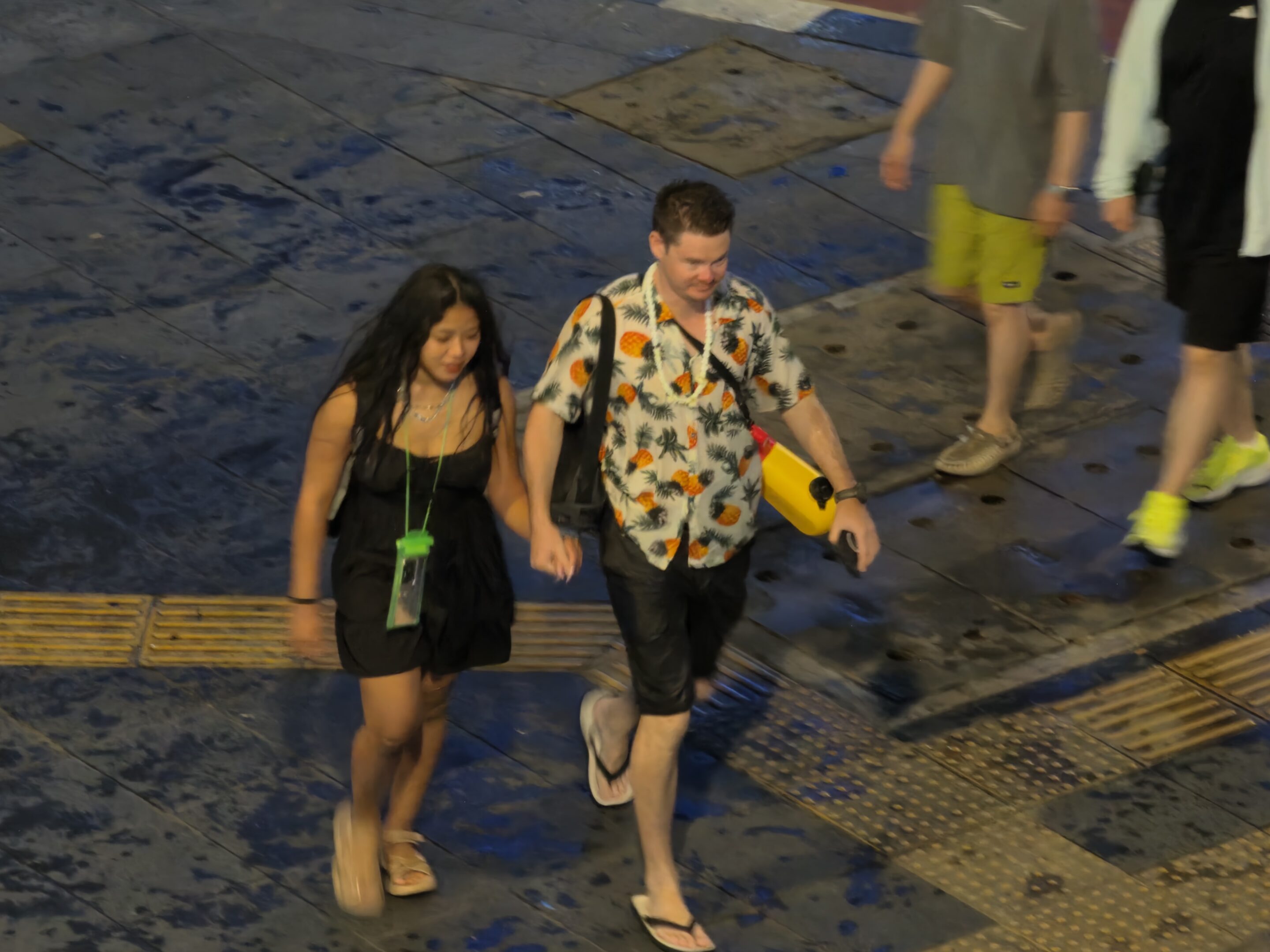
The result is predictable: motion blur, missed frames, and inconsistent focus. This becomes critical in real-world scenarios such as events, sports, or night street photography, where freezing the moment matters more than maintaining brightness.
Expert RAW: The Only Reliable Workaround
Right now, Expert RAW is the most consistent way to handle fast-moving subjects in difficult lighting. Even though it is a multi-frame computational RAW system, it still allows more control over shutter speed and ISO while preserving dynamic range.
In low light, the sensor has less data to work with, which forces the system to choose between brightness and motion. Auto mode leans toward brightness. Expert RAW allows you to shift that priority.
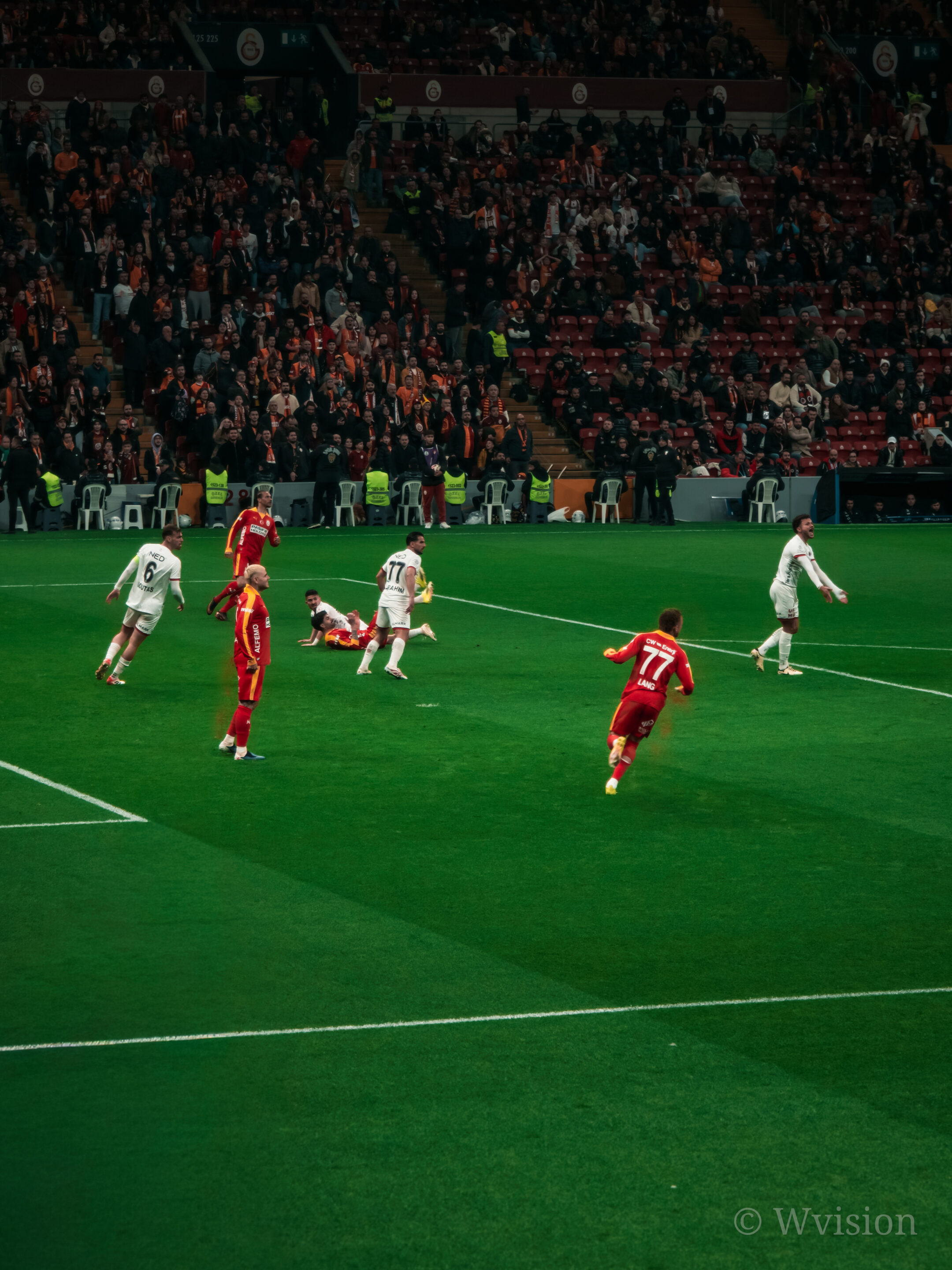
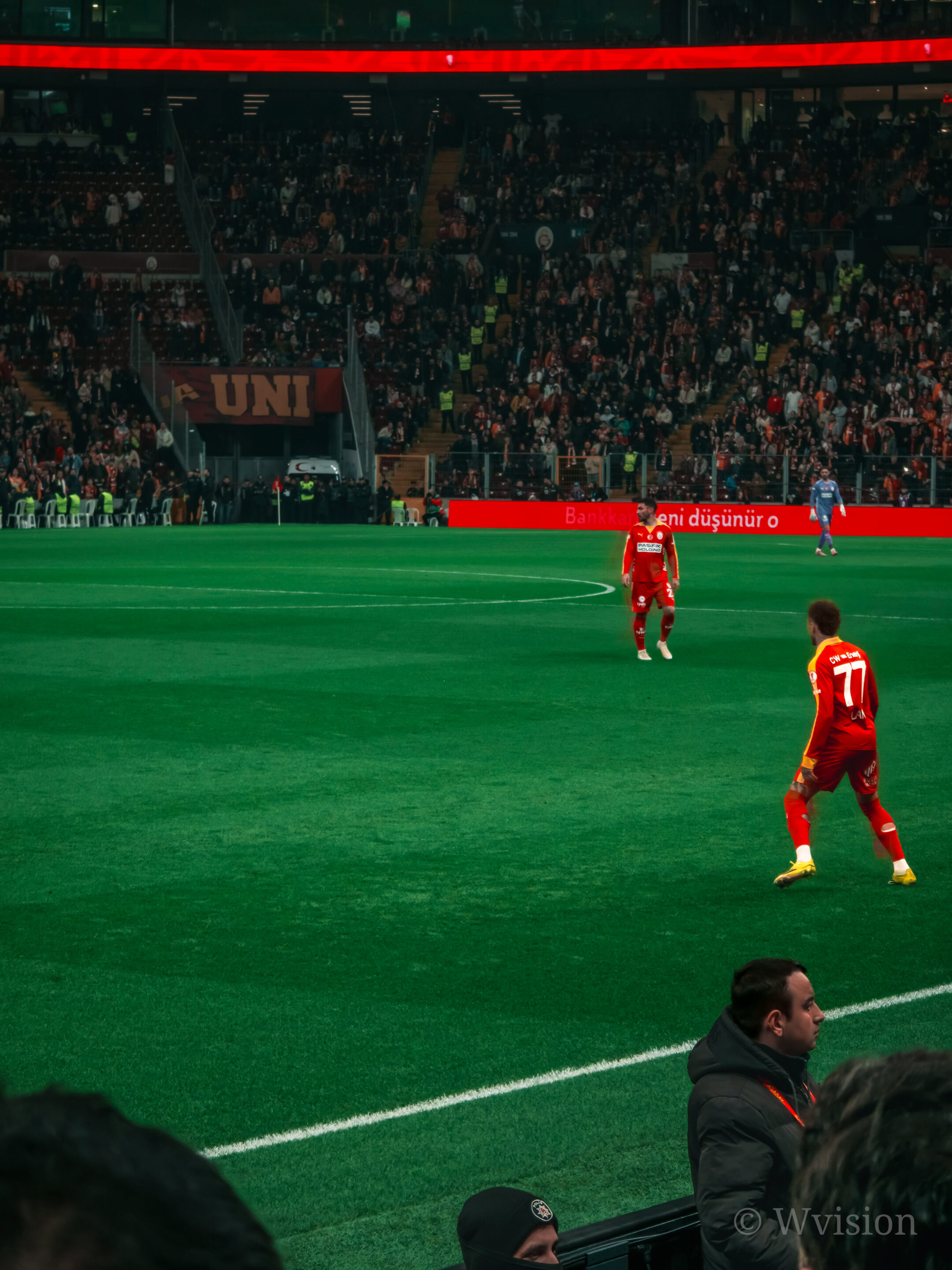
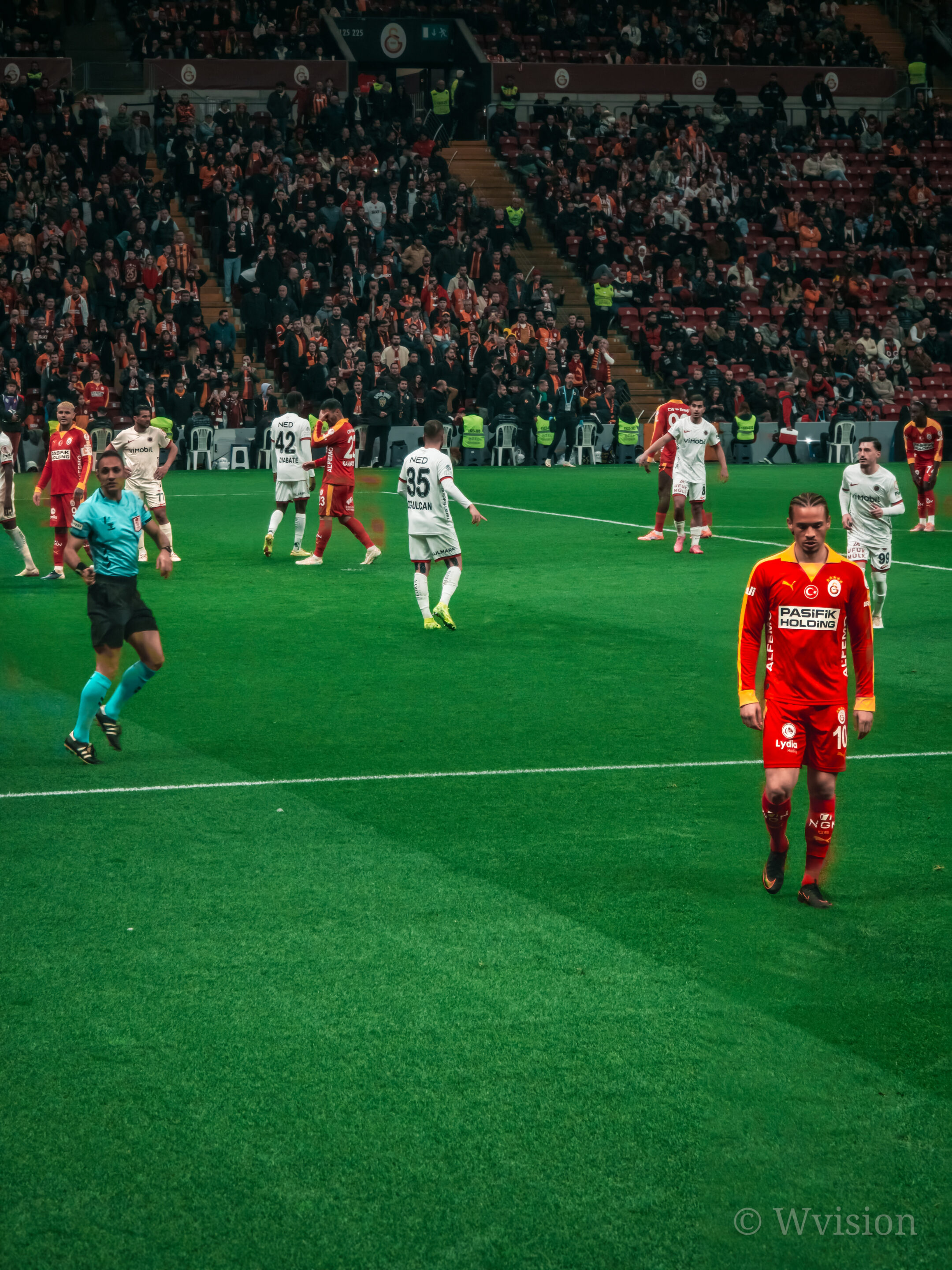
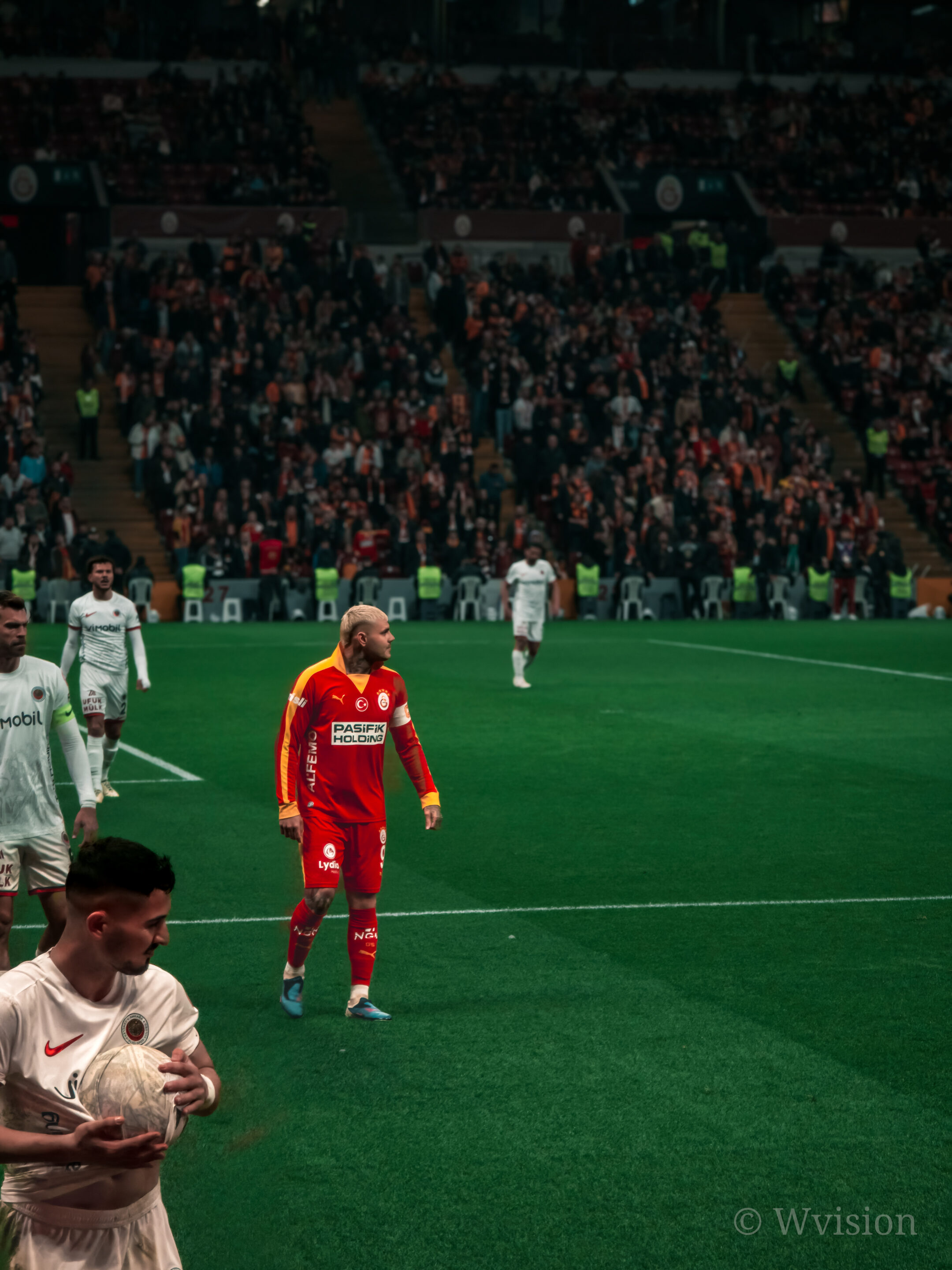
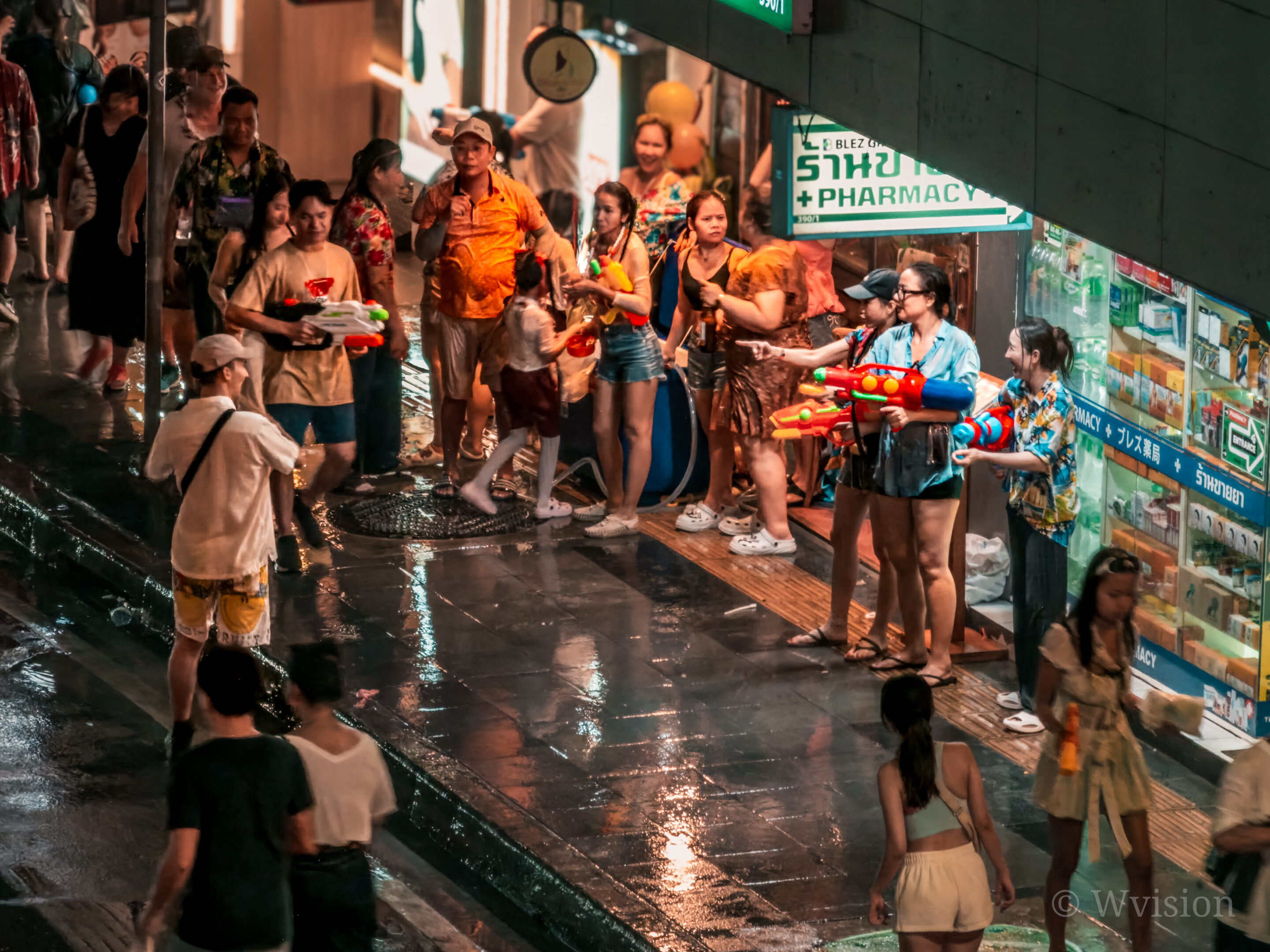
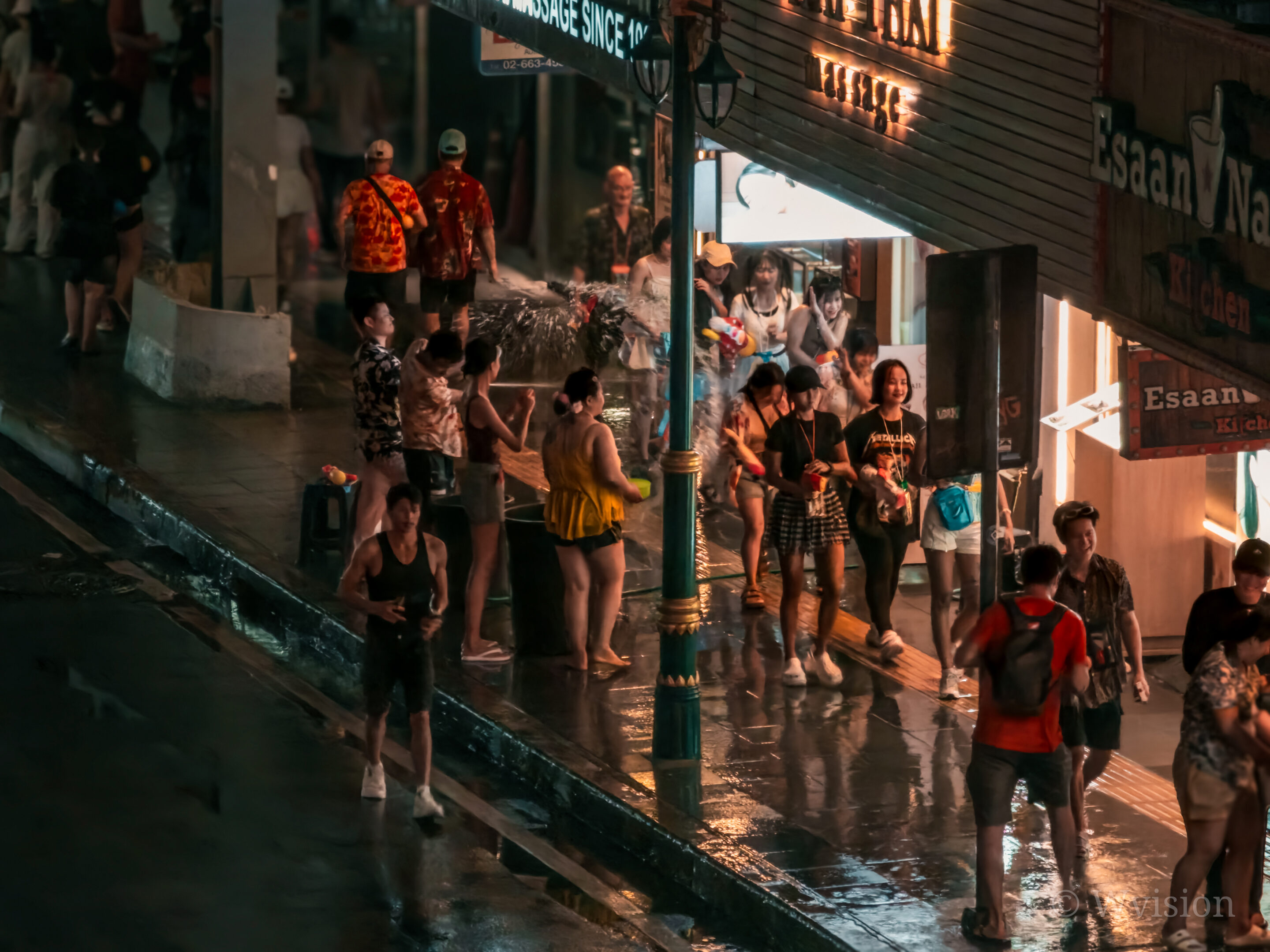
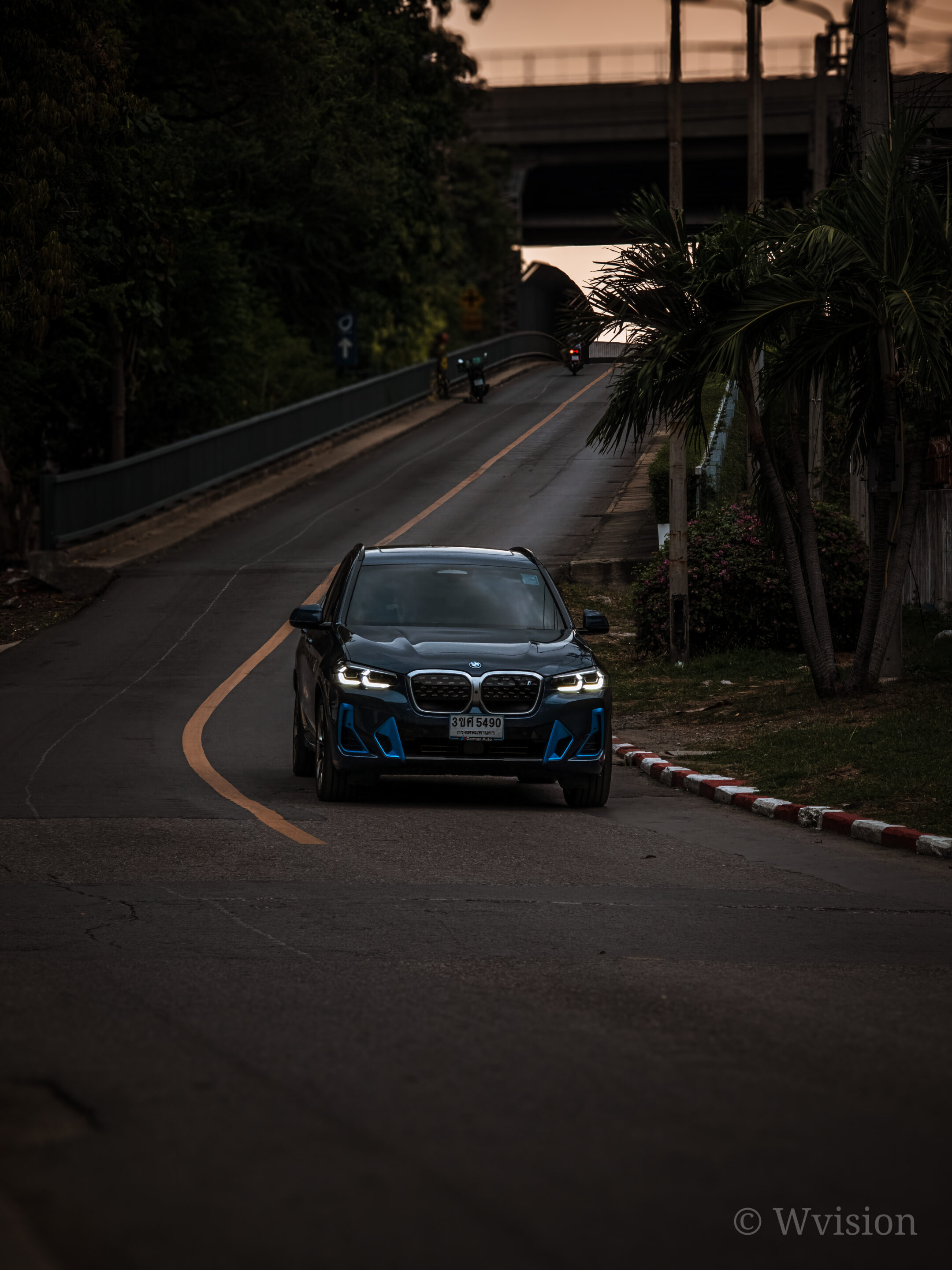
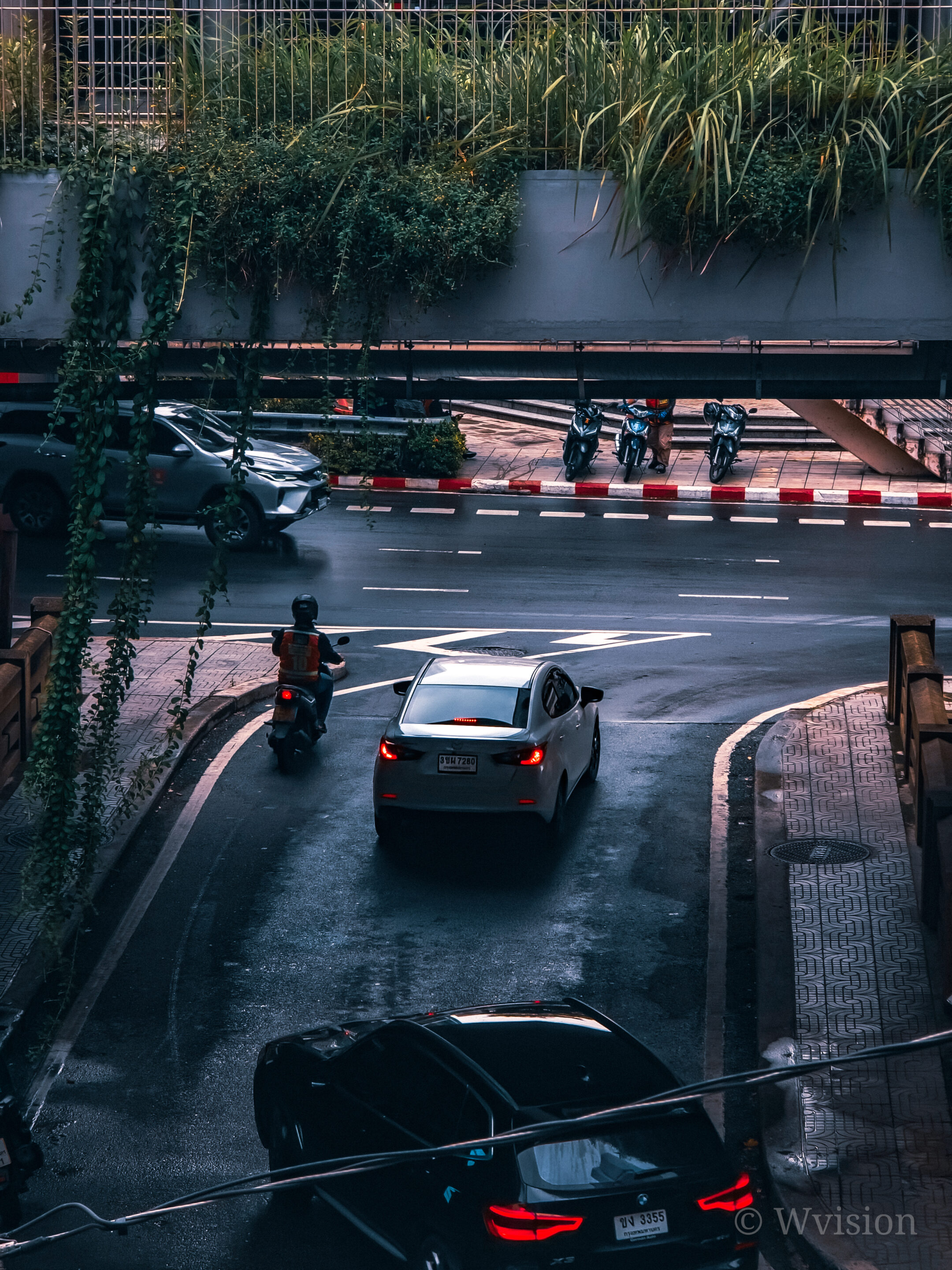
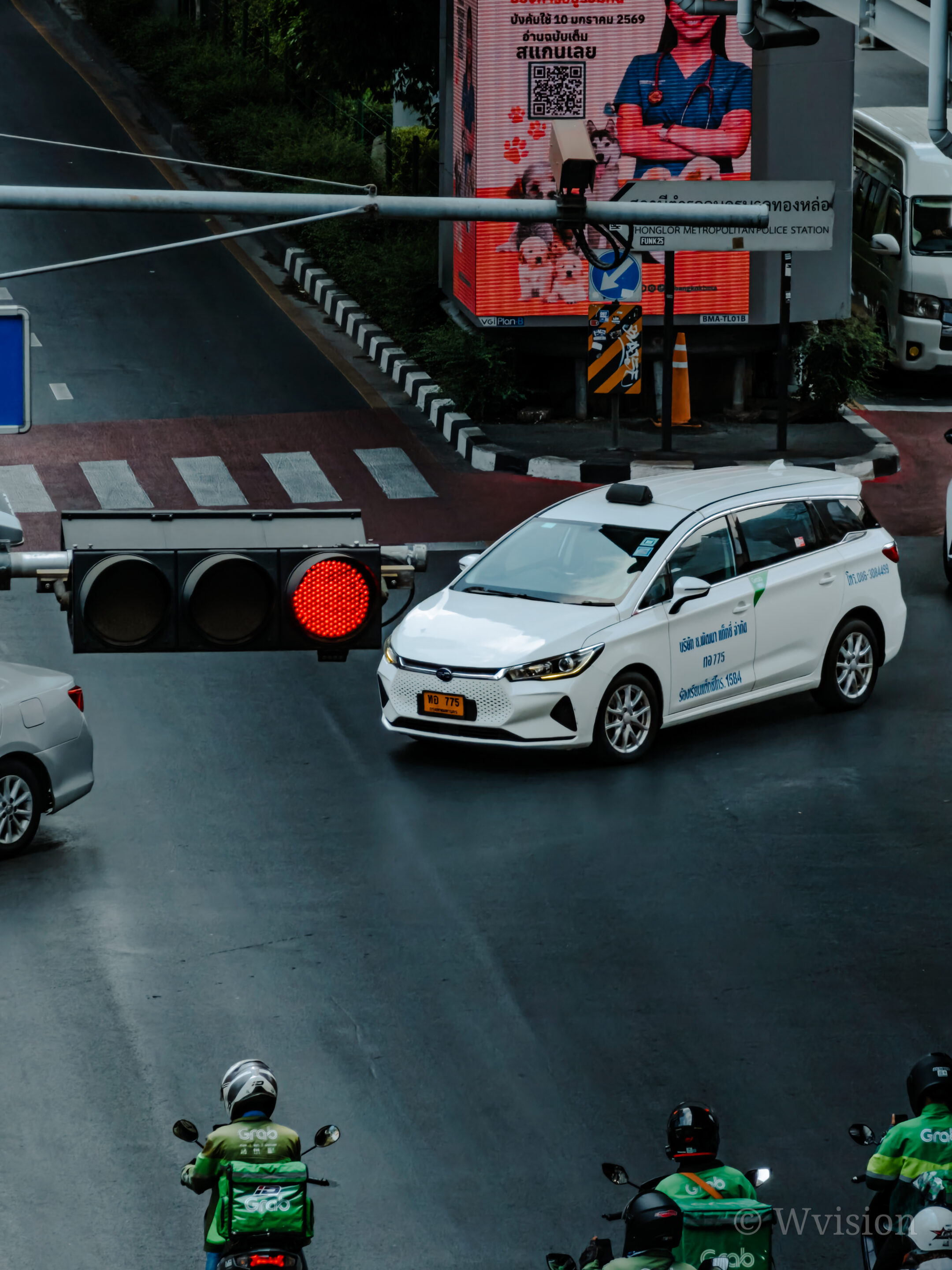
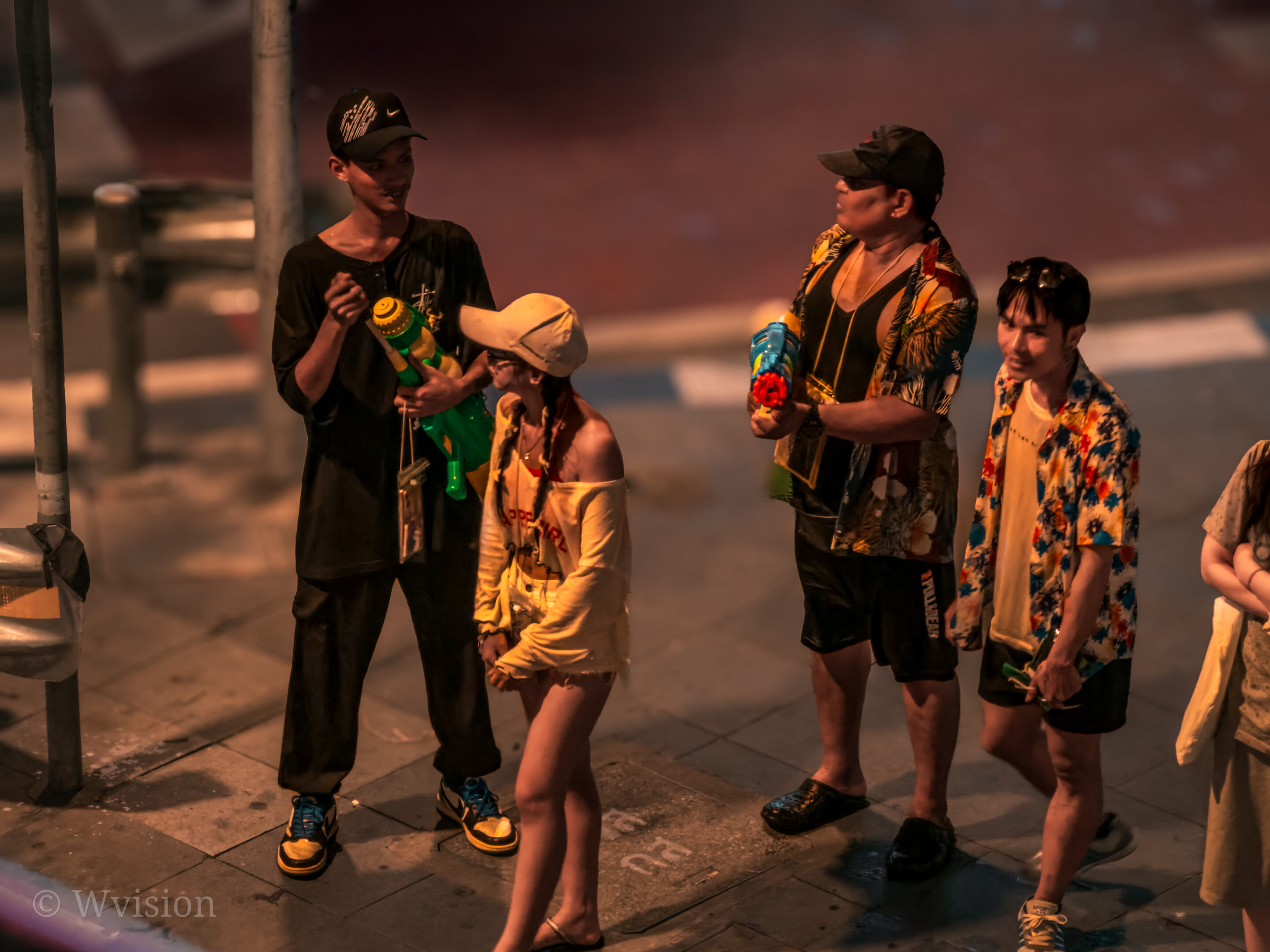
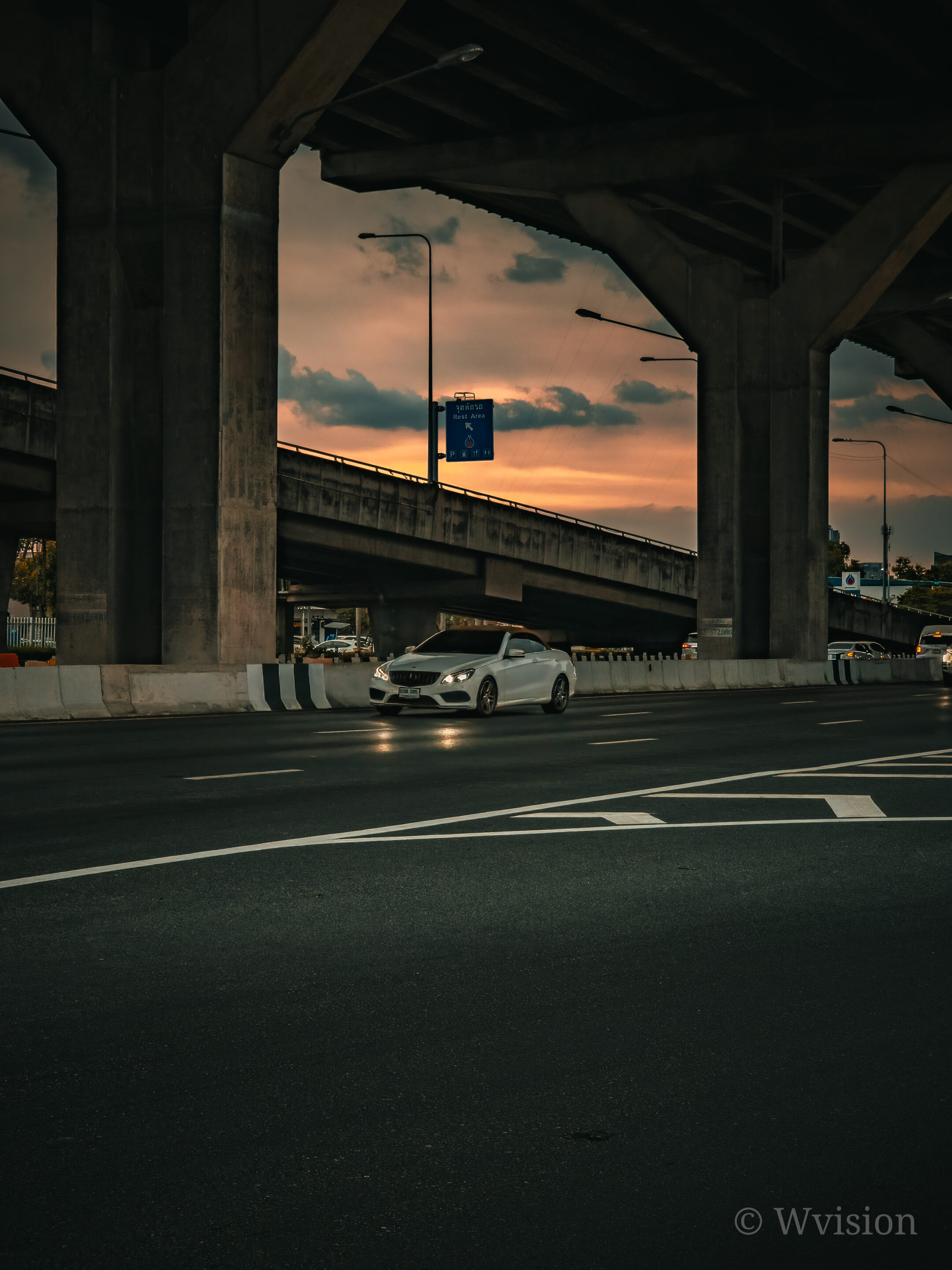
This makes it possible to push the camera further — prioritizing motion freeze while maintaining usable detail in both RAW and JPEG outputs. Instead of relying entirely on the system, you begin to guide it.
These settings and shooting methods apply to all Galaxy devices that support Expert RAW. However, the exact balance between shutter speed, ISO, and final image quality will vary depending on the sensor, lens, and processing of each device. The examples and values in this guide are based on real-world testing with the Galaxy S26 Ultra and Galaxy S25 Ultra.
Understanding the Right Balance: Shutter vs ISO
Fast capture is not just about increasing shutter speed. It’s about finding the highest usable speed without significantly degrading image quality, and that balance changes depending on the scene.
The difference between 1/60s and 1/250s is not just exposure — it’s motion rendering. At lower speeds, movement stretches across frames, while higher speeds isolate a single moment. That’s what creates the perception of sharpness in fast scenes.
For indoor subjects such as people or pets, a shutter speed between 1/45s and 1/180s typically delivers the most consistent results. Within this range, motion can be controlled while maintaining clean detail, especially when ISO is kept between 125s and 640, ideally closer to 160–320s depending on available light.
For faster action, such as sports, moving vehicles, or night street scenes, higher shutter speeds between 1/250s and 1/350s become necessary to reliably freeze motion. In these situations, ISO often needs to increase slightly, but keeping it within the 200 to 800 range — preferably closer to 200–400 helps preserve image quality while maintaining usable exposure.
For a simpler approach, especially for beginners or faster shooting, you can set the shutter speed manually while leaving the ISO on auto. This allows the system to adjust exposure based on the scene, while you maintain control over motion. If ISO starts pushing too high, you can step in and reduce it slightly to preserve image quality.
Why Slight Underexposure Works Better
One of the biggest advantages of shooting in Expert RAW is flexibility. Slightly underexposed images can be recovered later because the RAW (DNG) file retains shadow detail. This allows you to prioritize shutter speed without fully sacrificing the final result.
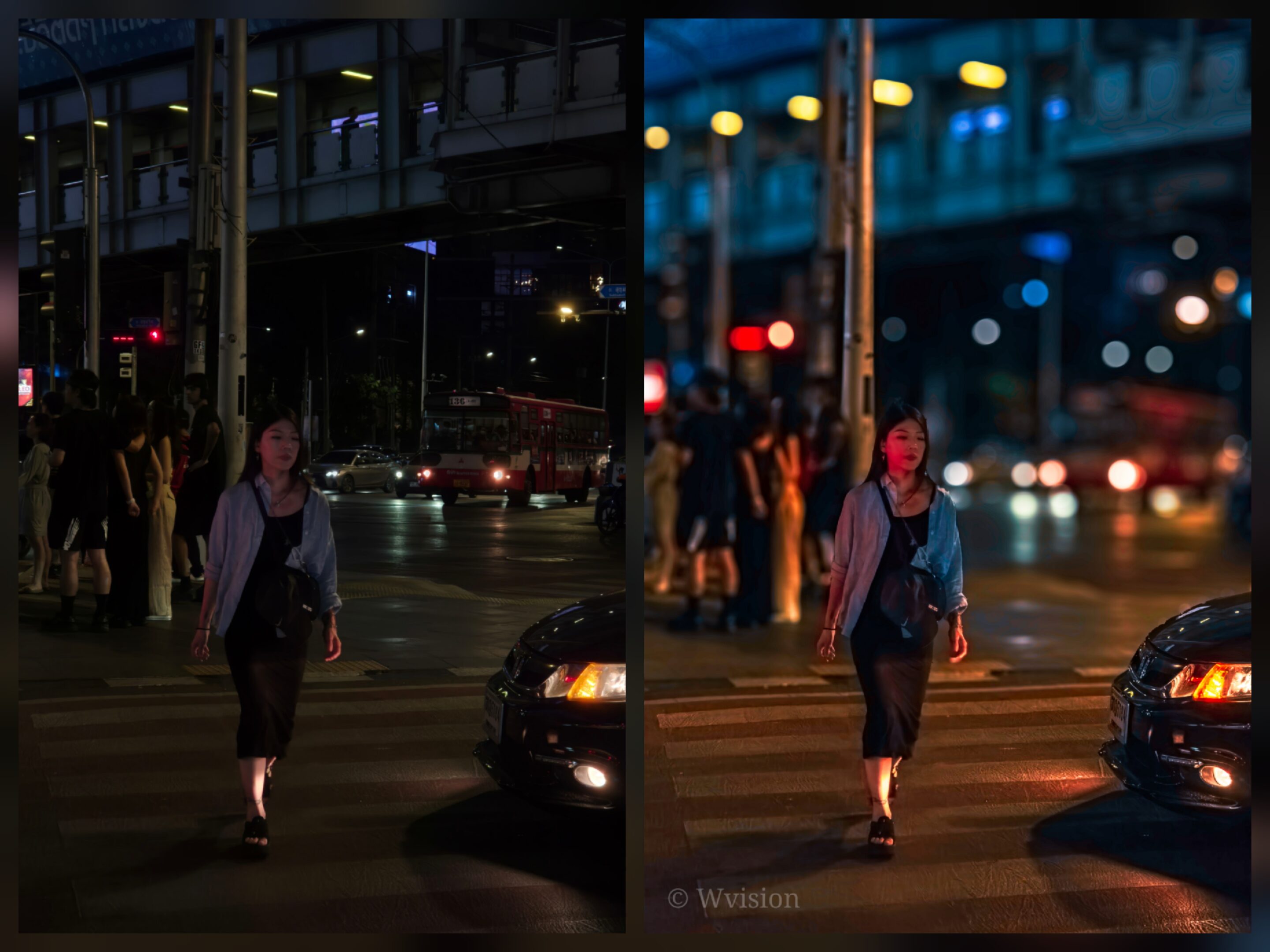
3x RAW vs. Edit
A darker frame with preserved detail is far more usable than a bright image with motion blur, especially in fast-moving scenes where timing cannot be repeated.
Creating Your Own “Action Mode”
Since there is no built-in action mode, the most effective solution is to create your own using Expert RAW presets. Setting up quick-access widgets allows you to apply optimized settings instantly without adjusting everything manually each time.
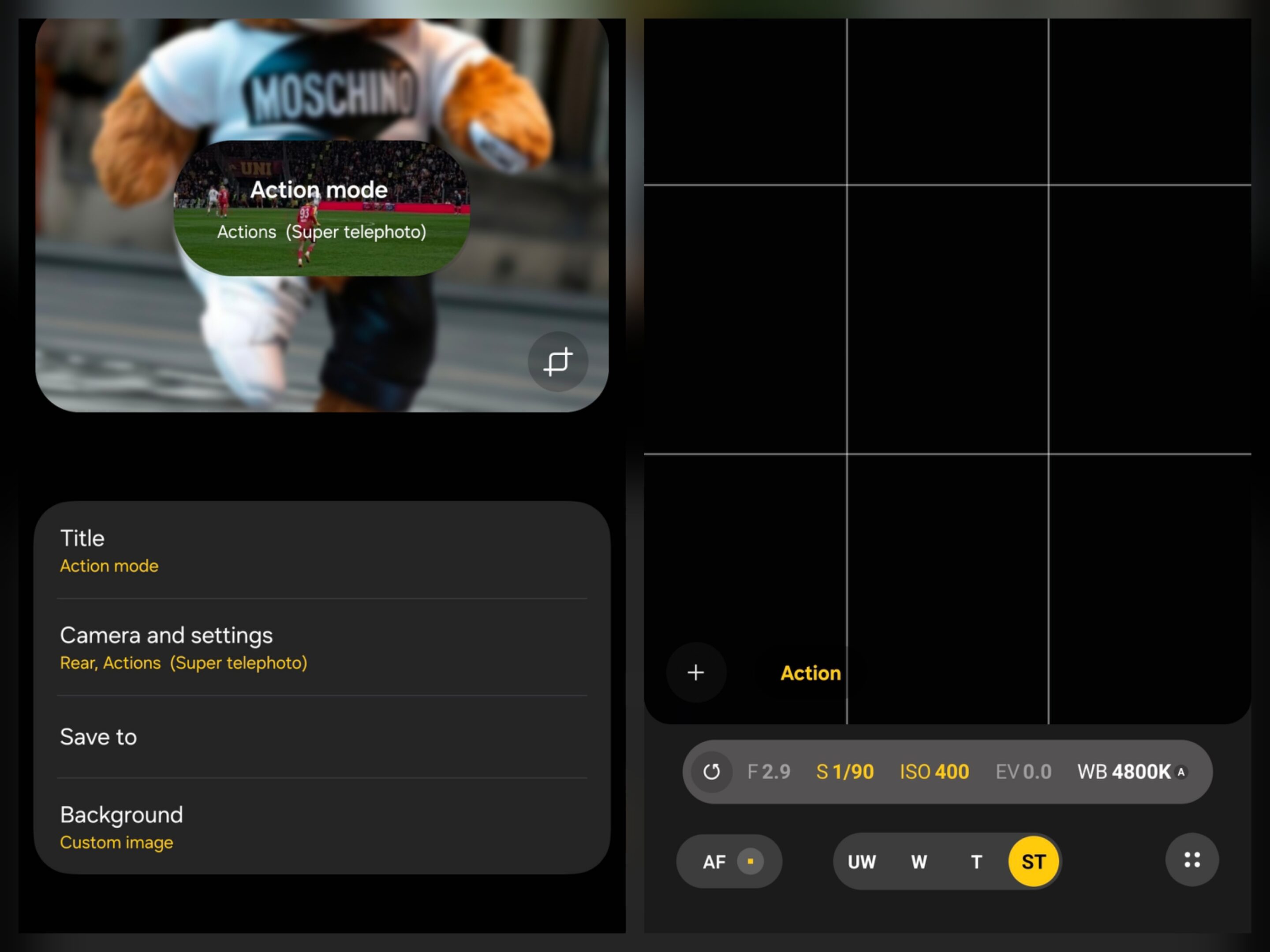
For indoor action, starting with a shutter speed around 1/90s provides a strong baseline, with flexibility to adjust between 1/45s and 1/180s depending on how fast the subject is moving. For more demanding scenarios, a fast capture preset starting at 1/250s allows quicker response, with the ability to increase shutter speed further as motion intensity rises.
At higher shutter speeds, motion distortion from rolling shutter is also reduced, especially in fast-moving subjects like cars or panning shots. This approach transforms Expert RAW into a practical, fast capture tool rather than a purely manual mode.
Why This Matters
In real-world shooting, capturing the moment is often more important than achieving perfect exposure. Missing the frame entirely has a greater impact than accepting minor compromises in brightness or noise. The viewfinder becomes your most important reference. If motion already appears soft there, the final image will not recover it.
While Samsung’s camera system has improved, it still prioritizes balanced exposure over intentional motion capture in Auto mode. This creates a gap in situations where speed matters most.
The Galaxy S26 Ultra is capable of strong, fast capture, but not in the way most users expect. Auto mode performs well in ideal conditions, but struggles when speed and low light combine.
For now, Expert RAW combined with custom presets is the most reliable way to handle fast-moving subjects in challenging environments. It requires more input, but delivers consistency where the default system still falls short.
Samsung needs a true action mode, but until then, this is the closest way to create one.


Follow us on Google Discover & set us as a preferred source in Google News
Share this Post
___________________________


New Blog Posts
___________________________

Samsung Quietly Listed a New Entry Level 990 PCIe 4.0 SSD
It drops DRAM for HMB

Samsung’s First Bone-Conduction Earbuds May Be Called Galaxy Able
Name hidden no more

Samsung Accidentally Confirms Galaxy Watch 9 and Galaxy Watch Ultra 2
Coming very soon







