Galaxy S25’s June 2026 Update with AI Features Live in Europe, India

SammyGuru is reader-supported. We have affiliate and sponsored partnerships, so we may earn a commission when you buy through links on our site — at no extra cost to you. Learn more.
Samsung is rapidly expanding the availability of its June 2026 update for the Galaxy S25 series. After the initial rollout in South Korea and the US, the company has now started pushing the update to Galaxy S25 owners across Europe and India. This firmware release delivers several new features alongside the latest security patches.
More AI-powered tools arrive on Galaxy S25 phones with June update
Samsung first released the June 2026 update for the Galaxy S25 series in Korea. A few hours ago, the update also rolled out in the US. Now, the company has kicked off a global release, with users in India, Europe, and more markets getting it. The update arrives with the firmware build version CZF1 for the Galaxy S25, S25+, S25 Ultra, and S25 Edge.
This is the June security release for these phones. Samsung’s latest patch contains fixes for more than 40 vulnerabilities. However, the biggest additions are two new Galaxy AI features designed to help users manage notification overload. Prioritize Notifications automatically highlights the alerts that matter most, while Summarize Notifications generates concise summaries of your notifications.
Samsung is also introducing File Summaries, another Galaxy AI feature integrated directly into the My Files app. The tool can generate quick summaries of supported files stored on the device, including PDFs, text documents, and voice recordings. Instead of opening lengthy files and reading through pages of content, users can get a brief overview of what’s inside with just a few taps.
If you own a Galaxy S25 series device in Europe or India, you can check for the update manually by heading to Settings > Software update > Download and install. Since Samsung distributes updates in phases, some users may receive the firmware a little later than others. If the update isn’t available on your device yet, it should arrive within the next few days as the rollout continues.

Written by
Sumit AdhikariSumit, a life-long Samsung user, is passionate about technology and has been professionally writing on tech since 2017. He’s a mathematics graduate by education and enjoys teaching basic mathematics tricks to school kids in his spare time. Sumit believes in artificial intelligence and dreams of a fully open, intelligent and connected world.

Follow us on Google Discover & set us as a preferred source in Google News
Share this Post
___________________________


New Blog Posts
___________________________
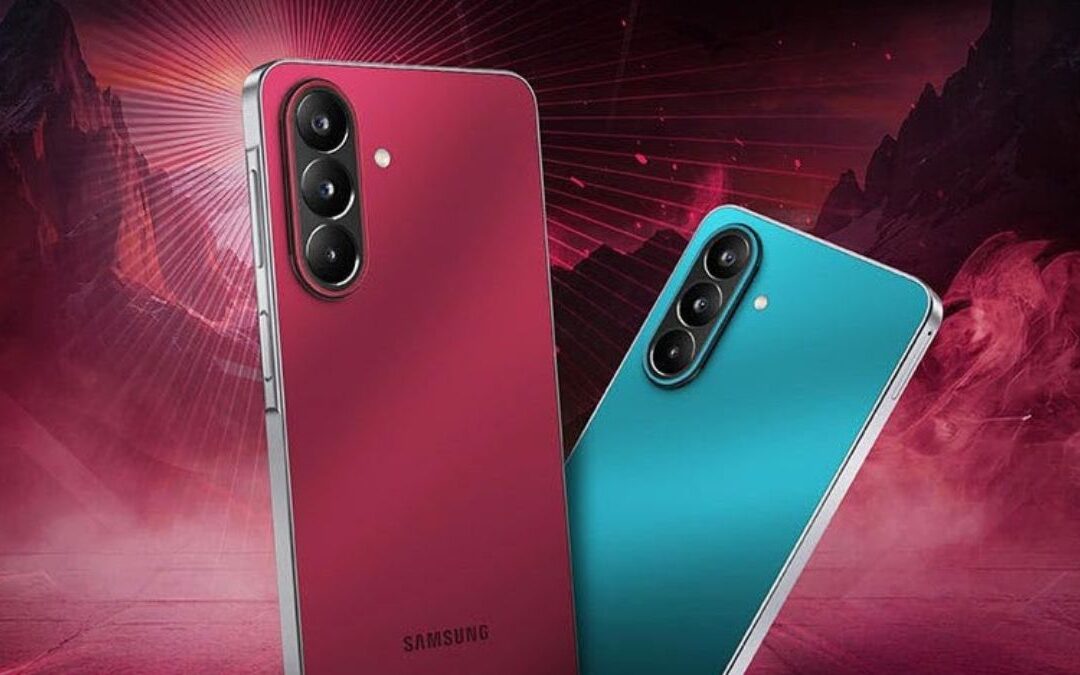
Galaxy F70 Pro Spotted on Bluetooth SIG Ahead of Launch
Galaxy F70 Pro set to launch soon
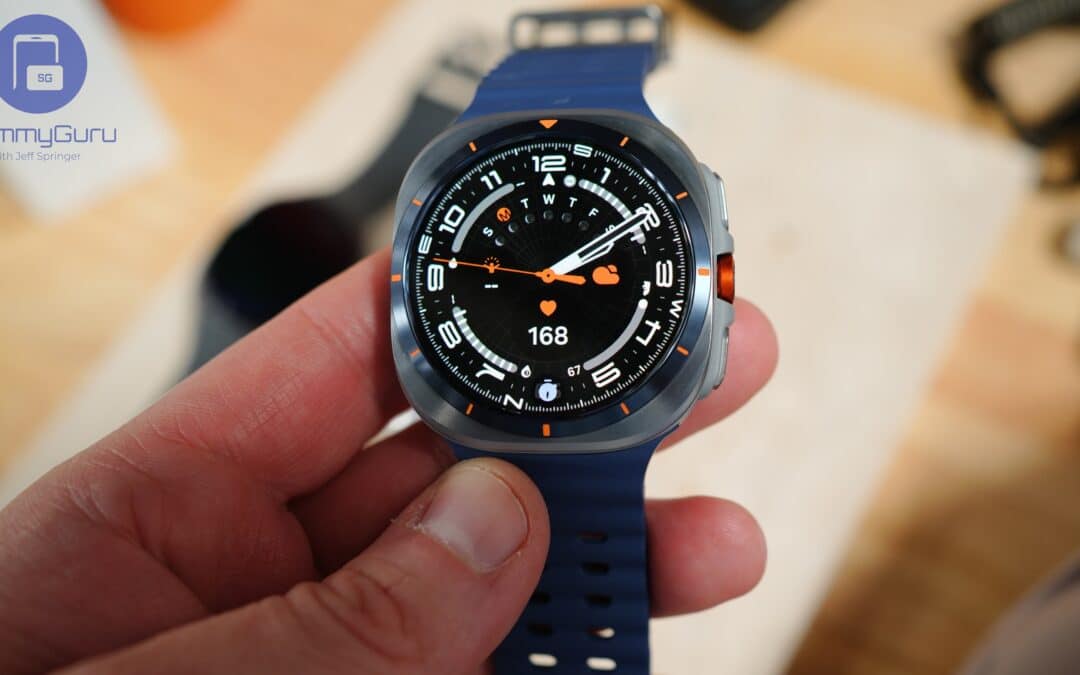
Exclusive: Galaxy Watch 9’s Wearable App Reveals New Galaxy AI and Health Features
Quite a glow up
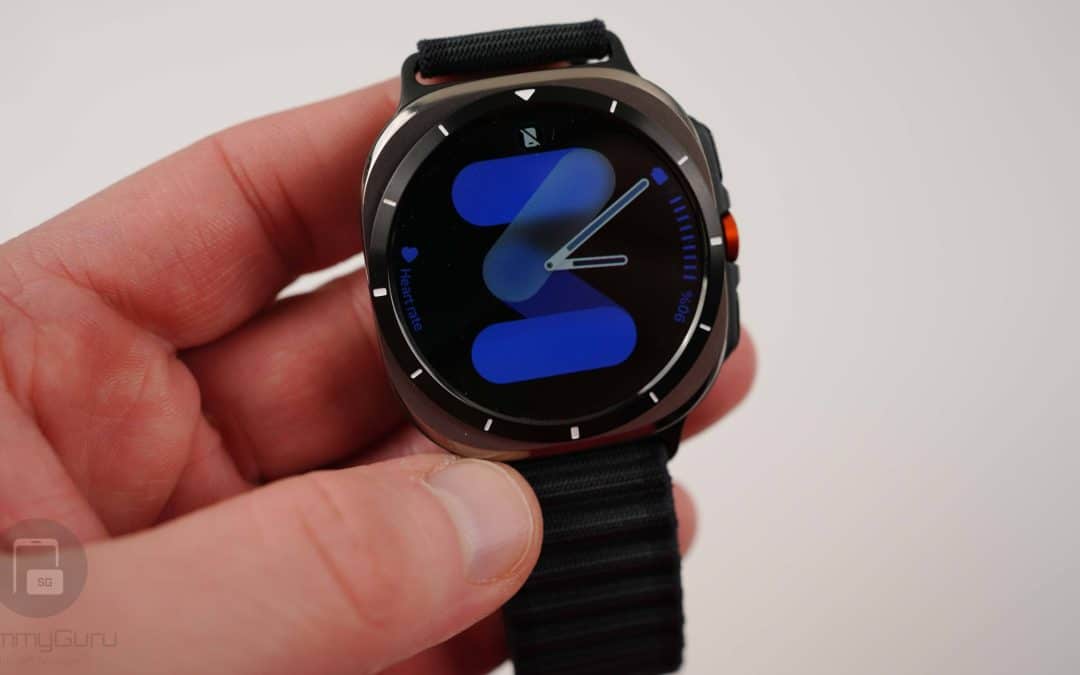
Exclusive: Here’s Your First Look at the Galaxy Watch 9 and Galaxy Watch Ultra 2 Watch Faces
Five new faces