Samsung Brings One UI 8.5 to More Galaxy A36 and A56 Users
SammyGuru is reader-supported. We have affiliate and sponsored partnerships, so we may earn a commission when you buy through links on our site — at no extra cost to you. Learn more.
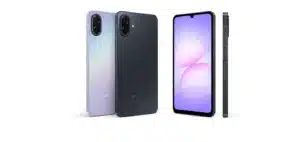
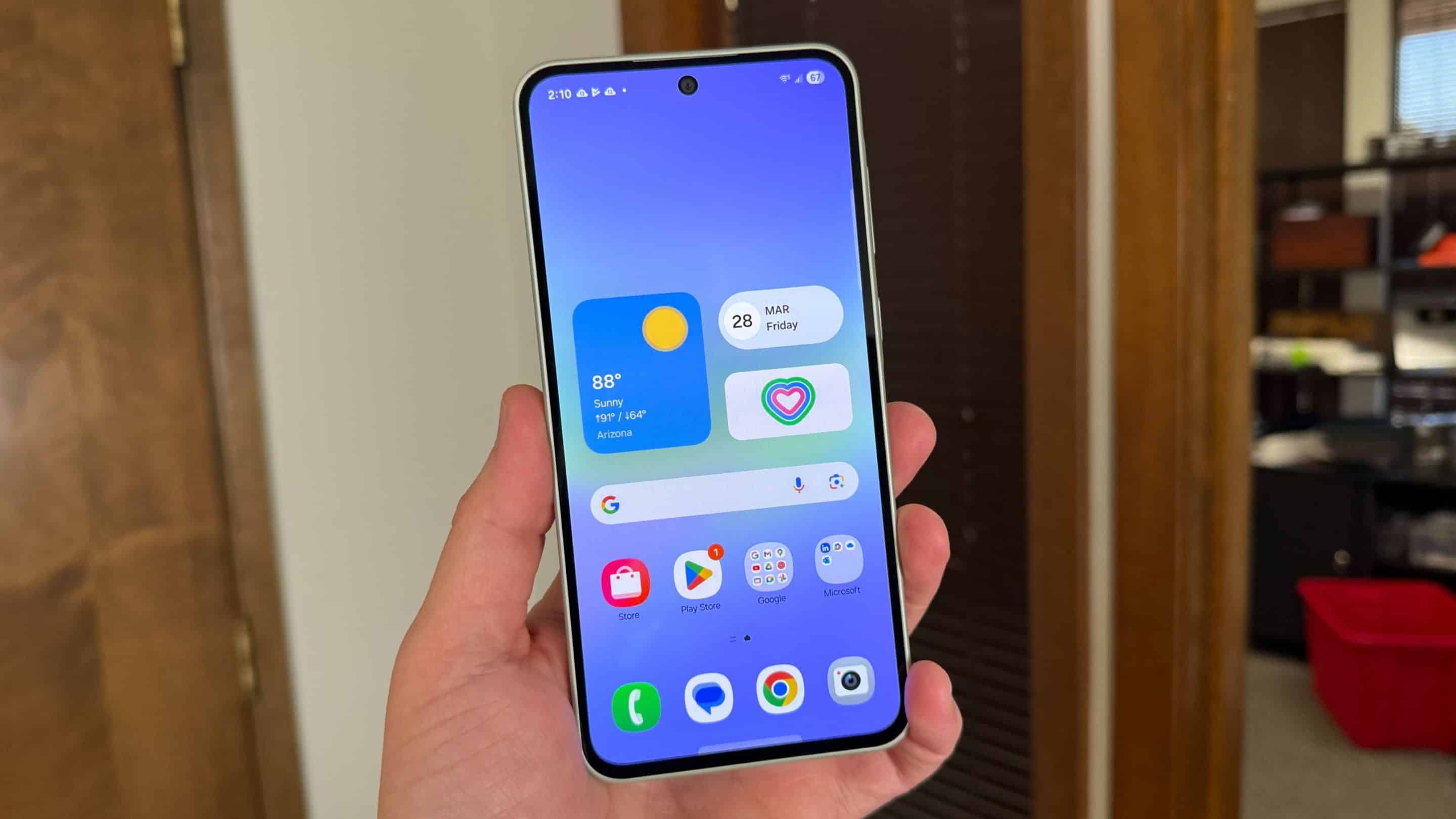
Samsung is continuing the global expansion of One UI 8.5 for its mid-range Galaxy smartphones. After initially releasing the stable update for the Galaxy A36 and Galaxy A56 in select markets, the company has now kicked off a wider rollout. These devices are getting the big Android 16-based update in several regions.
Galaxy A56 and A36 receive One UI 8.5 in more markets
Earlier this week, Samsung released One UI 8.5 for the Galaxy A36 and Galaxy A56 in South Korea. Shortly after, the A56 also grabbed the update in parts of Europe. However, a wider expansion didn’t begin until today, with both models now picking up One UI 8.5 widely across Europe and Asia. Users in the US should get it soon.
Users can identify the firmware through build numbers ending in CZDD for the Galaxy A36 and CZDR for the Galaxy A56. As always, the exact build number and file size may vary slightly depending on the country, carrier, and device variant.
The One UI 8.5 update comes with a download size of roughly 3GB, which is expected given that this is a major software upgrade rather than a routine security patch. The update brings smoother system animations, faster app transitions, improved battery optimization, and better multitasking performance. Samsung has also added stronger security protections and expanded Galaxy AI features across supported devices.
Because Samsung rolls out updates in stages, not every Galaxy A36 or Galaxy A56 user will receive the firmware immediately. Availability can vary depending on the market and carrier approval process. Users who have not received the update yet may simply need to wait a few more days. To manually check for the new software, users can head to Settings > Software update > Download and install on their phones.

Written by
Sumit AdhikariSumit, a life-long Samsung user, is passionate about technology and has been professionally writing on tech since 2017. He’s a mathematics graduate by education and enjoys teaching basic mathematics tricks to school kids in his spare time. Sumit believes in artificial intelligence and dreams of a fully open, intelligent and connected world.

Follow us on Google Discover & set us as a preferred source in Google News
Share this Post
___________________________


New Blog Posts
___________________________
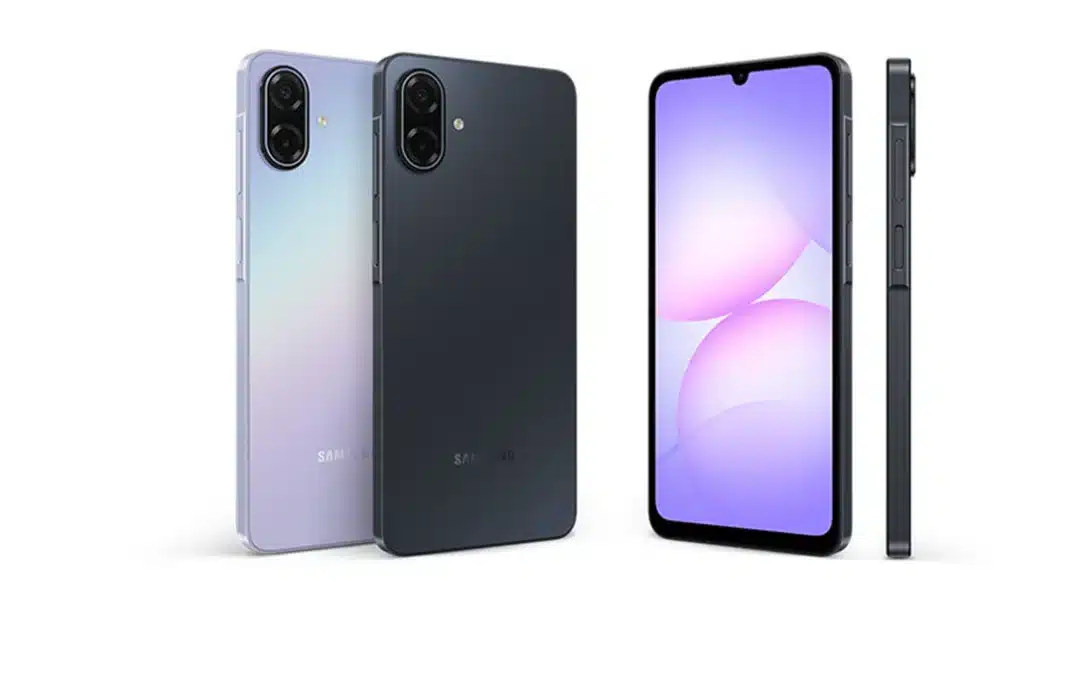
Galaxy M08 and Galaxy F08 Spotted in Wi-Fi Alliance Database
Two more phones on the way
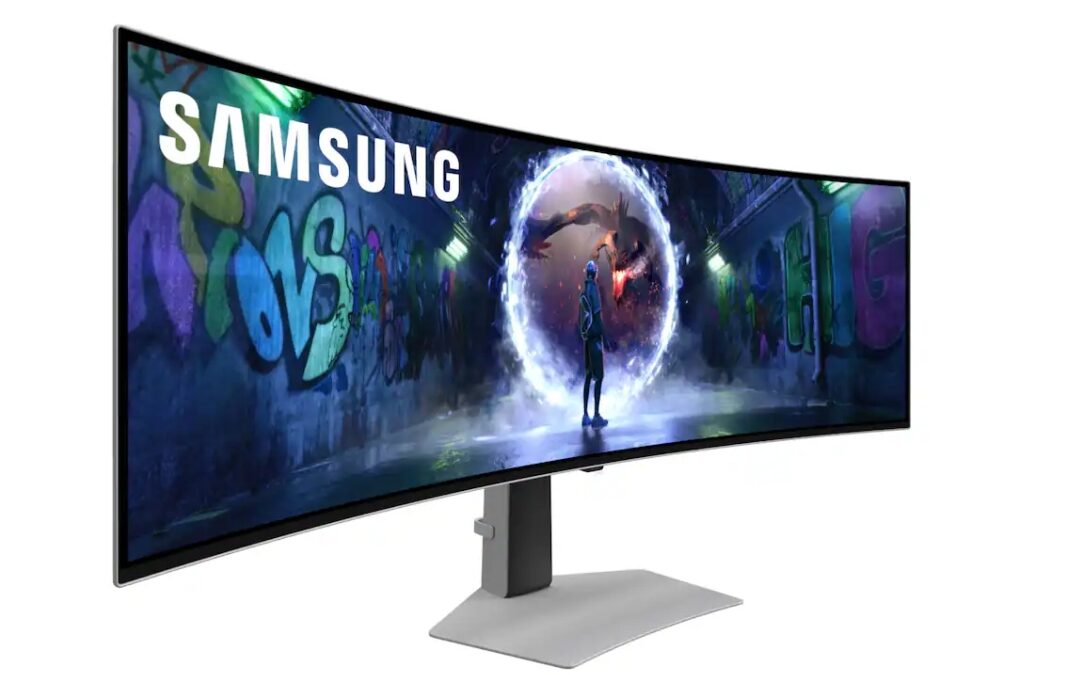
Save $700 on Samsung’s 49-Inch Odyssey OLED G9 Gaming Monitor
A discount so good doesn’t come around often
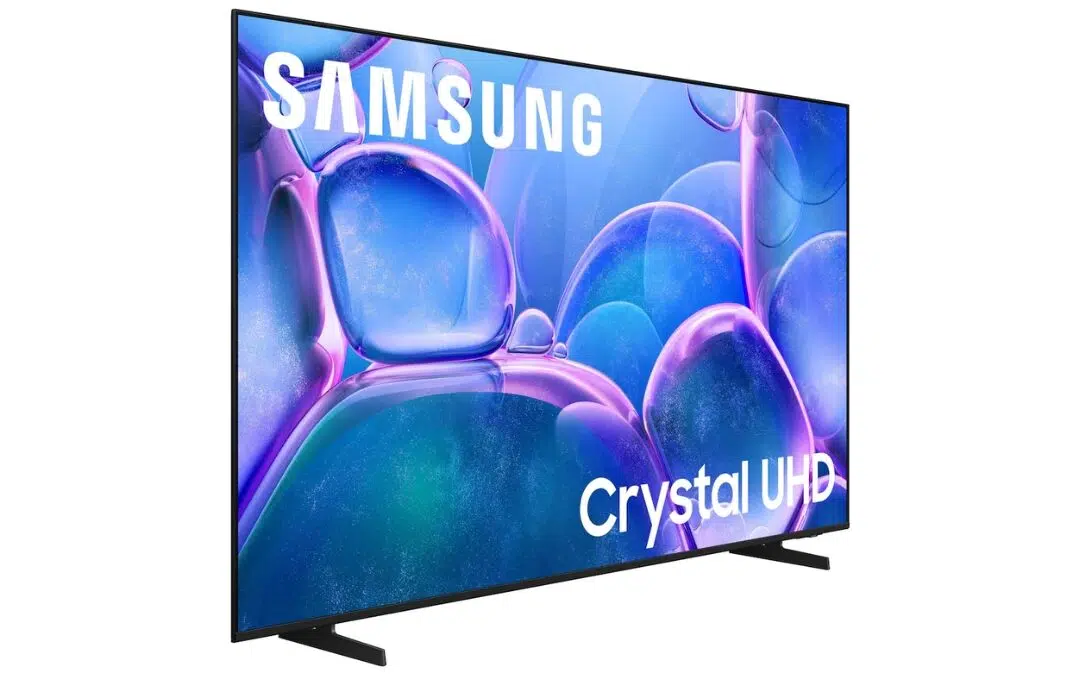
Samsung’s 75-Inch 4K Smart TV Is Just $399 Right Now
Size matters, and so does your hard-earned money