Edge Lighting+ and Nice Shot Get UI Fixes, Stability Improvements

SammyGuru is reader-supported. We have affiliate and sponsored partnerships, so we may earn a commission when you buy through links on our site — at no extra cost to you. Learn more.
Samsung has pushed new updates for its two Good Lock modules: Edge Lighting+ and Nice Shot. The updates mainly focus on improving system stability and fixing user interface (UI) issues to make the overall experience smoother. The new versions should hit all eligible Galaxy users in the coming week.
Samsung updates Edge Lighting+ and Nice Shot: what’s new?
Samsung’s Good Lock suite offers a host of customization options for Galaxy devices. Speaking of Edge Lighting+, this module lets you customize the edge lighting style that appears on the screen when receiving notifications. You can set different lighting styles for different notification types.
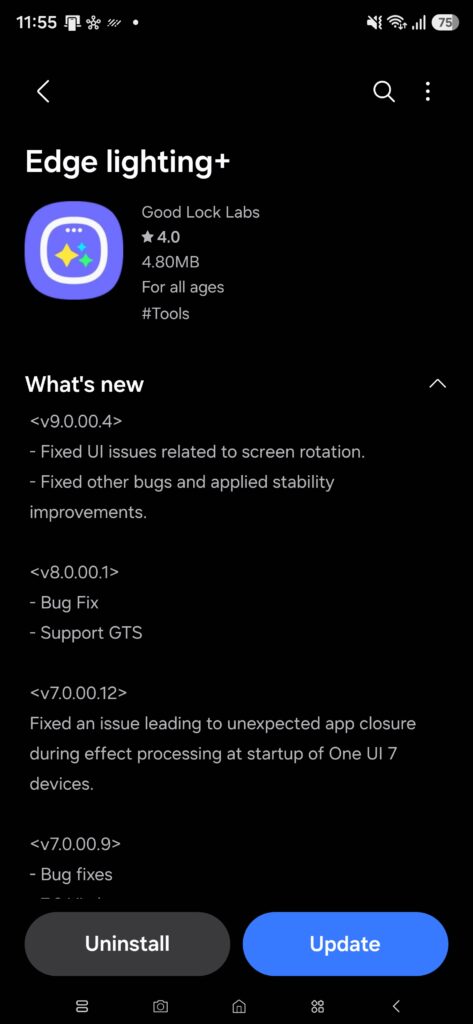
In the latest version of Edge Lighting+ (9.0.00.4), Samsung improves the edge lighting customization experience. According to the changelog, the update addresses UI issues related to screen rotation. It also fixes other bugs and applies stability improvements so the module runs more reliably during regular use.
Now, coming to Nice Shot, the module lets you enjoy customizable options for capturing and recording your screen on Galaxy devices. In Screen Capture, you get an instant delete button right after grabbing a screenshot. In Screen Recording, you can customize selfie video backgrounds.
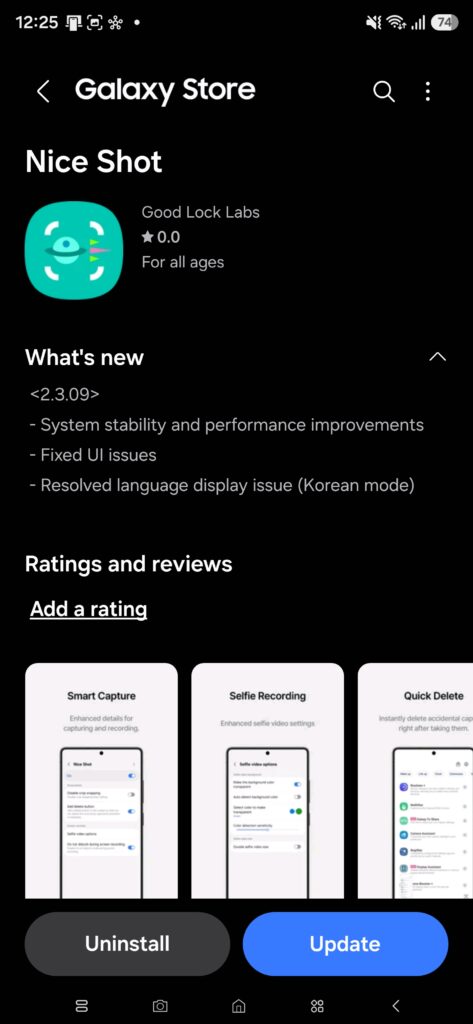
In the latest version of Nice Shot (2.3.09), Samsung focuses on system stability and performance improvements to make the module run more smoothly. The update also fixes UI issues to improve the interface experience. Moreover, it resolves a language display issue in Korean mode.
It is quite easy to update the Good Lock modules. You can open the Galaxy Store, go to the Menu, and tap Updates. If Edge Lighting+ or Nice Shot shows up in the list, you can tap the update button next to each module. Another way to update is through the Good Lock app. You will need to open the app and then go to the Plugins tab. Now look for fresh updates of the modules.

Written by
Binay KonwarBinay Konwar started his blogging journey in 2014 and has since written plenty of tech articles. At present, he is working as a News Writer at SammyGuru, covering everything about Samsung. He holds a Master's degree in Mathematics, but his real passion lies in tech and writing. In his free time, he enjoys playing chess and watching movies.

Follow us on Google Discover & set us as a preferred source in Google News
Share this Post
___________________________


New Blog Posts
___________________________
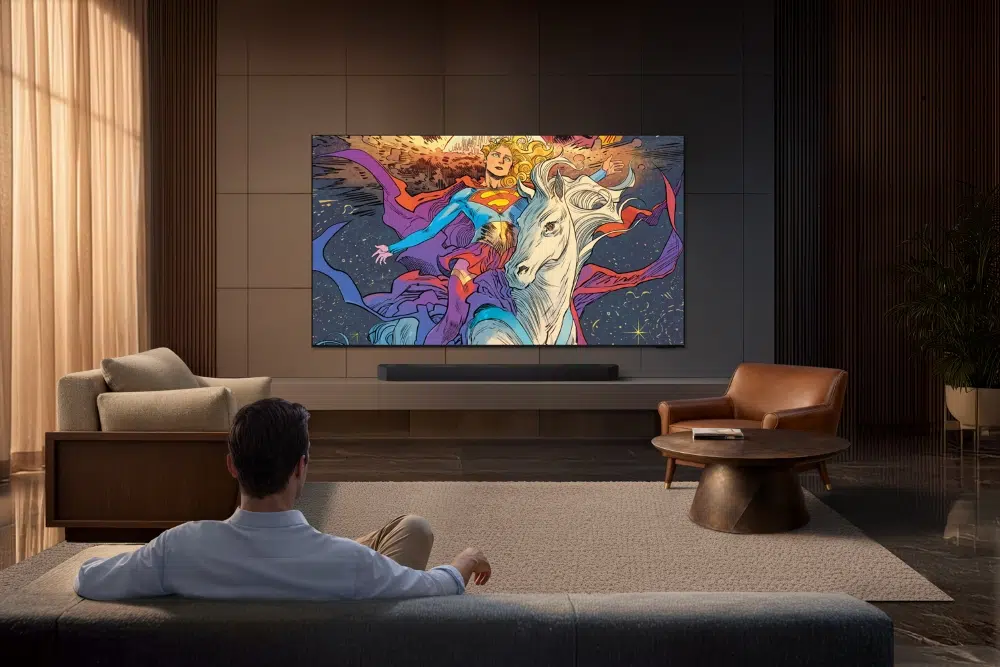
Samsung Adds Supergirl Collection to Art Store With Big Giveaway
Samsung pushes Supergirl launch with art, TVs, and giveaways

Samsung Secures Apple’s Nod to Make Foldable iPhone OLED Modules
This comes after the display maker proved its production quality
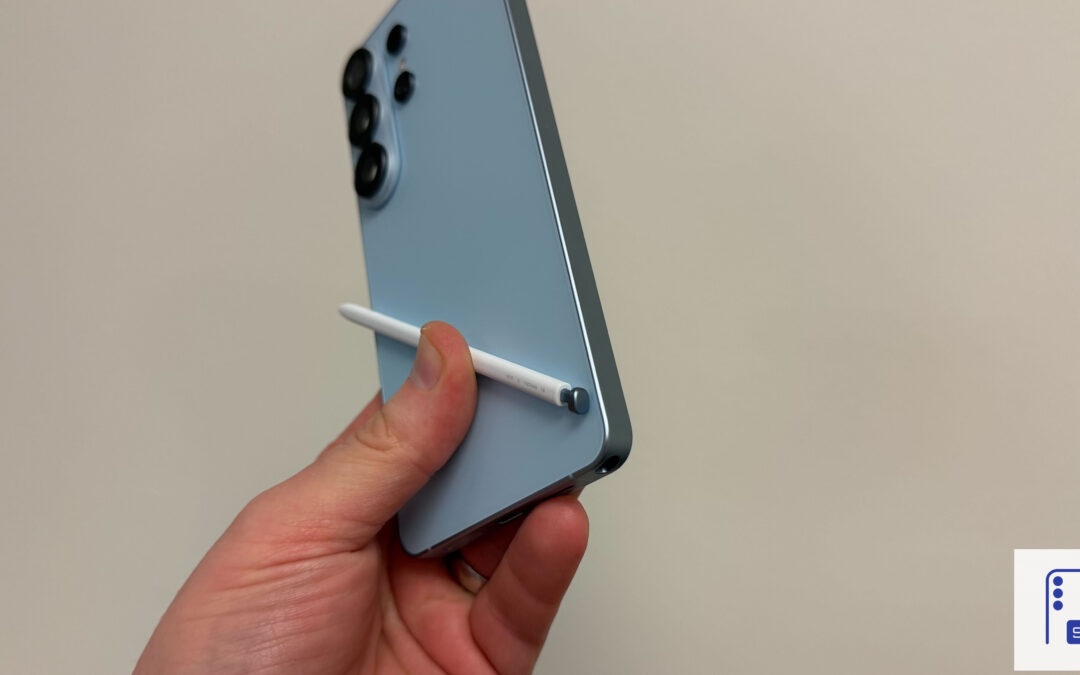
Galaxy S26 Ultra Hits Lowest Price in the US for Prime Day
Now’s the best time to buy the Galaxy S26 Ultra