Exclusive: Galaxy Buds 4 Pro Get Camera Remote, Head Gestures, and more!

SammyGuru is reader-supported. We have affiliate and sponsored partnerships, so we may earn a commission when you buy through links on our site — at no extra cost to you. Learn more.
Galaxy Buds 4 and Buds 4 Pro are just a few days away from launch at Galaxy Unpacked, and today, we have an exclusive look at new features from @antonioig002. After digging through the latest Galaxy Buds app via an APK teardown, he uncovered two new features coming to the Galaxy Buds 4 Pro, along with some important design and feature confirmation. Let’s get started!
If you plan to buy the Galaxy S26 series or Buds 4 series, our Mystery Box program is now live. You can sign up here to be eligible for free accessories during pre-orders, including a 65W charger, protective case, and more.
Updated Galaxy Buds 4 Pro image confirms no speaker on the case.
First, the updated image of the charging case inside the app confirms something important: Galaxy Buds 4 and Buds 4 Pro do not include a speaker on the case.
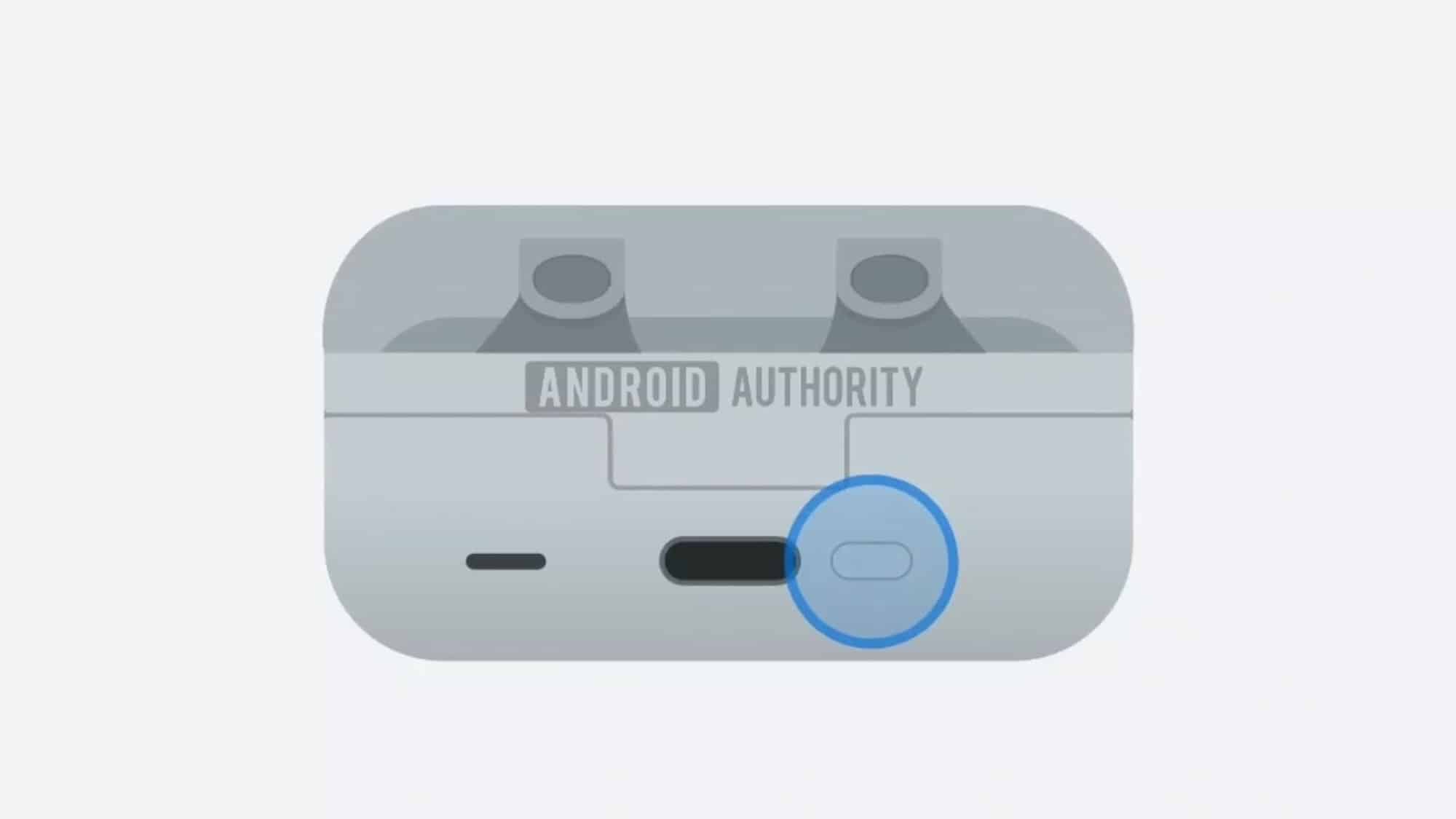
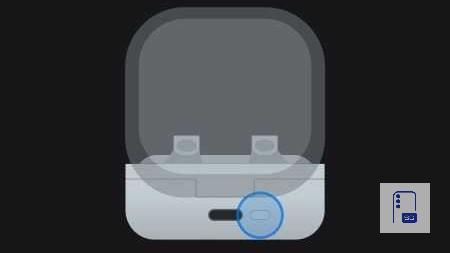
Earlier leaks suggested a built-in case speaker, but based on the latest assets and official images, Samsung appears to have scrapped that idea. The case design looks clean and minimal. So yes, that experiment might be over before it even started. It would have been a great feature in my opinion.
Galaxy Buds 4 Pro Head Gestures
This is one of the biggest additions. Galaxy Buds 4 and Galaxy Buds 4 Pro introduce Head Gestures. You can nod to answer calls or confirm “Yes” to Bixby, or shake your head to decline calls or respond “No” to Bixby.
Head gestures

Nod or shake your head to accept or decline incoming calls. When talking to Bixby, you can also use these gestures to answer yes-or-no questions or end the conversation.

Accept or dismiss calls

Hear notifications aloud or stop the reading

Dismiss alarms, timers, and Calendar and Reminder alerts

When talking with Bixby, answer a yes-or-no question or end the conversation

These head gestures also work for calls. Nod to accept the call, shake your head to reject it. These work for reading notification aloud too. Shake your head to stop reading your notifications. That means completely hands-free call control. No taps. No voice commands, just natural movement. You will also get a tutorial on how to use Head Gestures inside the Galaxy Buds settings.
Galaxy Buds 4 Pro add Find My Phone Button Shortcut
Another practical addition: Find My Phone works directly from the charging case. Press the case button twice while the earbuds are inside, and your phone will start ringing. No need to open an app or grab another device.

Galaxy Buds 4 Pro Camera Remote via “Pinch and Hold”
And we saved the best for last: Camera Remote controls directly from your earbuds. You will find this option under “Pinch and Hold”. You can switch between noise controls to Spotify, Mindfulness, Bixby, Digital Assistant (Gemini), Interpreter, or this new Camera Remote option.
Camera remote
This lets you start a video recording or snap photos without touching your phone or Galaxy Watch. Just pinch and hold one of the stems. It’s a small addition, but incredibly useful for group shots, tripod setups, or quick hands-free captures.
Overall, Galaxy Buds 4 and Buds 4 Pro aren’t just getting audio upgrades. Samsung is turning them into smarter wearables. Head gestures, camera remote, and Find My Phone bring a tighter ecosystem integration. If all of this makes it to the final release, Galaxy Buds 4 and Buds 4 Pro could easily become Samsung’s most advanced earbuds yet.
Thanks to @antonioig002 for the exclusive info!

Written by
David BuligaDavid Buliga is a Romanian writer at SammyGuru, where he covers the Samsung and Android ecosystem with a focus on apps, software features, and the trends shaping how we actually use our devices — from Galaxy Watch apps to One UI 9, plus the occasional opinion piece. He joined SammyGuru in 2026 after previously creating entertainment content on YouTube, producing animations and gameplay videos. Currently pursuing a Bachelor's degree in Applied Electronics and Telecommunications, David is passionate about consumer technology and enjoys getting under the hood of smartphones to see what makes them tick. Outside of tech, he loves listening to music, reading books, photography, and exploring the random ideas that often inspire his next story.

Follow us on Google Discover & set us as a preferred source in Google News
Share this Post
___________________________


New Blog Posts
___________________________
Galaxy S26 FE Pops Up on India’s BIS Database
The listing confirms progress toward launch

Galaxy Z Fold 8 Ultra Display Upgrade Tipped Ahead of Launch
Galaxy Z Fold 8 Ultra may feature higher resolution screens

Galaxy A37 Hits Its Lowest-Ever Price in the US for Prime Day
Galaxy A37 becomes a can’t-miss Prime Day deal in the US