
Galaxy S24, Fold 6 and More Grab June 2026 Update
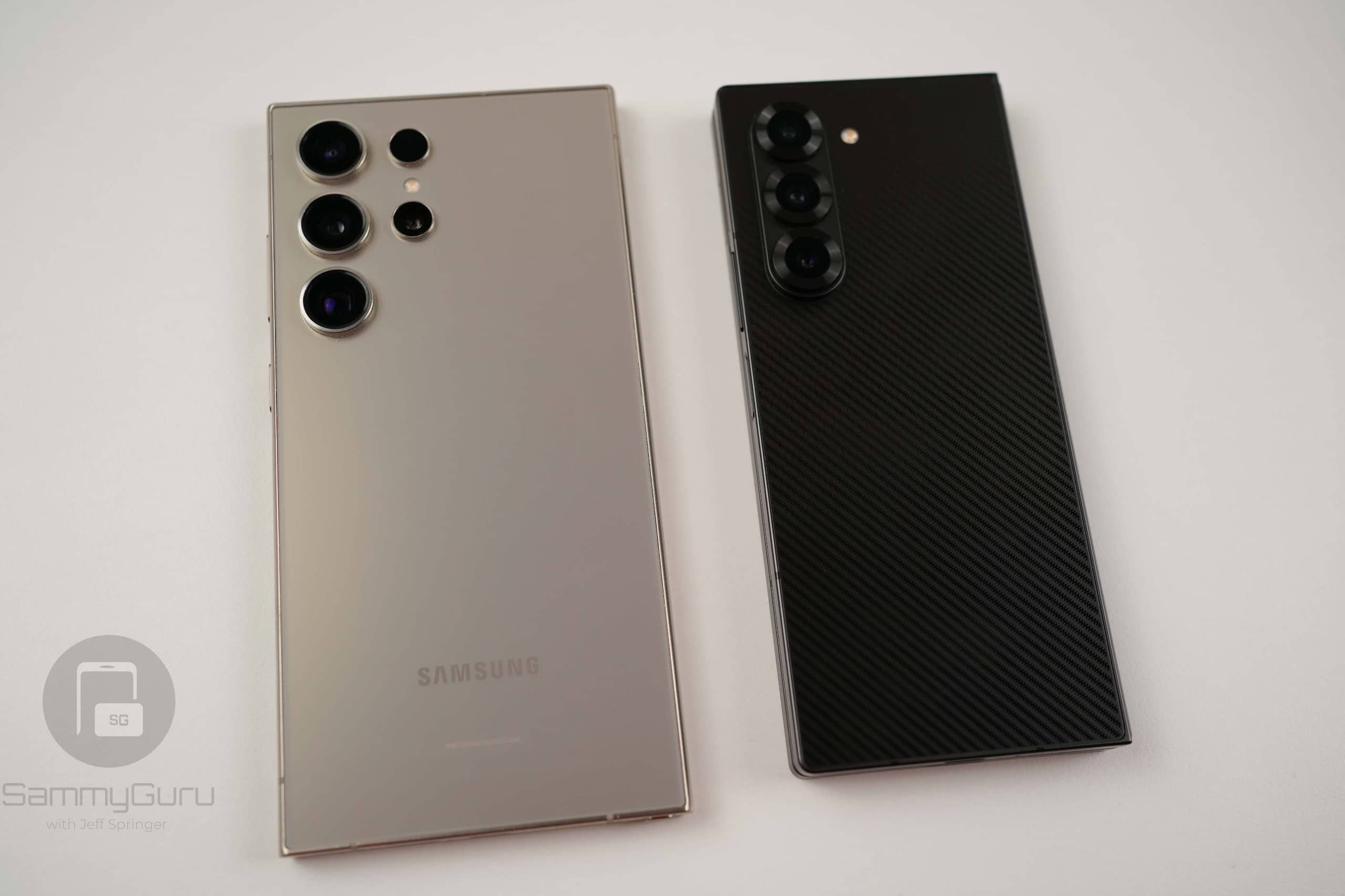
Samsung’s One UI 8.5 rollout has slowed down as the company has already delivered the update to almost all eligible Galaxy devices. With the rollout nearing completion, Samsung is now focusing on expanding this month’s security patch. Today, it released the June 2026 security update for its 2024 flagship and foldable lineups. This includes the Galaxy S24 series and Galaxy Z6 foldables.
Samsung begins June 2026 security update rollout for 2024 flagships and foldables
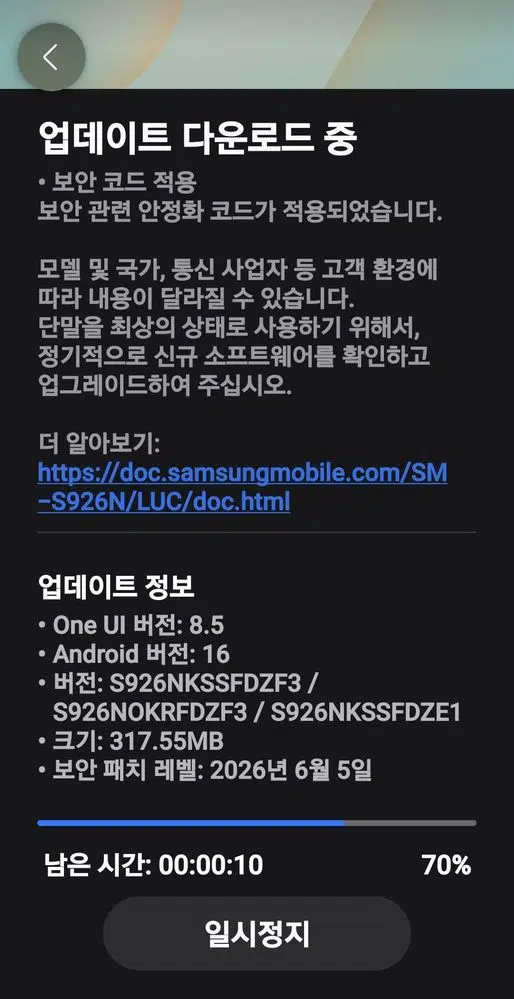
Samsung has started rolling out the June 2026 security patch for the Galaxy S24, Galaxy S24+, and Galaxy S24 Ultra in its home market, South Korea. The update carries firmware version ending in DZF3. It weighs around 300MB, depending on the model. However, there is no news for the S24 FE as of this writing.
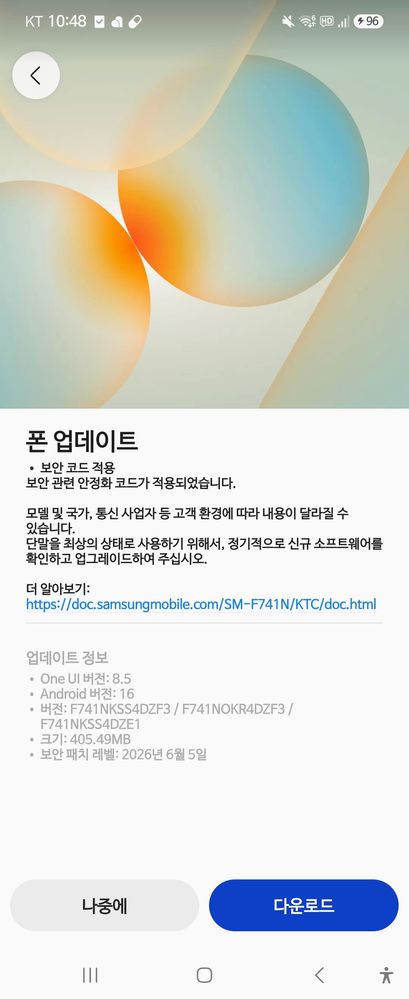
The Korean firm has also released the June 2026 update for the Galaxy Z Fold 6, Galaxy Z Flip 6, and Galaxy Z Fold Special Edition. The rollout is currently live in Korea, with build numbers ending in DZF3, similar to the S24 series. The update size is roughly 400MB. As far as the global and US variants are concerned, they could start seeing the update sometime next week.
The Galaxy S25 series and Z Fold 7 recently picked up several new Galaxy AI features from the Galaxy S26 lineup, like Prioritize Notifications, Notification Summaries, and File Summaries. However, Samsung currently has no plans to bring these features to older devices. As a result, the Galaxy S24 series and Z6 foldables do not receive these additions with the June update.
As for the June 2026 security patch itself, it fixes 45 security vulnerabilities identified by Samsung, Google, and other industry partners. Installing the update is recommended. This will help keep your device protected against the latest security threats. You can check for the update by heading to Settings > Software update > Download and install.

Follow us on Google Discover & set us as a preferred source in Google News
Share this Post
___________________________


New Blog Posts
___________________________
Tired of Sharing Your Real Phone Number? Saily Has a Solution
Keep a primary number private while traveling and managing everyday online activities

Samsung Is Making AI-Powered Modular Homes
The house includes SmartThings-connected appliances

Google Tests Pinnable AI Mode Toolbar Button in Chrome
The feature is currently available in Chrome Canary


