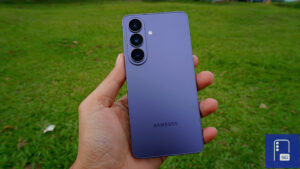
One UI 8.5 Live for Galaxy A54, A34, A25 & M54; Global Release for Galaxy A55 & A35
SammyGuru is reader-supported. We have affiliate and sponsored partnerships, so we may earn a commission when you buy through links on our site — at no extra cost to you. Learn more.
Samsung isn’t hitting the brakes on its One UI 8.5 rollout just yet. The company has now released the big update for the Galaxy A54, Galaxy A34, Galaxy A25, and Galaxy M54. It is simultaneously expanding the availability of One UI 8.5 for the Galaxy A55 and Galaxy A35 in global markets.
More Galaxy A and Galaxy M models grab One UI 8.5
The Galaxy A55 and Galaxy A35 received the update first in South Korea last week. Samsung has now begun rolling out the stable build in India, marking the start of the wider international release. Users in other regions should soon get it.
Meanwhile, Galaxy A54, Galaxy A34, Galaxy A25, and Galaxy M54 users are finally joining the One UI 8.5 party. The rollout begins in Korea for the three Galaxy A models, while the M54 is picking up the update in a bunch of countries across Asia. The updated firmware versions for these phones are FZE2, FZE6, EZE8, and FZE5. As usual, the build version and file size may vary depending on the model, carrier, and region.
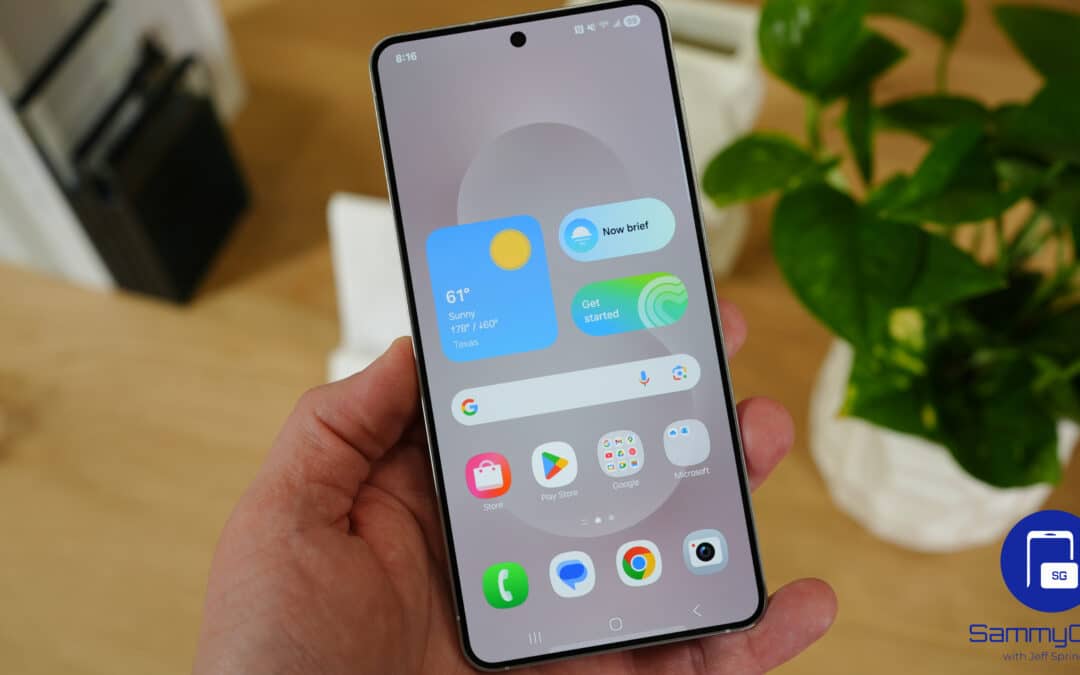
With this update, Samsung brings a significant visual refresh to Galaxy devices. Many system apps now feature floating navigation bars, allowing more content to remain visible on screen while keeping important controls within easy reach. Samsung has also refined various menus, buttons, and animations to create a cleaner and more cohesive design language throughout the system.
Bixby receives notable improvements, offering more natural conversations and better contextual understanding. The Camera app has also been redesigned with a stronger focus on usability, making common controls easier to access. Additionally, users gain access to new photography tools and improvements through Camera Assistant. One UI 8.5 is easily the biggest “point” update from Samsung in years.
If One UI 8.5 is available for your device, you can download it by navigating to Settings > Software update > Download and install. If no update shows up today, wait a few days and check again.

Written by
Sumit AdhikariSumit, a life-long Samsung user, is passionate about technology and has been professionally writing on tech since 2017. He’s a mathematics graduate by education and enjoys teaching basic mathematics tricks to school kids in his spare time. Sumit believes in artificial intelligence and dreams of a fully open, intelligent and connected world.

Follow us on Google Discover & set us as a preferred source in Google News
Share this Post
___________________________


New Blog Posts
___________________________
Samsung is Reportedly Seeking Millions From Triller Over an Unpaid App Deal
That’s going to leave a mark…
Galaxy Buds 4 Pro’s Best Deal in the US Hasn’t Gone Away
Galaxy Buds 4 Pro’s best deal brings back $169.99 price
Samsung Galaxy Weekly Updates Roundup (June 15-21)
Samsung released the June 2026 update for 30+ devices this week