
Galaxy Tab S11 Ultra Pro Keyboard is Thoughtfully Engineered
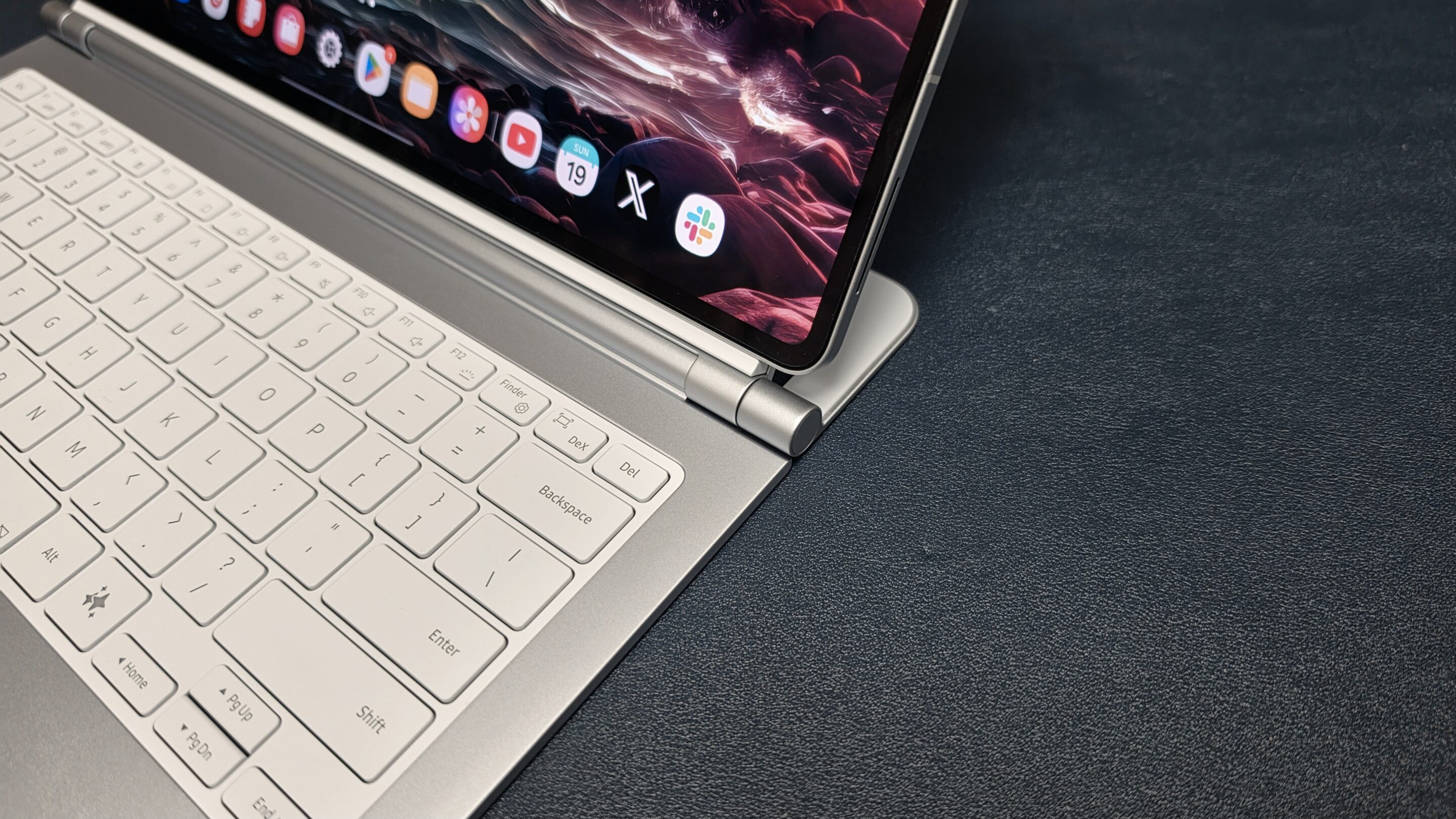
The Pro Keyboard for the Galaxy Tab S11 Ultra is unlike any accessory I’ve owned from Samsung. Usually, the accessories they put out for their tablet line are only enough to get the job done. This time, it feels completely different. The designers and engineers clearly thought about real-world workflow and how people actually use the Galaxy Tab S11 Ultra.
Similar to the Galaxy S25 Edge and Galaxy Z Fold 7, the new keyboard features a slim but capable form factor. But just because it’s in a slimmer chassis doesn’t mean it makes many sacrifices.
A Familiar yet Secure Design
In day-to-day usage, it’s designed to emulate the look and feel of a premium laptop, which they succeeded in doing. There’s something special about how they designed the hinge coupled with a supporting kickstand. It doesn’t wobble a bit.
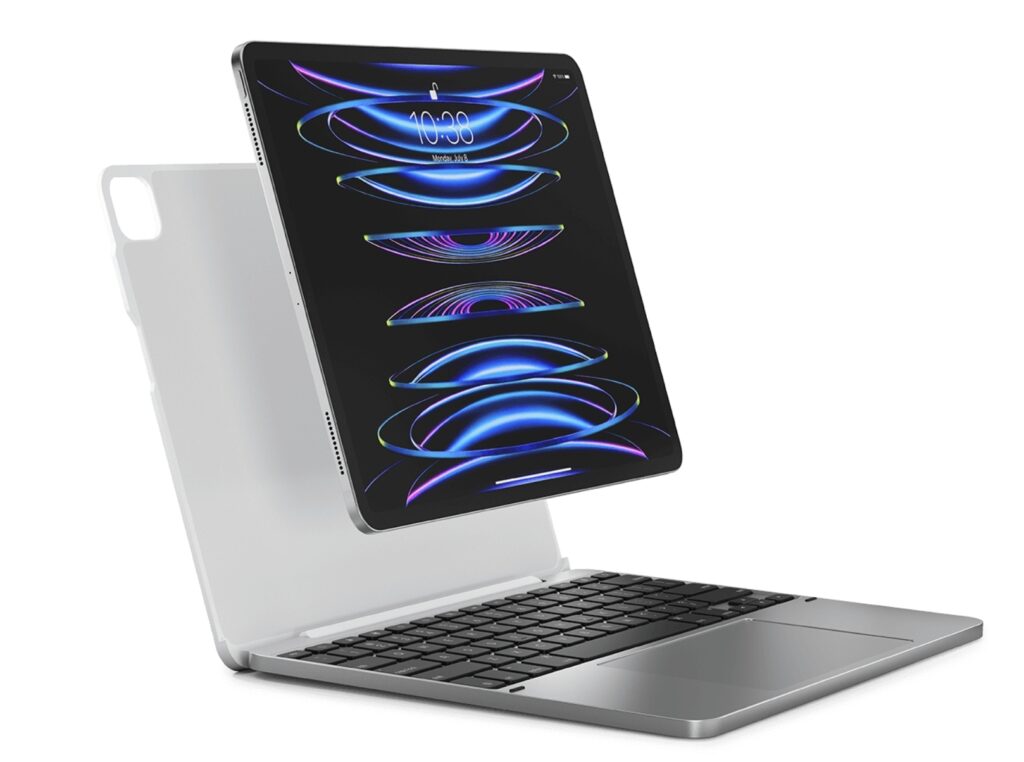
I’ve always had a sense of anxiety when I’m using my iPad on my lap; the feeling of it tipping over and falling worries me. Regardless of whether the device is on a desk or on my lap, when I am vigorously typing or tapping the display, the wobble is prolonged.
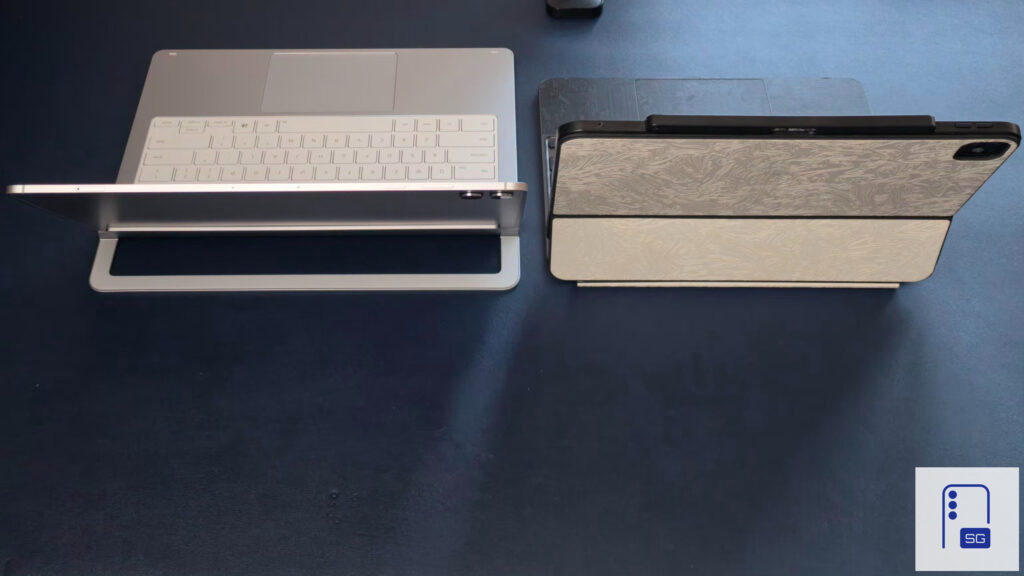
It’s not the same with the Pro Keyboard on the Galaxy Tab S11 Ultra. Despite the heavier overall package, the way Samsung designed the Pro Keyboard makes it feel a lot more secure on my lap due to the supporting kickstand.
It’s Not Going Anywhere
The Book Cover Keyboard for the Galaxy Tab S8 Ultra, S9 Ultra, and S10 Ultra wasn’t the most premium accessory. The connection wasn’t nearly as secure, and the material felt like cheap rubber. With the Pro Keyboard for the S11 Ultra, Samsung turned it up to eleven.
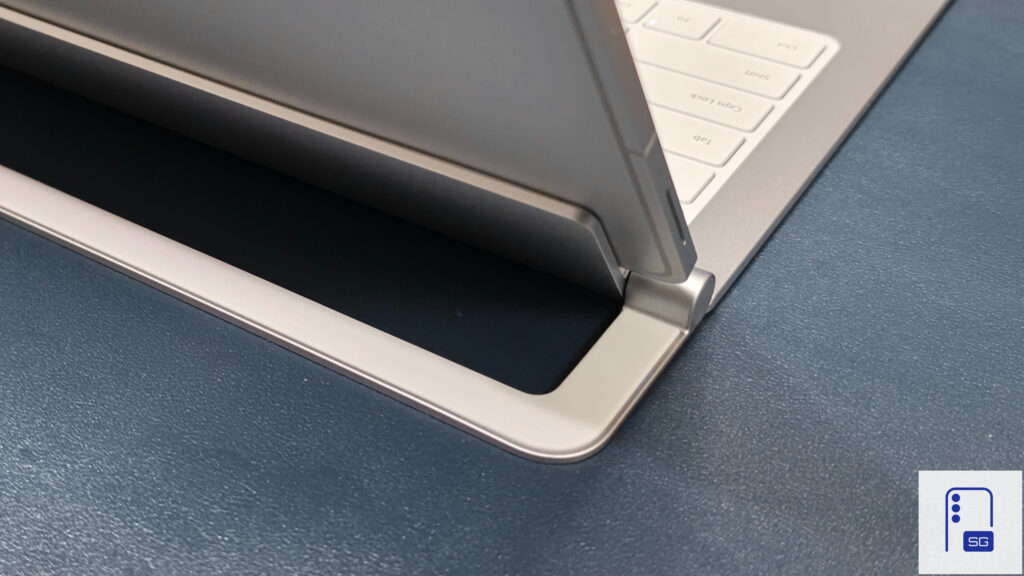
When I want to remove the keyboard, the only way I can easily remove it is by holding the kickstand down and pulling the Tab S11 Ultra towards me. This is the easiest way to remove it. Any other way requires a lot more force.
There was something that worried me: the connection to the Pro Keyboard was strong. So the magnets were strong. Did that affect the S Pen’s usage? Thankfully, it did not. Samsung managed to provide a powerful connection without sacrificing the S Pen’s capabilities.
The Lighting is a Miss
The only real criticism I have with the Pro Keyboard is the lighting. It is only usable in very dark environments. If you’re in a bright area, of course it won’t make any sense to use the lighting, but it would be nice for a premium keyboard to at least perform well in this area.
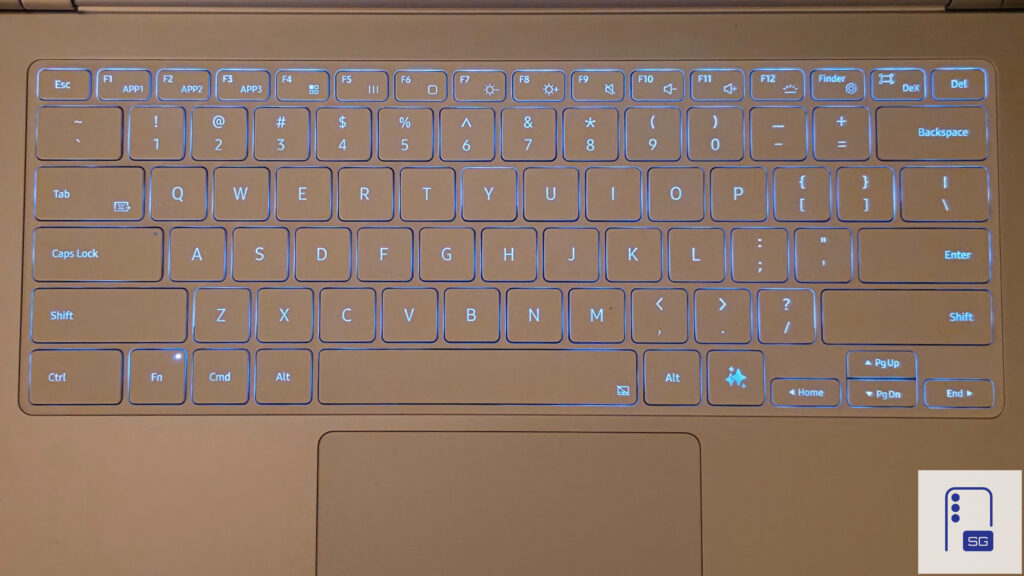
In a well-lit environment, both look identical. The left is the lighting turned off, and the right is the brightness fully turned on.
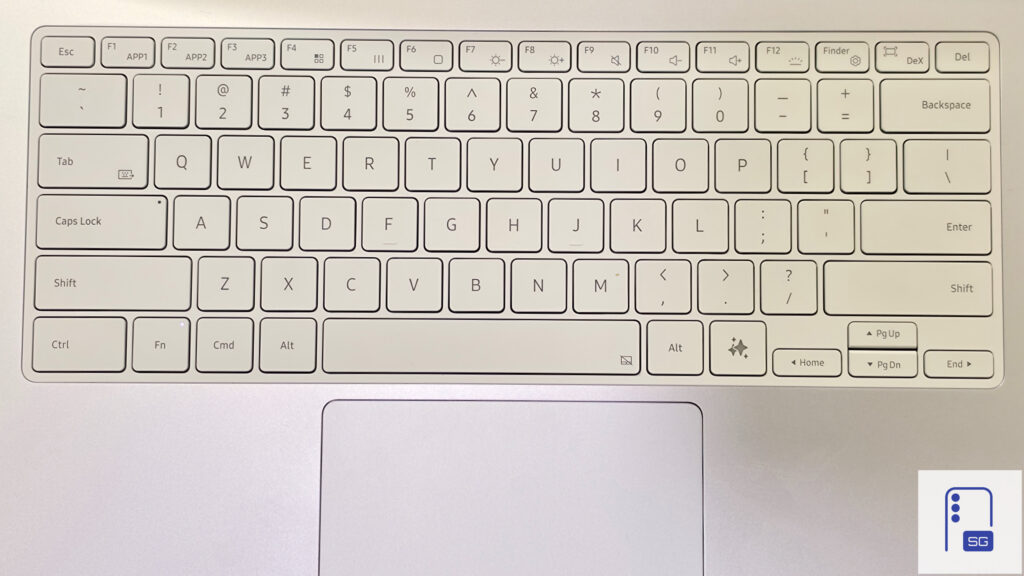
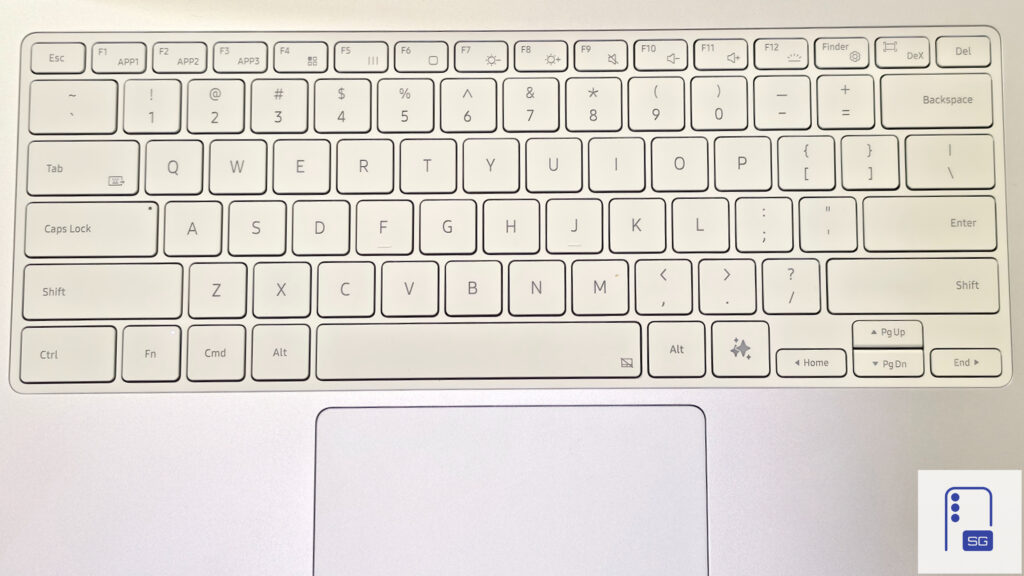
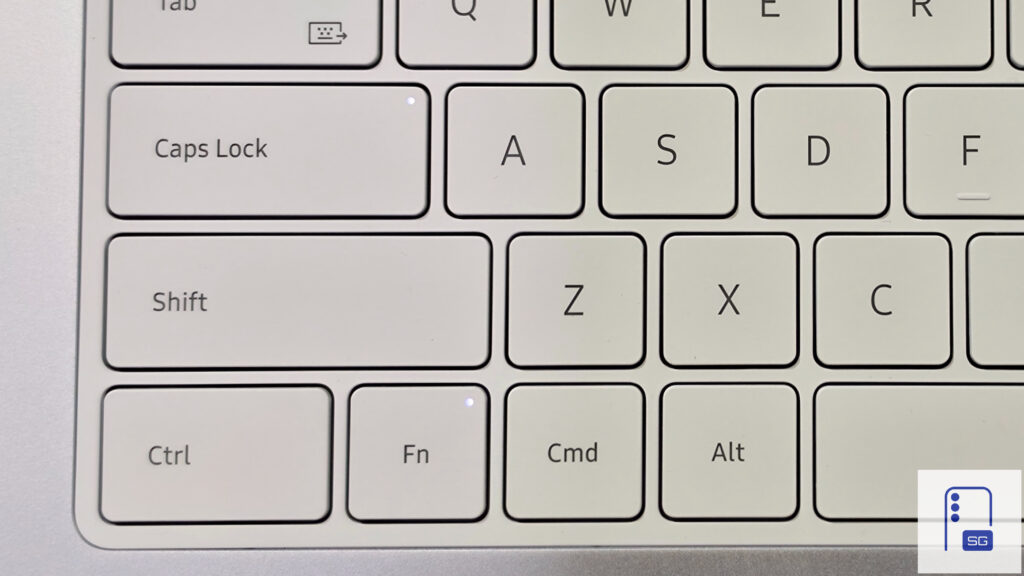
In some cases, the white backlighting on white keys causes worsened visibility. It’s best to turn off the backlight in well-lit environments and only use it in a dark setting. If you’re worried about the Caps Lock key, that is unaffected and is fully visible in bright environments; even the function key (FN).
It’s a True Laptop Experience
The look and feel is reminiscent of a Razer Blade laptop, and the typing experience feels close but not exactly like that of an ASUS Zephyrus. It doesn’t need much actuation force to press a key, but it isn’t mushy either. Even with the exposed back, I am not worried about durability.
Just as my first impressions mentioned, there’s a single area that is underwhelming: the software experience for the touchpad. Overall, this is a solid win for Samsung, and I am eager to see how the software evolves with One UI.
Samsung’s Pro Keyboard for the Galaxy Tab S11 Ultra is now on sale at $379, down $20 rom its regular price.

Follow us on Google Discover & set us as a preferred source in Google News
Share this Post
___________________________


New Blog Posts
___________________________

Galaxy Z Fold 8 (Wide) May Feature Thicker UTG Than Fold 8 Ultra
Samsung appears to be tuning its foldable UTG strategy
Galaxy S25, Fold 7 Get New AI Features with June 2026 Update in the US
More new features for 2025 flagships
How to Block Apps with Excessive Ads on Samsung Galaxy Phones
Reduce notification spam without requiring to manually identify and disable troublesome apps


