Tired of Digging for Passwords? Google’s New App Makes It One Tap Away
SammyGuru is reader-supported. We have affiliate and sponsored partnerships, so we may earn a commission when you buy through links on our site — at no extra cost to you. Learn more.
If yesterday’s Pixel 10 launch show was a bit disappointing for you, there’s something to get excited about today. Google has quietly added a new Password app to the Play Store that could make one of the most mundane parts of using your phone a little less frustrating. Honestly.
Google adds new Password app for easier access, and you’ll like it!
For anyone who has ever forgotten a password or had to dig through multiple menus to find one, this small change could save a few taps every day. Google has listed a new Password Manager app on the Play Store, which serves as a dedicated shortcut to the existing password manager built into Android. This news comes courtesy of our friends at 9to5Google, who spotted it first.
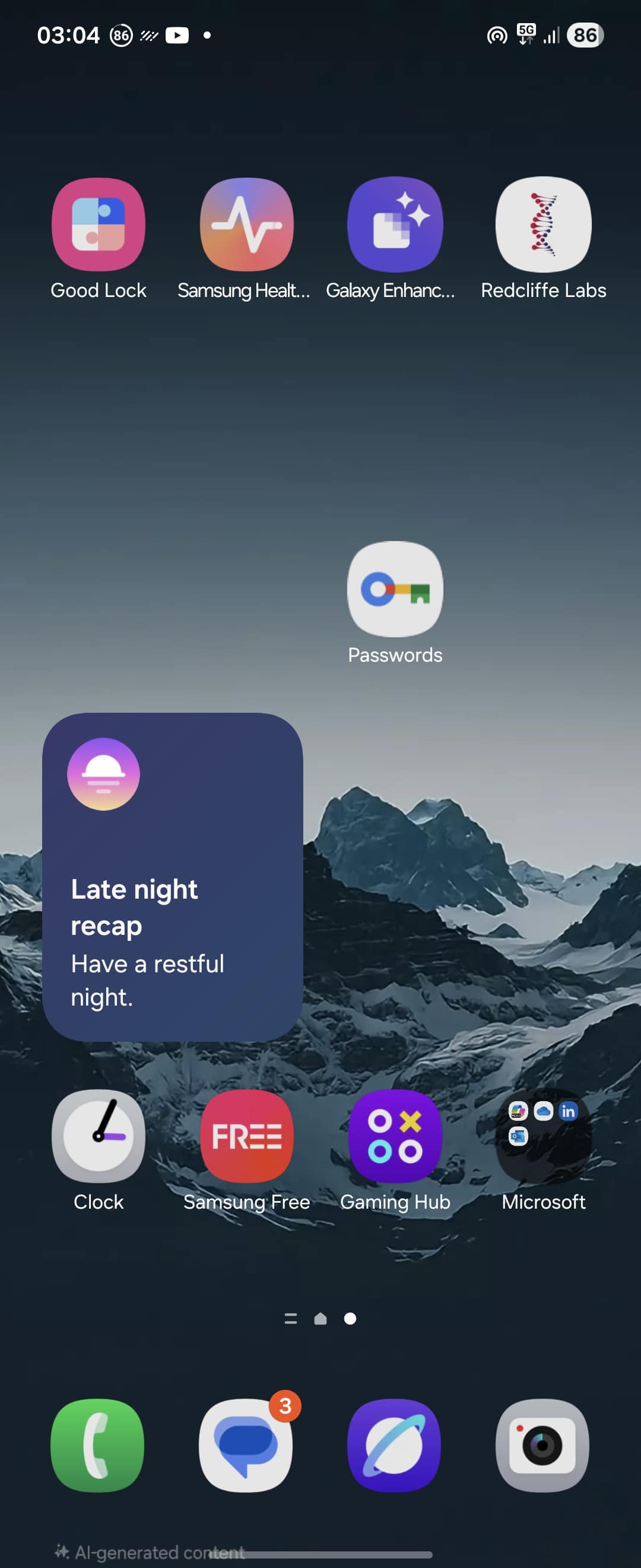

Previously, accessing your saved credentials meant opening Settings, tapping your profile, selecting Manage your Google Account, going to Security, and scrolling to Password Manager. How much easier it is now to have your passwords just a tap away. Once installed, the app appears in your app drawer and can be added to your home screen for instant access. Which is a convenient improvement for anyone who uses multiple accounts.
The release quietly coincided with the Pixel 10 launch and currently comes with a plain icon, though Google could update it in the future. While Google Password Manager offers convenience, it is not as secure as specialized tools like 1Password or Bitwarden. Which is not just a personal opinion, as experts have flagged some serious concerns, according to a PCMag report.
Still, for casual users who make up the majority, integration across Google services and the simplicity of one-tap access is a major win. How the app works is simple: it does not create a full new password manager. It opens Google Play Services behind the scenes but gives you the clarity of an icon in your app drawer, avoiding the messy duplicate shortcuts that were the only workaround before.

Written by
Abhinav AnandAbhinav Anand is the News Editor at SammyGuru and a technology journalist based in New Delhi. Before joining SammyGuru, he contributed to numerous outlets, including Android Headlines, ExtremeTech, The Mac Observer, Financial Express, Economic Times, iGeeksBlog, KnowTechie, PhonesWiki, SlashGear, and more. You can reach him at [email protected].

Follow us on Google Discover & set us as a preferred source in Google News
Share this Post
___________________________


New Blog Posts
___________________________
Google Wallet Finally Fixes One of Its Most Annoying Wear OS Quirks
Finally, one can manage all of my receipts from both devices

Samsung Quietly Listed a New Entry Level 990 PCIe 4.0 SSD
It drops DRAM for HMB

Samsung’s First Bone-Conduction Earbuds May Be Called Galaxy Able
Name hidden no more