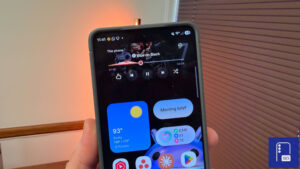
Theme Park Gains New Features with Latest Update

SammyGuru is reader-supported. We have affiliate and sponsored partnerships, so we may earn a commission when you buy through links on our site — at no extra cost to you. Learn more.
Samsung has recently updated Theme Park, its Good Lock customization module, to version 1.1.01.38. The update brings several improvements, new features, and likely better compatibility with One UI 8.5. It is currently rolling out globally and should hit all supported Galaxy devices in the coming days.
Samsung updates its Theme Park app for a better customization experience
Samsung’s Theme Park lets you create custom themes instead of relying on default designs. The app can automatically extract the dominant colors from a wallpaper and generate a theme based on your style. You can customize themes for both light mode and dark mode, with the option to manually adjust colors. Furthermore, it supports separate customization for other system areas, including Quick Panel and Samsung Keyboard.
With the new update, Theme Park has gained support for theme bookmarking. You can now save favorite themes using a heart icon and access them later via a home screen shortcut. The update also improves the icon editing UI by separating customization into three sections: Shape, Effect, and Image.

Moreover, Samsung has introduced new visual options, such as an emboss effect and a monochrome image setting. Another change is the updated Quick Panel icon preview for a clearer look before applying changes. In addition, the update brings a new home screen badge color setting, which is available from One UI Home 8.5.
While the Theme Park latest version release note doesn’t mention support for One UI 8.5, the update also appears to improve compatibility with the upcoming major software update. In fact, this is necessary for users testing the beta build through the beta program (available for the Galaxy S25 series in select regions).
To update Theme Park, you need to first open the Good Lock app and then go to the Plugins section. From there, you can check for available updates and install the latest version of the module.

Written by
Binay KonwarBinay Konwar started his blogging journey in 2014 and has since written plenty of tech articles. At present, he is working as a News Writer at SammyGuru, covering everything about Samsung. He holds a Master's degree in Mathematics, but his real passion lies in tech and writing. In his free time, he enjoys playing chess and watching movies.

Follow us on Google Discover & set us as a preferred source in Google News
Share this Post
___________________________


New Blog Posts
___________________________
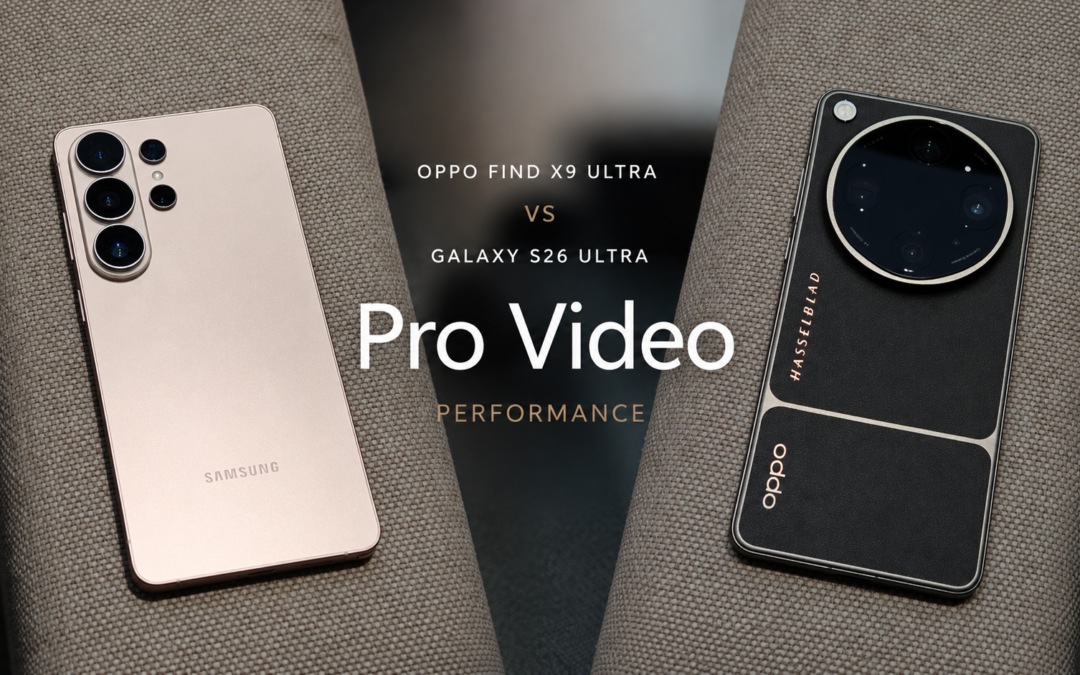
OPPO Find X9 Ultra vs Galaxy S26 Ultra: Pro Video Performance
Pro Video doesn’t follow the same script as Auto Video

Quick Share and AirDrop Found Vulnerable to Nearby Wireless Attacks
The good news is that most of the flaws have already been patched
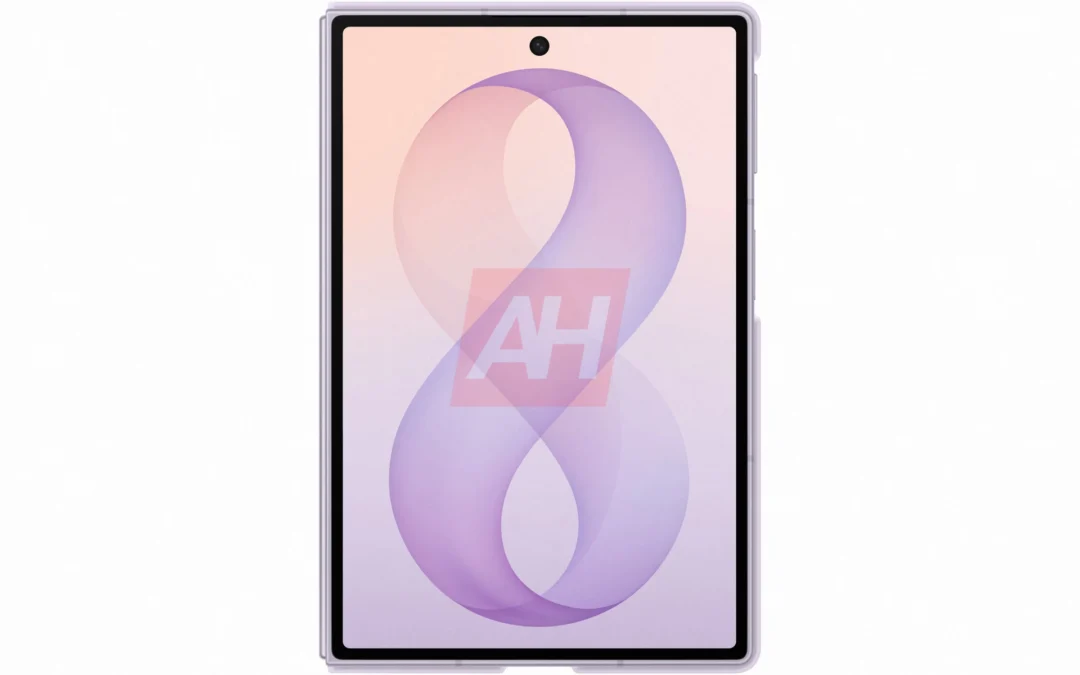
Breaking: Samsung Officially Teases New Galaxy Z Fold 8 (Wide)
“New Shape. New Joy” it is!