
Spotify Is Finally Bringing Playlist Folders to Mobile After 15 Years
SammyGuru is reader-supported. We have affiliate and sponsored partnerships, so we may earn a commission when you buy through links on our site — at no extra cost to you. Learn more.
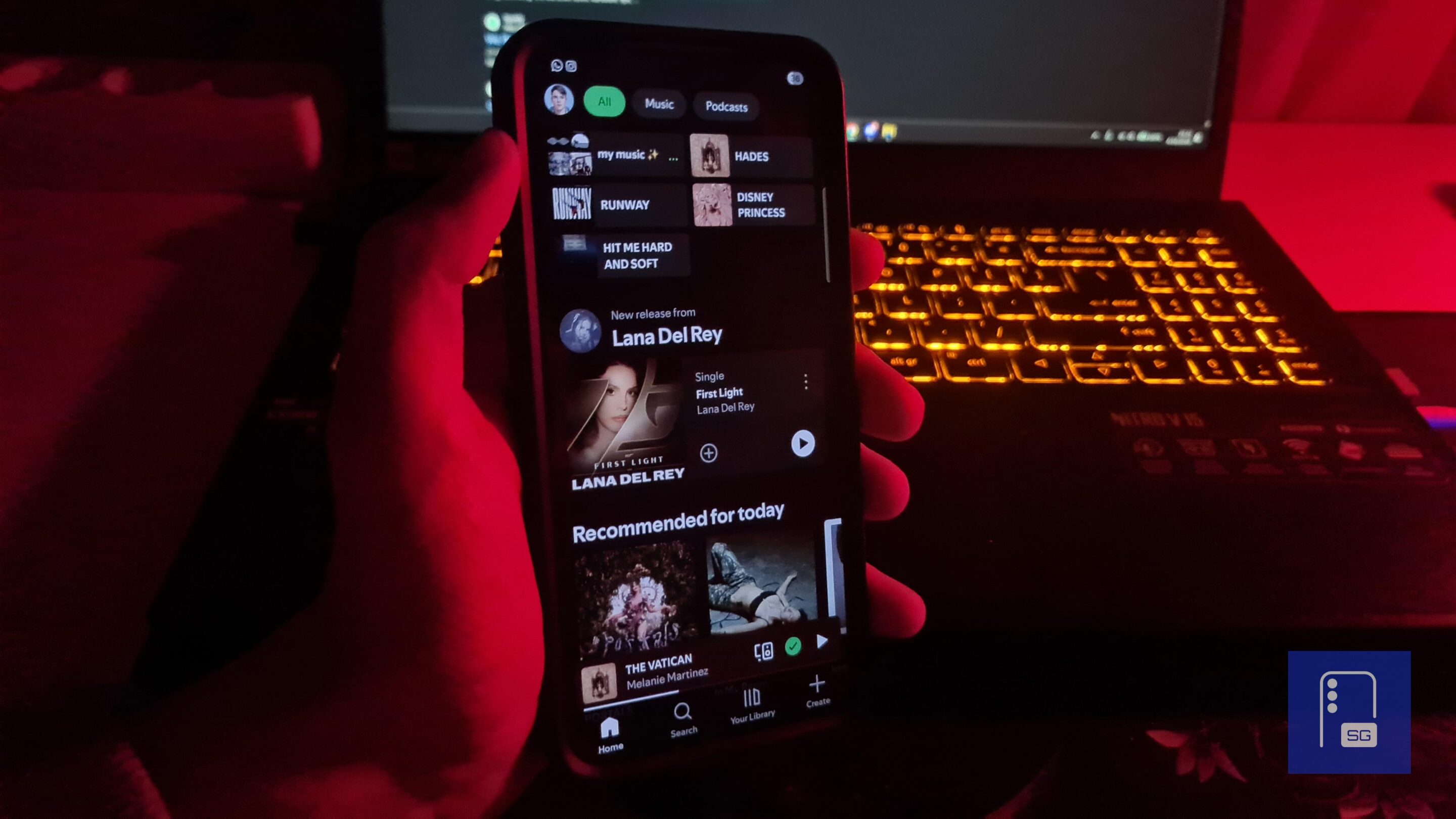
Spotify might finally fix one of its oldest problems on mobile. After years of users requests, the platform is now working on bringing playlist folder management directly to the mobile app, a feature that has been missing since it first launched on PC. And honestly, it’s about time.
Spotify is bringing a basic feature that was never on mobile, only on PC
Playlist folders have been around since 2010. They let you group playlists into categories, like workouts, road trips, or moods, instead of letting everything pile up in one long list. But you could only create and manage folders on the desktop. On mobile, you could only see folders and open them, but not actually edit or organize anything. And that’s been a huge limitation, especially since most people use Spotify on their phones.
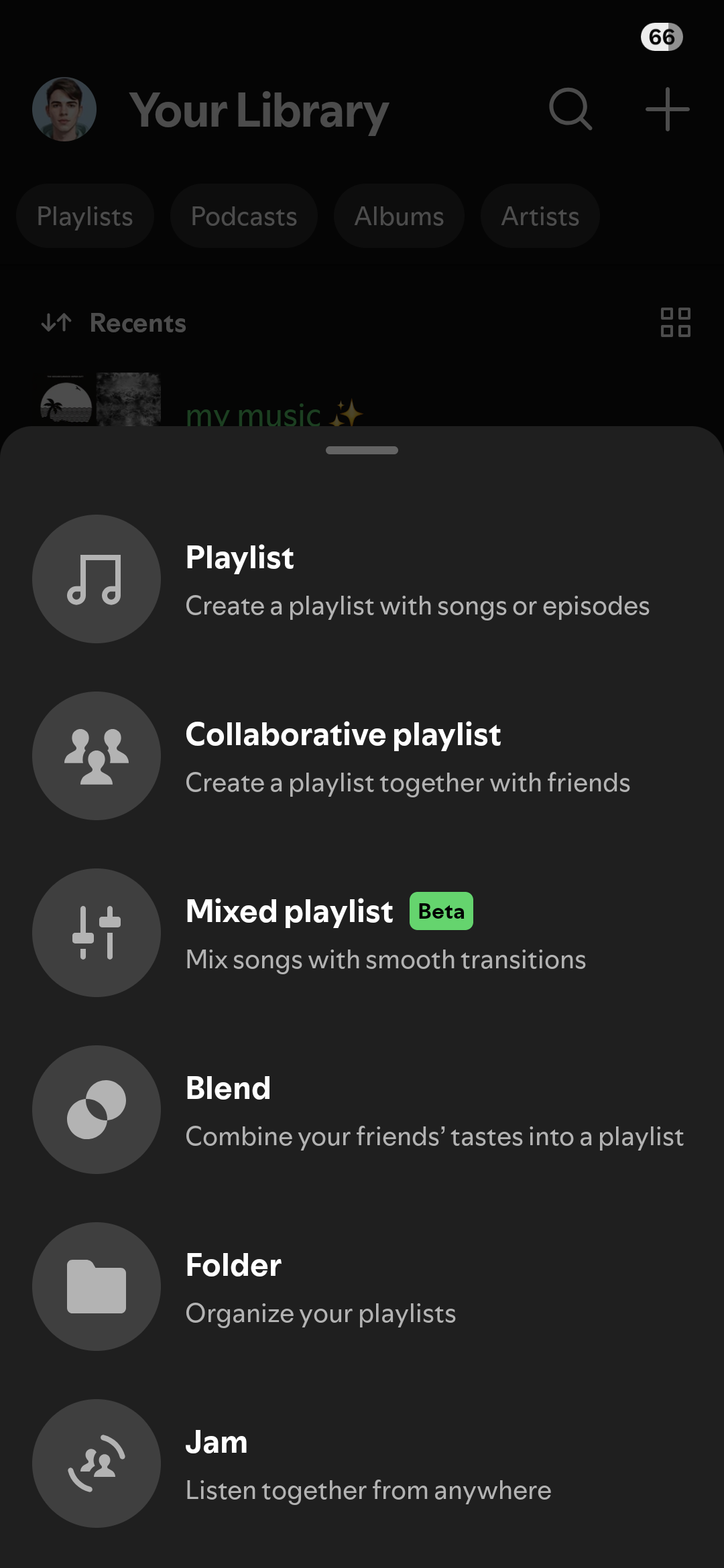
As spotted by friends over at Android Authority, Spotify is now testing full folder management on mobile for some users. You’ll soon be able to create playlist folders, rename them, move playlists in and out, and remove playlists from folders, all directly from your phone.
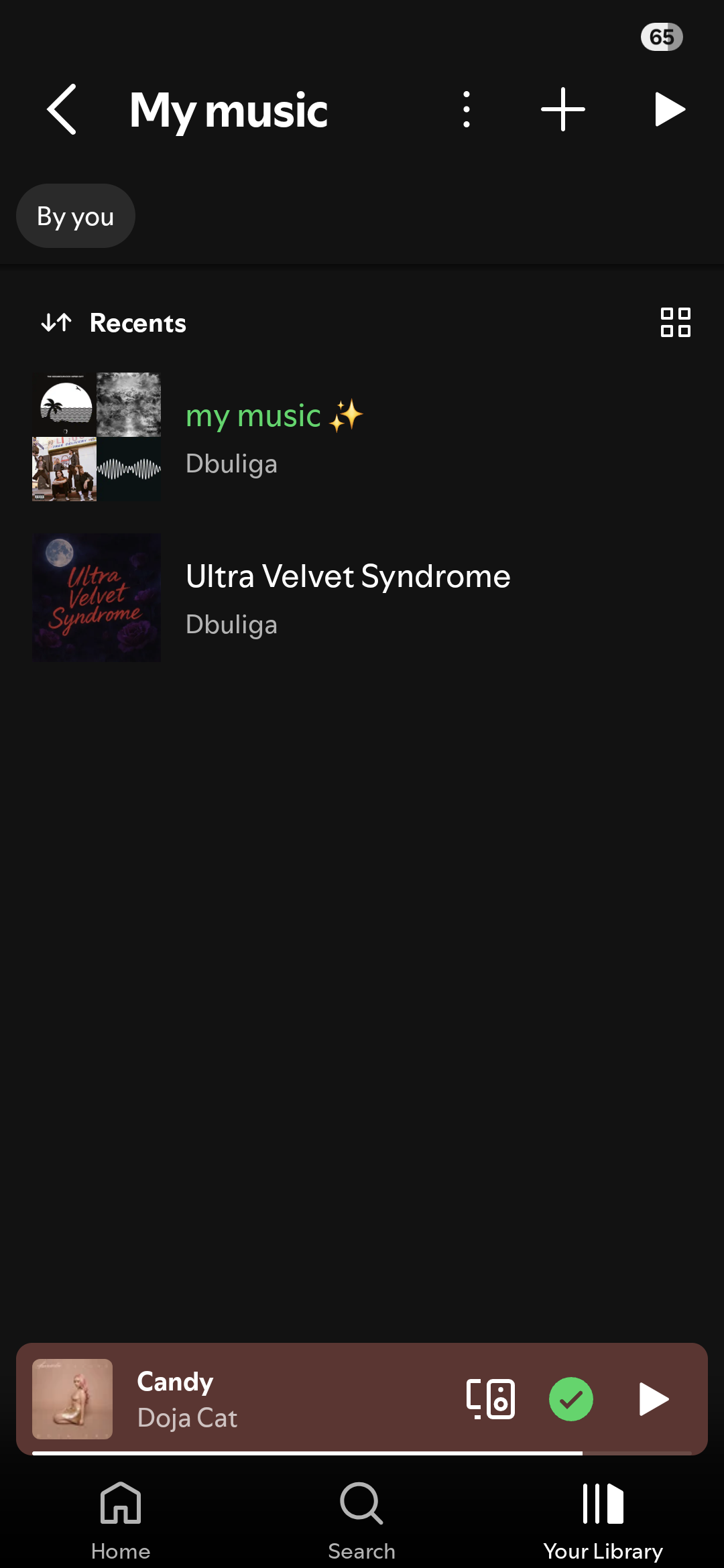
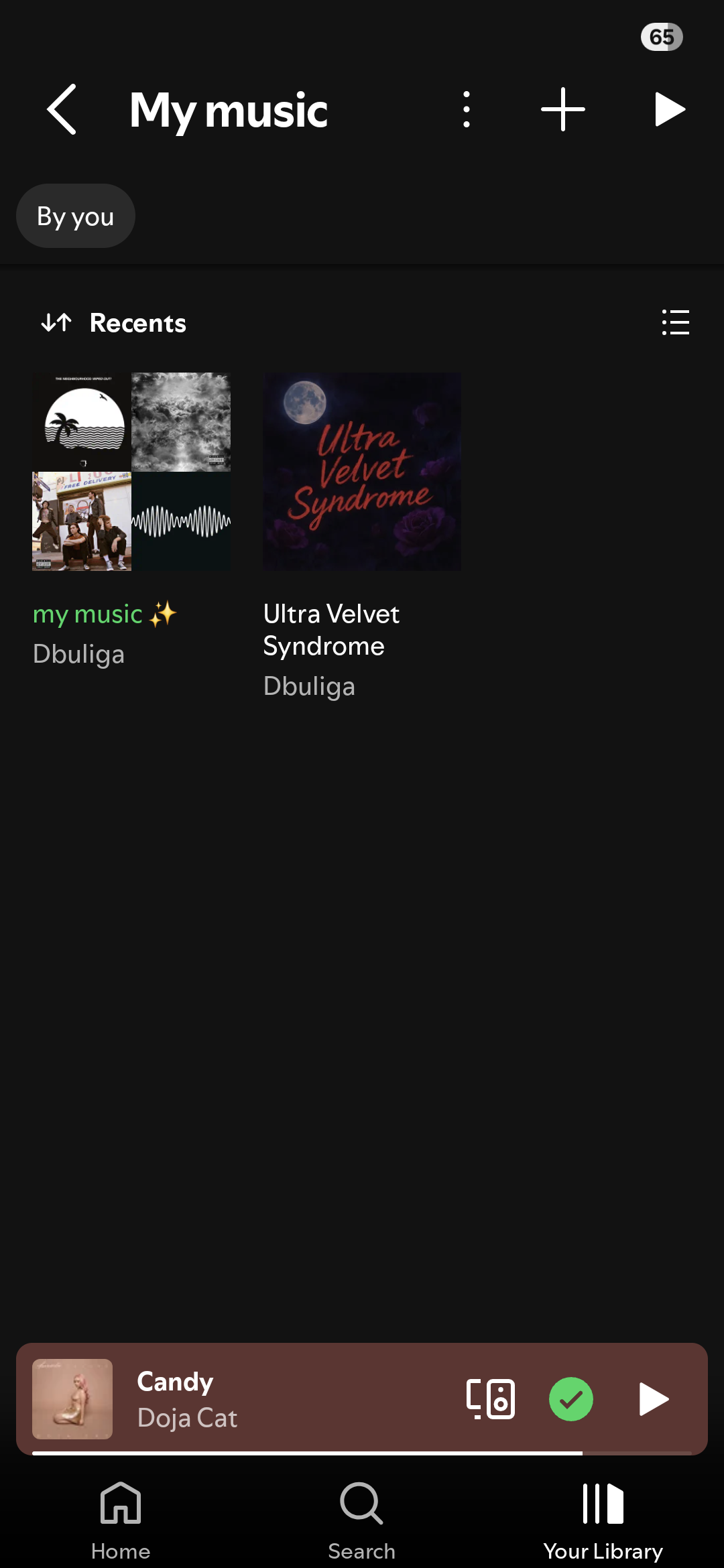
You will find this under the Create button or inside the Your Library section. It has already started rolling out on Android and iOS devices, and I can confirm it works reliably well. Spotify is finally closing the gap between desktop and mobile. This might not sound like a big deal, but if you use Spotify a lot, it is. Also, you can choose between Grid and List view inside the folder by tapping the button in the upper-right corner.
More importantly, it’s rolling out gradually. The feature is rolling out in stages, which means you’ll want to wait a little. Spotify has been adding a lot of AI features lately: playlists, recommendations, automation, and even a Claude integration. But this is different. Something so basic, yet so useful.

Written by
David BuligaDavid Buliga is a Romanian writer at SammyGuru, where he covers the Samsung and Android ecosystem with a focus on apps, software features, and the trends shaping how we actually use our devices — from Galaxy Watch apps to One UI 9, plus the occasional opinion piece. He joined SammyGuru in 2026 after previously creating entertainment content on YouTube, producing animations and gameplay videos. Currently pursuing a Bachelor's degree in Applied Electronics and Telecommunications, David is passionate about consumer technology and enjoys getting under the hood of smartphones to see what makes them tick. Outside of tech, he loves listening to music, reading books, photography, and exploring the random ideas that often inspire his next story.

Follow us on Google Discover & set us as a preferred source in Google News
Share this Post
___________________________


New Blog Posts
___________________________

Samsung Quietly Listed a New Entry Level 990 PCIe 4.0 SSD
It drops DRAM for HMB

Samsung’s First Bone-Conduction Earbuds May Be Called Galaxy Able
Name hidden no more

Samsung Accidentally Confirms Galaxy Watch 9 and Galaxy Watch Ultra 2
Coming very soon







