Samsung Rolls Out Major Update Ahead of Tizen 8.0 for 2023 TVs
SammyGuru is reader-supported. We have affiliate and sponsored partnerships, so we may earn a commission when you buy through links on our site — at no extra cost to you. Learn more.
Samsung is expected to roll out the Tizen 8.0 update to its 2023 smart TVs later this year. It appears the company has started preparing for it. The Korean firm recently released a new firmware build that is allegedly a pre-requisite for the upcoming Tizen upgrade. The big feature update may start rolling out in mid-October.
Samsung’s 2023 smart TVs receive a new update before Tizen 8.0
The latest update for Samsung’s 2023 smart TVs brings the firmware build number 2000.2. It’s a massive jump from the previous build number of 14xx. One would expect it to be a major feature update considering the massive leap in the firmware version. However, there aren’t any notable changes or new features to look forward to.
Thankfully, that isn’t the end of the story. According to a Samsung Member Star on the official Community Forum, this update serves as a preparation for the bigger Tizen 8.0 release for 2023 TV models. Firmware version 2000.2 is a bridge update that prepares the TVs for the upcoming Tizen update.
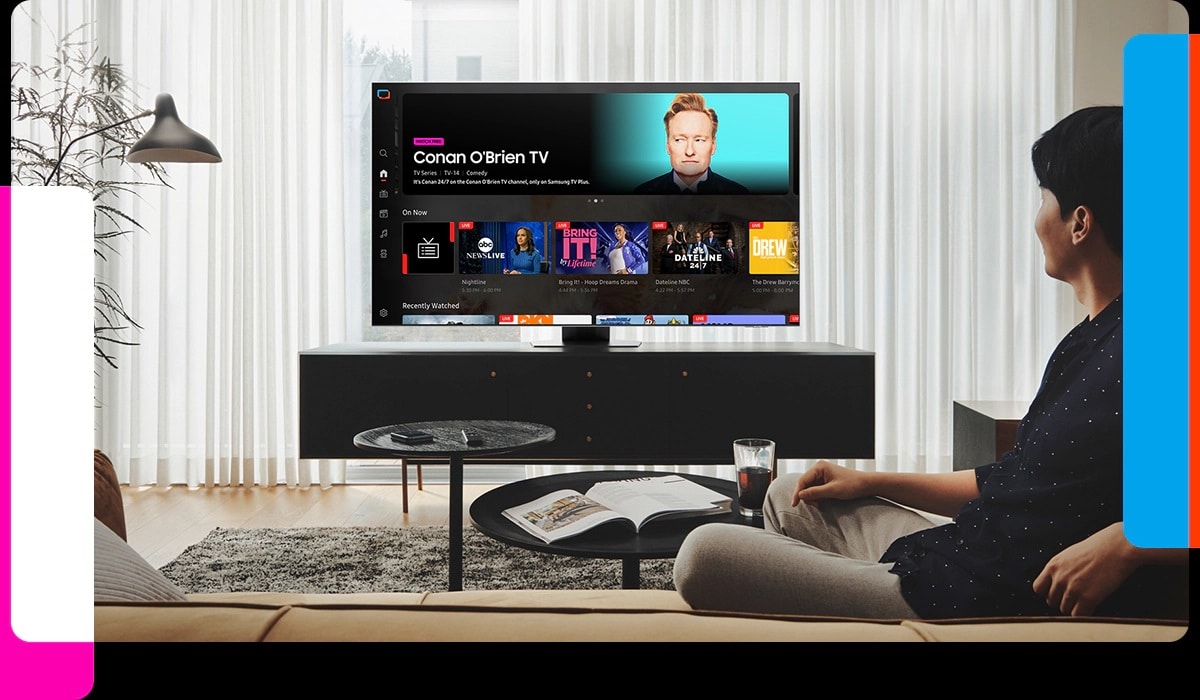
Tizen 8.0 is already available for Samsung’s 2024 smart TVs. The company is now gearing up to update eligible 2023 models to the new version, bringing AI enhancements, Samsung Health improvements, advanced SmartThings, and other new features. It also introduces Game Bar 4.0 with additional features.
Samsung has already announced that its 2023 and newer AI TVs will receive security and Tizen OS updates for seven years. The company also provides the same level of update support for its latest flagship smartphones. So if own these products, expect regular updates for years to come.
If you are wondering how to update your Samsung TV, it’s fairly simple. While you should receive a notification when a new update is available, you can also manually check for updates. Press the Settings button on your remote and navigate to All Settings > Support > Software Update > Update Now. You will also find your current firmware version here.

Written by
Sumit AdhikariSumit, a life-long Samsung user, is passionate about technology and has been professionally writing on tech since 2017. He’s a mathematics graduate by education and enjoys teaching basic mathematics tricks to school kids in his spare time. Sumit believes in artificial intelligence and dreams of a fully open, intelligent and connected world.

Follow us on Google Discover & set us as a preferred source in Google News
Share this Post
___________________________


New Blog Posts
___________________________

Exynos 2700 Could Run Cooler Thanks to a Major Hardware Change
Will Exynos finally outshine competition with this trick?
Google Maps May Soon Let Ask Maps Order Food for You With Gemini
Are you excited?

Missed Prime Day? This Galaxy A57 Deal Is Back
Your chance to save $100 on the Galaxy A57