Can’t Find Object Eraser in One UI 8.5? Here’s How to Restore it
SammyGuru is reader-supported. We have affiliate and sponsored partnerships, so we may earn a commission when you buy through links on our site — at no extra cost to you. Learn more.
Samsung changed the default Object Eraser behavior in One UI 8.5. The feature is now turned off by default after updating. So if you are an existing Galaxy user, it might feel like Samsung has removed the feature. Thankfully, it hasn’t. Object Eraser remains available — you just have to enable it manually. Here’s how to do it.
Object Eraser has not disappeared in One UI 8.5
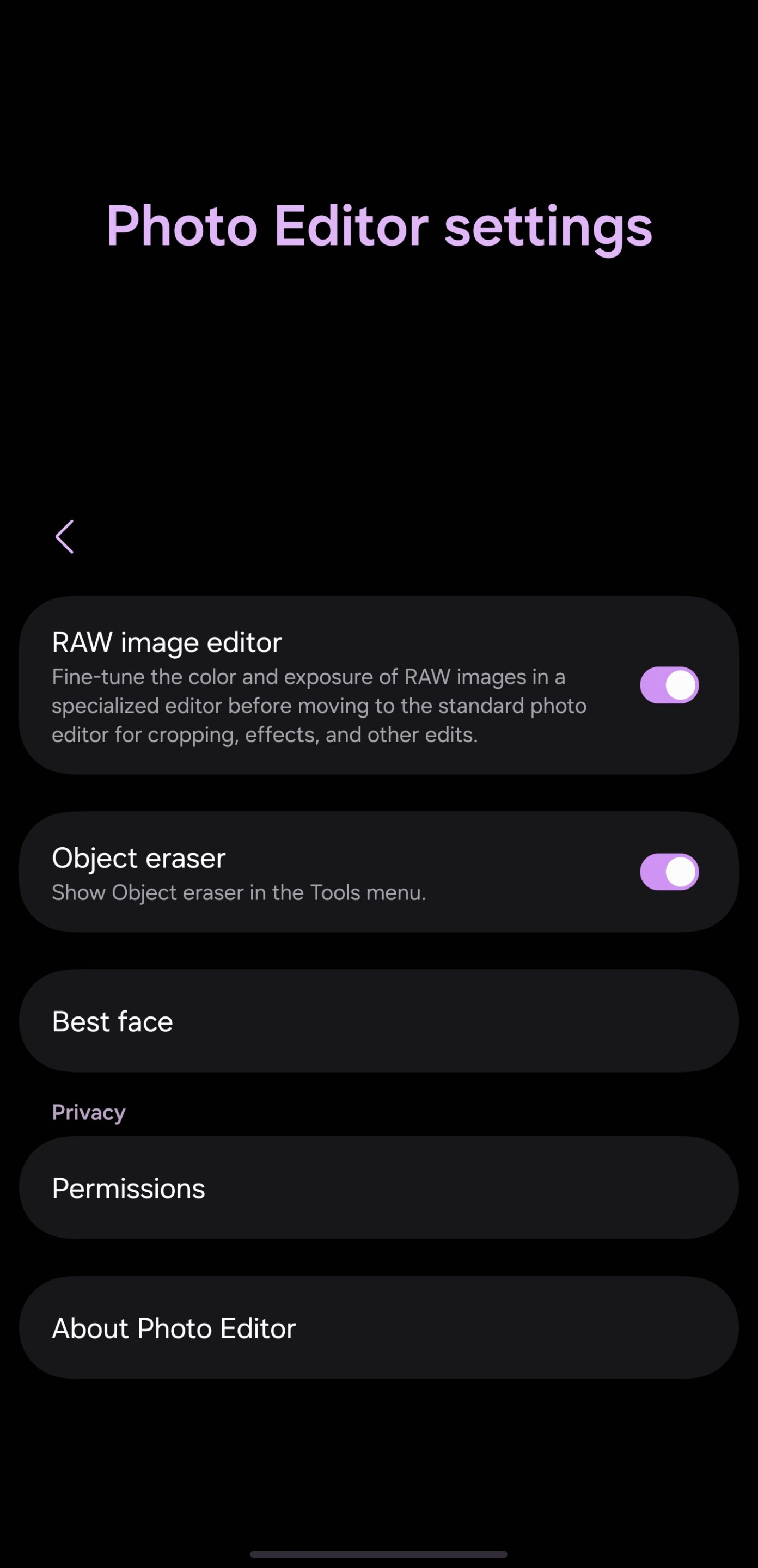
Part of Samsung’s default photo editor, Object Eraser lets you quickly select an object in a photo and remove it. However, with the One UI 8.5 update, the feature has been disabled. You must manually enable it again. That option is available under Gallery Settings > Photo Editor > Object Eraser. Once you enable the toggle, Object Eraser shows up again among photo editor tools.
At first, this feels like a small software adjustment most users will never notice. But this change reveals something interesting about Samsung’s approach. For years, Object Eraser was one of One UI’s smartest practical editing tools because it focused on speed and simplicity instead of creativity. The feature was designed for quick cleanup workflows: removing cables from desk shots, erasing distracting people in the background, cleaning reflections, or fixing small objects before uploading to social media.
Object Eraser felt invisible in daily usage because it quietly solved problems without changing the identity of the photo itself. Open the image, erase the object, save, and continue. No prompts, no scene generation, and no dependency on cloud processing for basic edits. Samsung already had one of the most useful forms of AI integrated naturally into the Gallery app long before “Galaxy AI” became a major branding category. Everything happened directly on-device, instantly, and most importantly, without adding watermarks to the final image.
Galaxy AI is the way forward
But as AI becomes integral to the Galaxy experience, Samsung now wants users to interact more with Galaxy AI tools, which offer a complete editing suite. Instead of focusing only on object removal, the company now pushes editing features centered around reconstruction, generation, scene expansion, subject movement, style transformation, and AI-assisted creative editing.
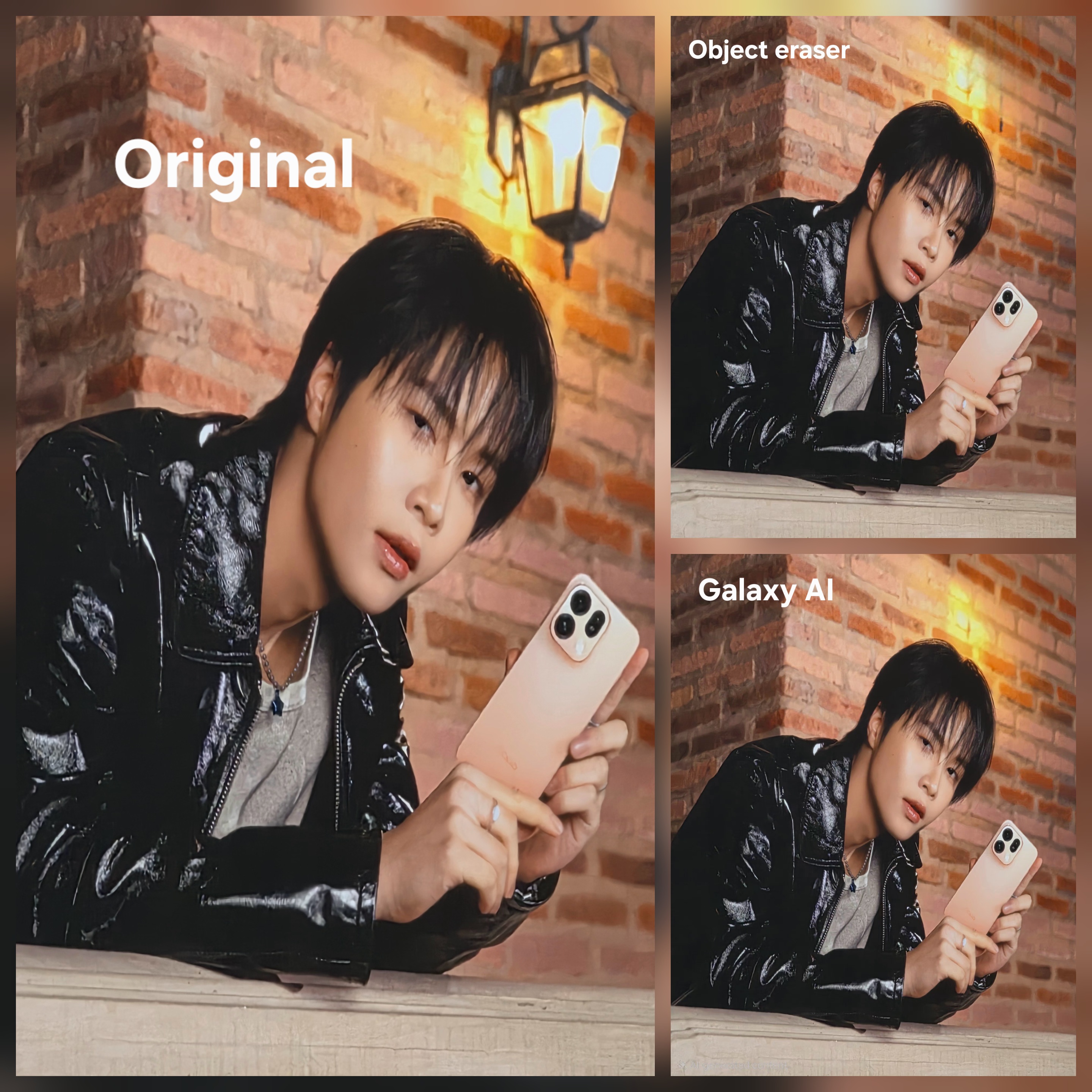
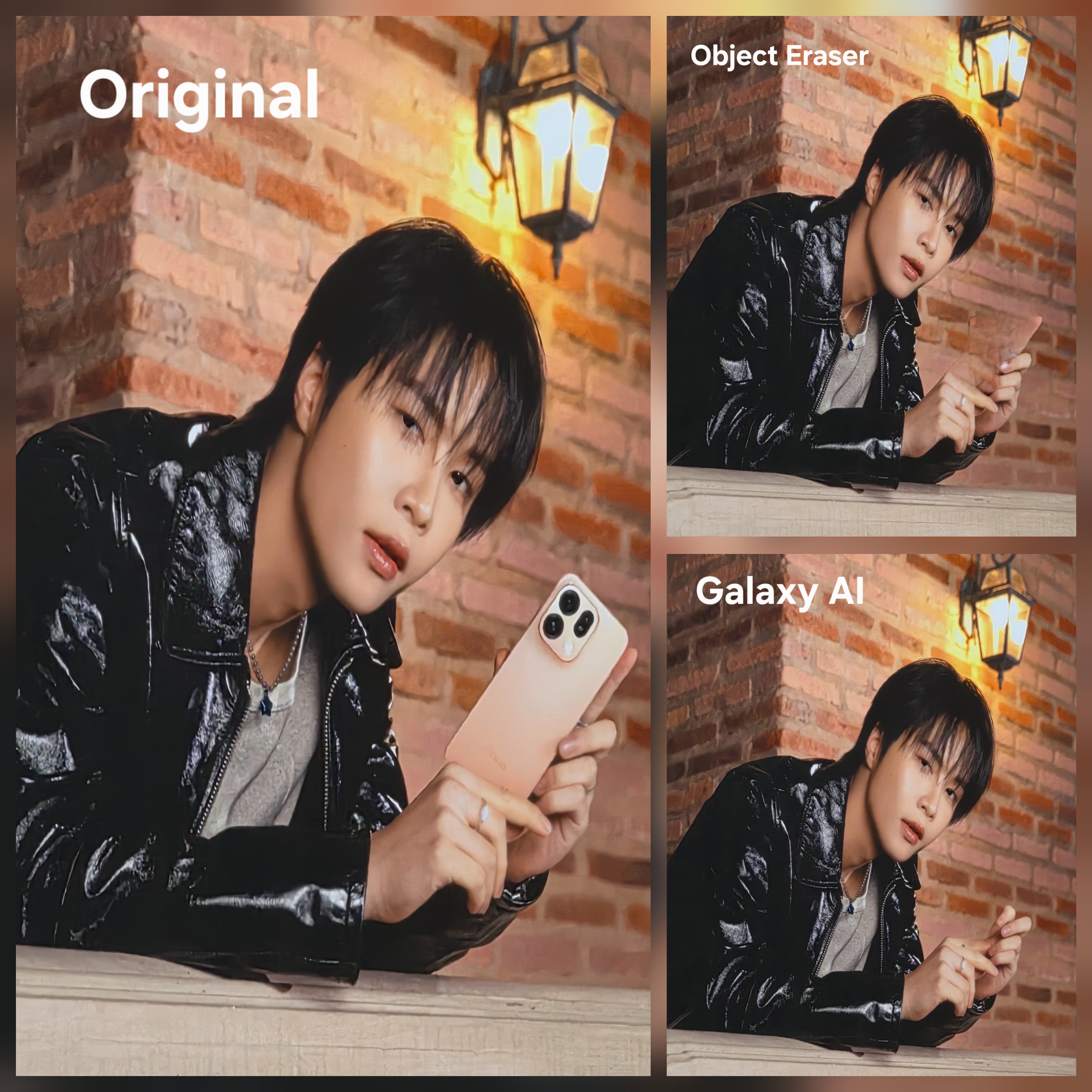
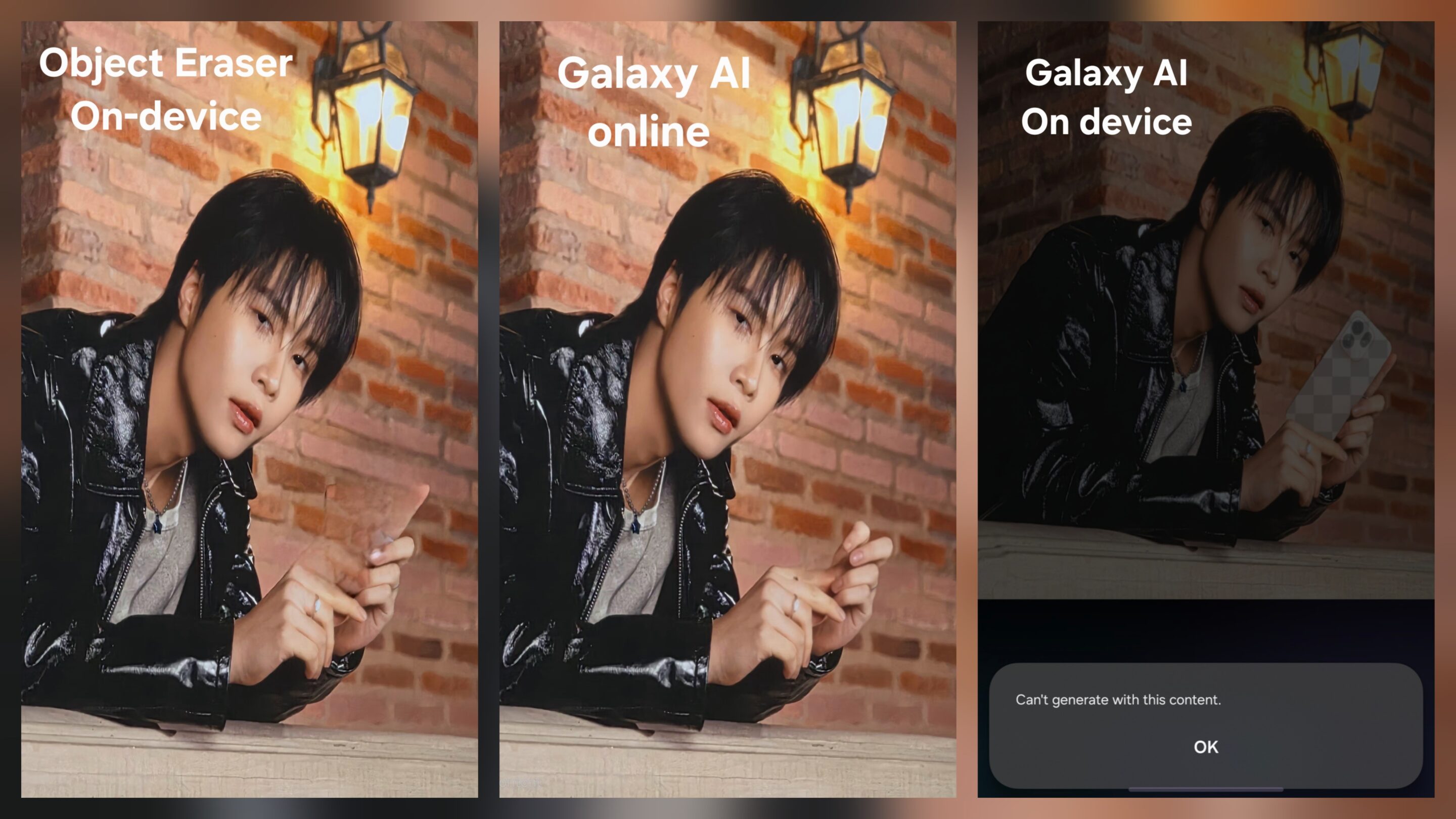
In difficult scenes with complex backgrounds or missing information, Galaxy AI is clearly the more advanced system and often produces more precise results than the traditional Object Eraser tool. But that precision comes with a different approach.
Samsung allows parts of Galaxy AI editing to run directly on-device, especially for lighter processing tasks, but more complicated edits still rely on server-side processing to fully complete the scene reconstruction. This is especially noticeable when moving subjects, rebuilding large missing areas, or generating complex visual structures around the edited object. In other words, Galaxy AI is no longer just cleaning an image. It is actively rebuilding parts of it.
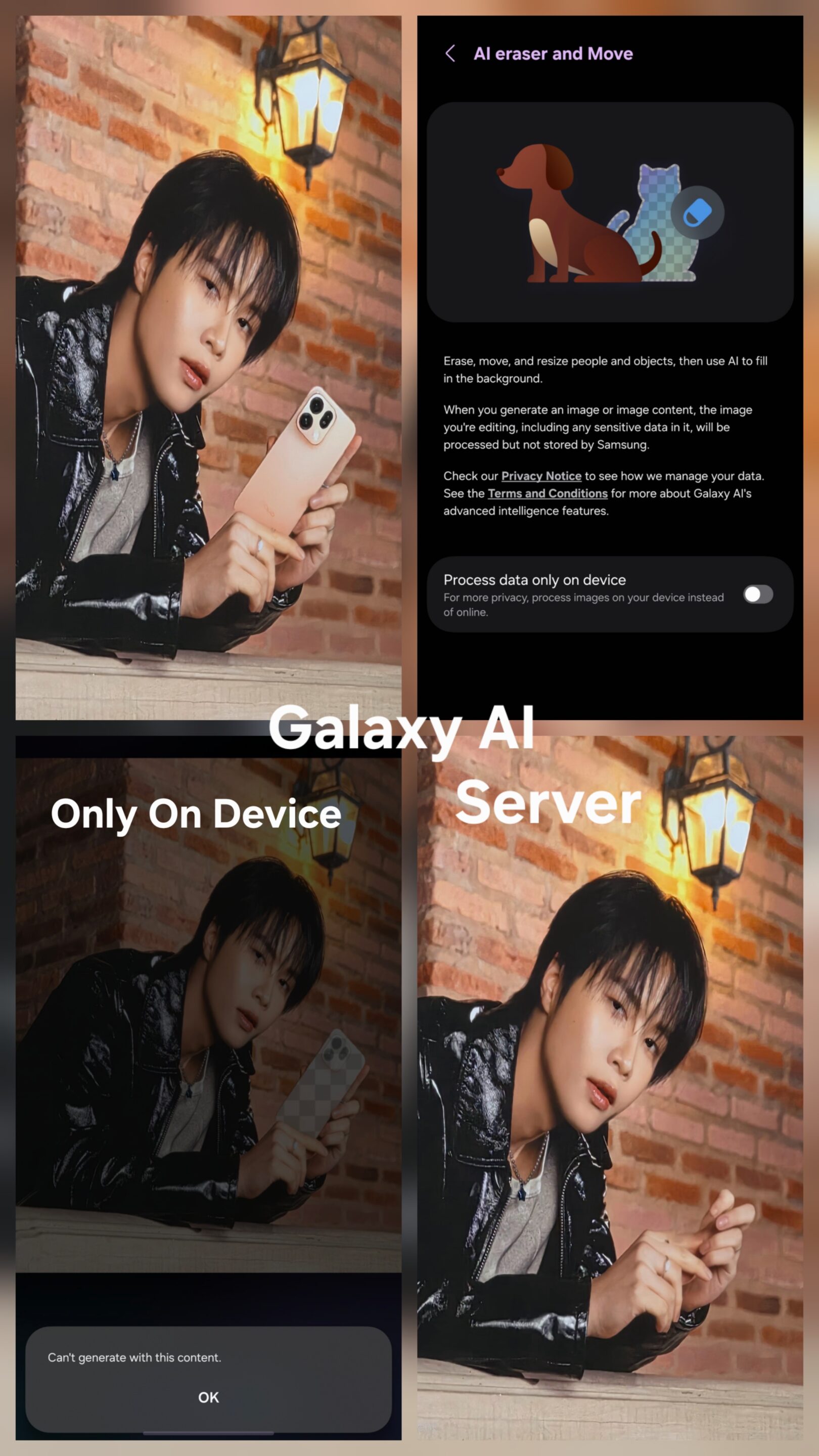
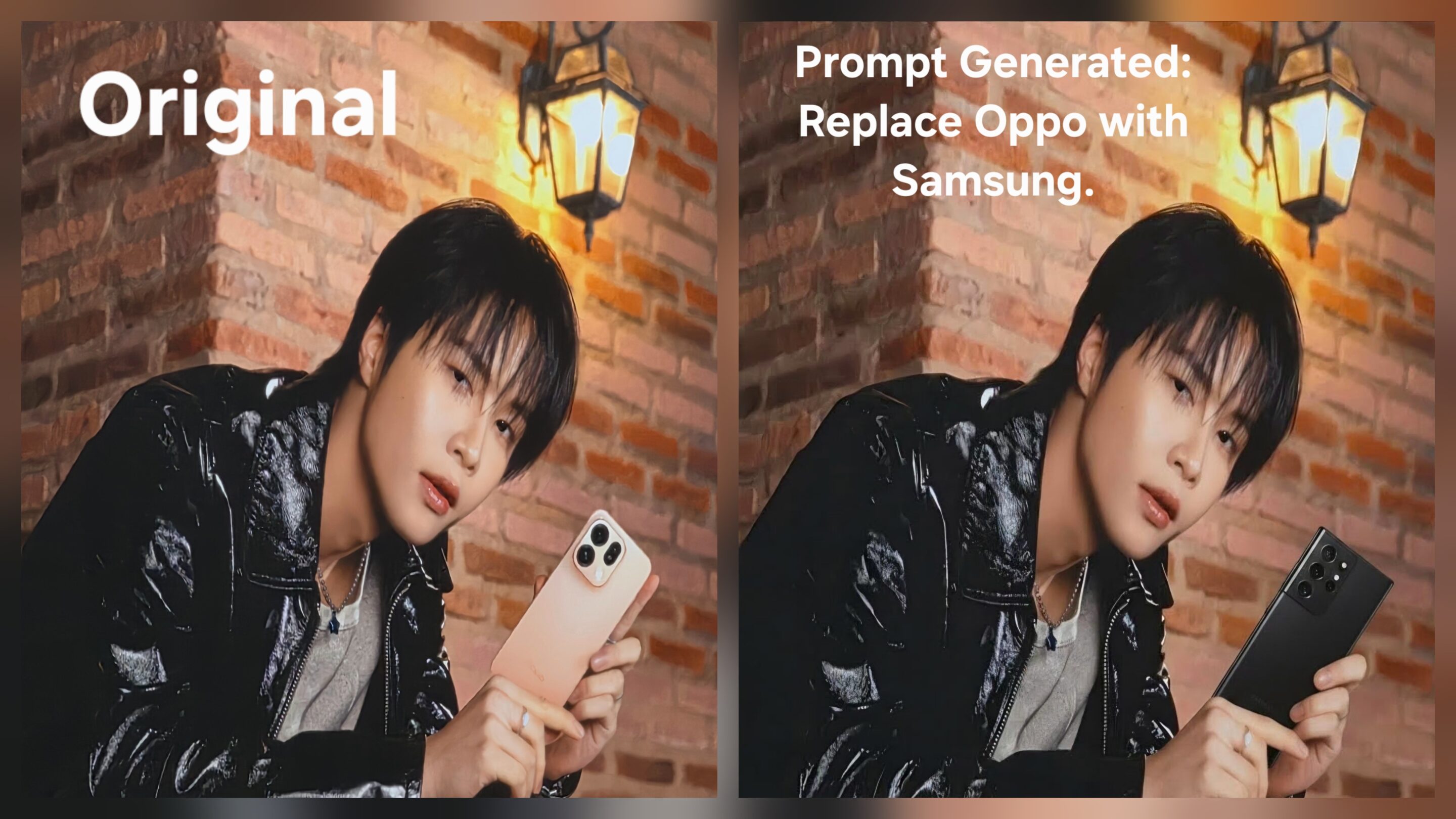
Object Eraser was never designed for that level of manipulation. It was designed for fast, natural cleanup. That distinction explains why both systems still coexist inside Samsung’s ecosystem even though Galaxy AI is now receiving most of the attention. Object Eraser remains better suited for simple object removal where users want instant results without heavy AI interpretation, watermarking, or cloud dependency. Galaxy AI works better when the edit becomes structurally difficult and requires the system to regenerate missing visual information.


Follow us on Google Discover & set us as a preferred source in Google News
Share this Post
___________________________


New Blog Posts
___________________________
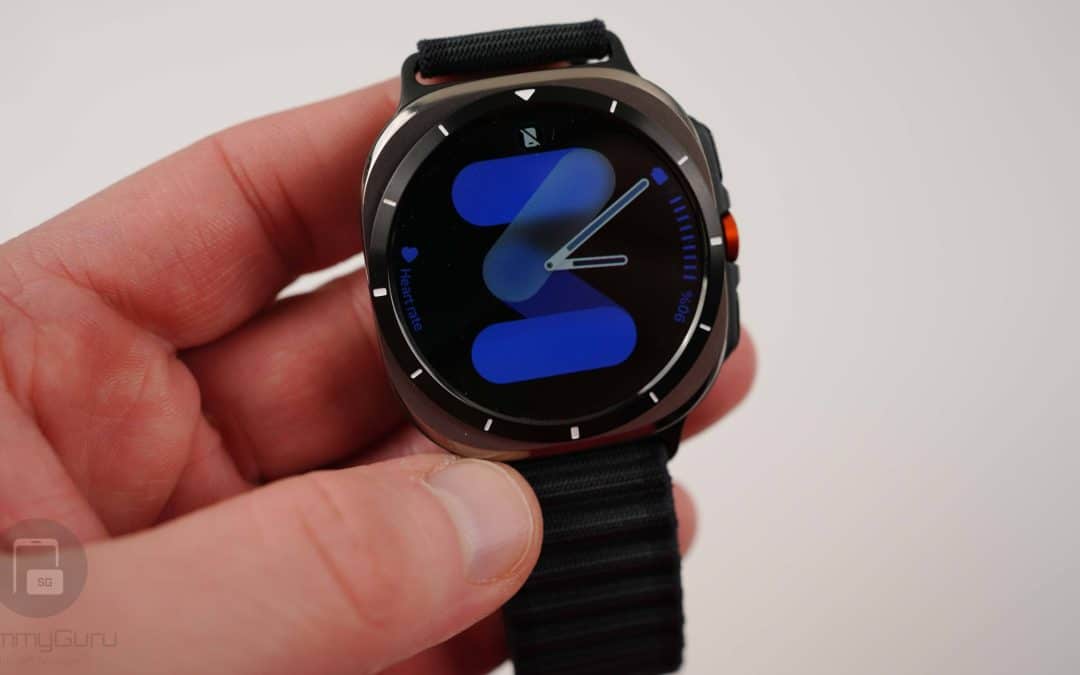
Exclusive: Here’s Your First Look at the Galaxy Watch 9 and Galaxy Watch Ultra 2 Watch Faces
Five new faces
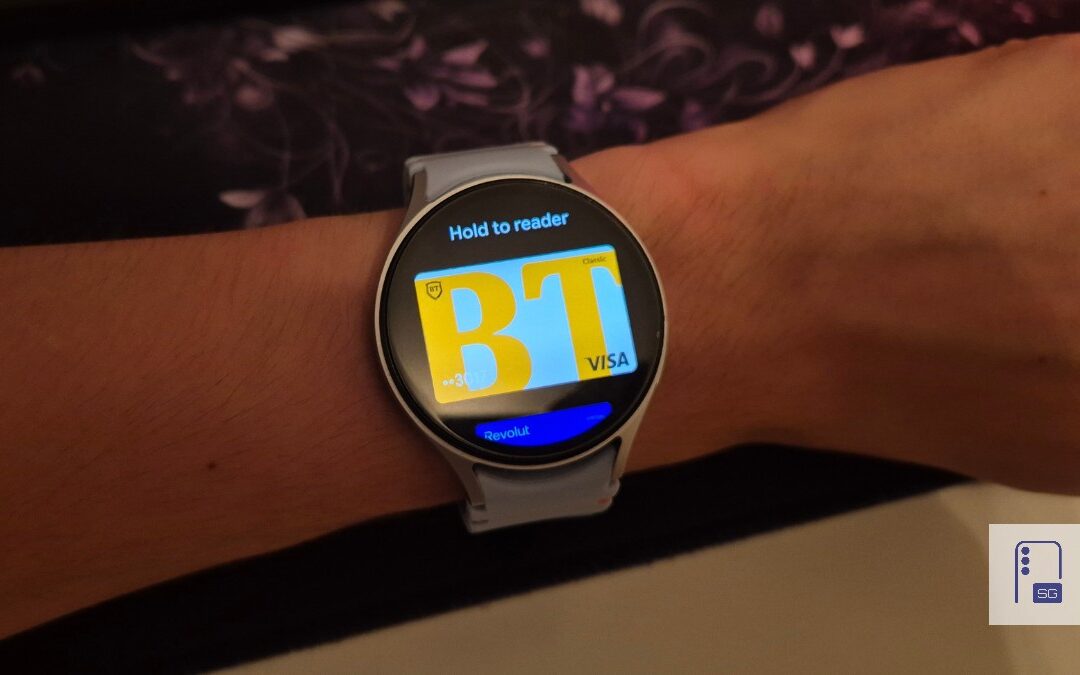
Google Wallet Finally Fixes One of Its Most Annoying Wear OS Quirks
Finally, one can manage all of my receipts from both devices

Samsung Quietly Listed a New Entry Level 990 PCIe 4.0 SSD
It drops DRAM for HMB